Introduction
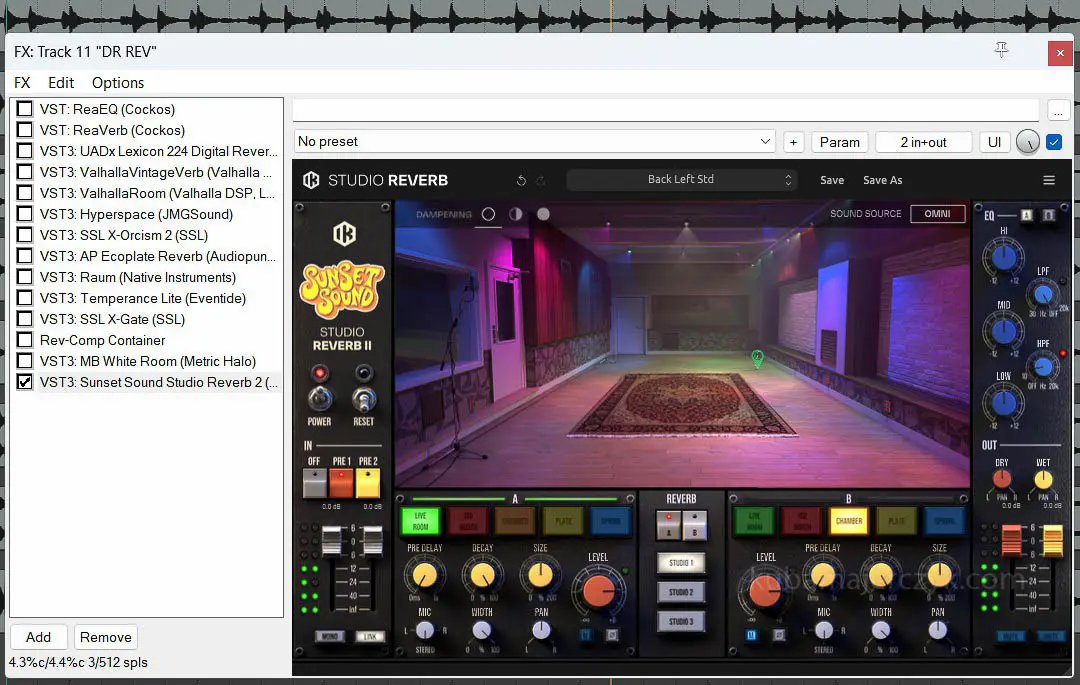
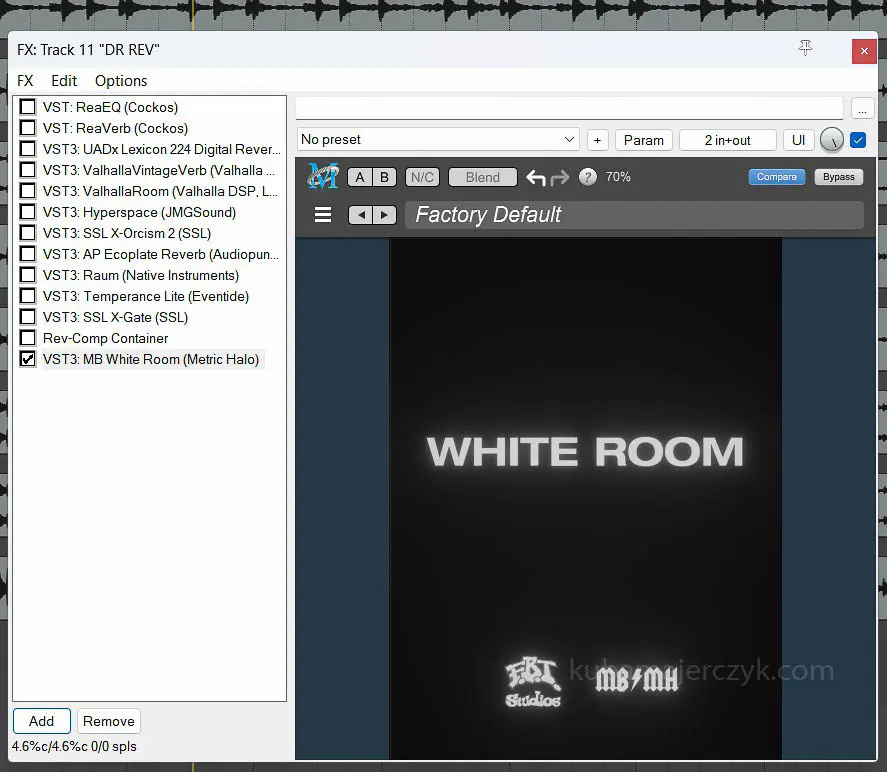
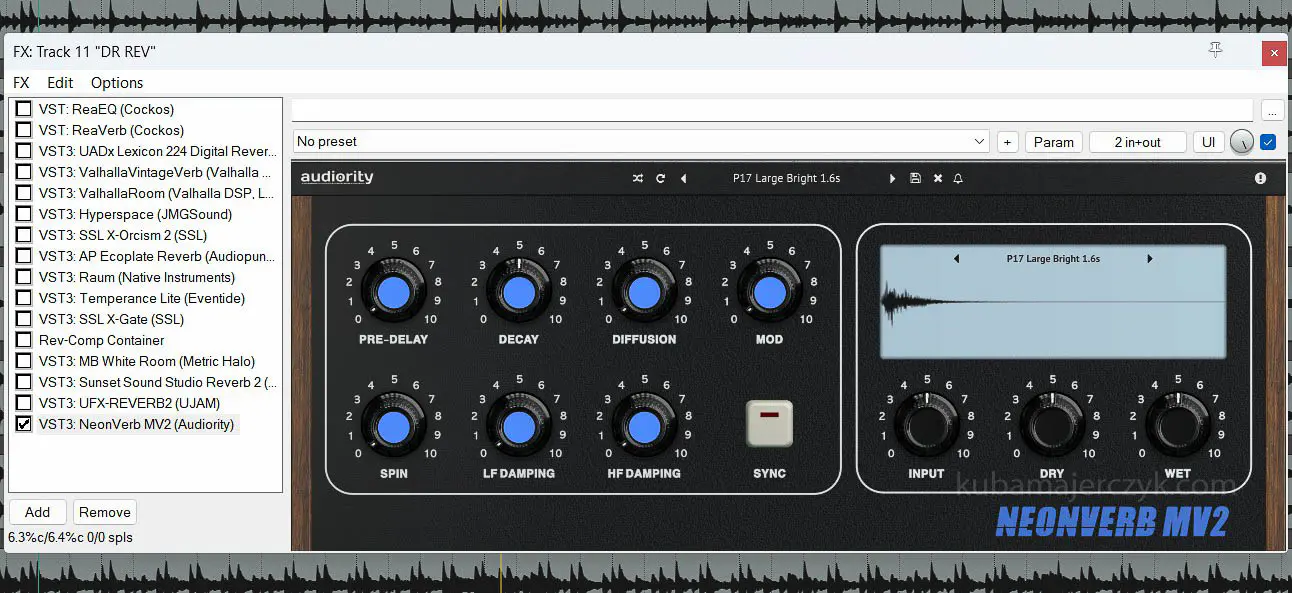
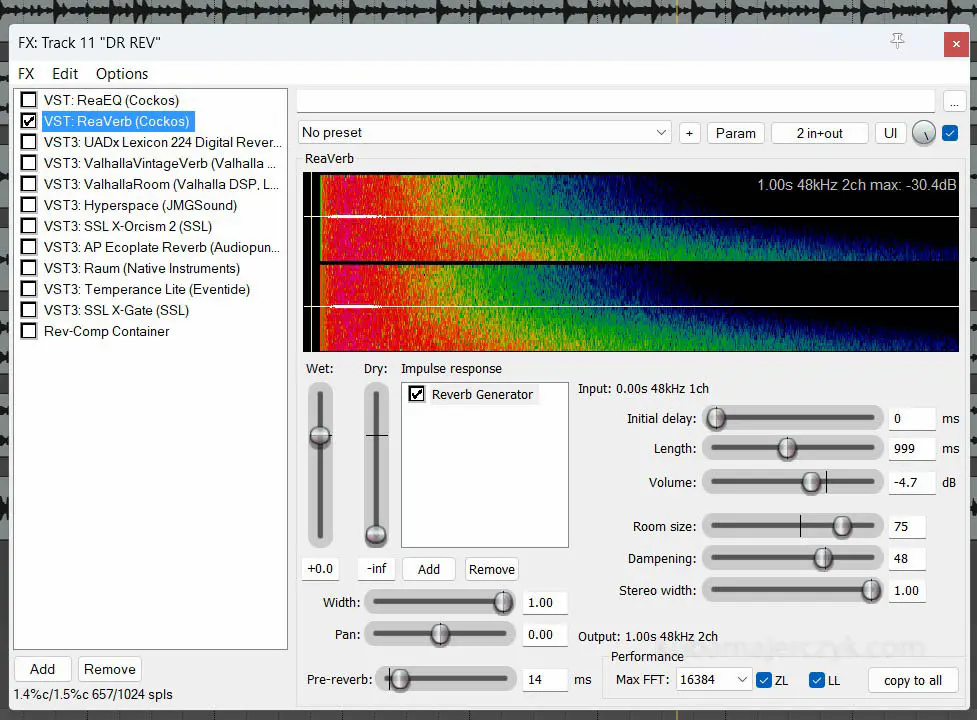
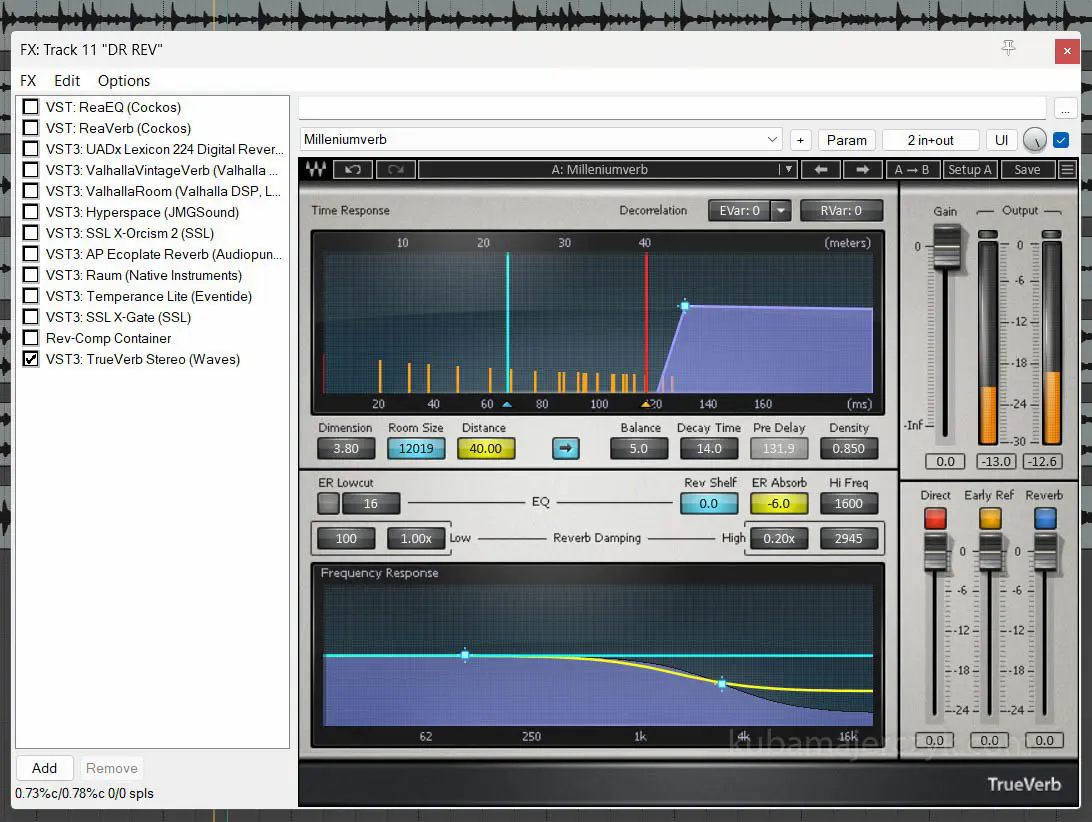
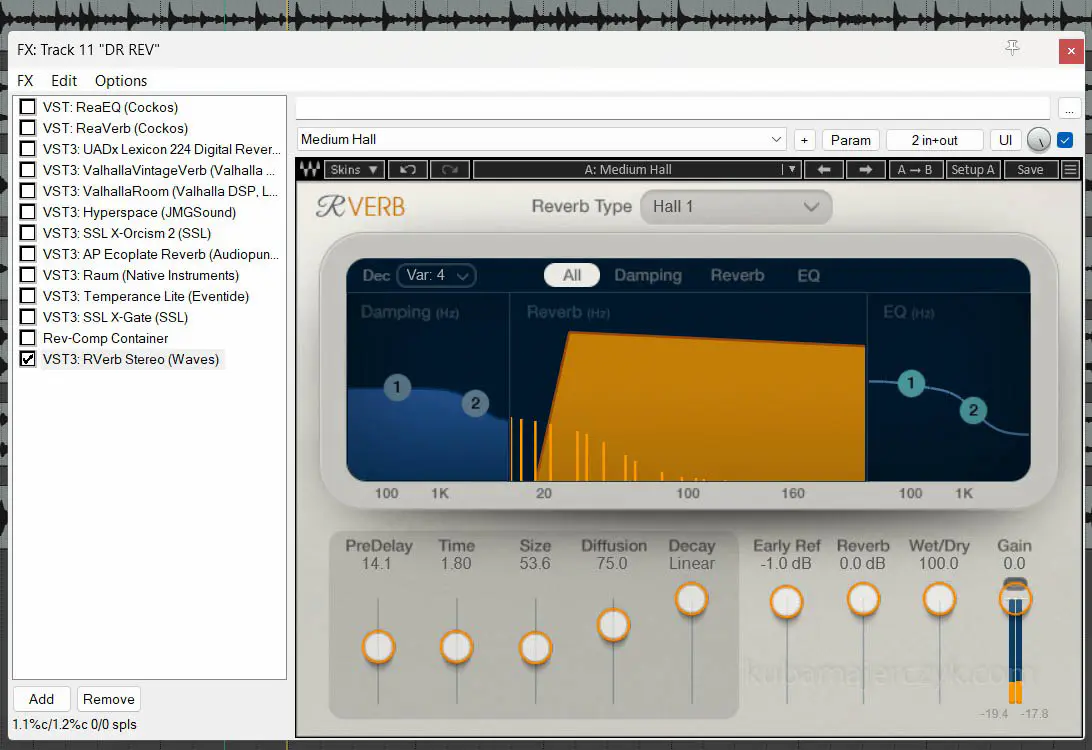
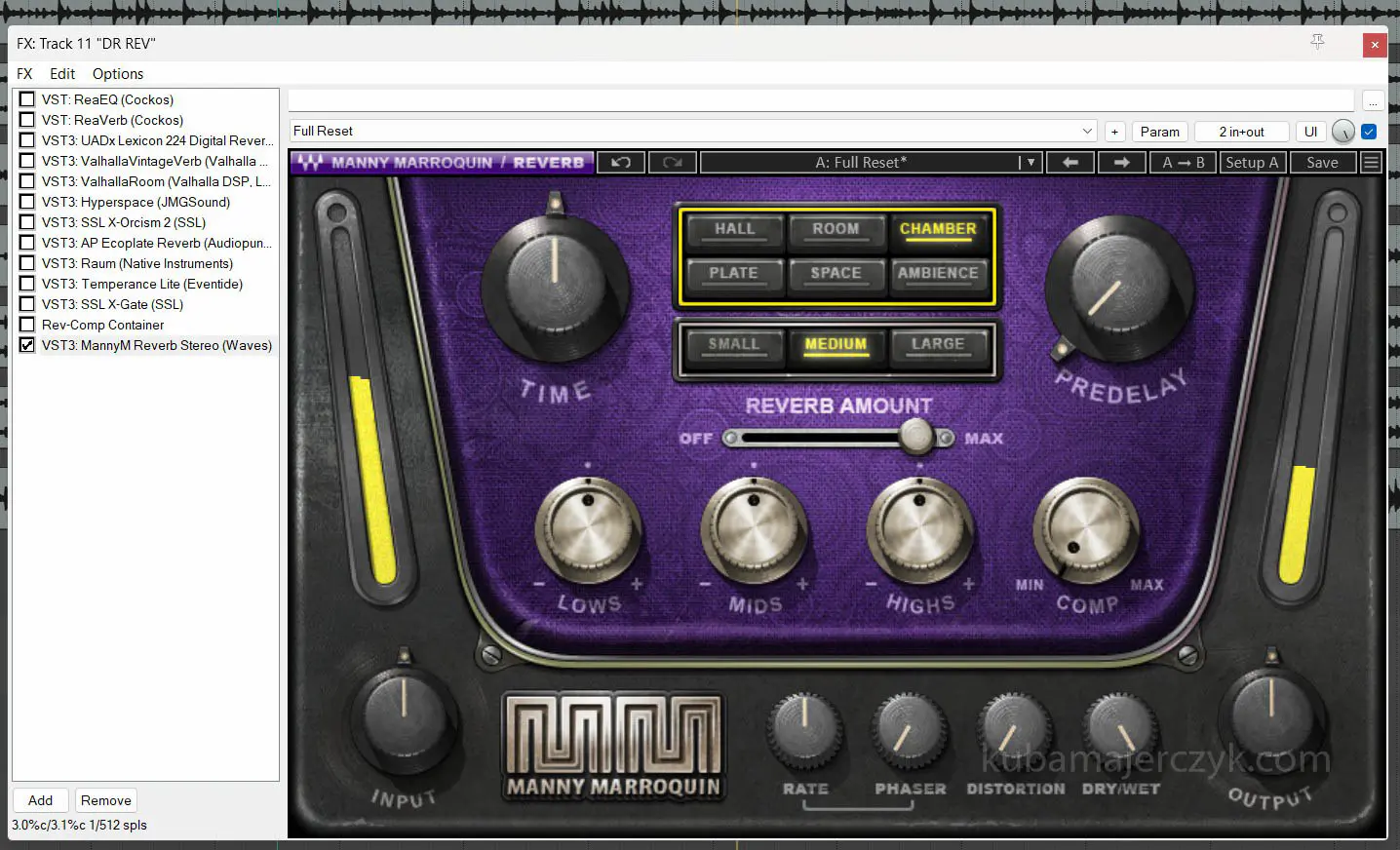
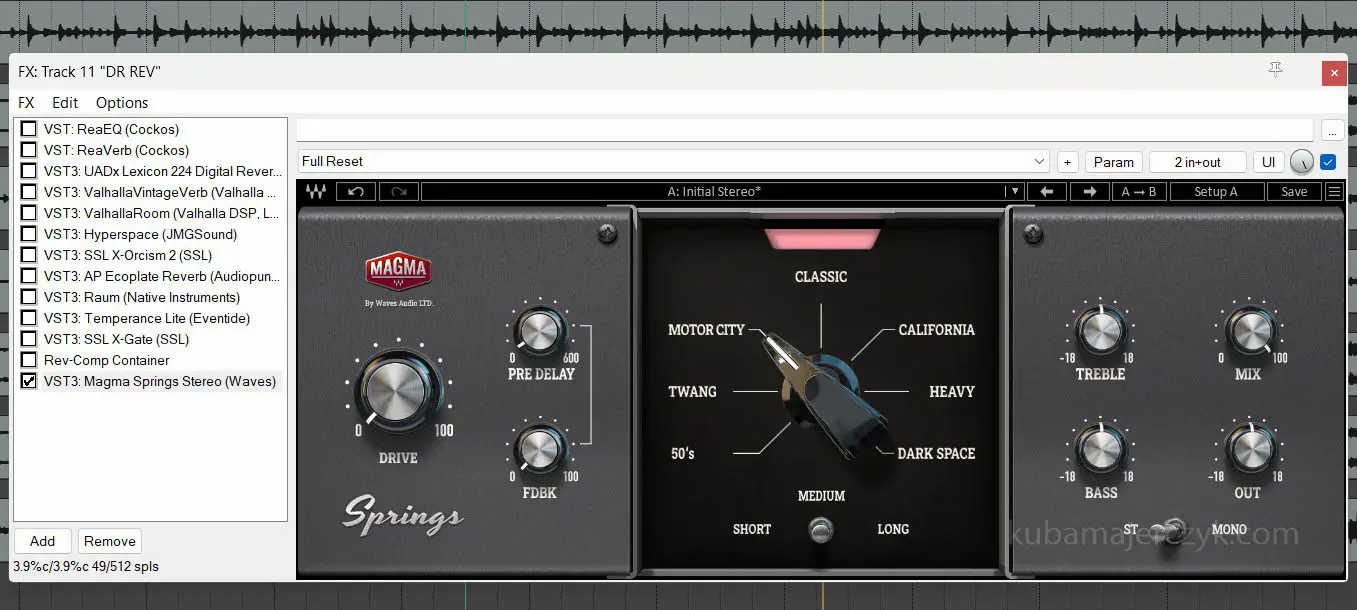
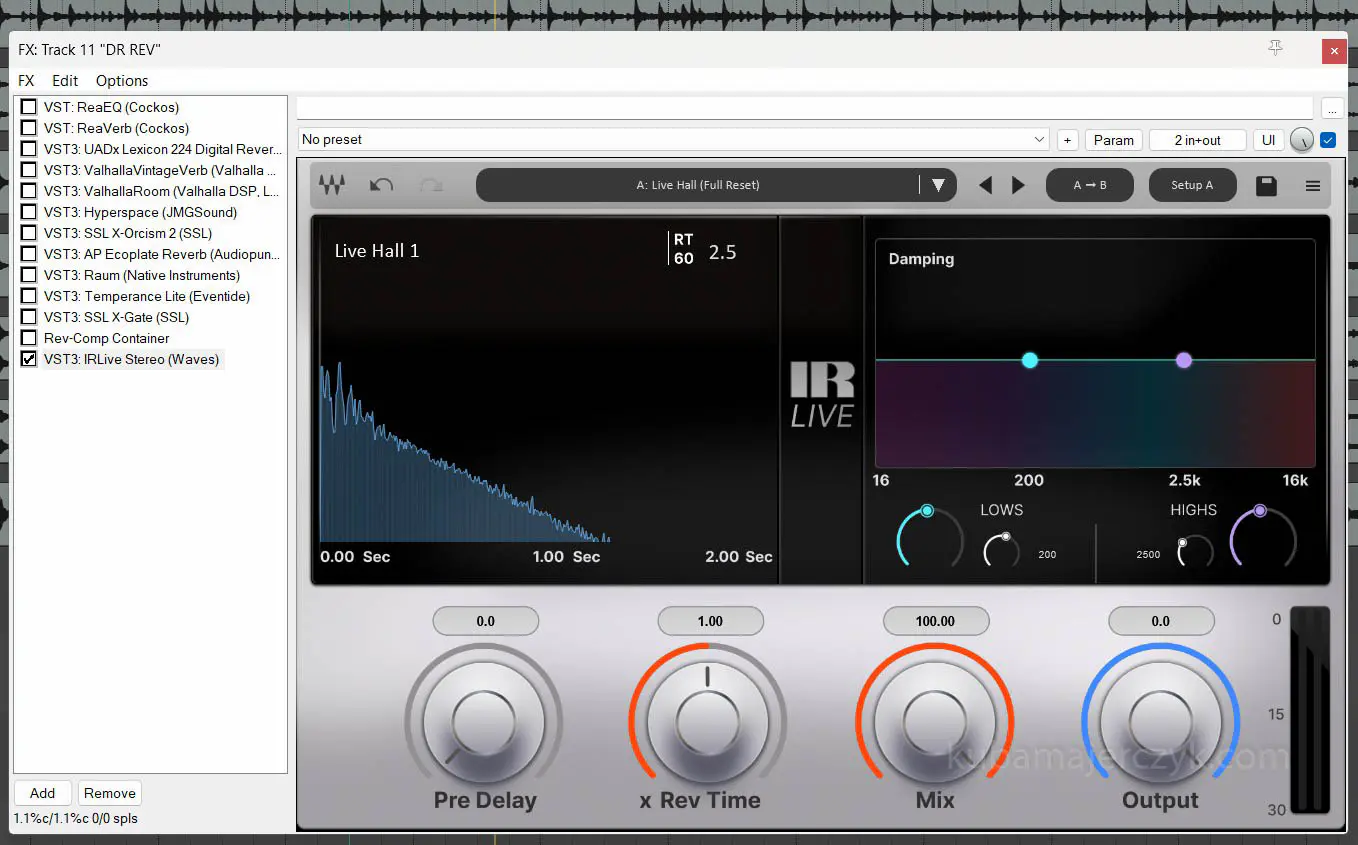
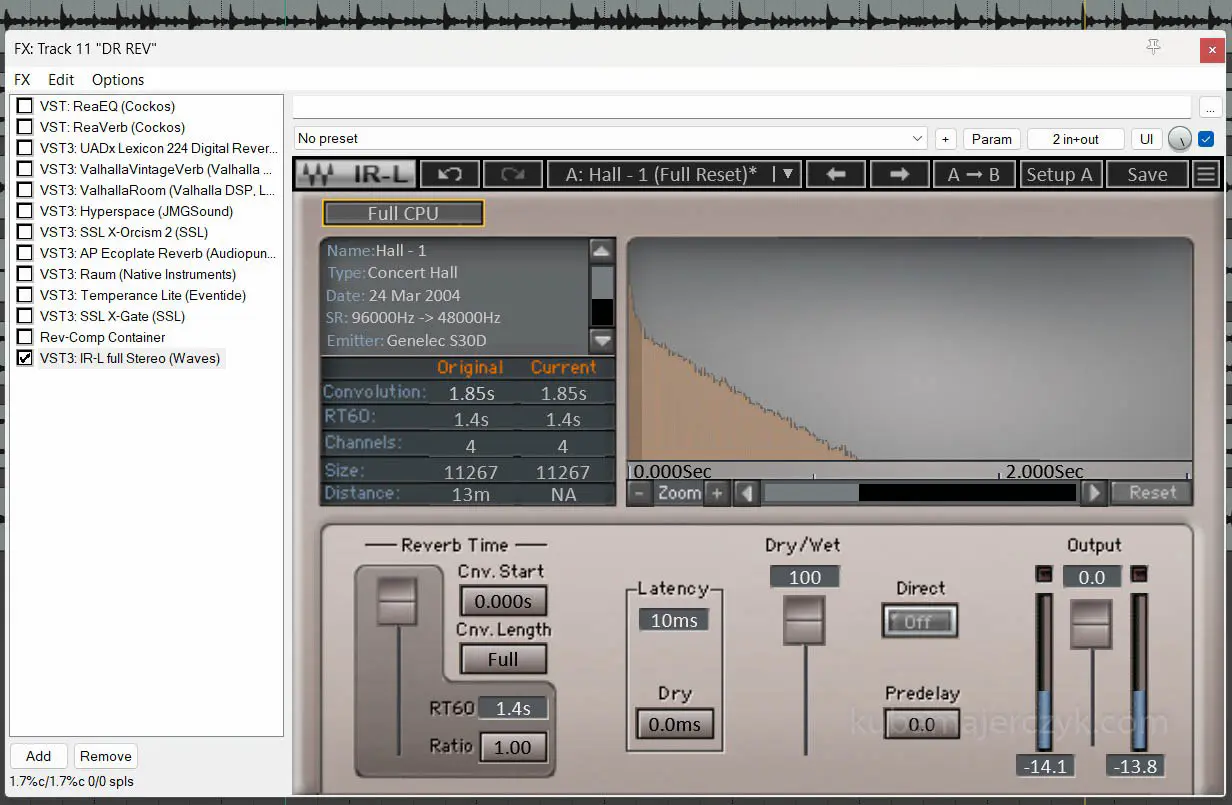
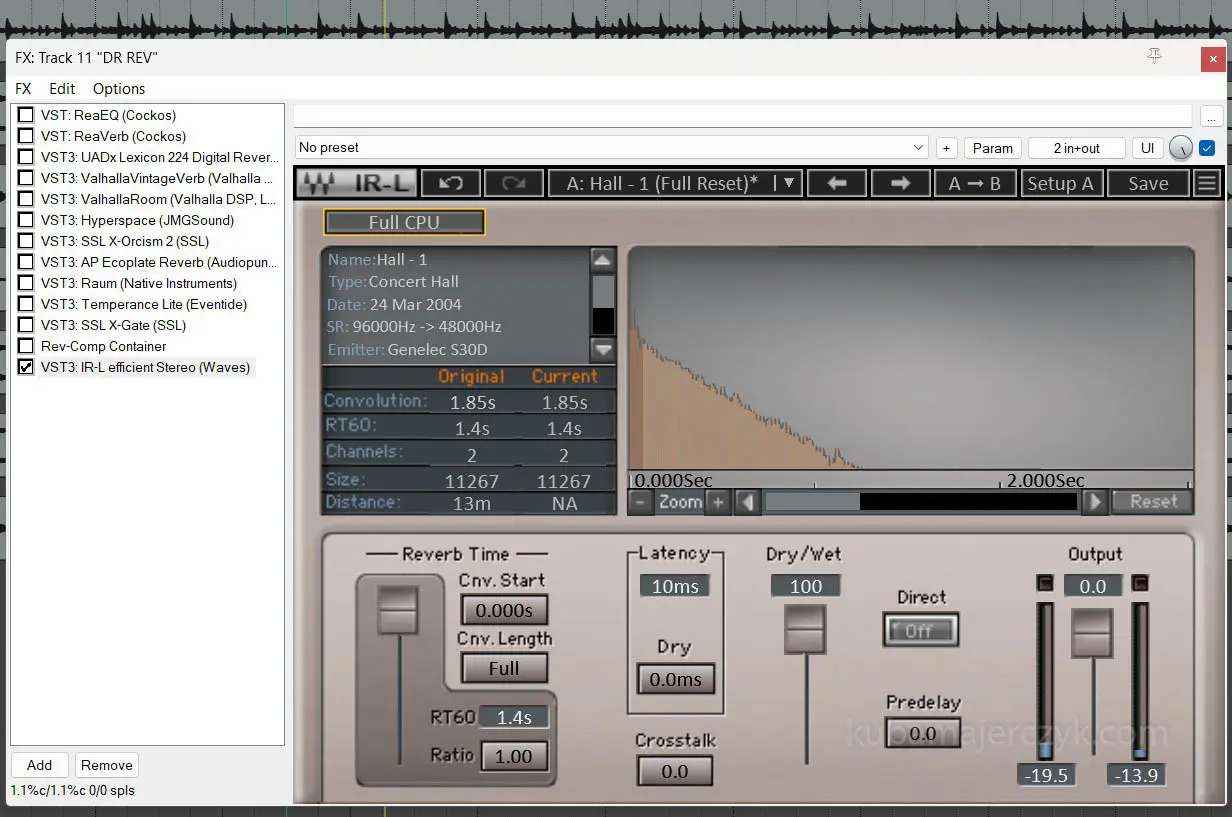
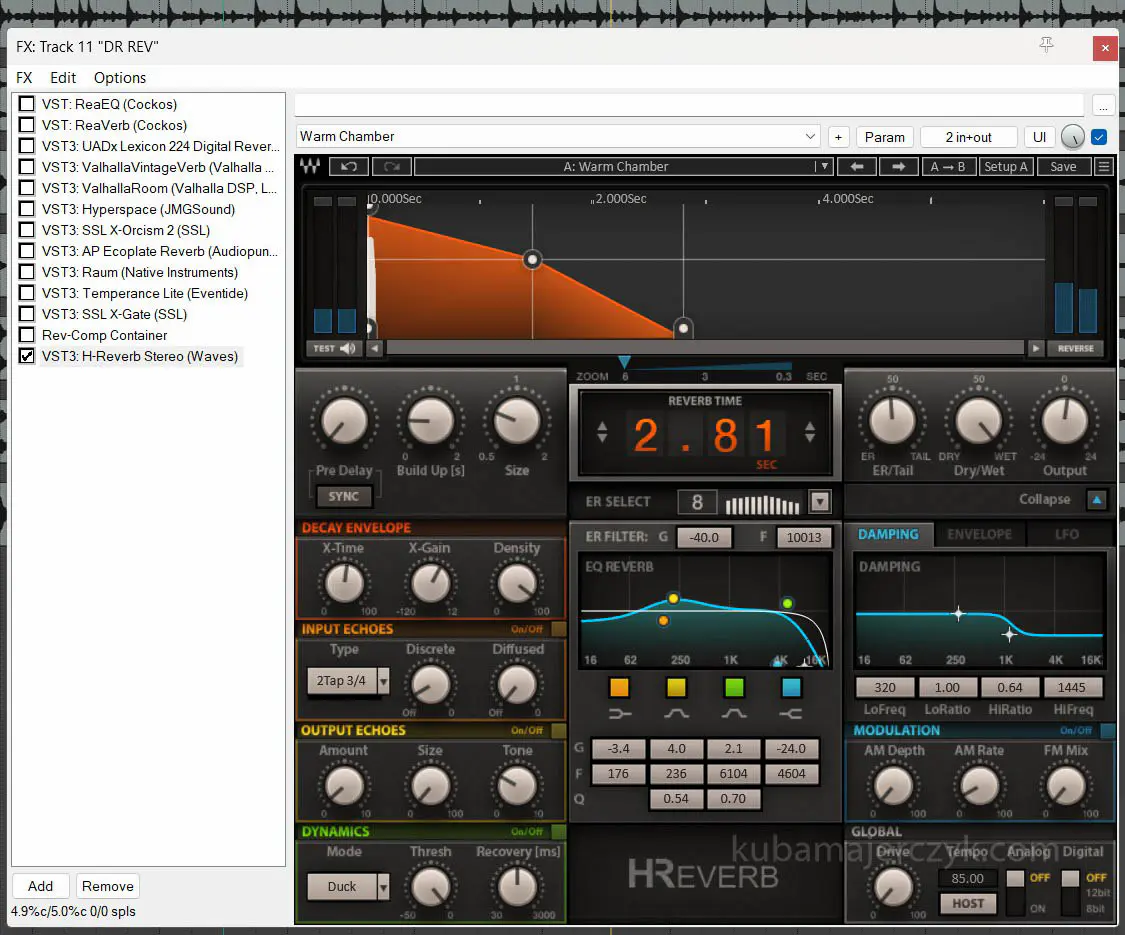
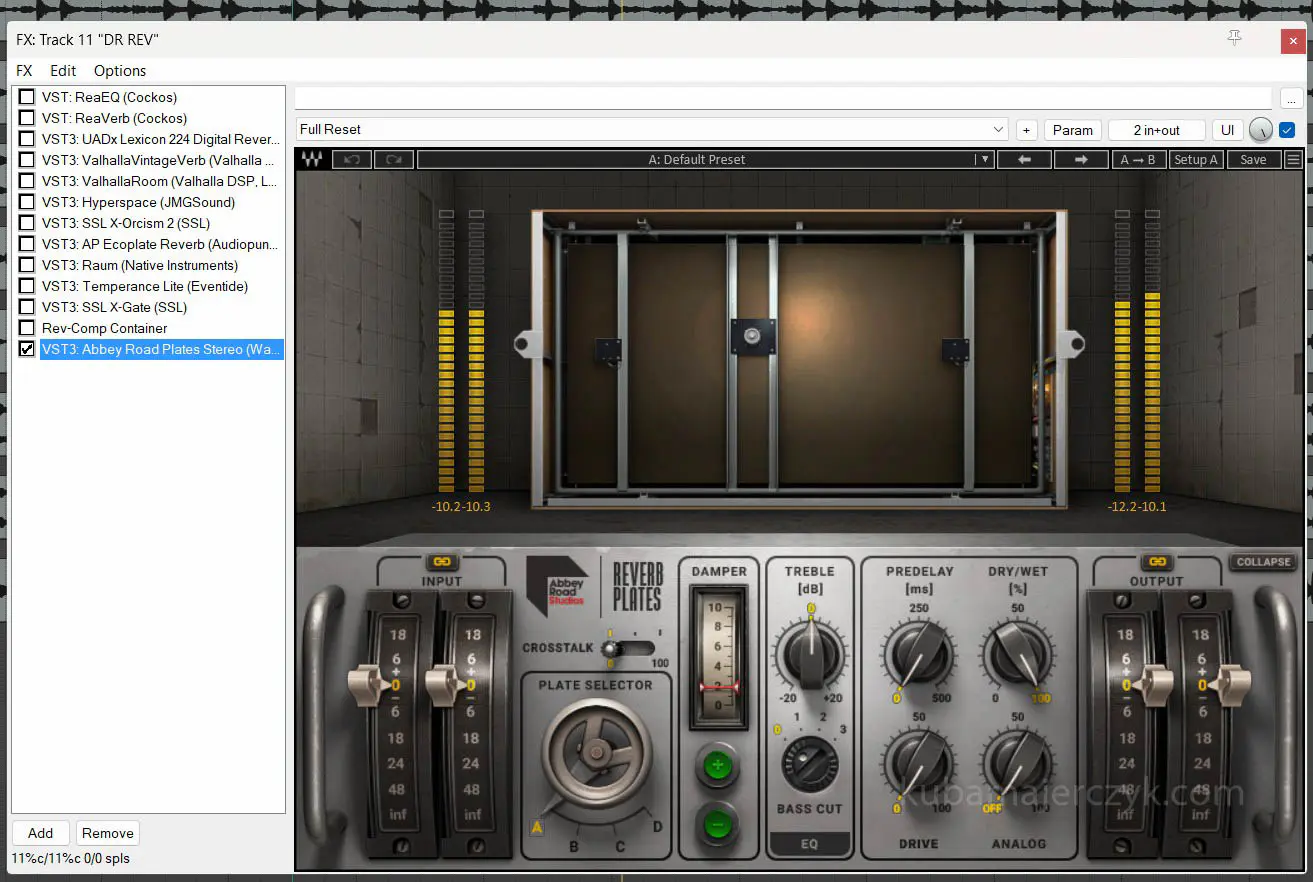
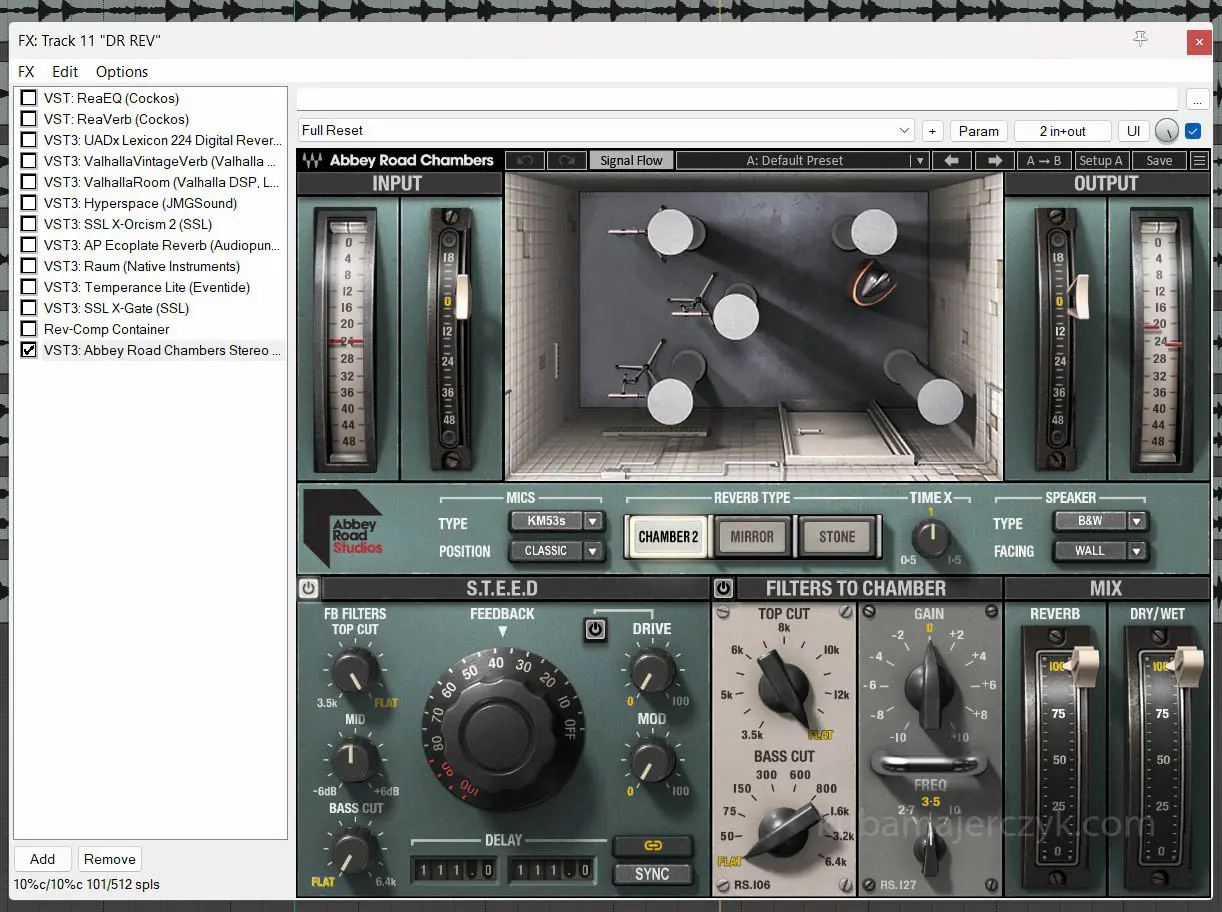
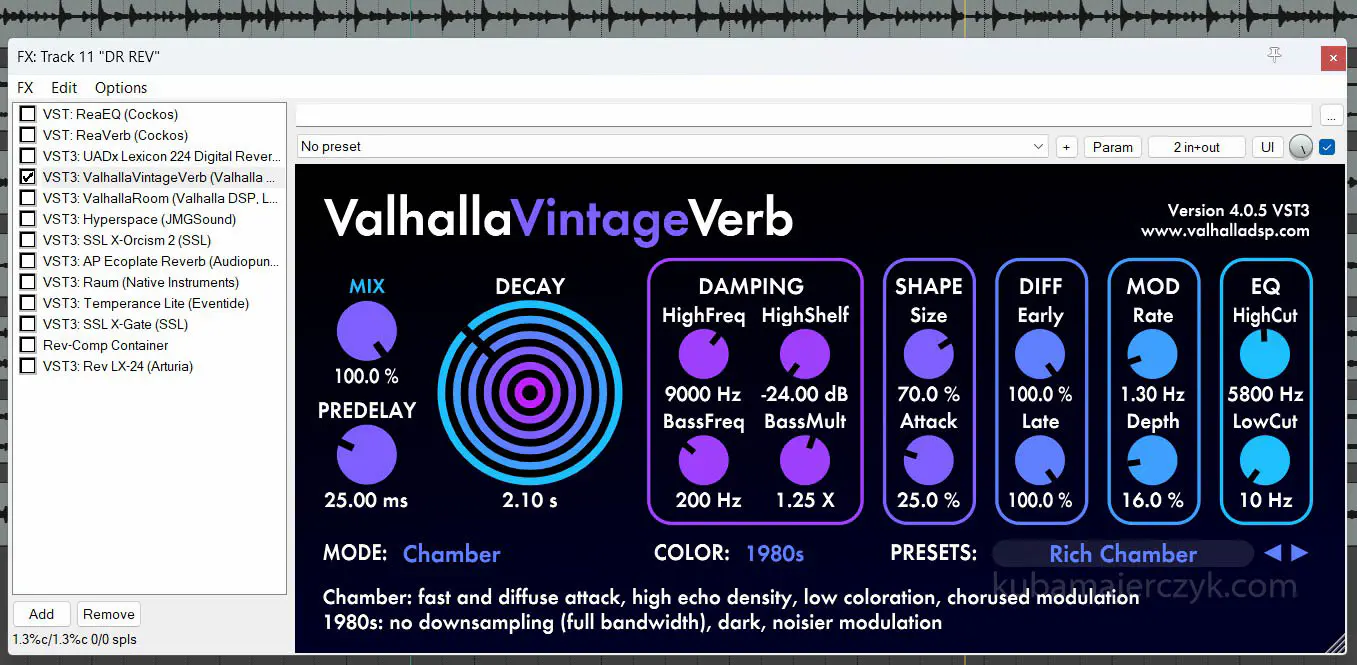
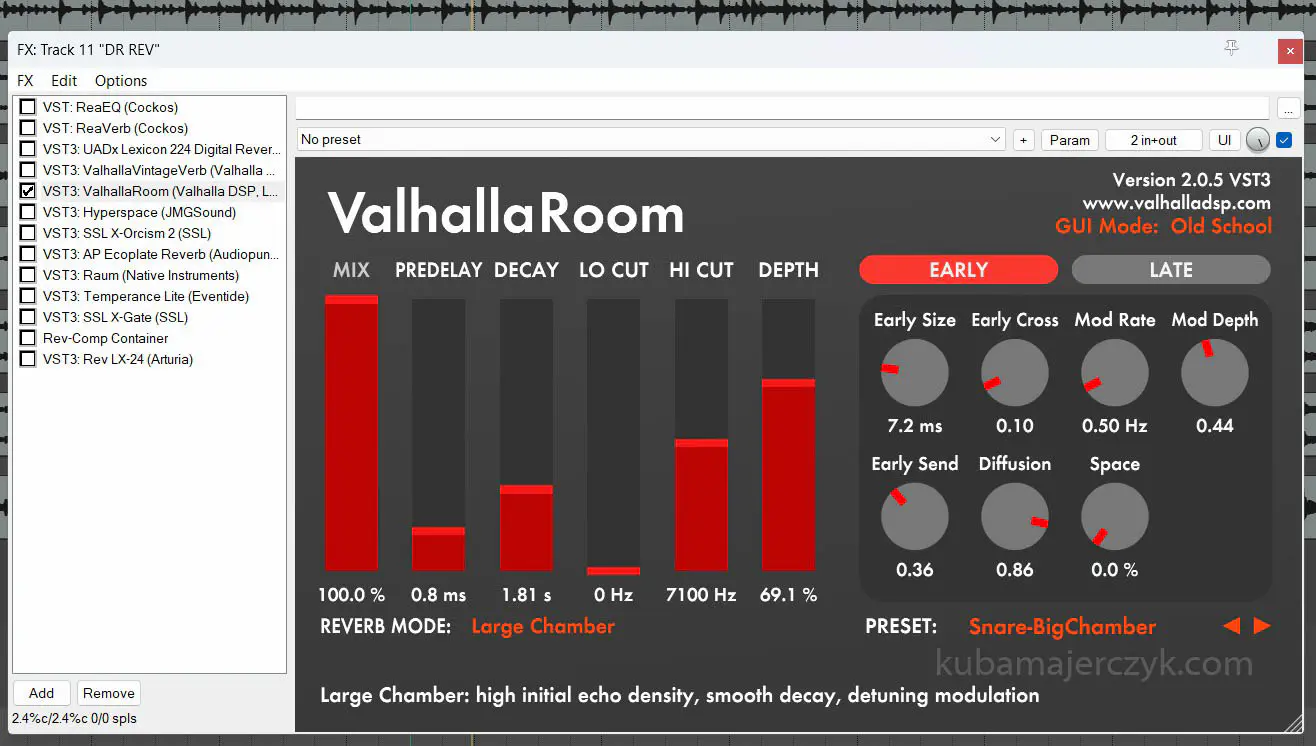
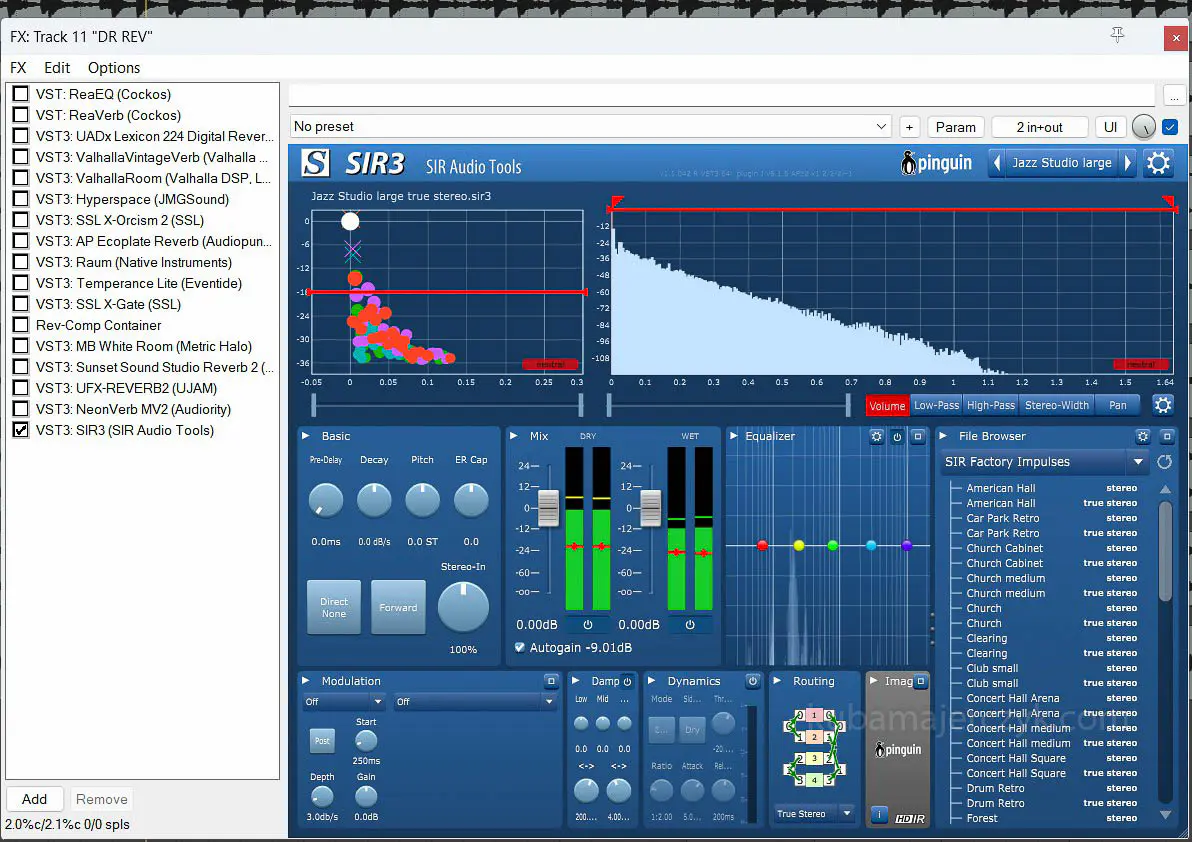
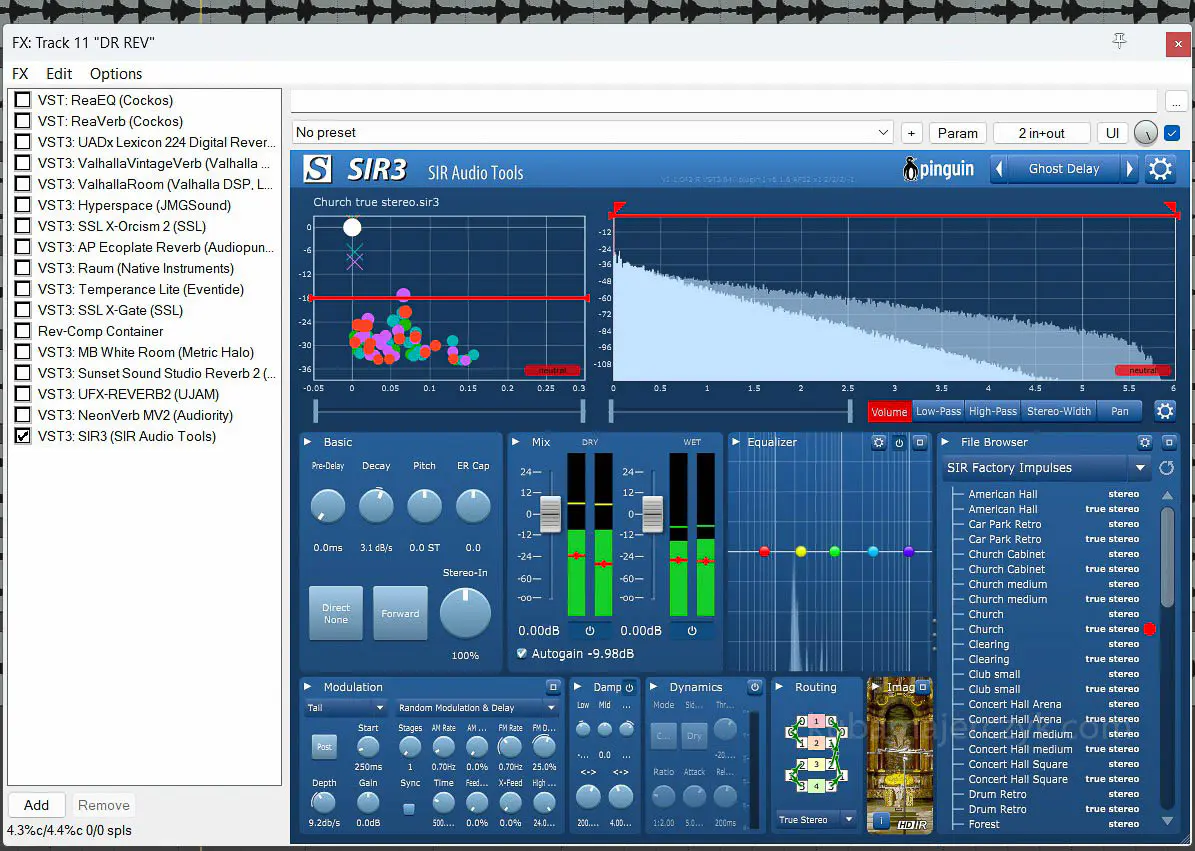
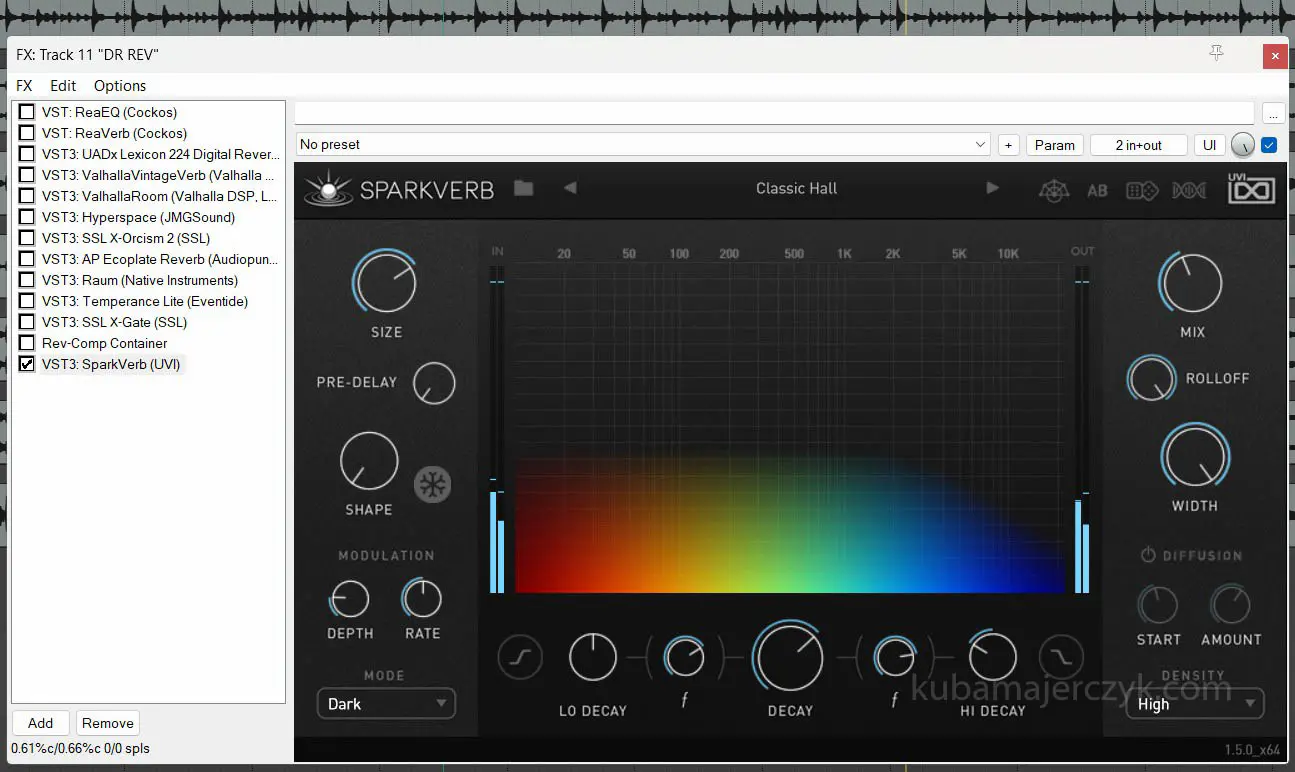
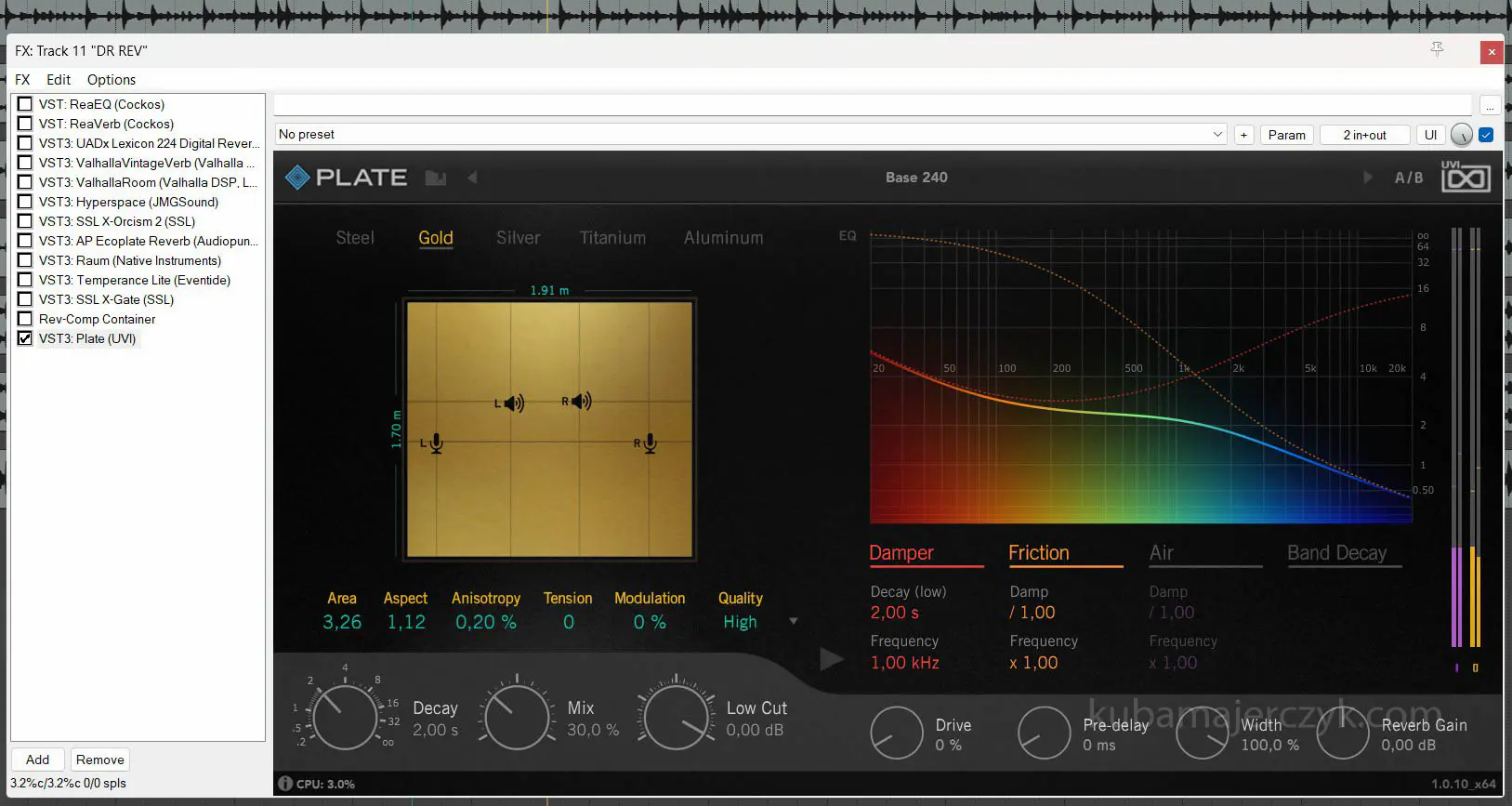
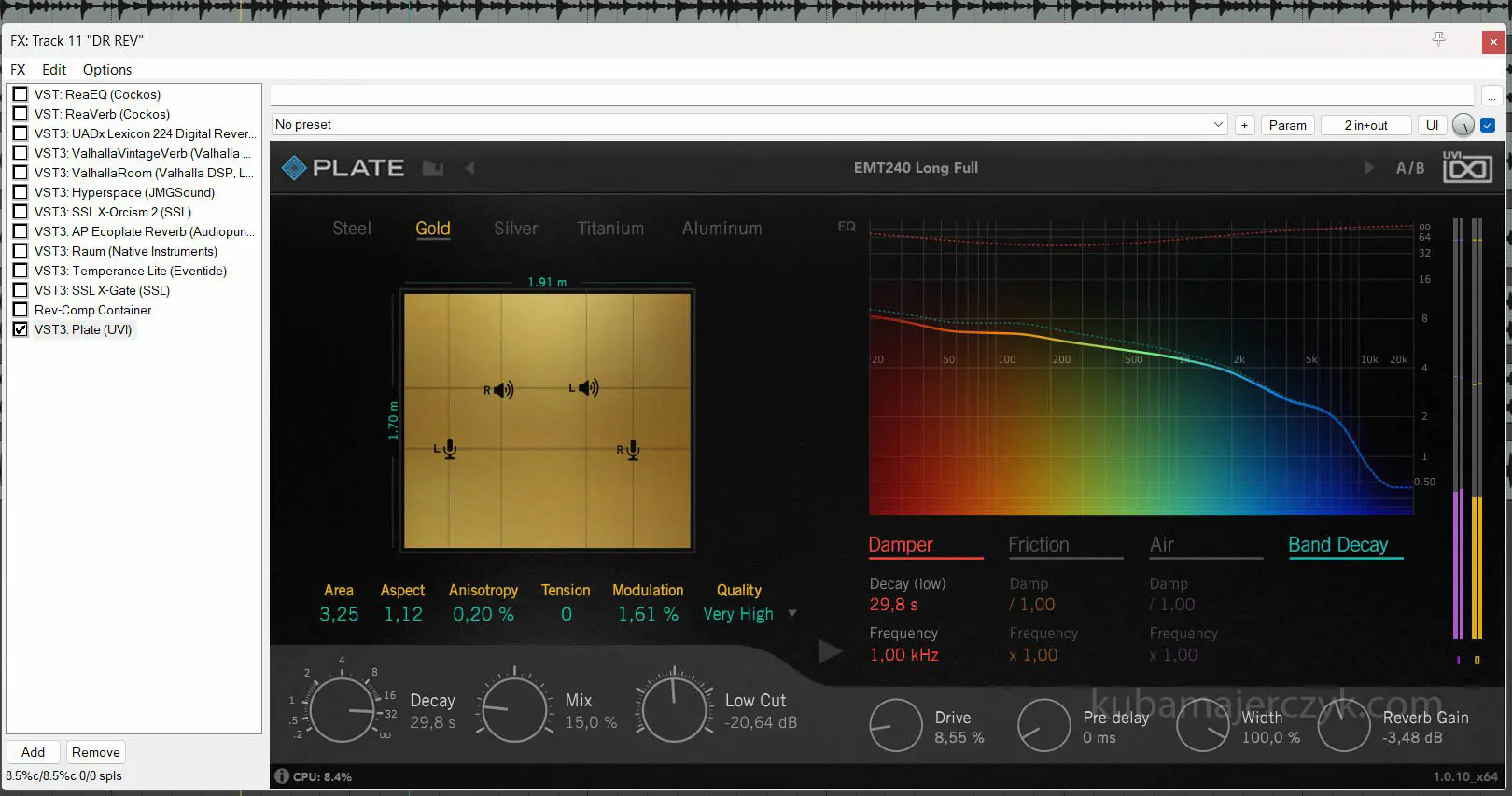
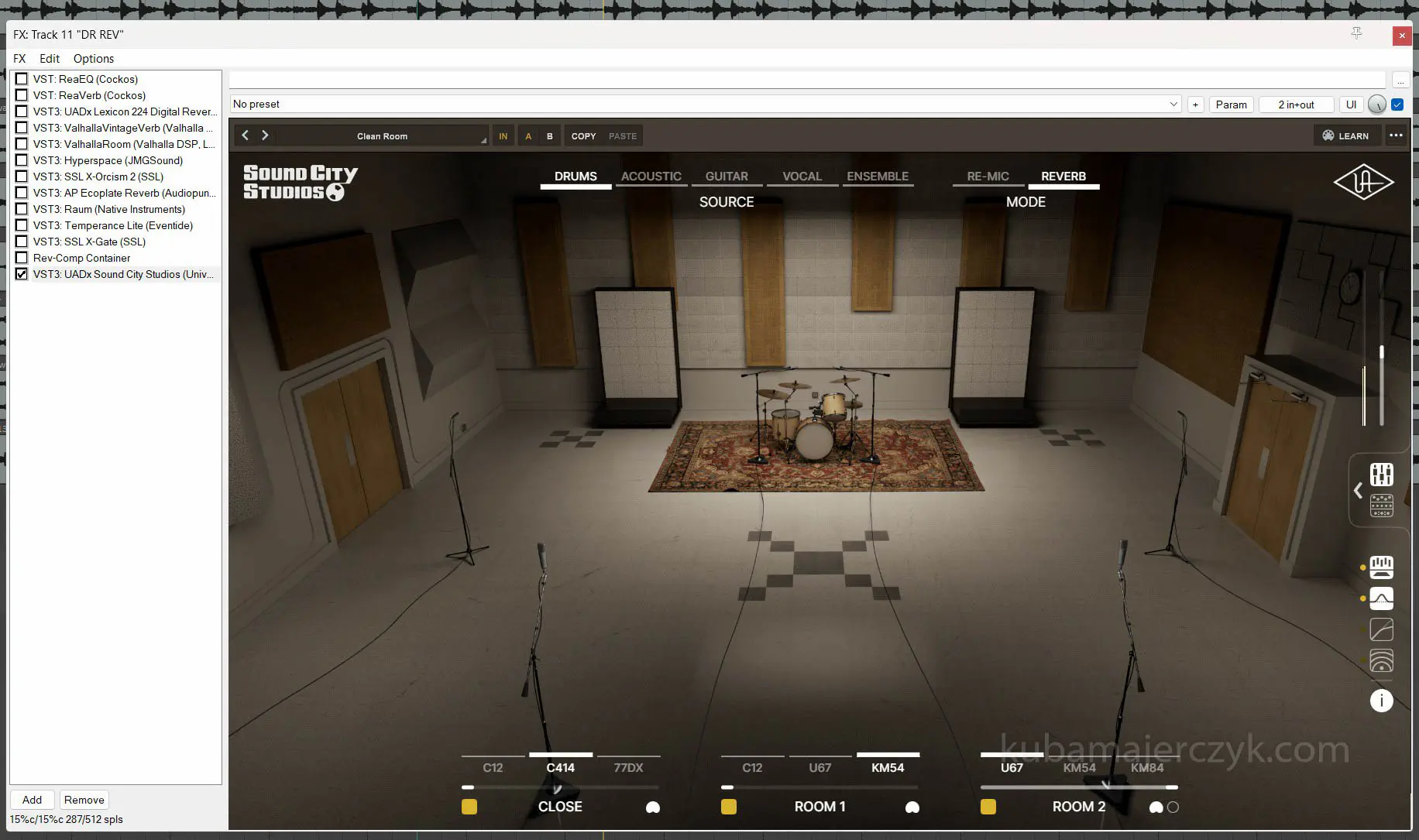
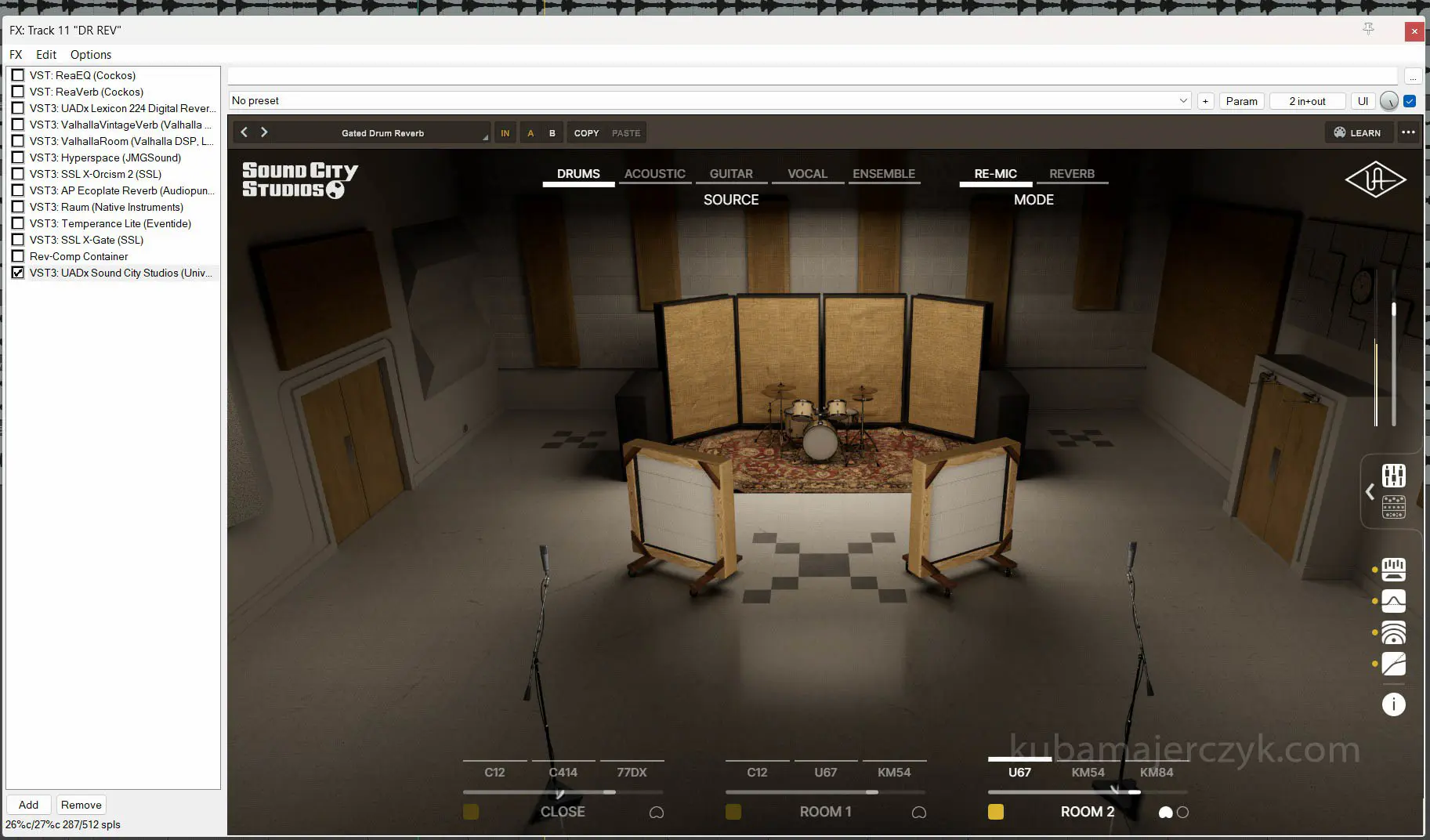
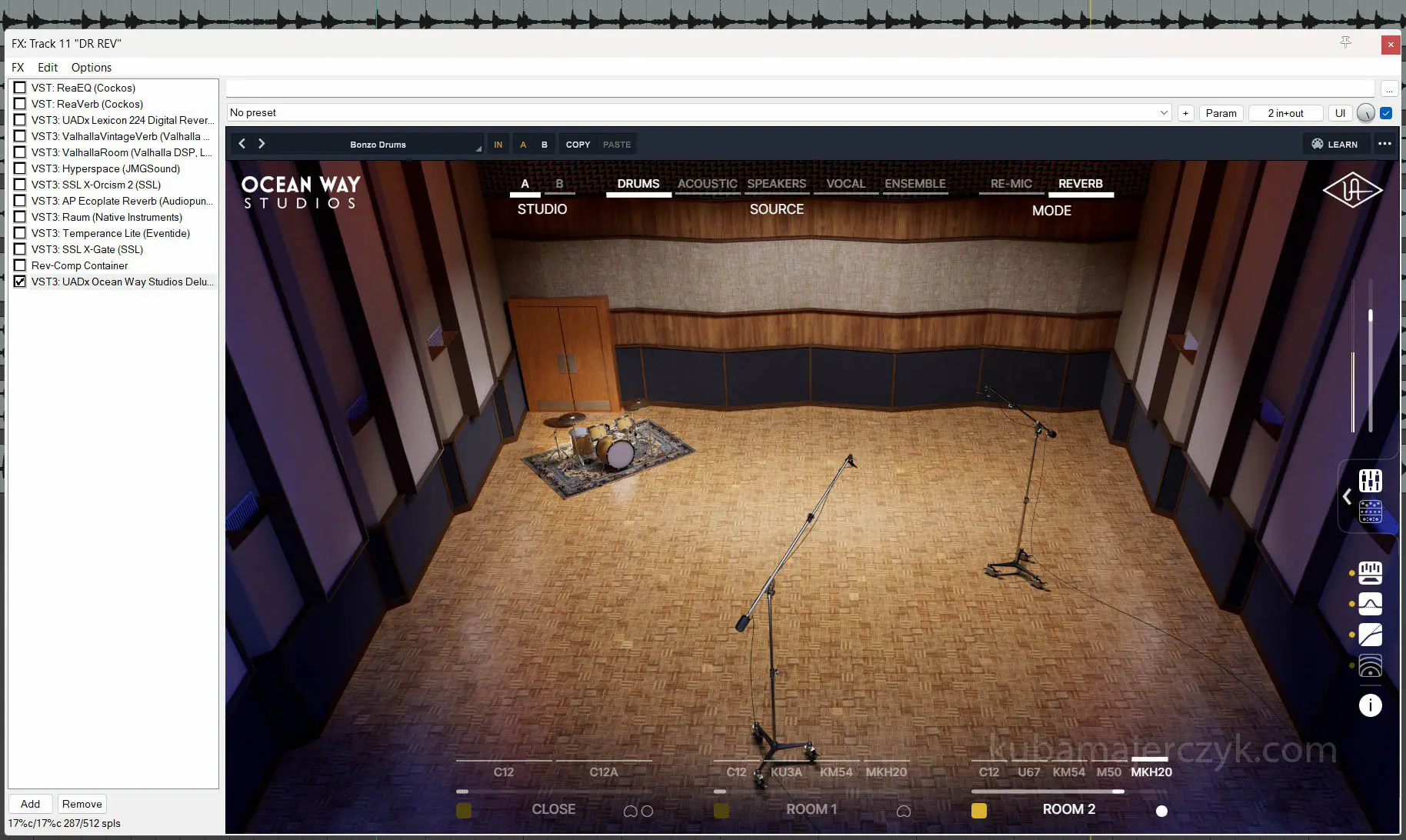
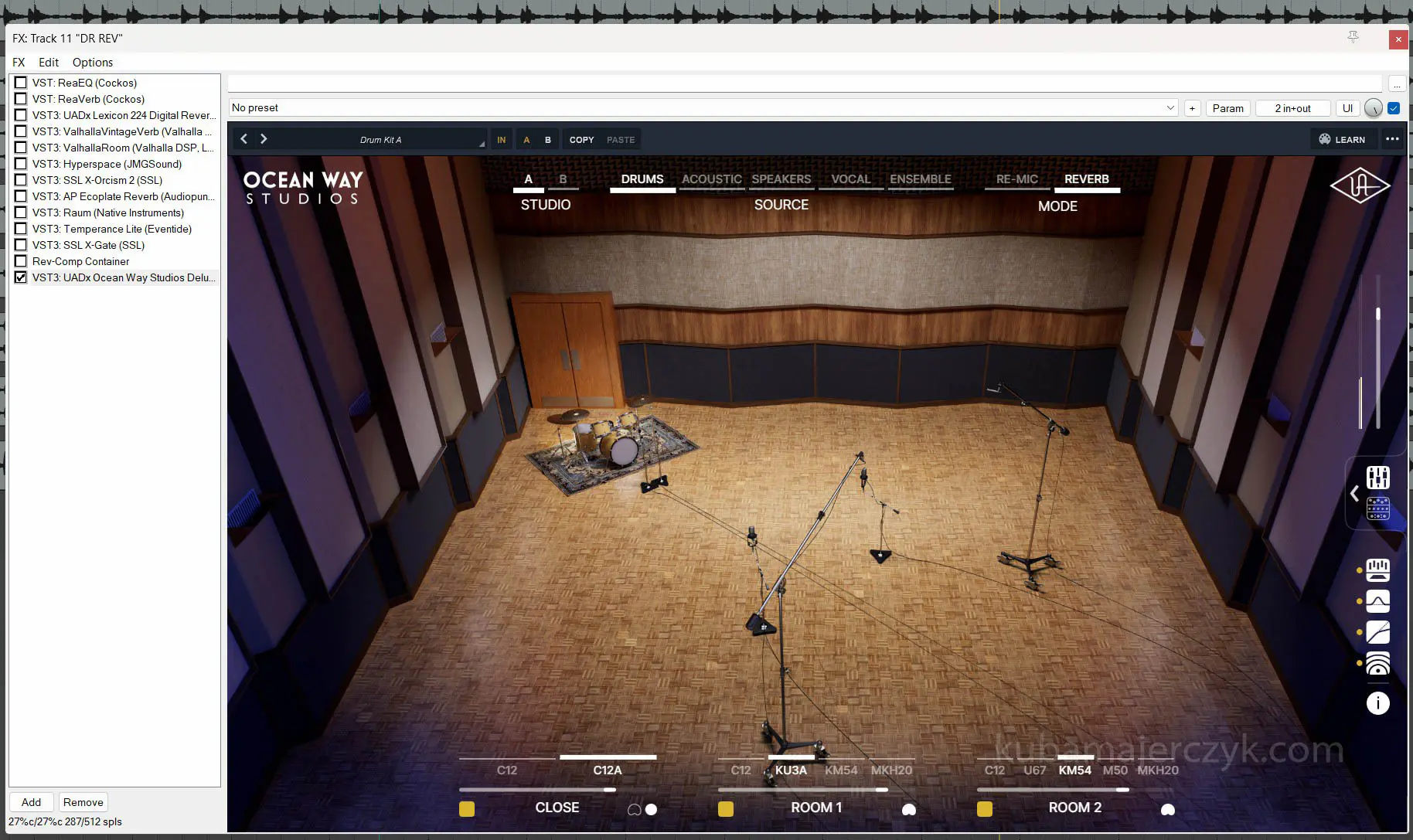
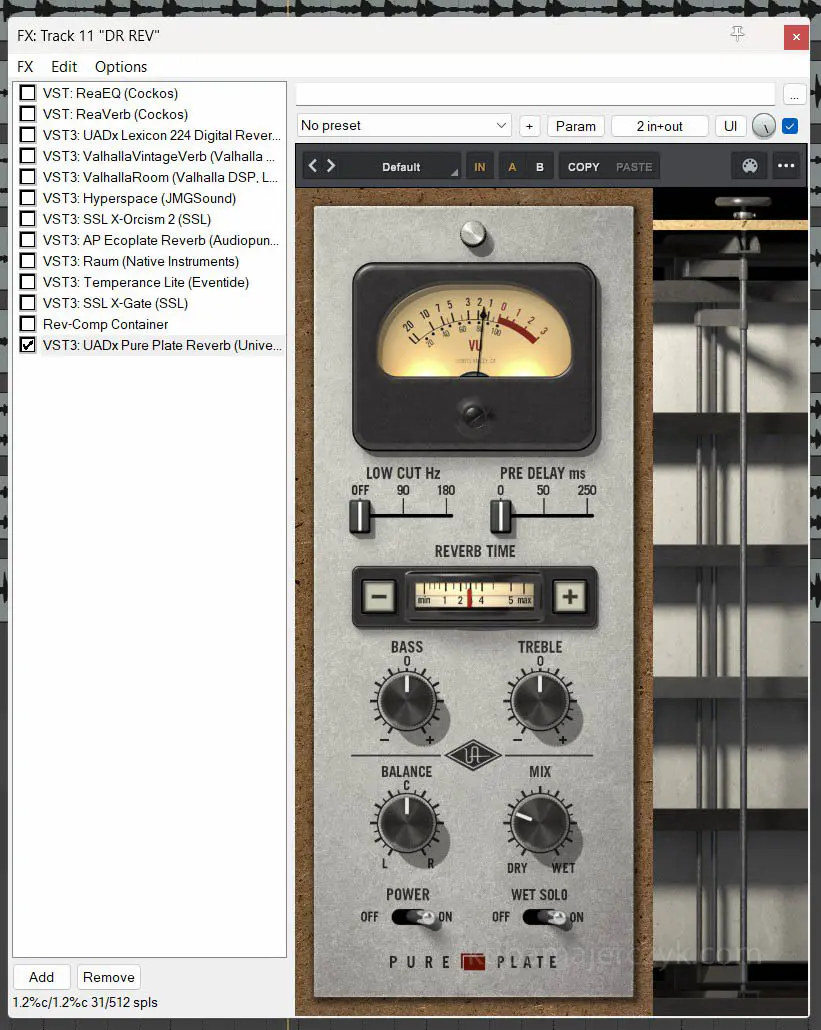
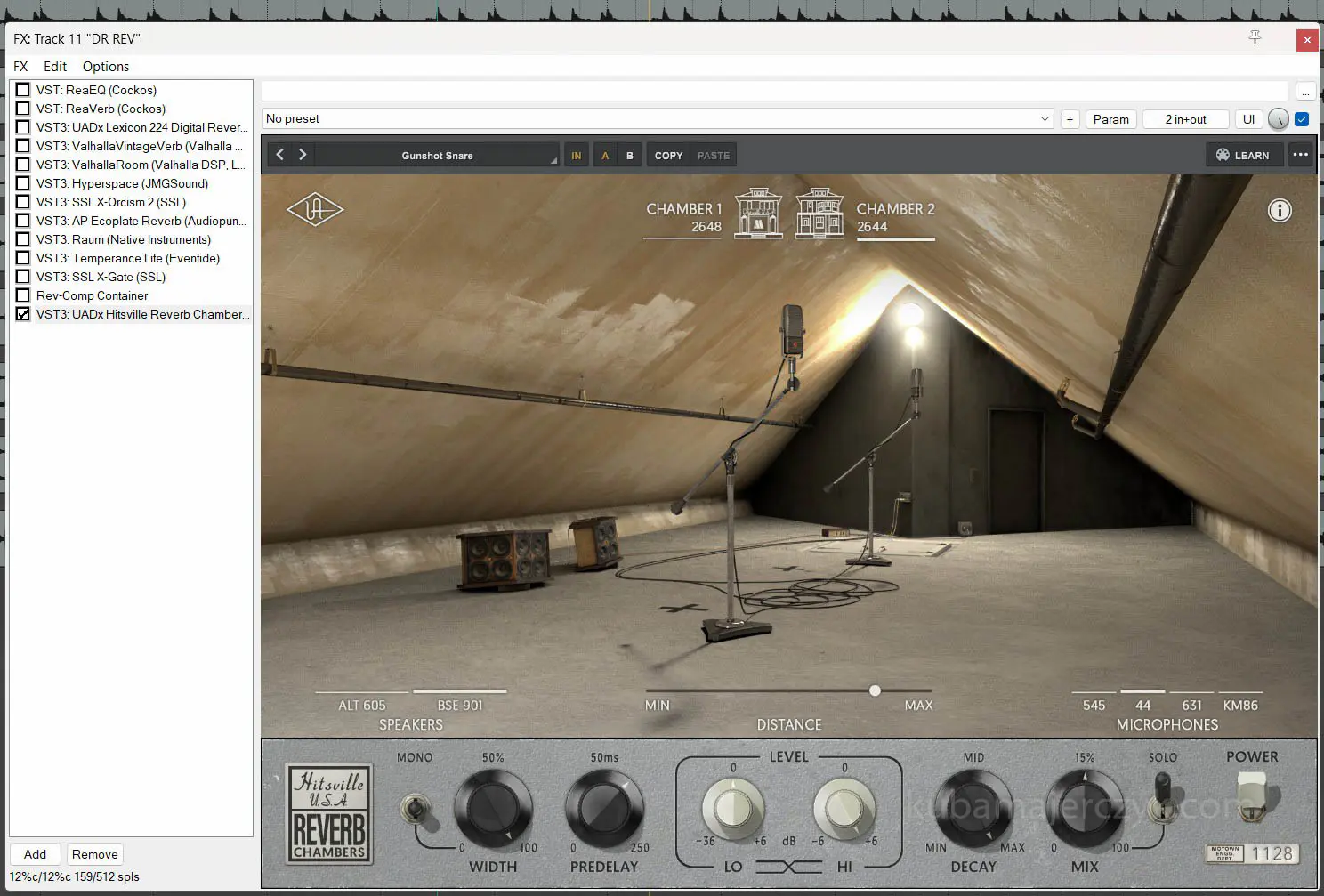
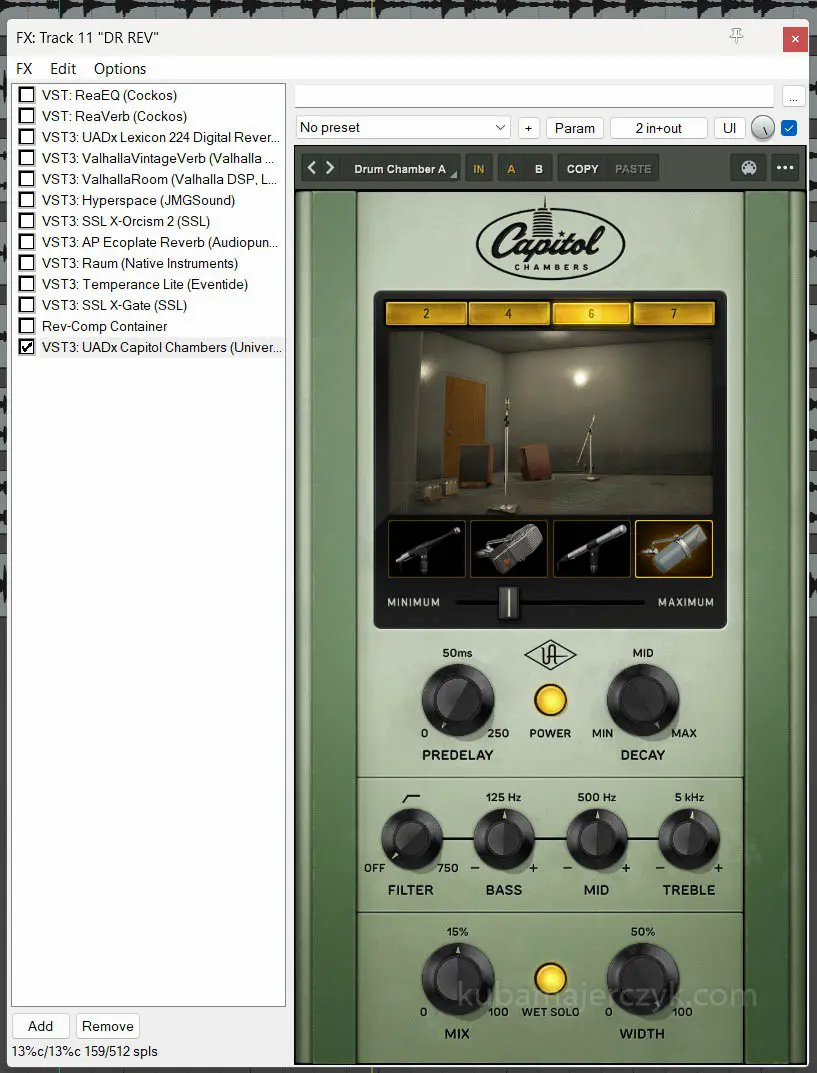
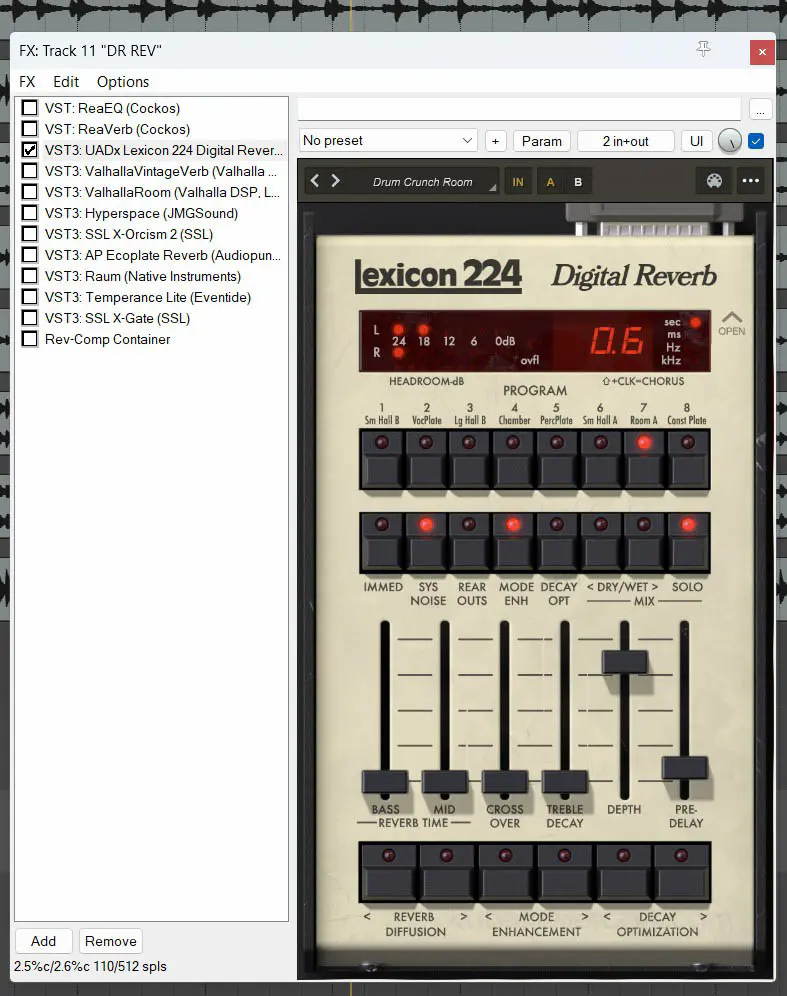
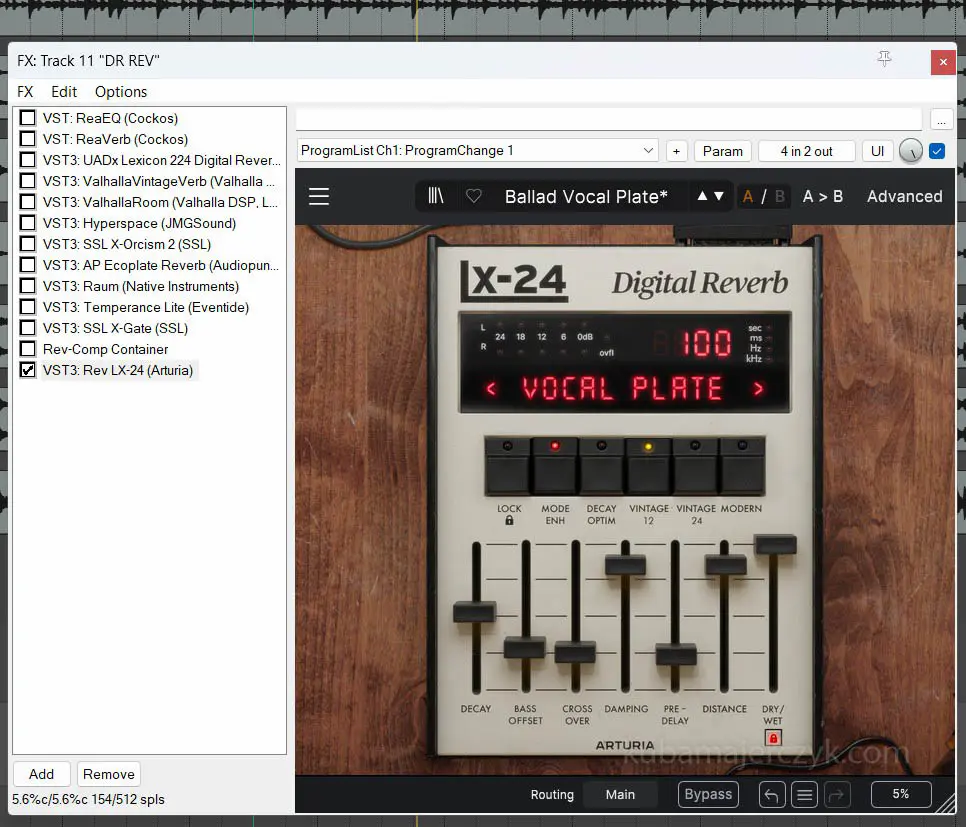
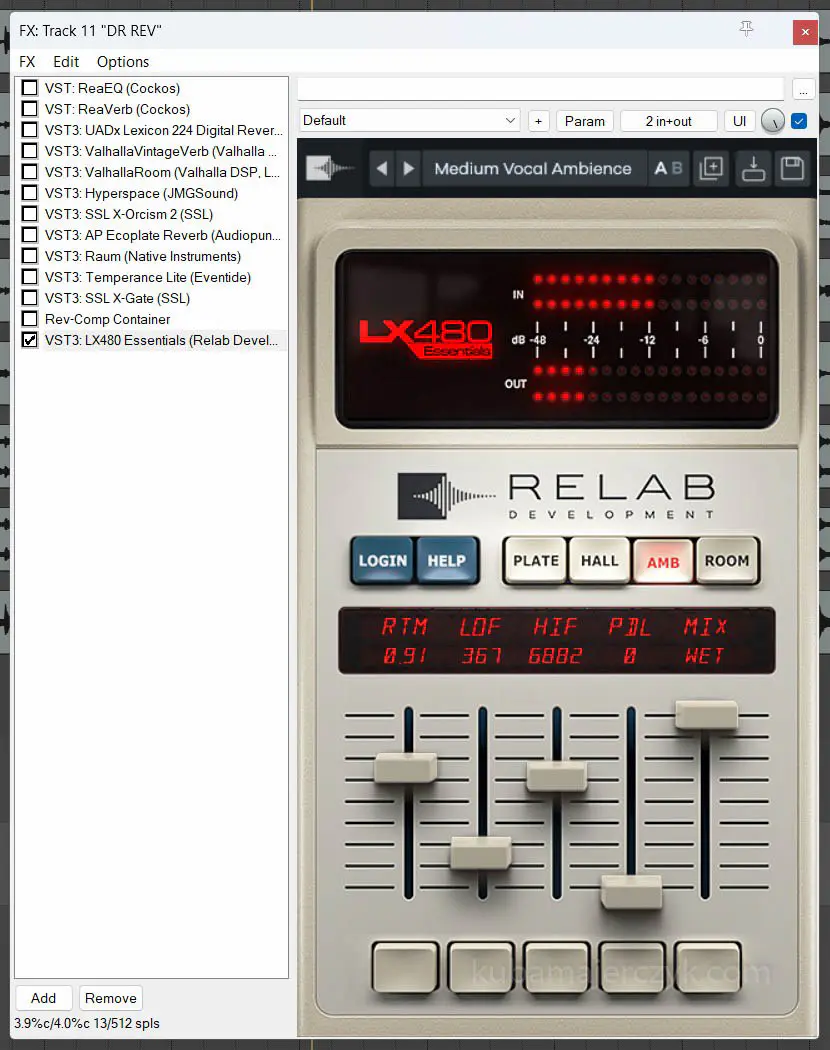
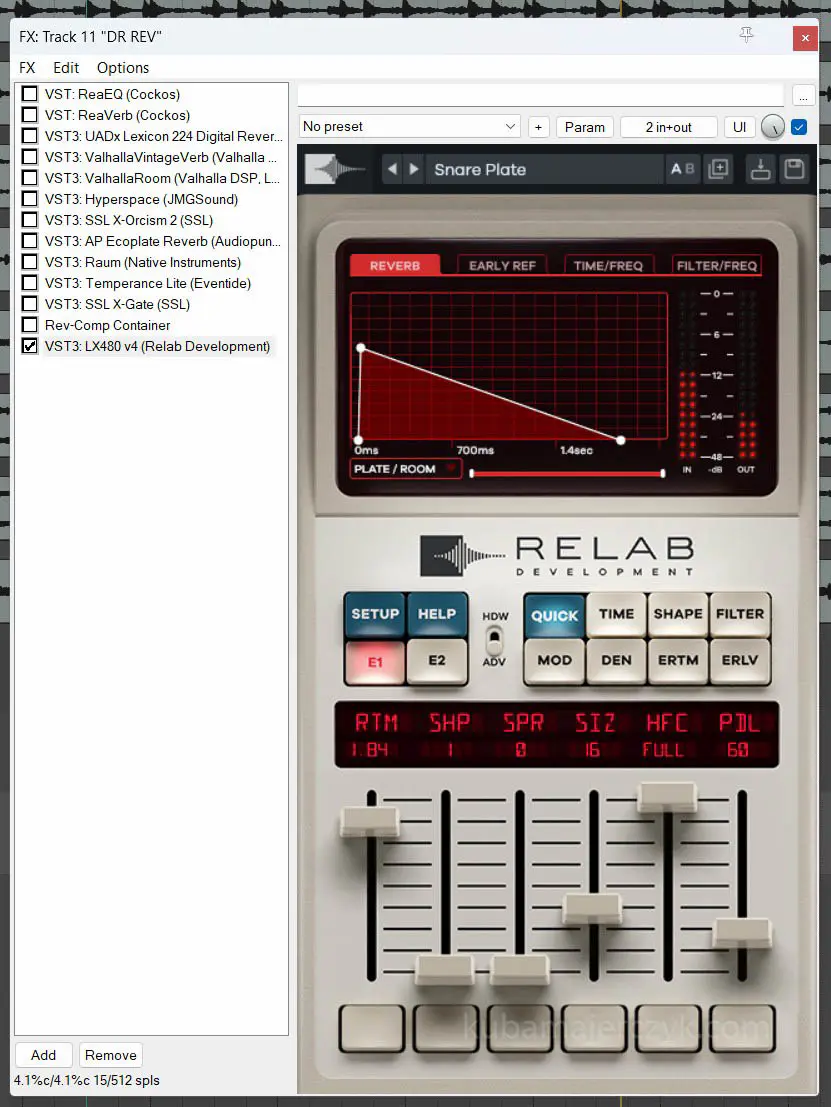
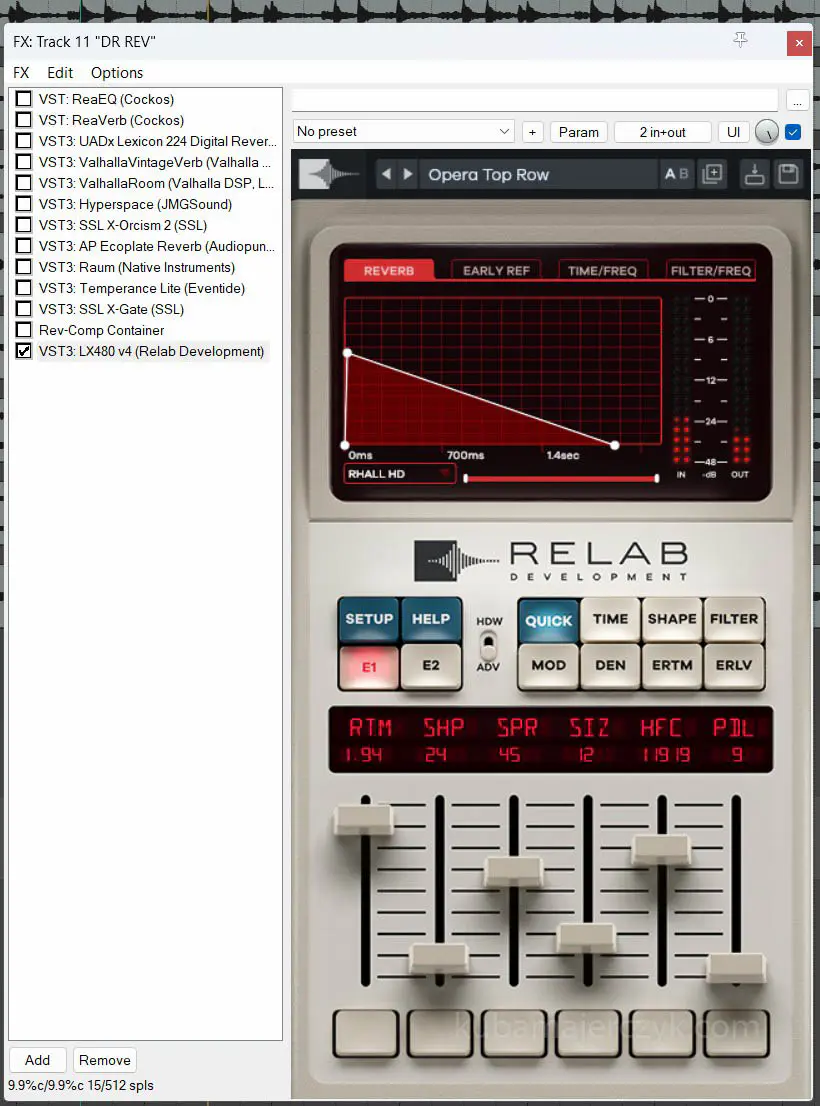
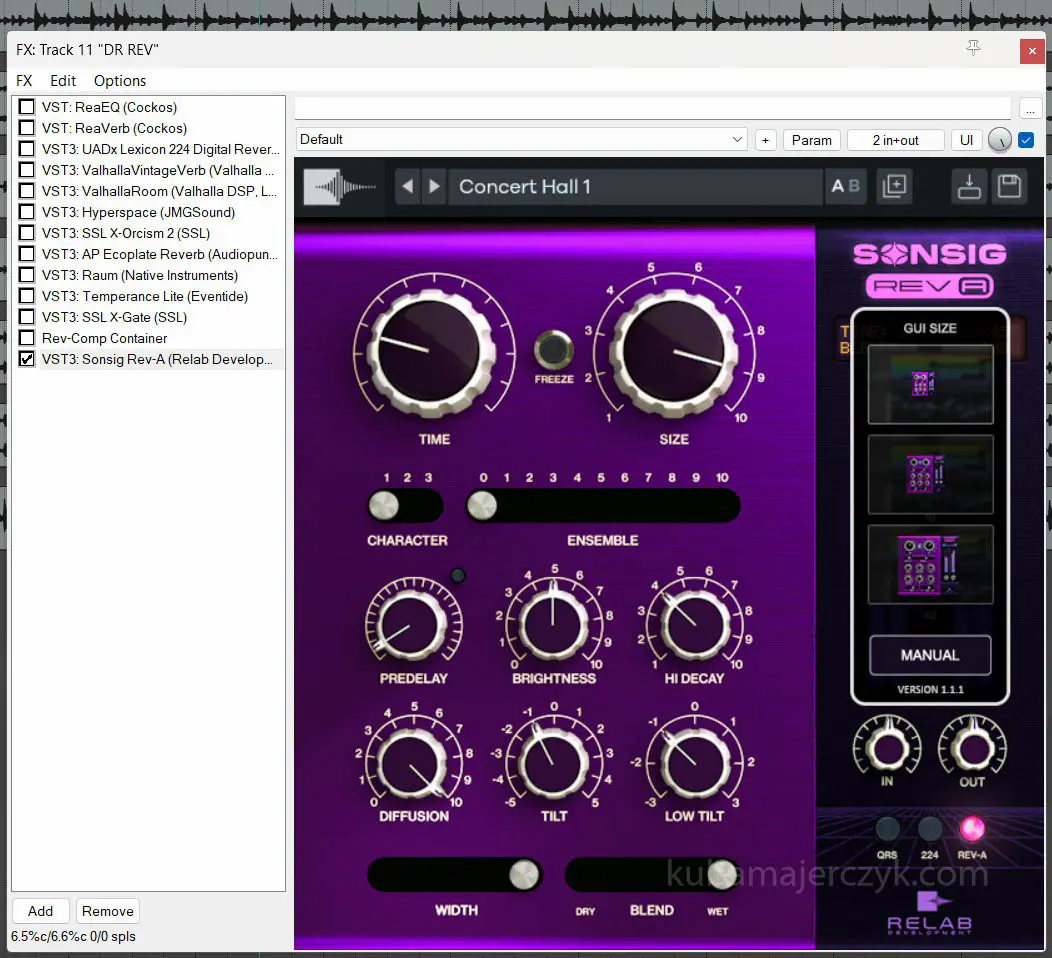
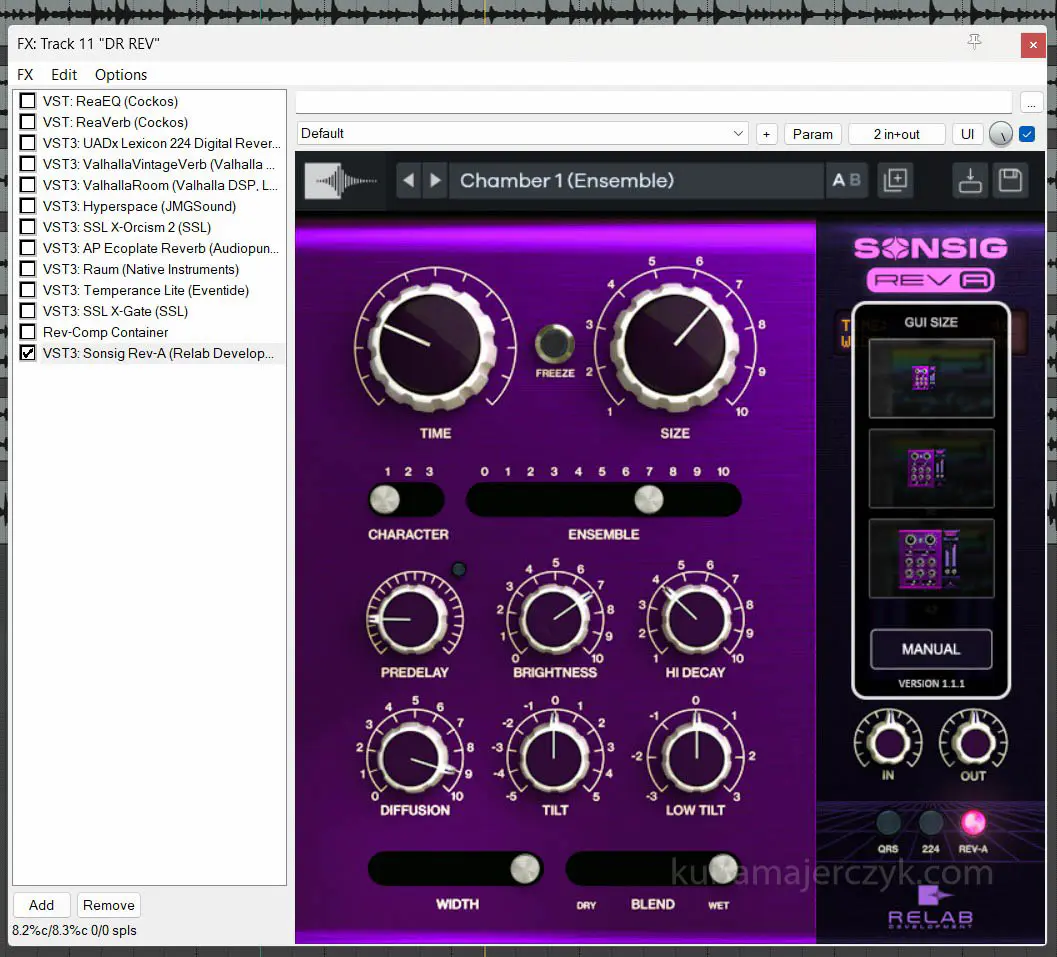
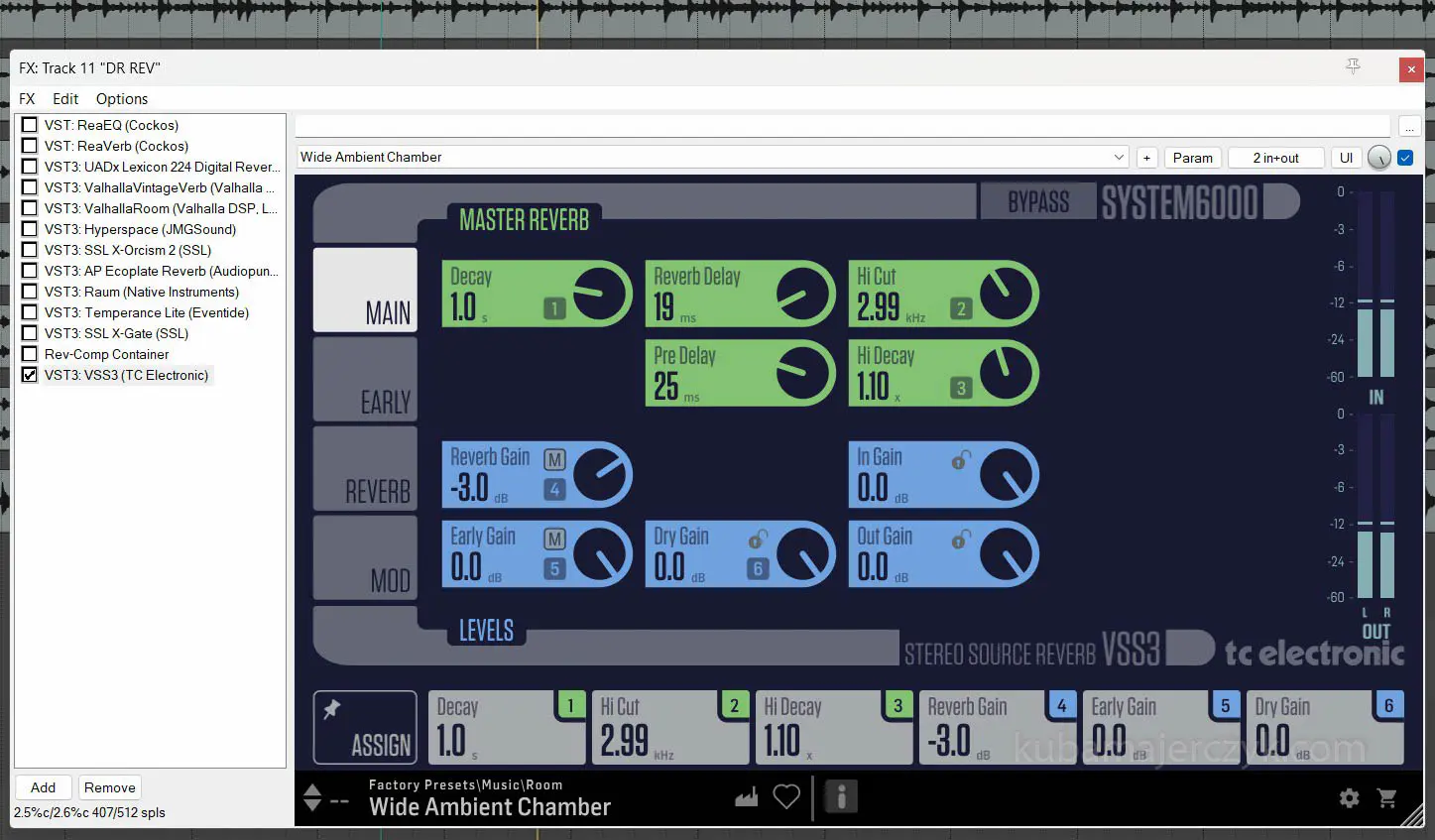
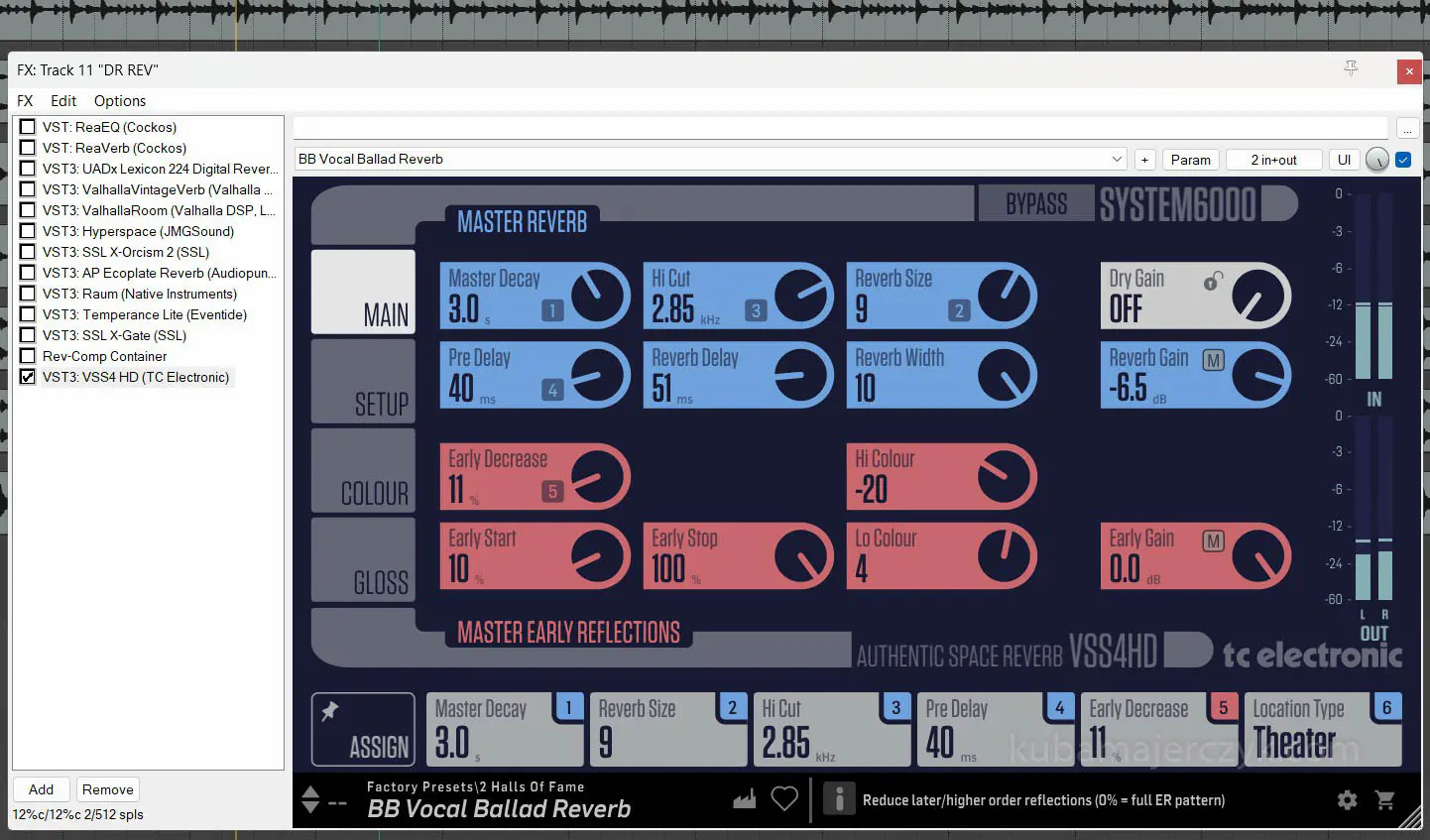
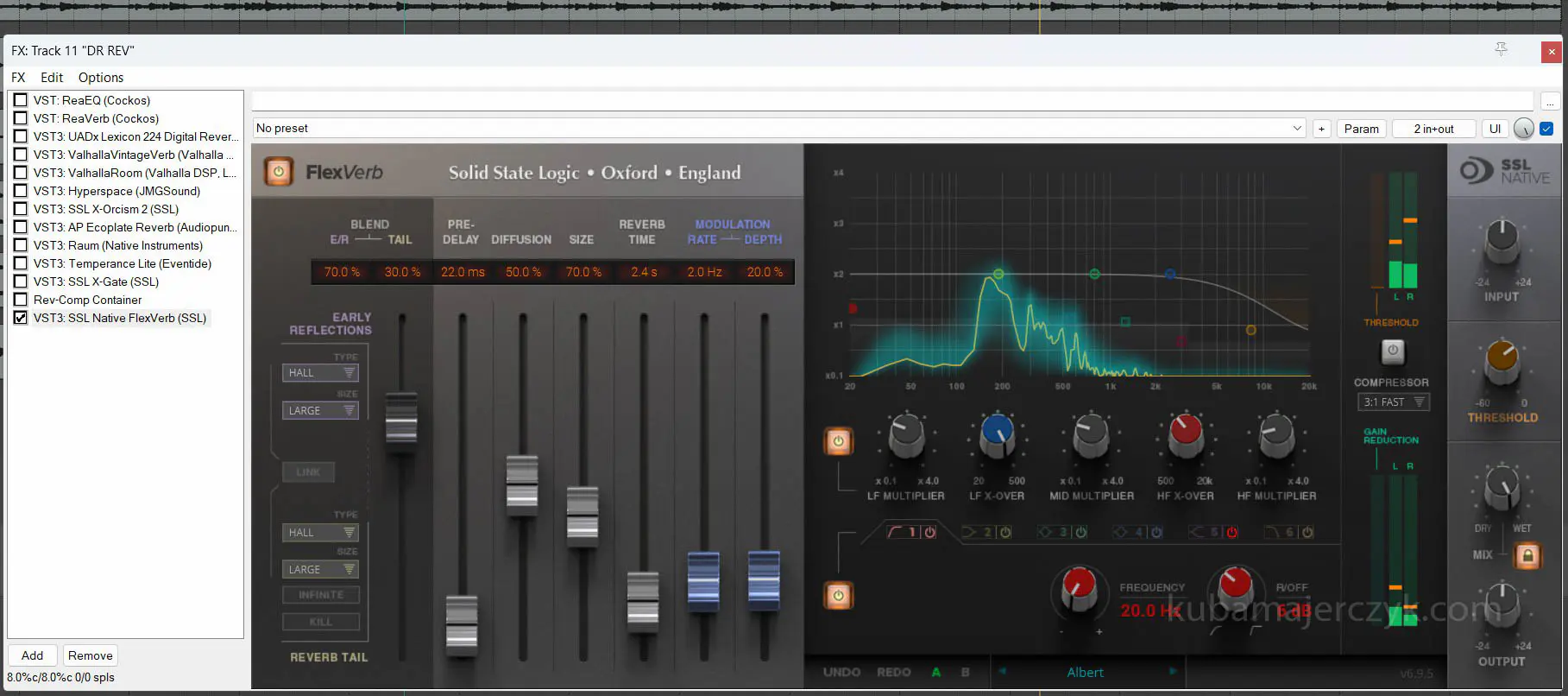
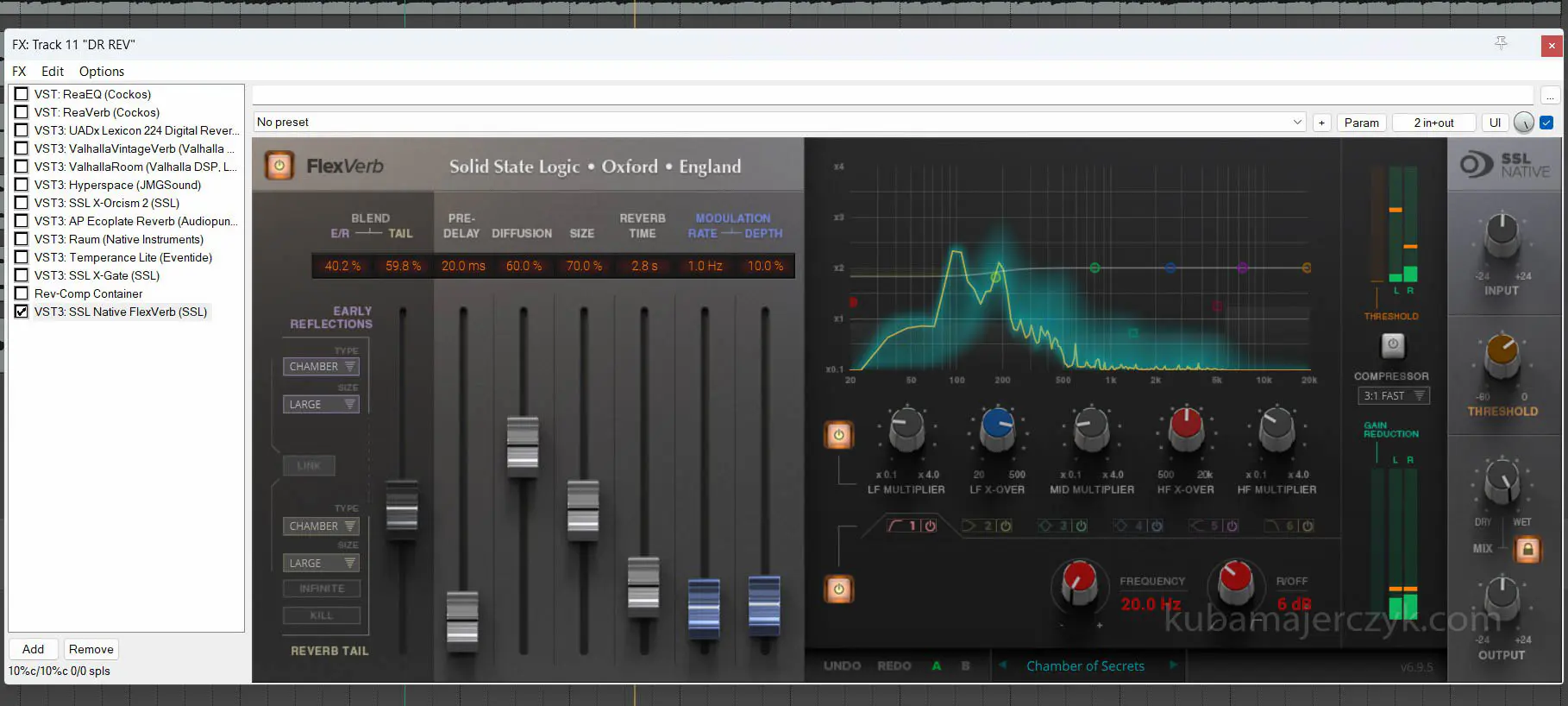
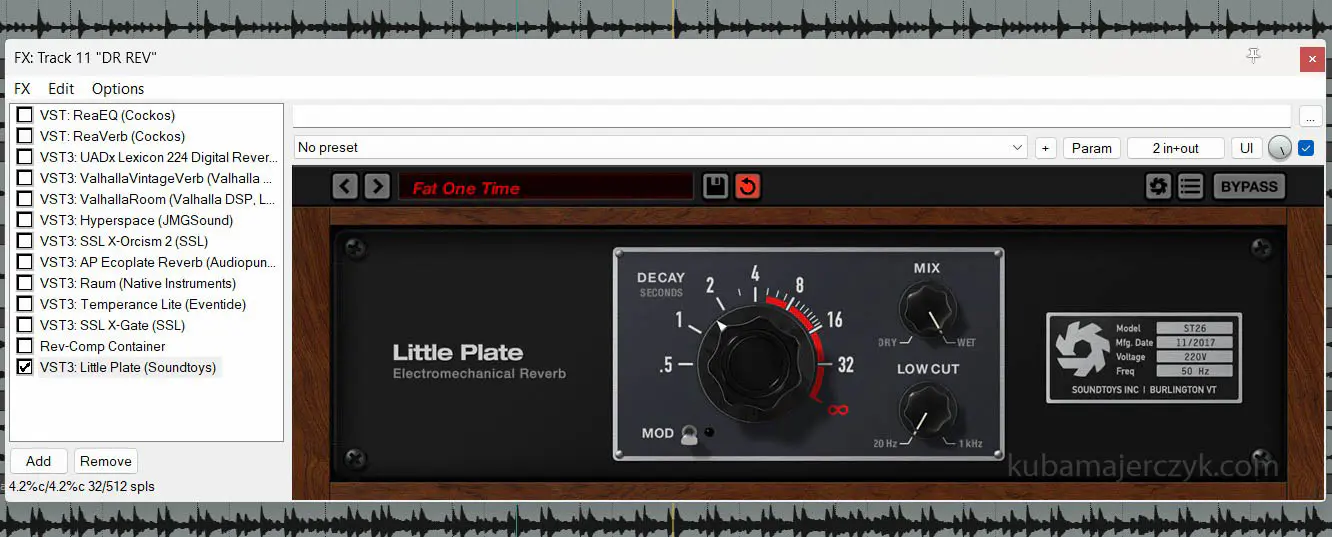
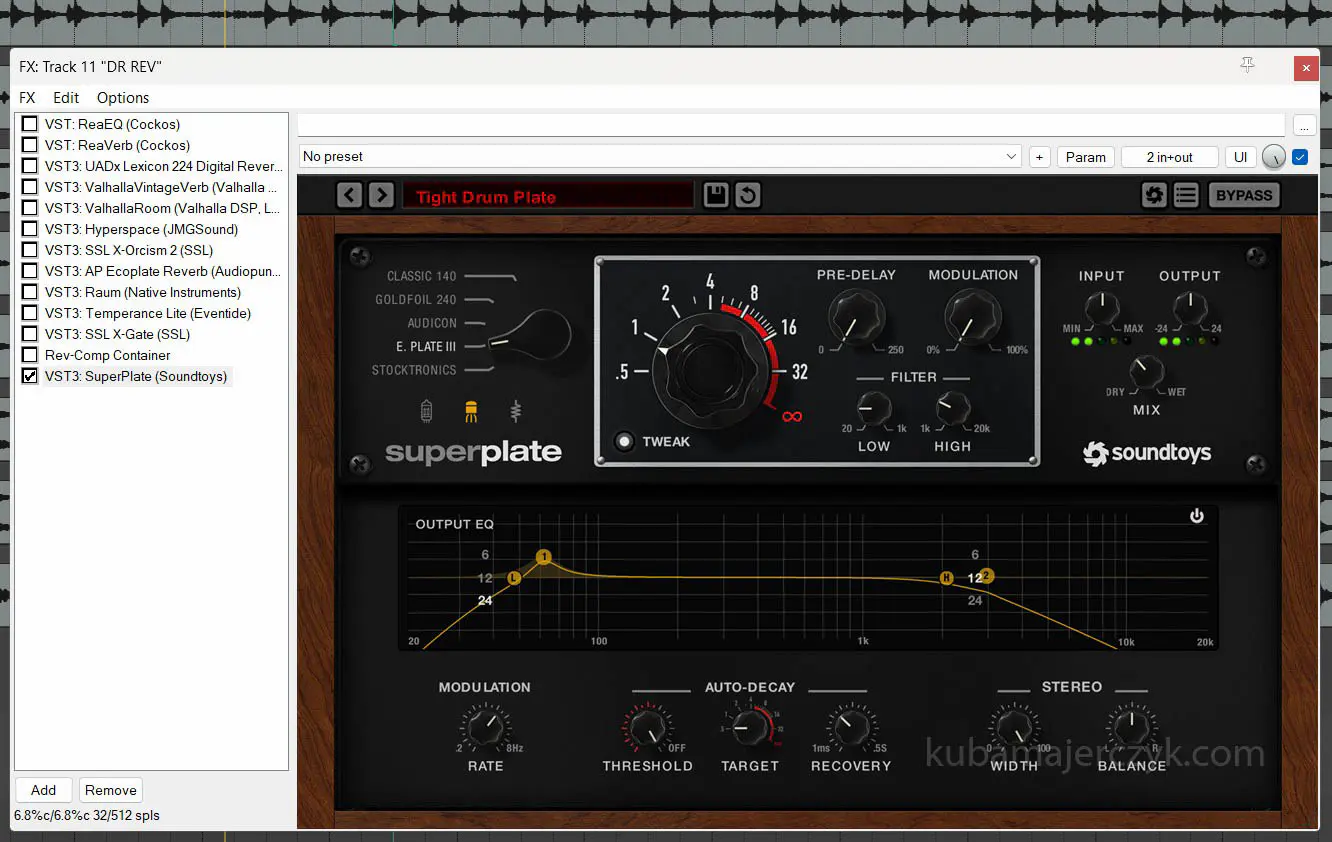
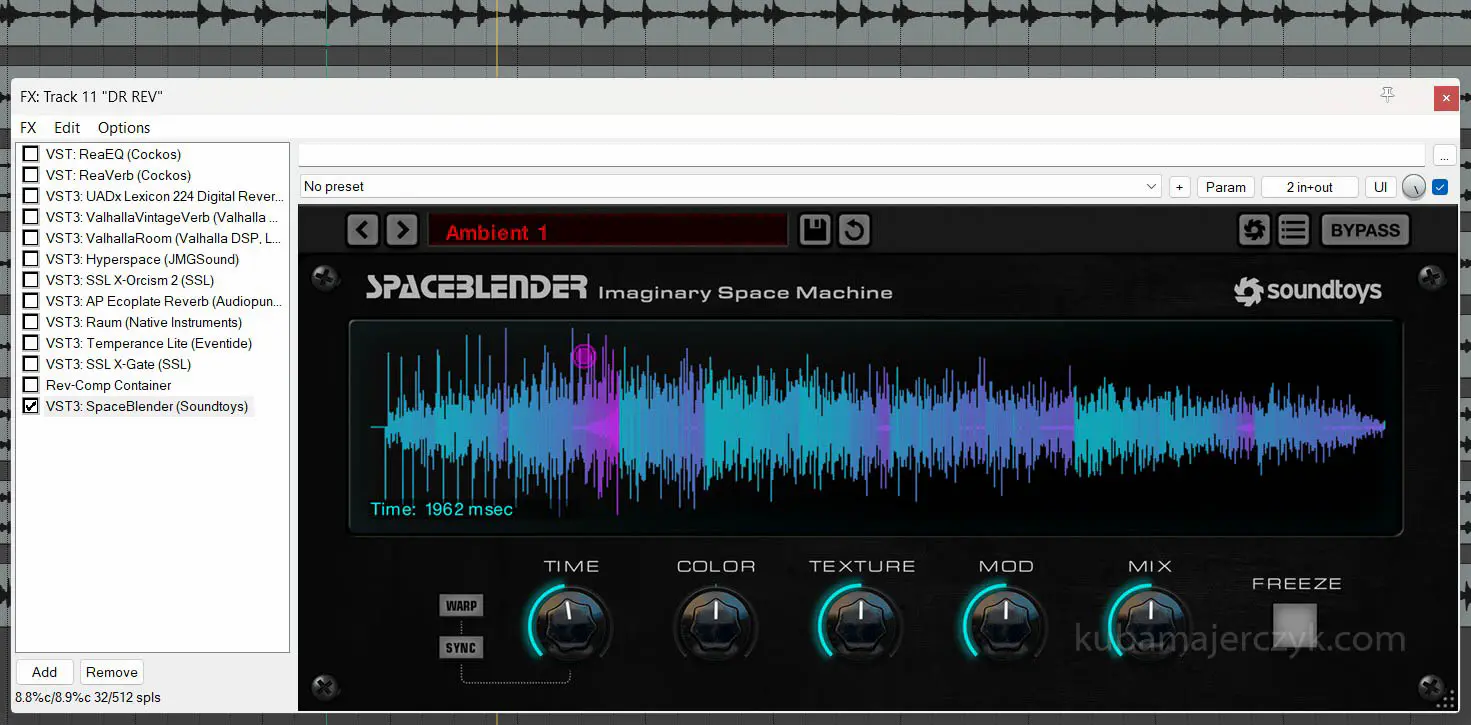
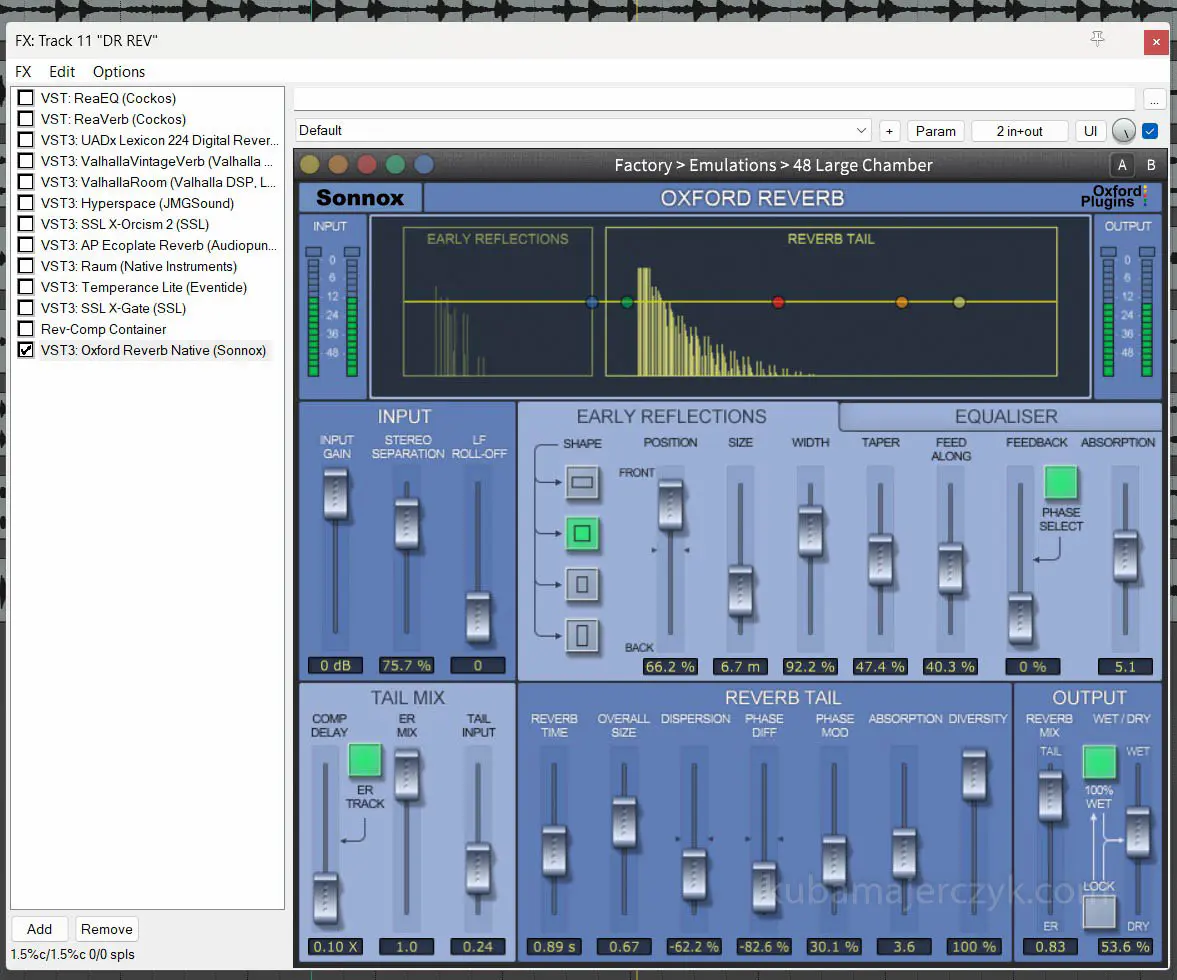
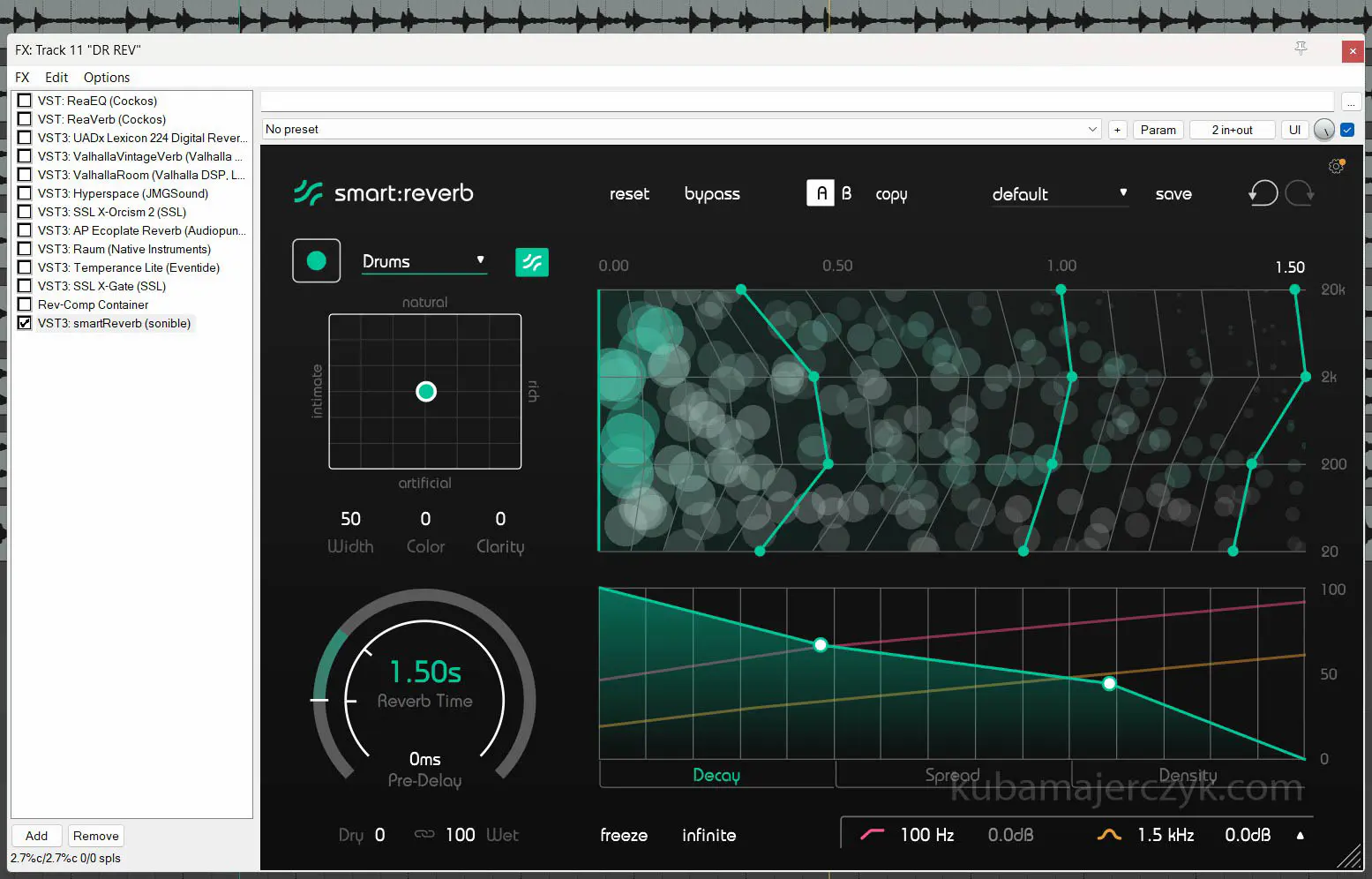
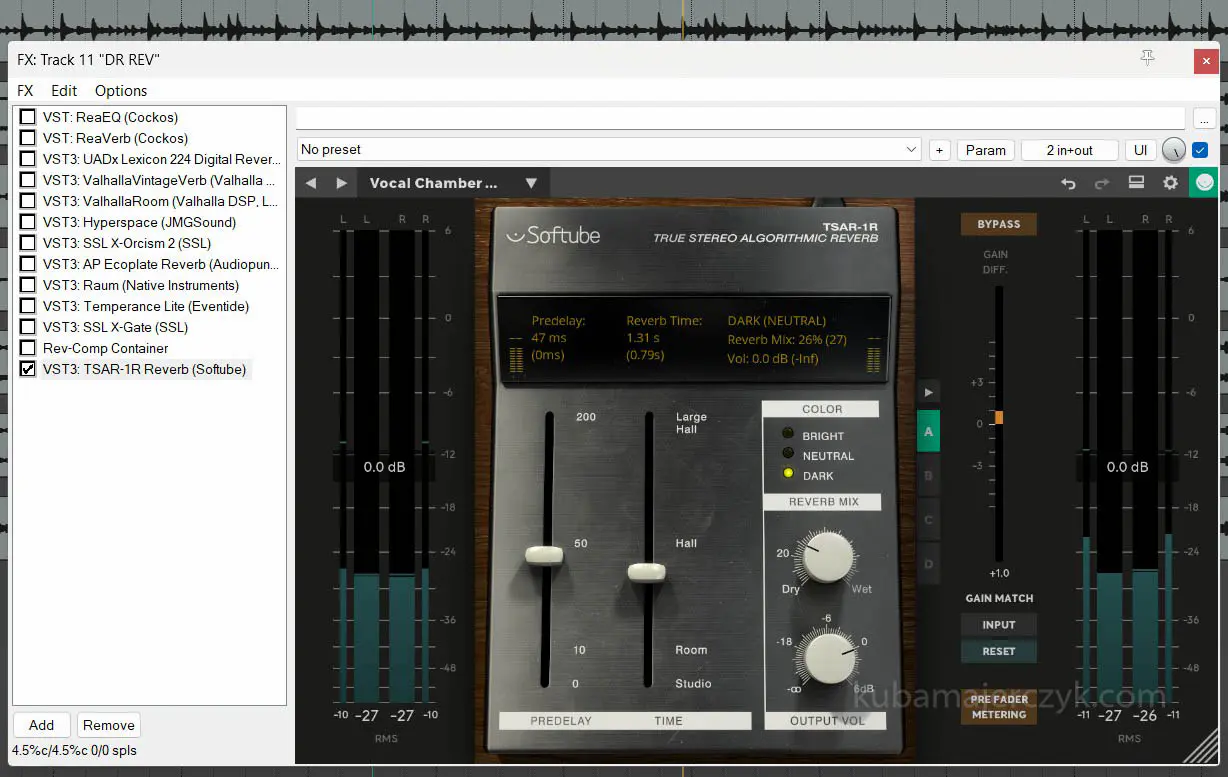
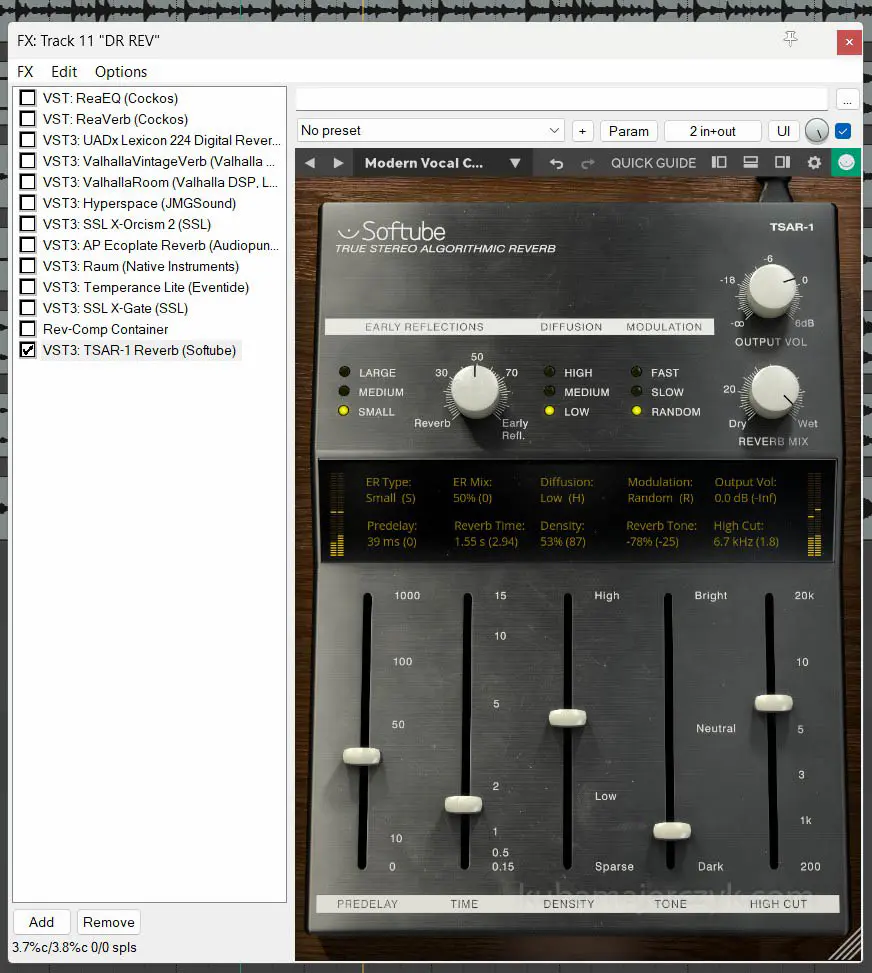
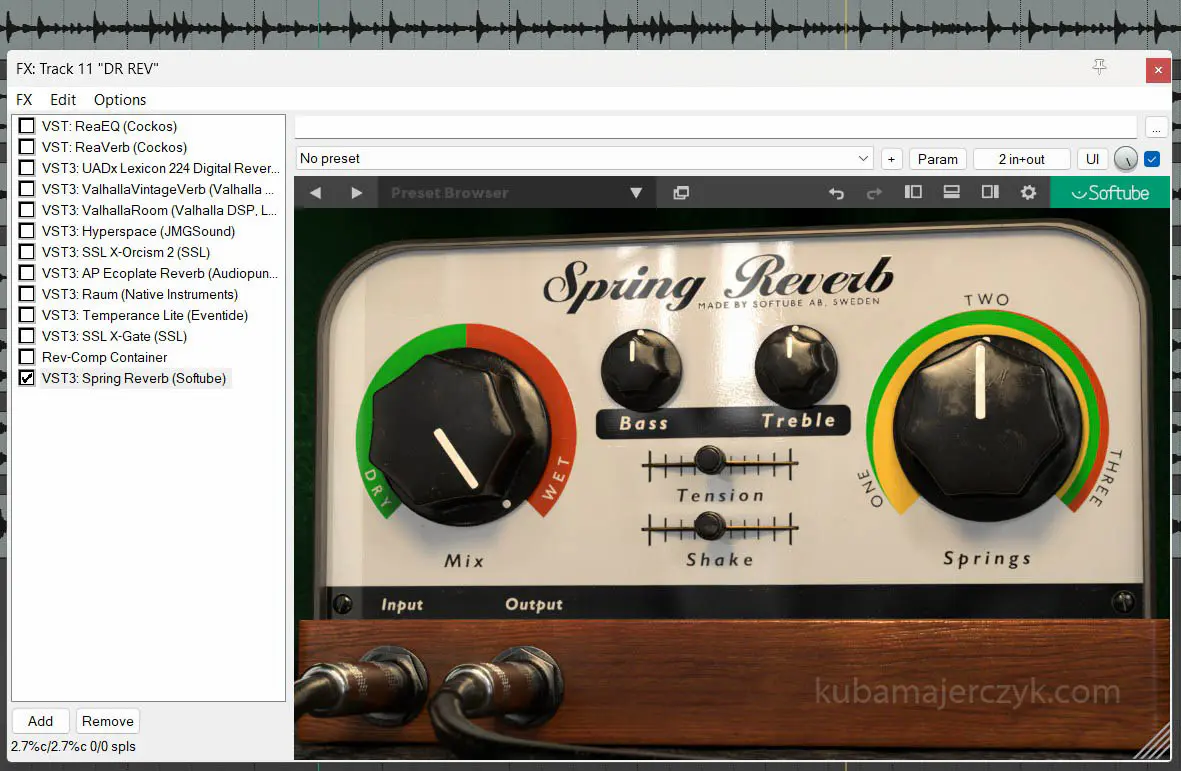
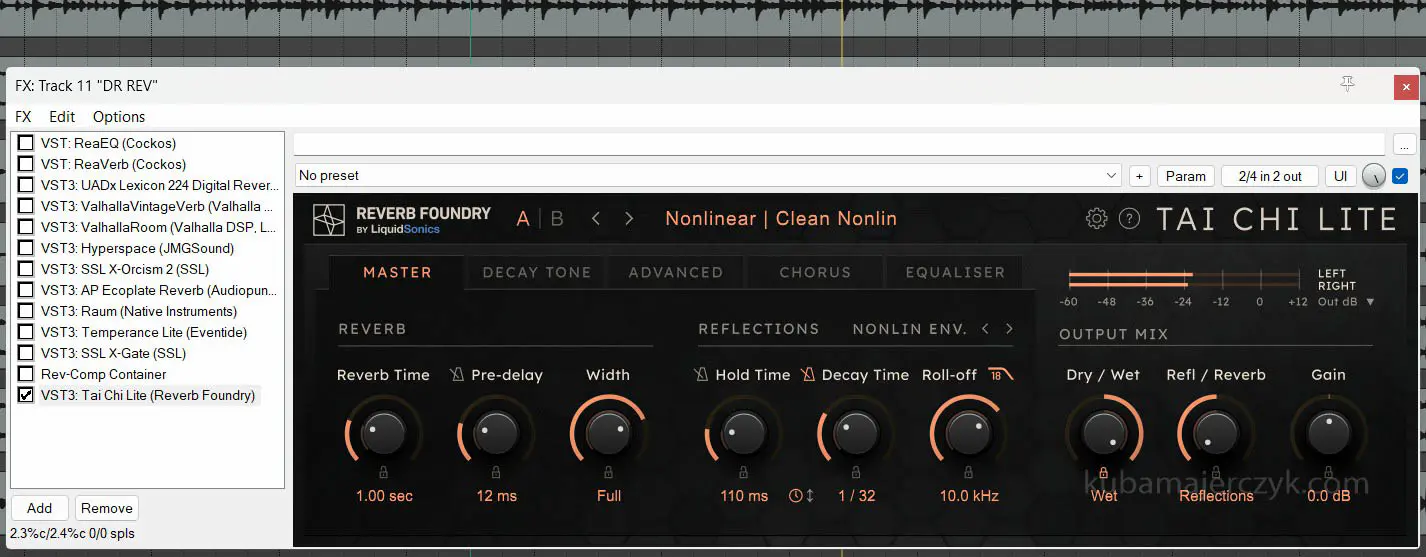
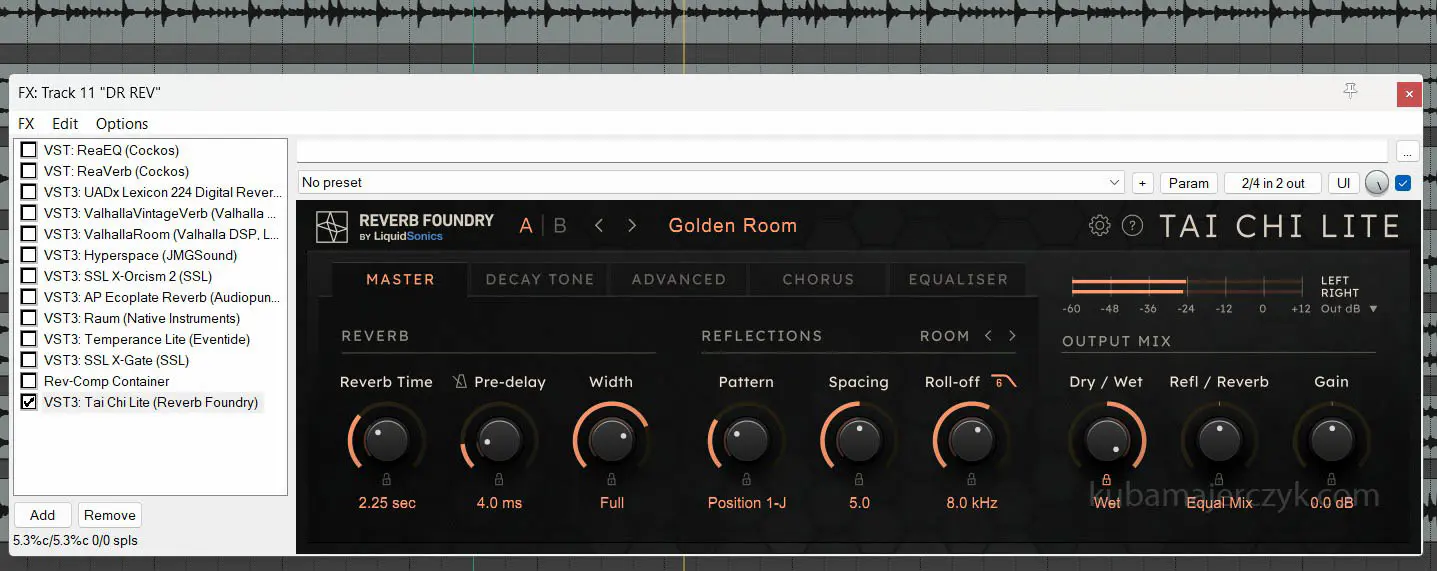
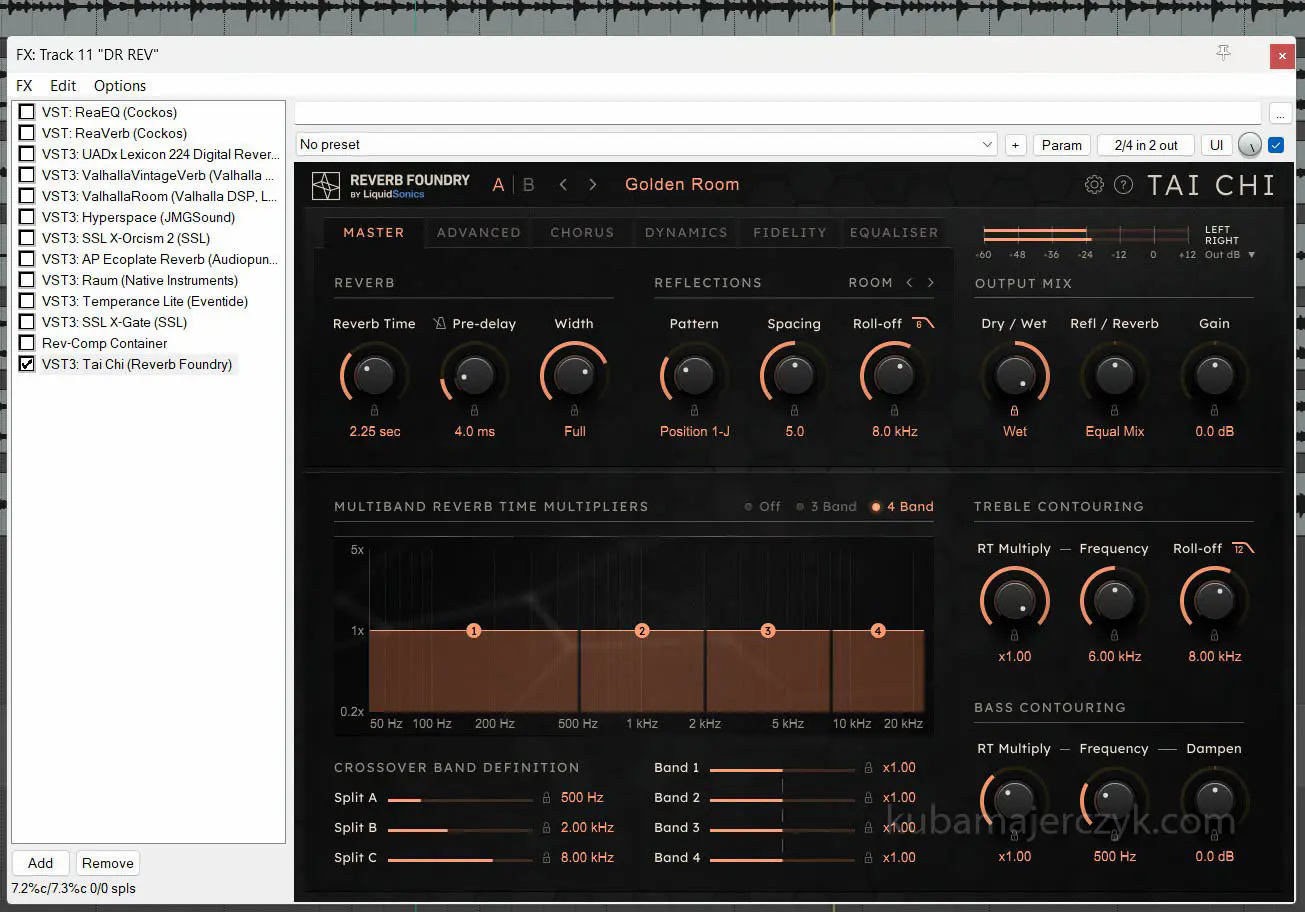
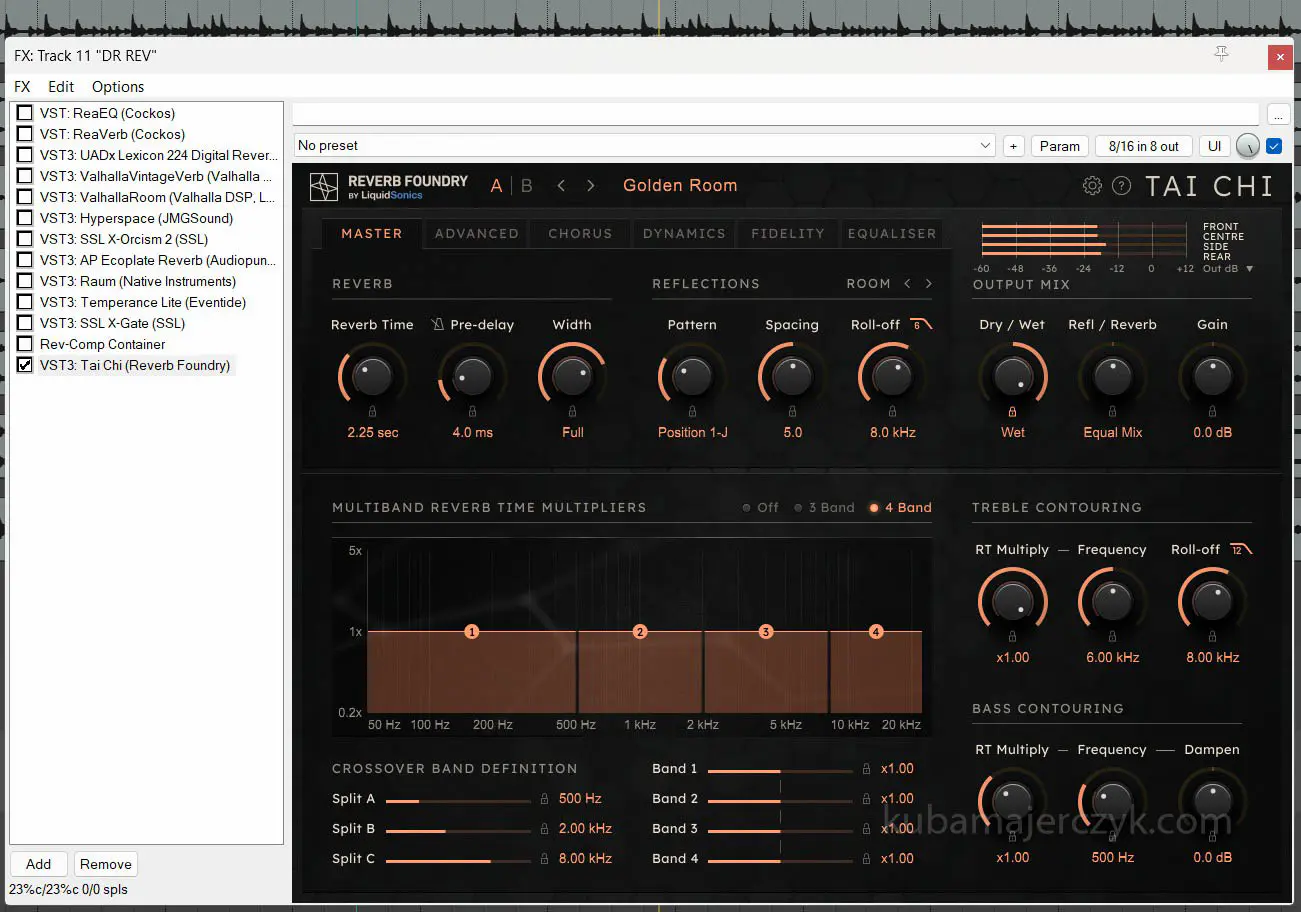
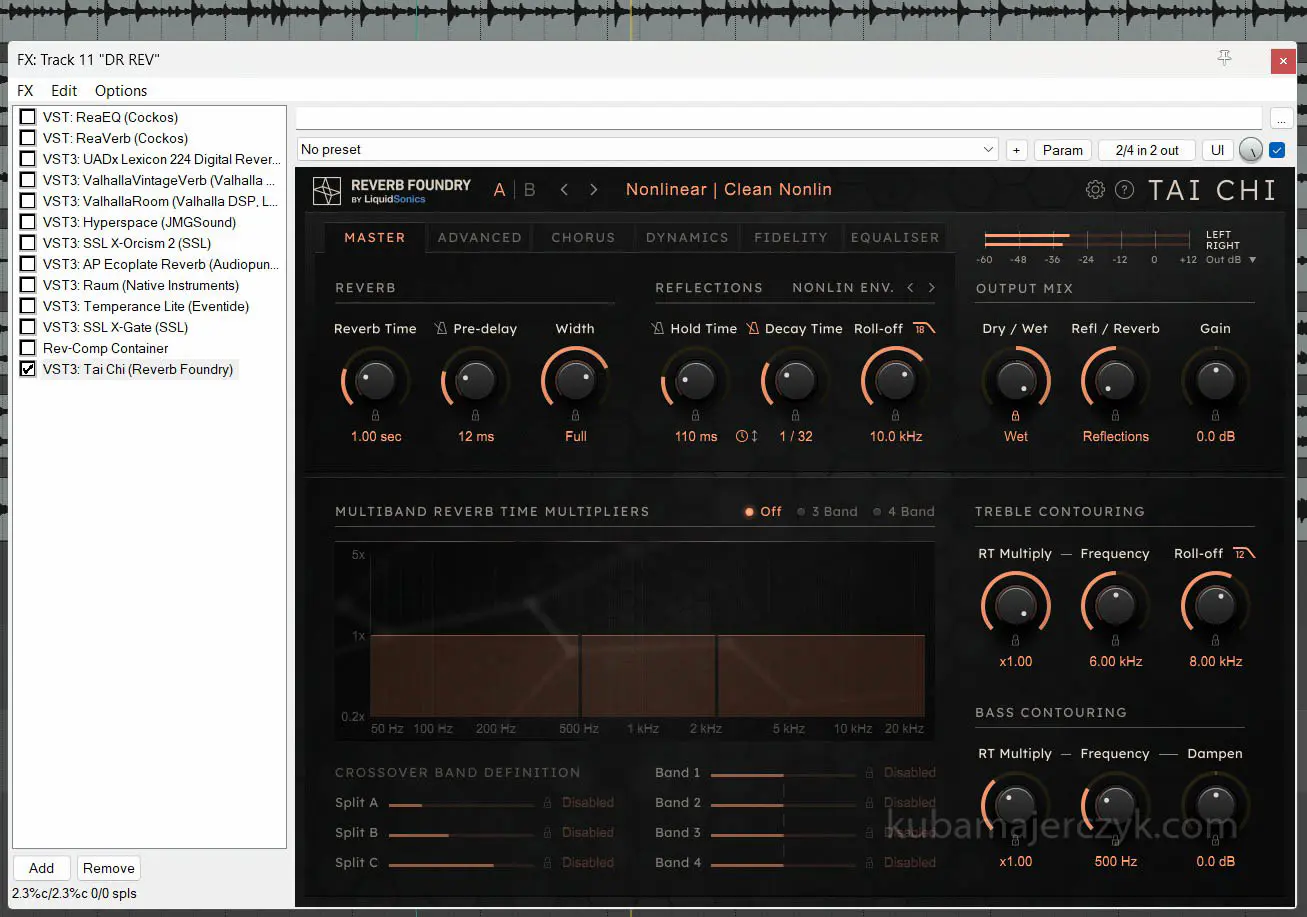
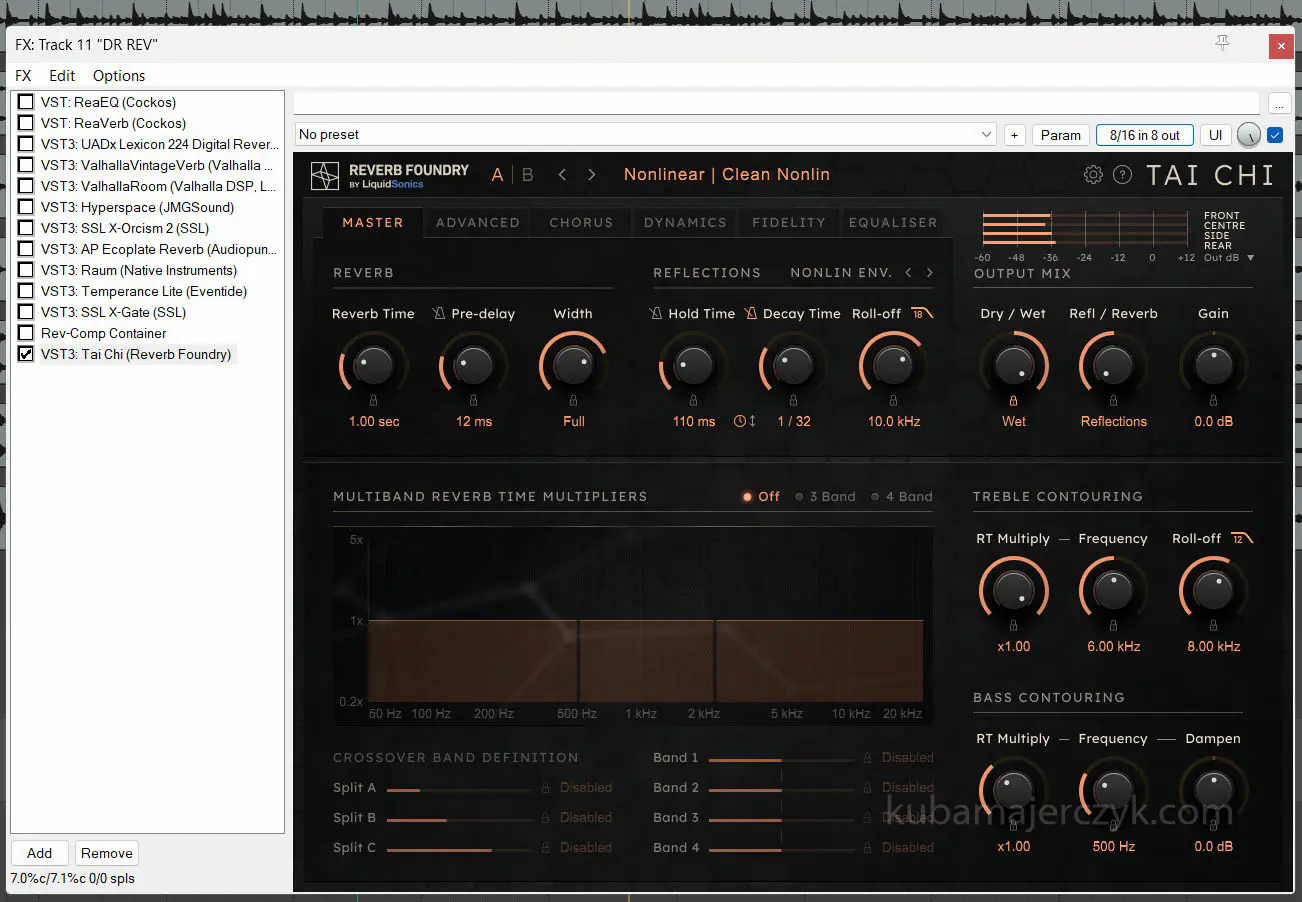
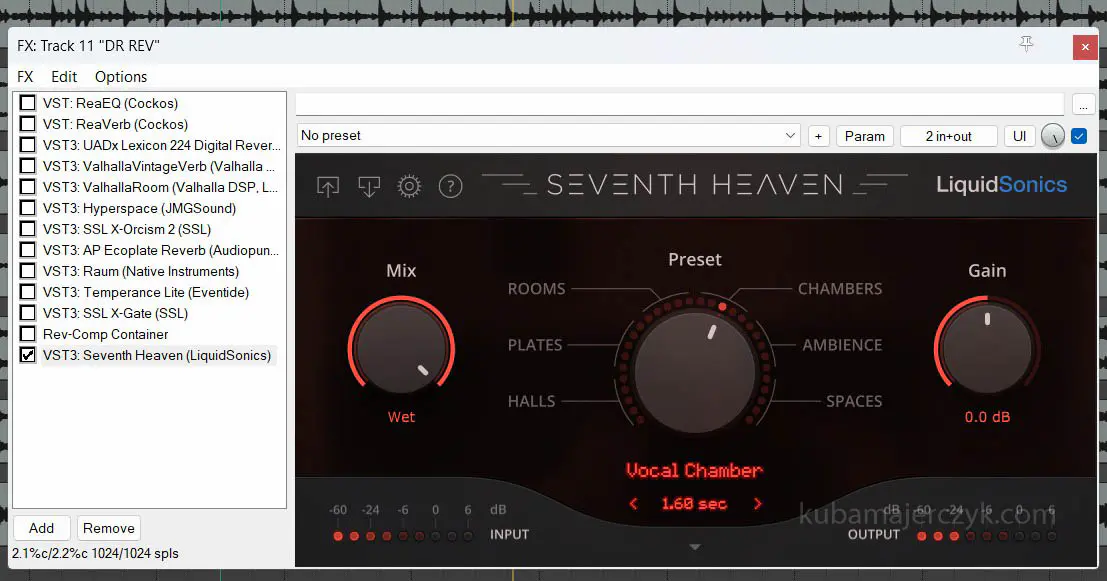
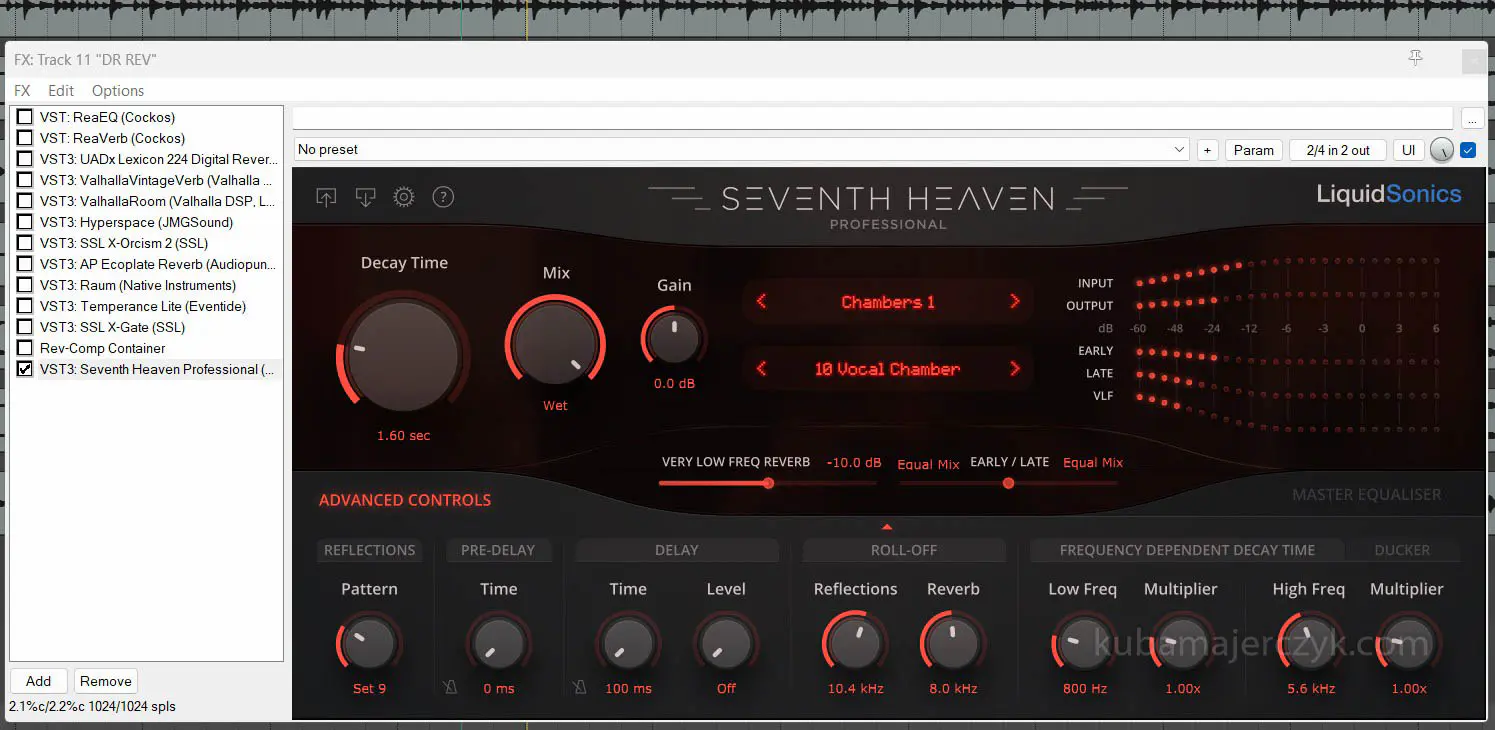
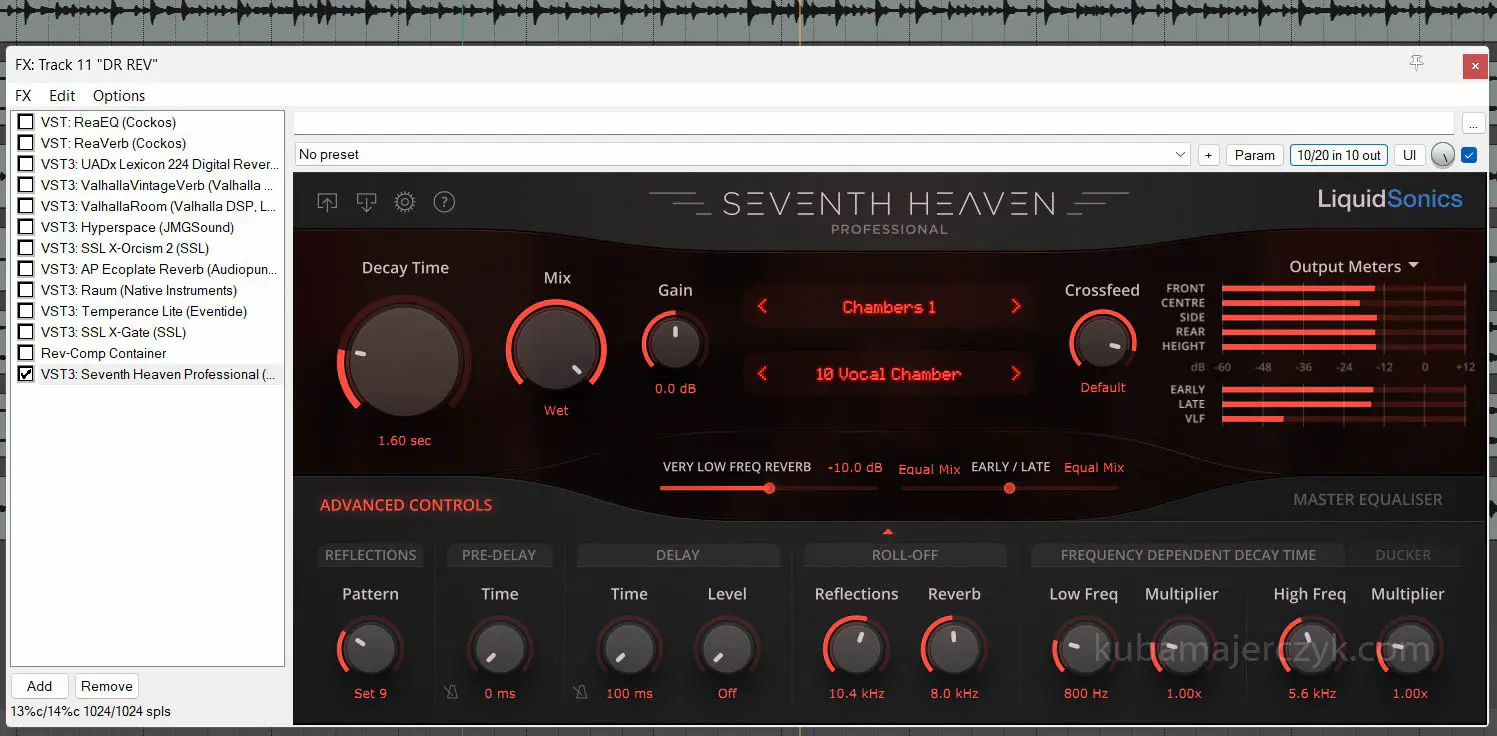
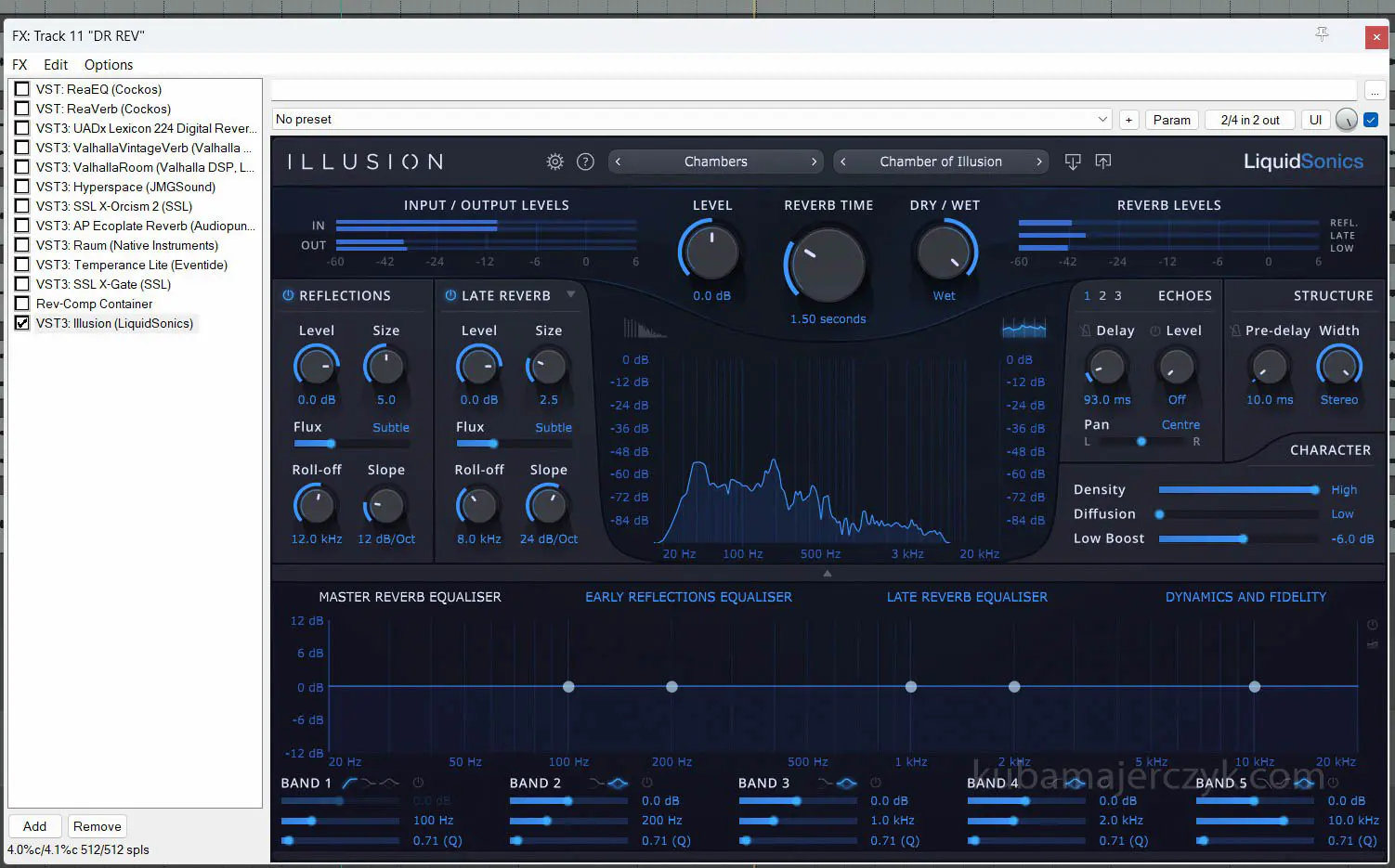
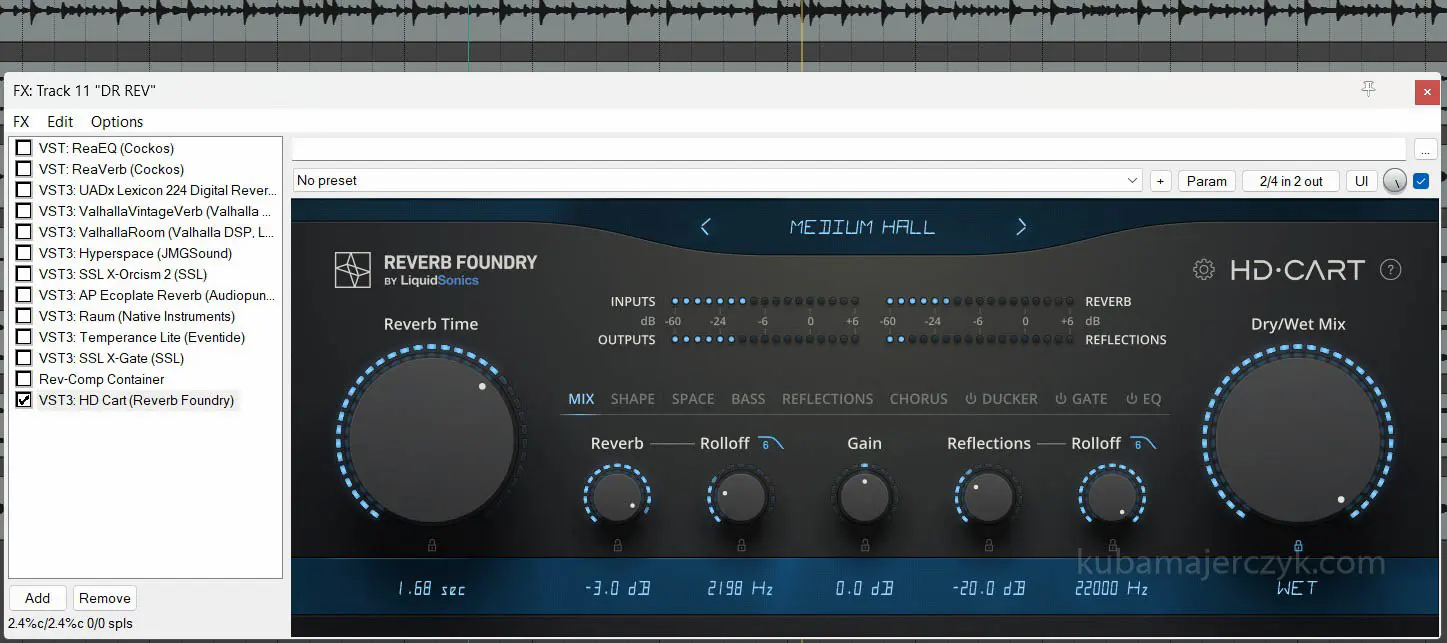
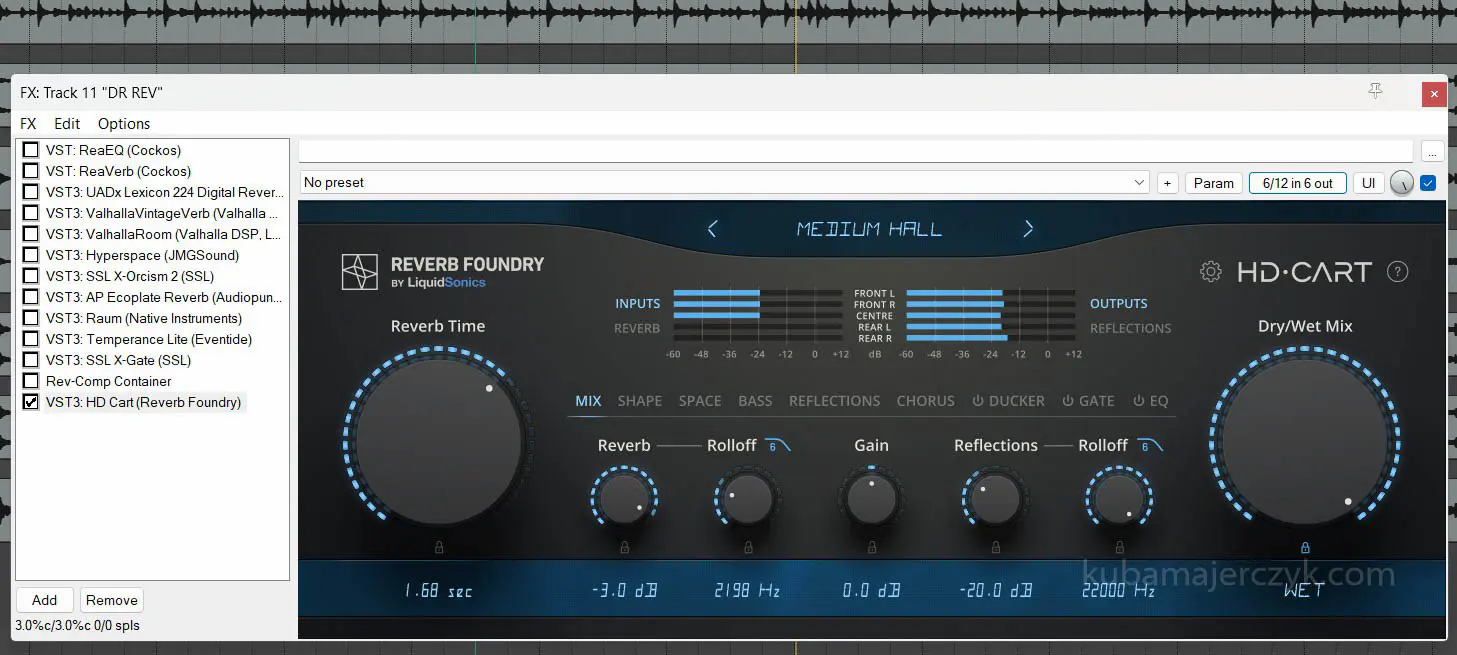
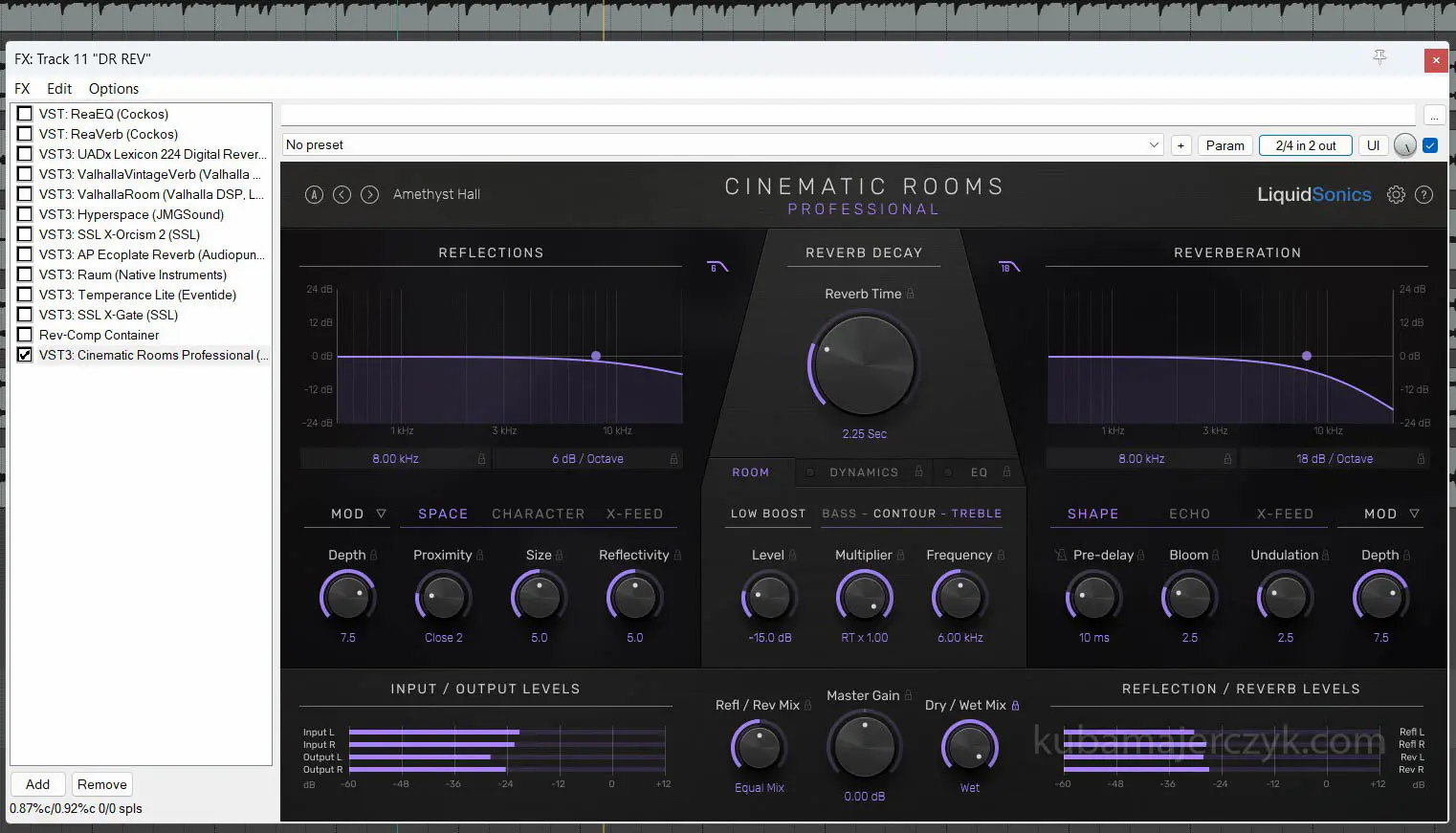
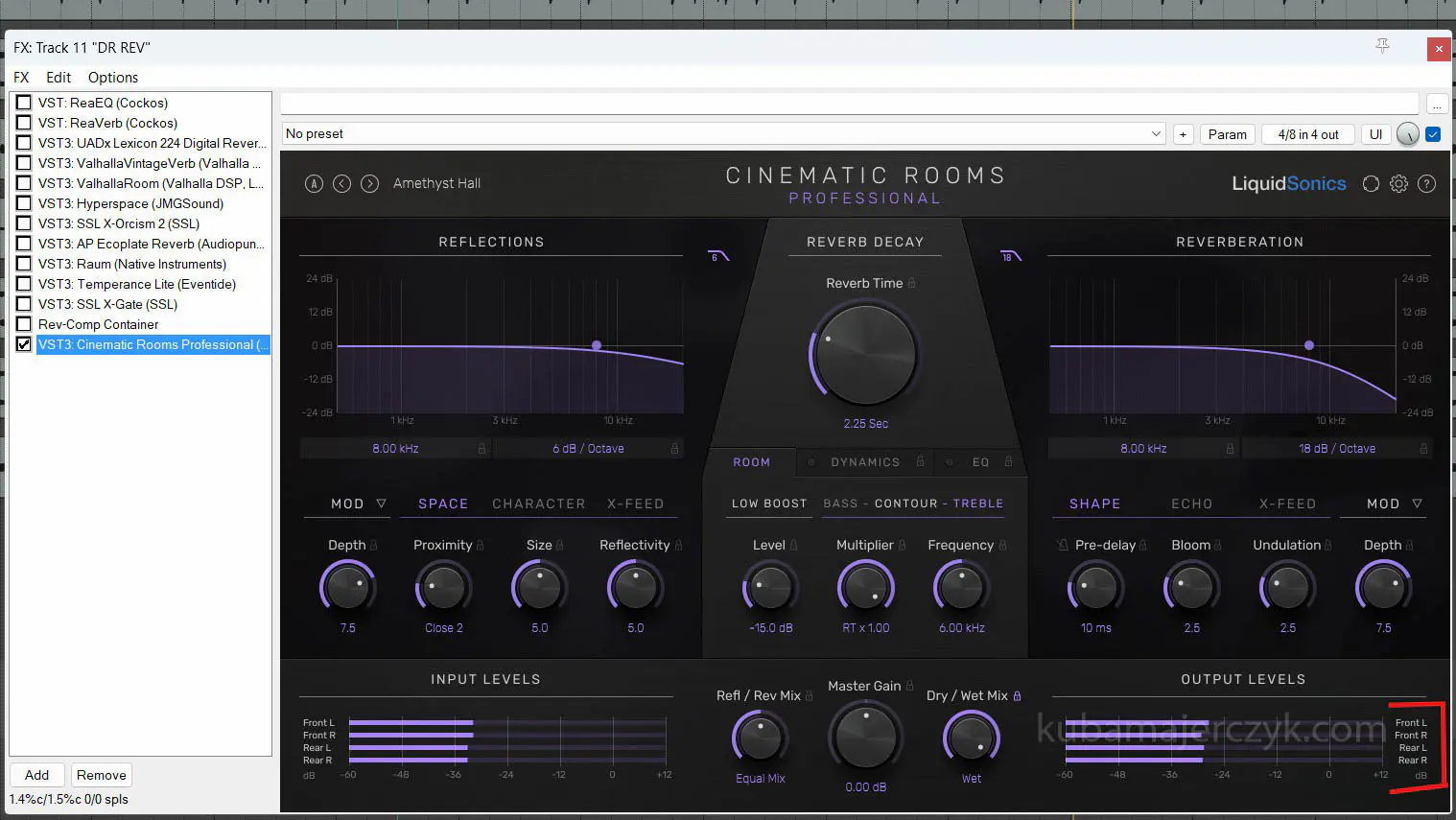
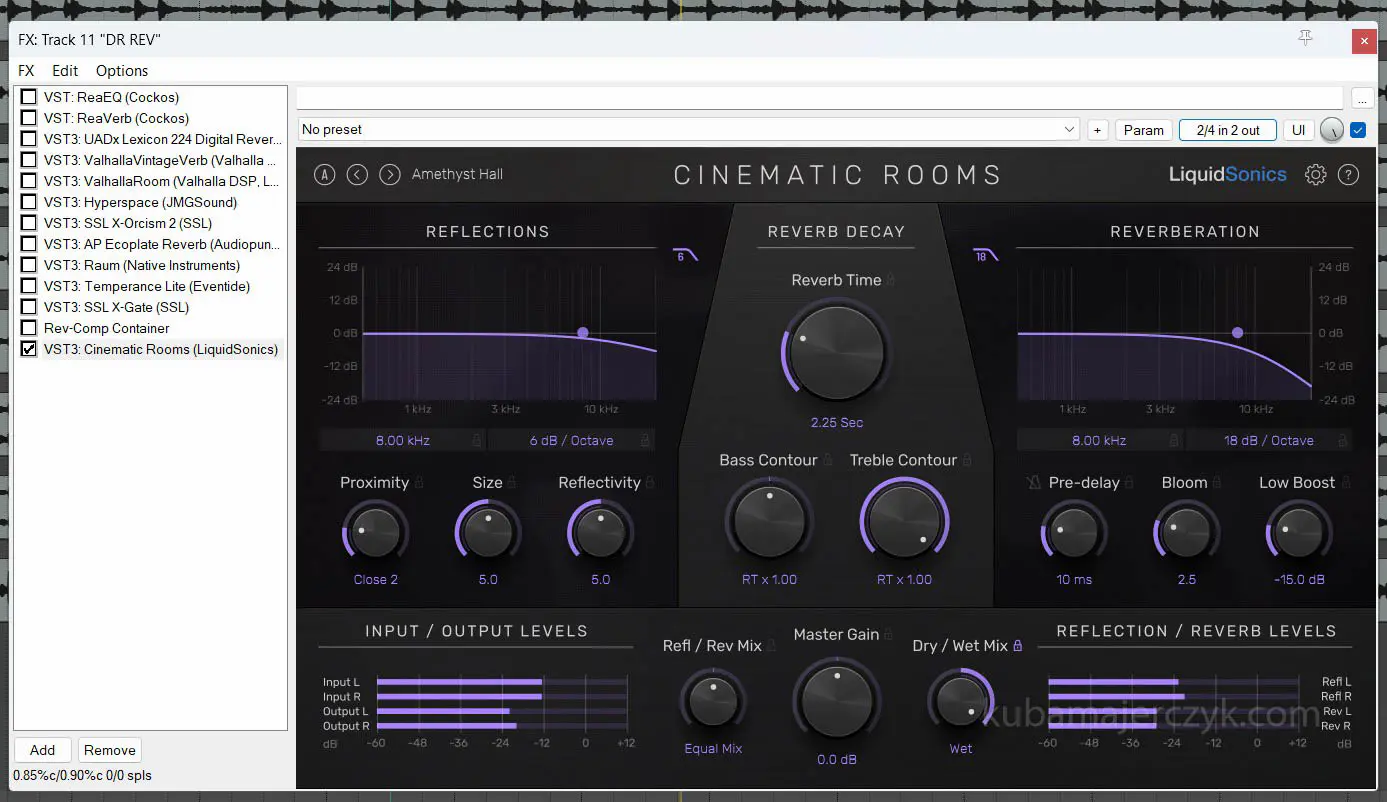
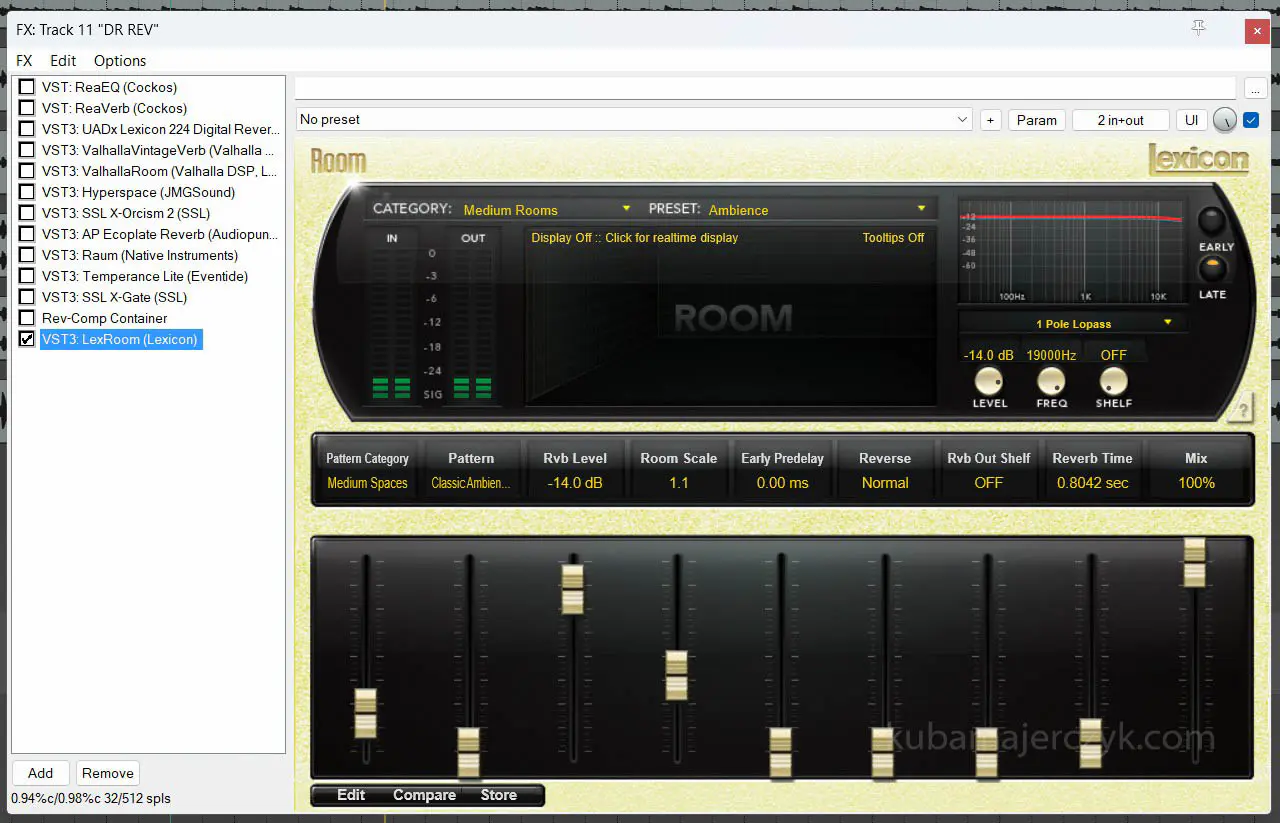
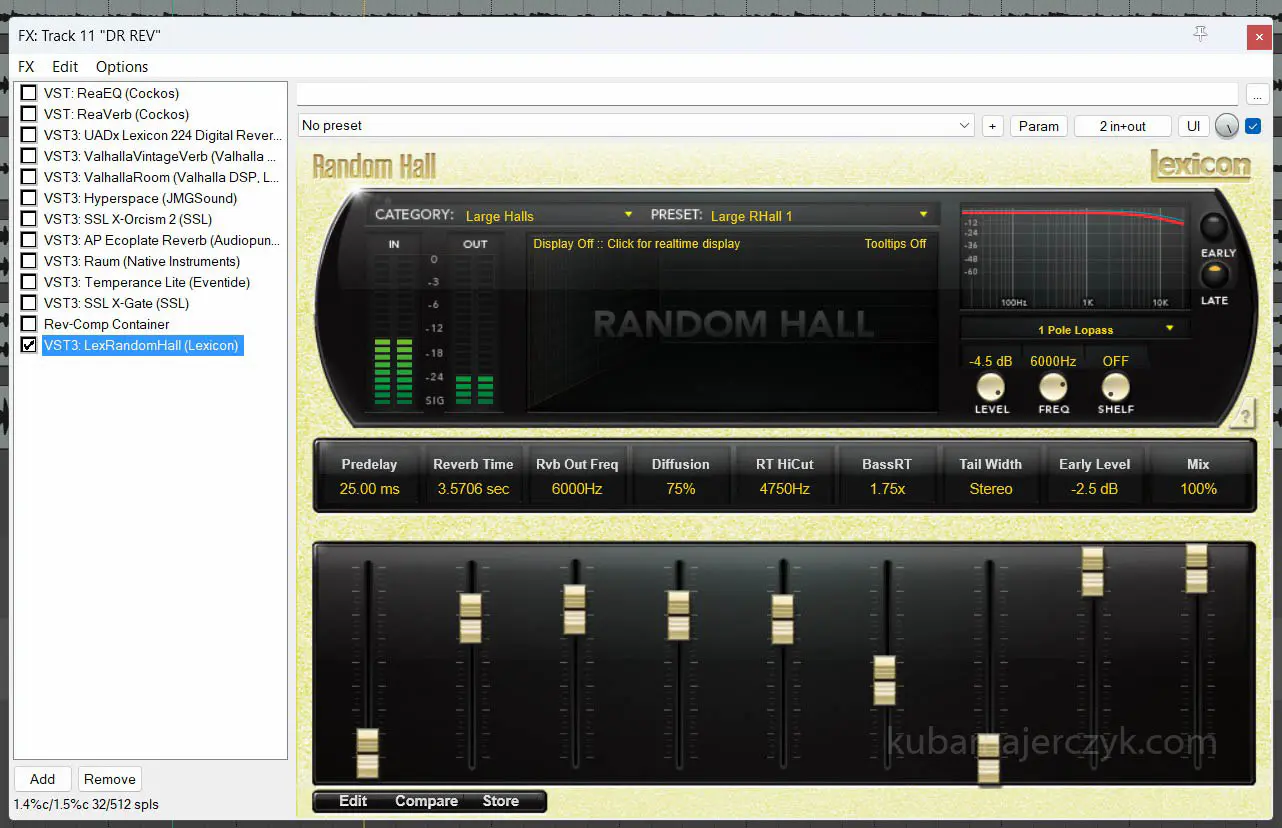
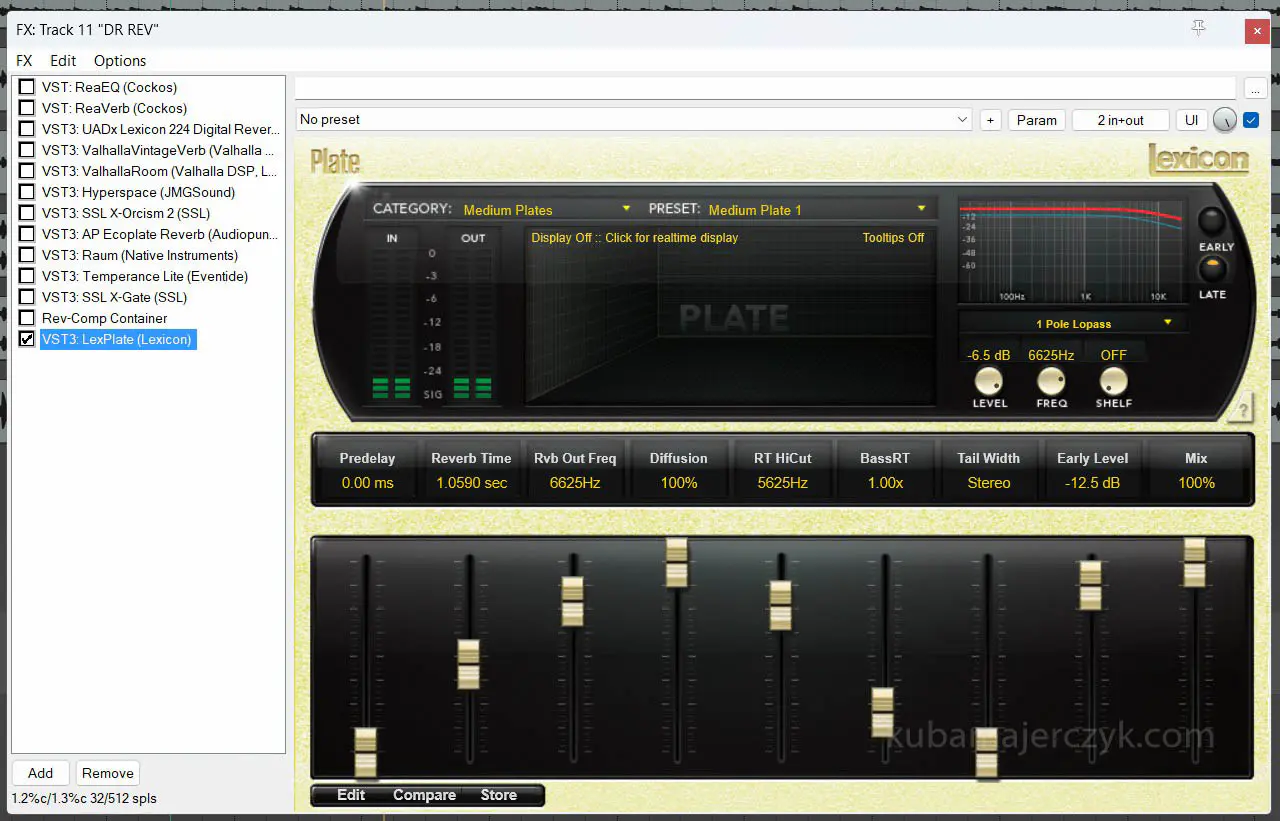
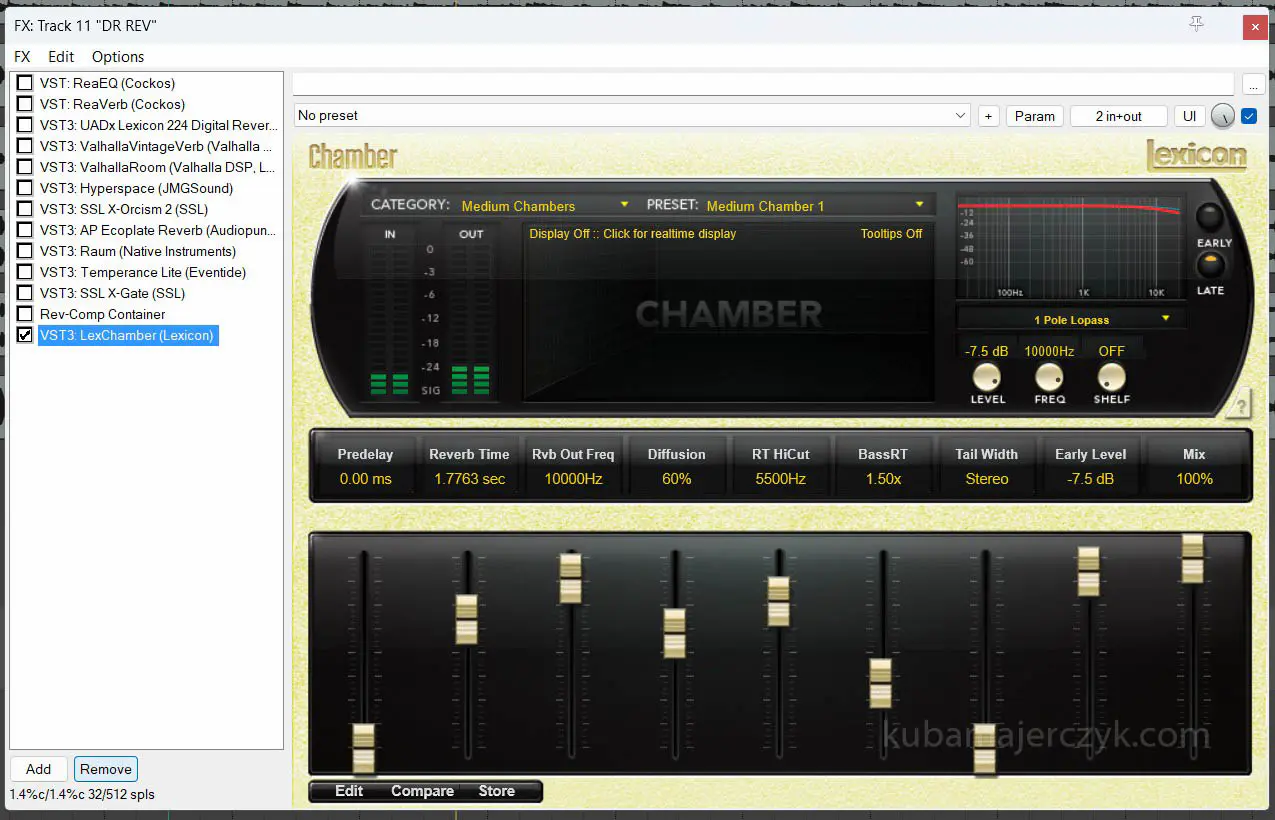
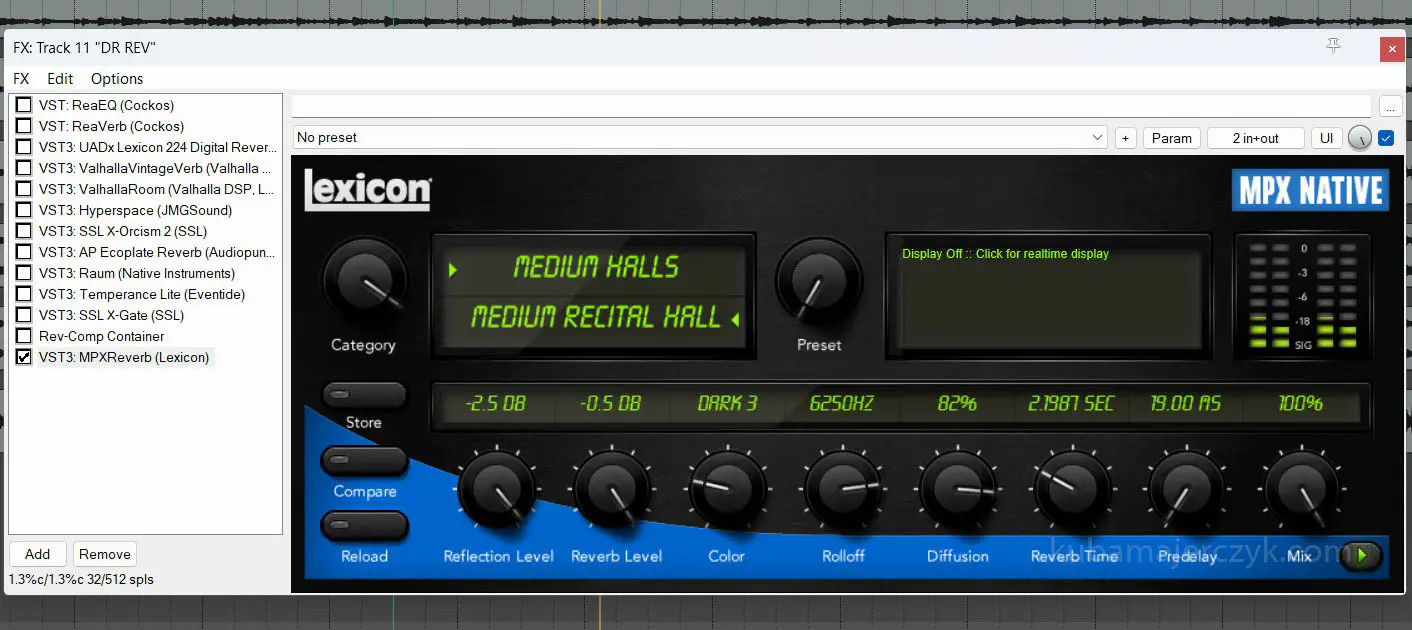
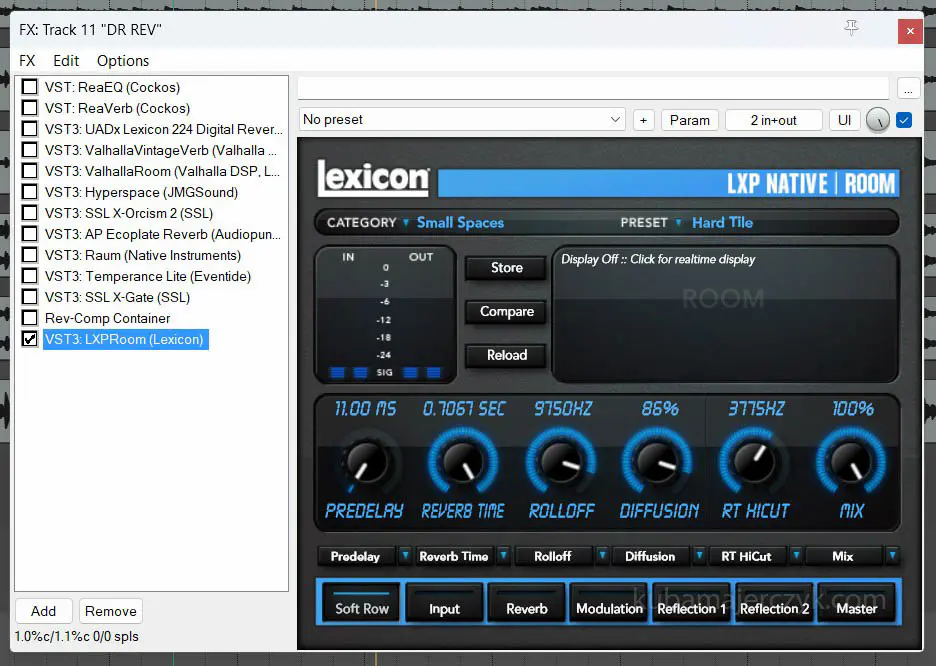
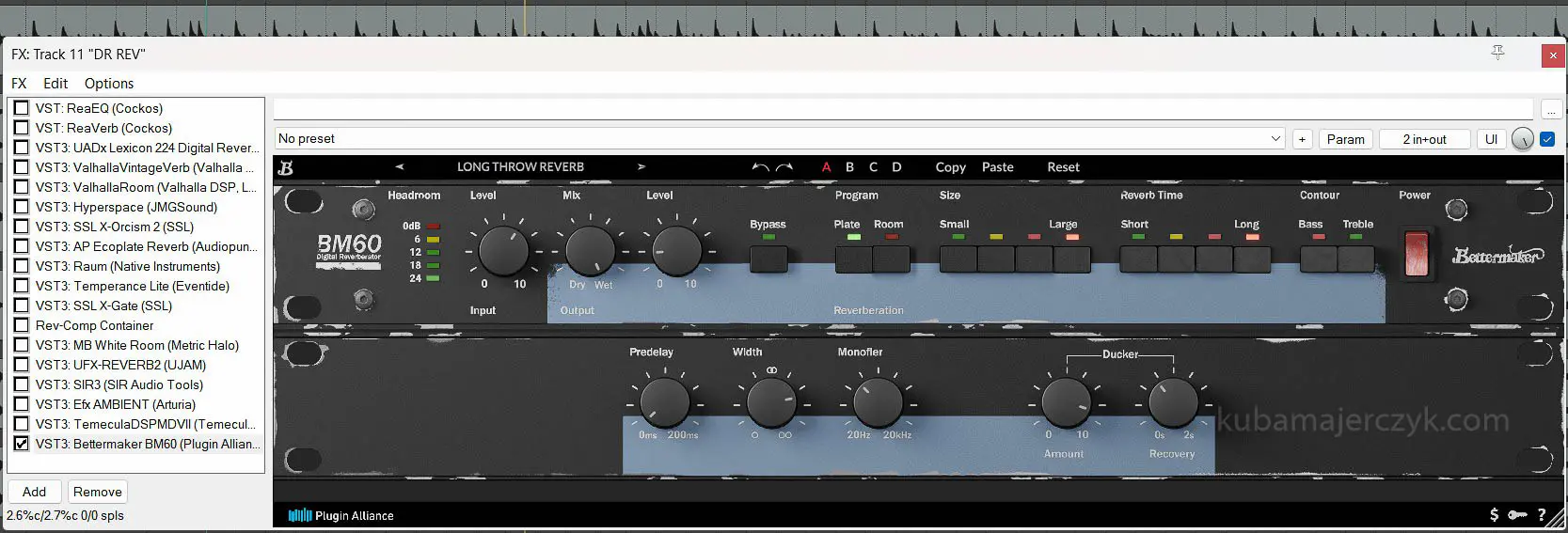
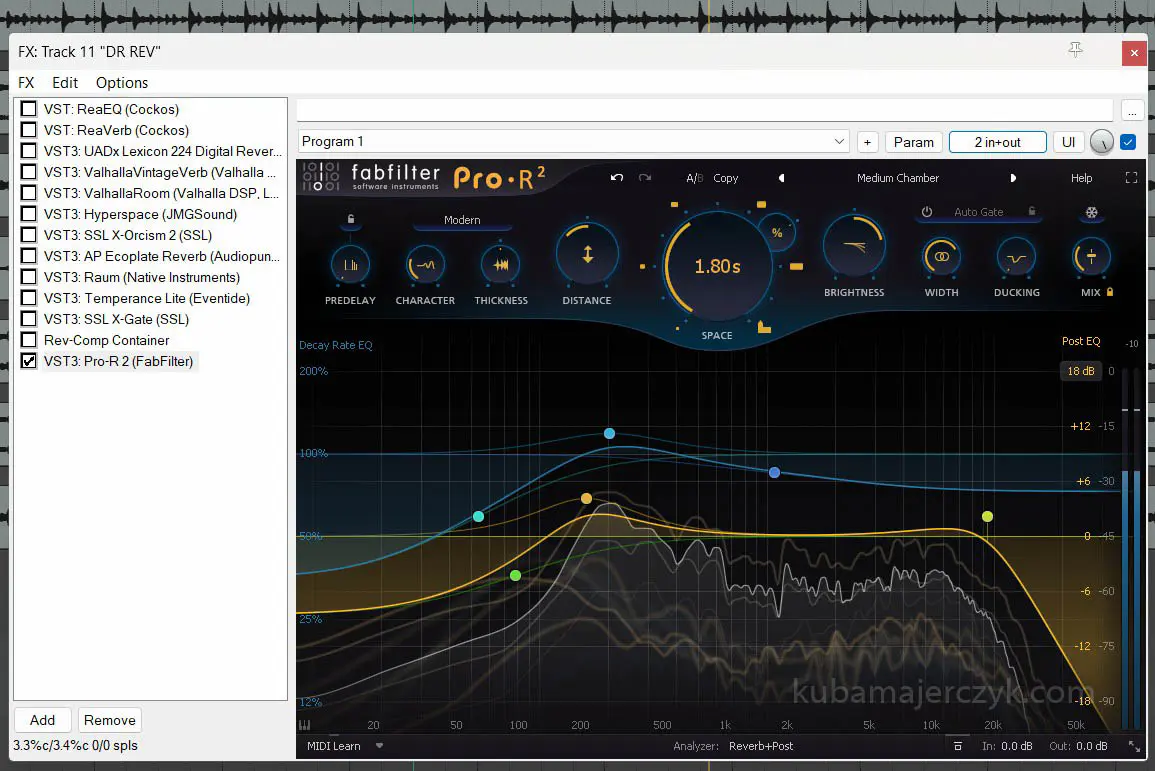
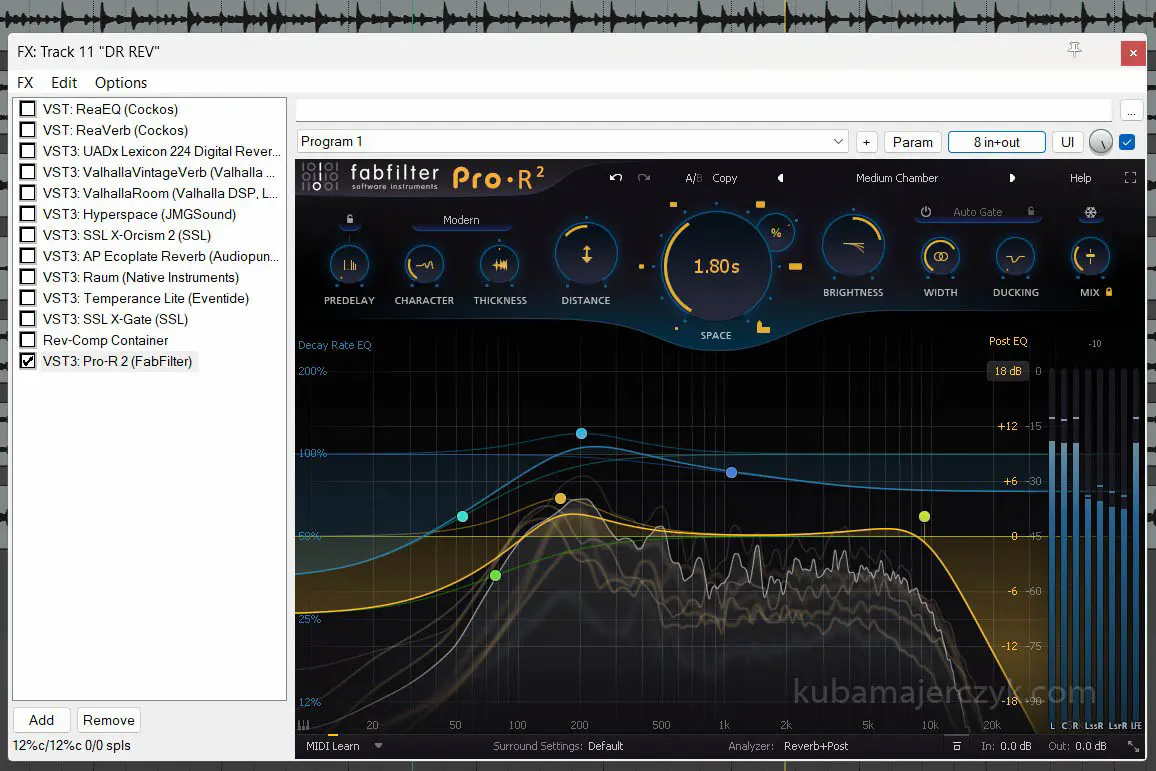
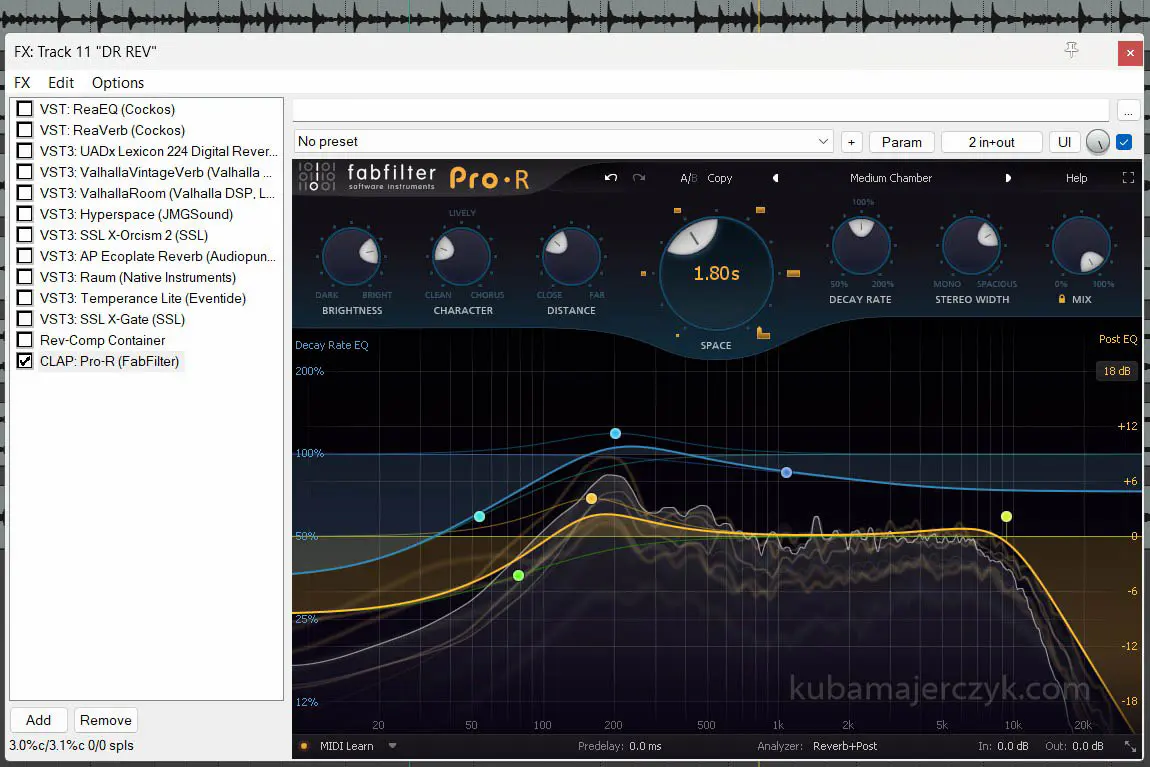
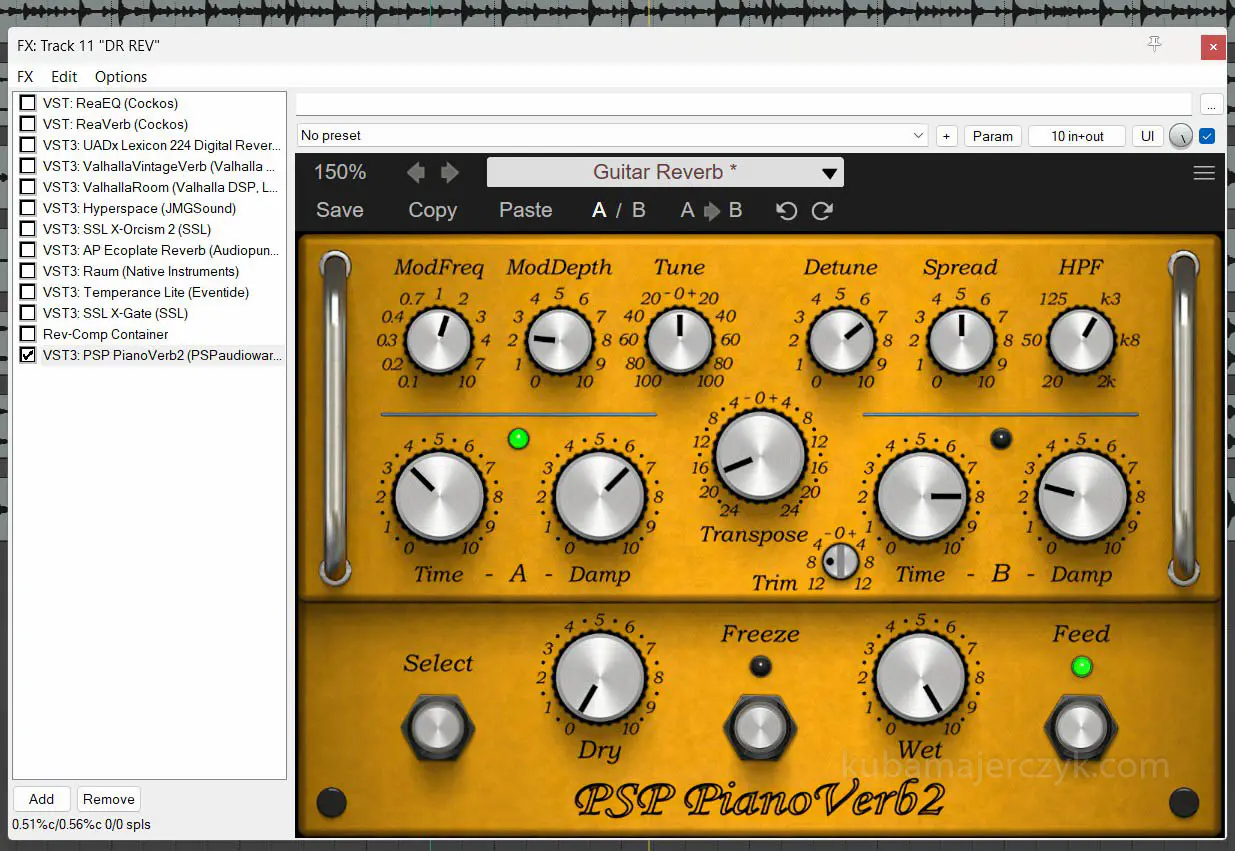
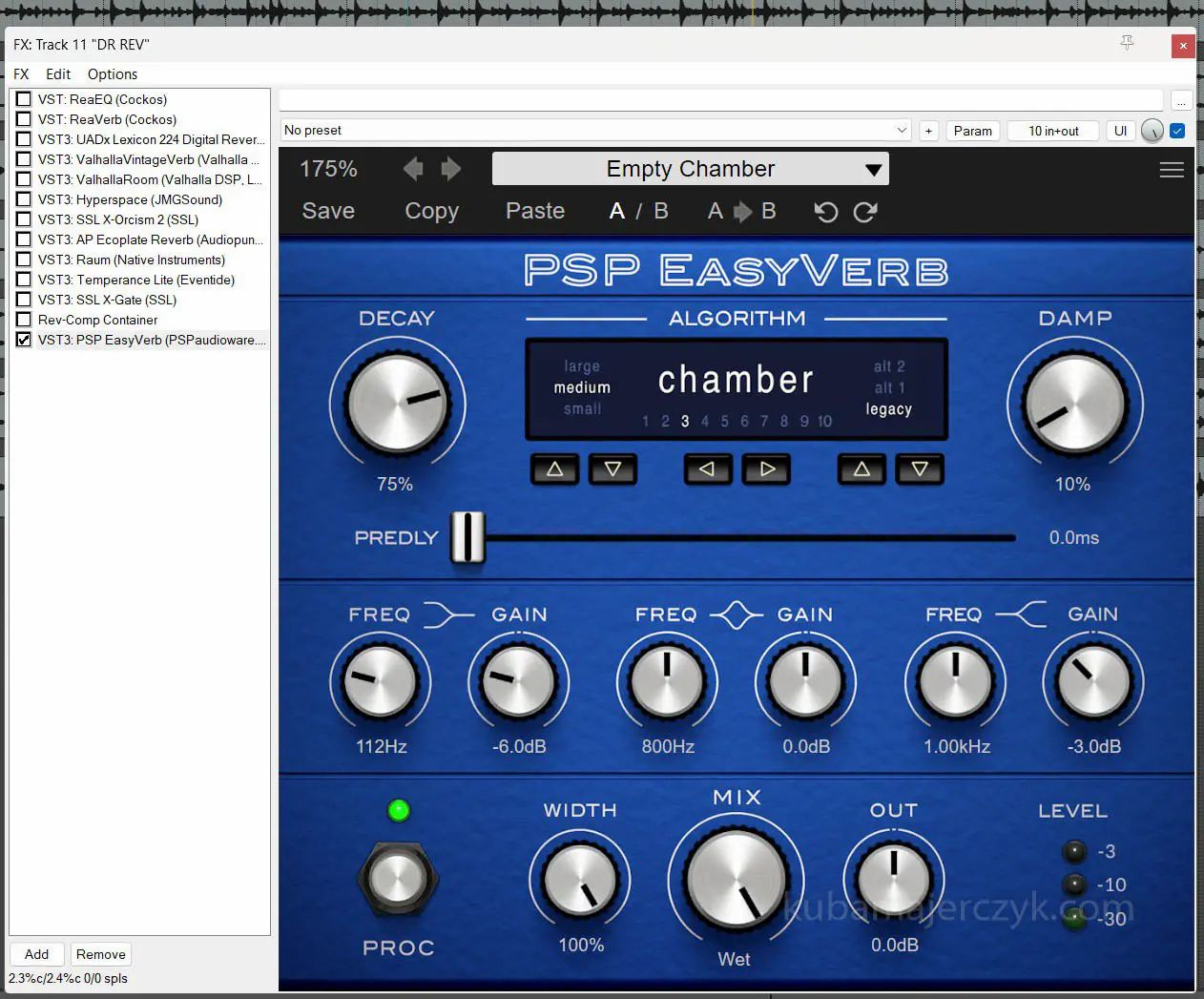
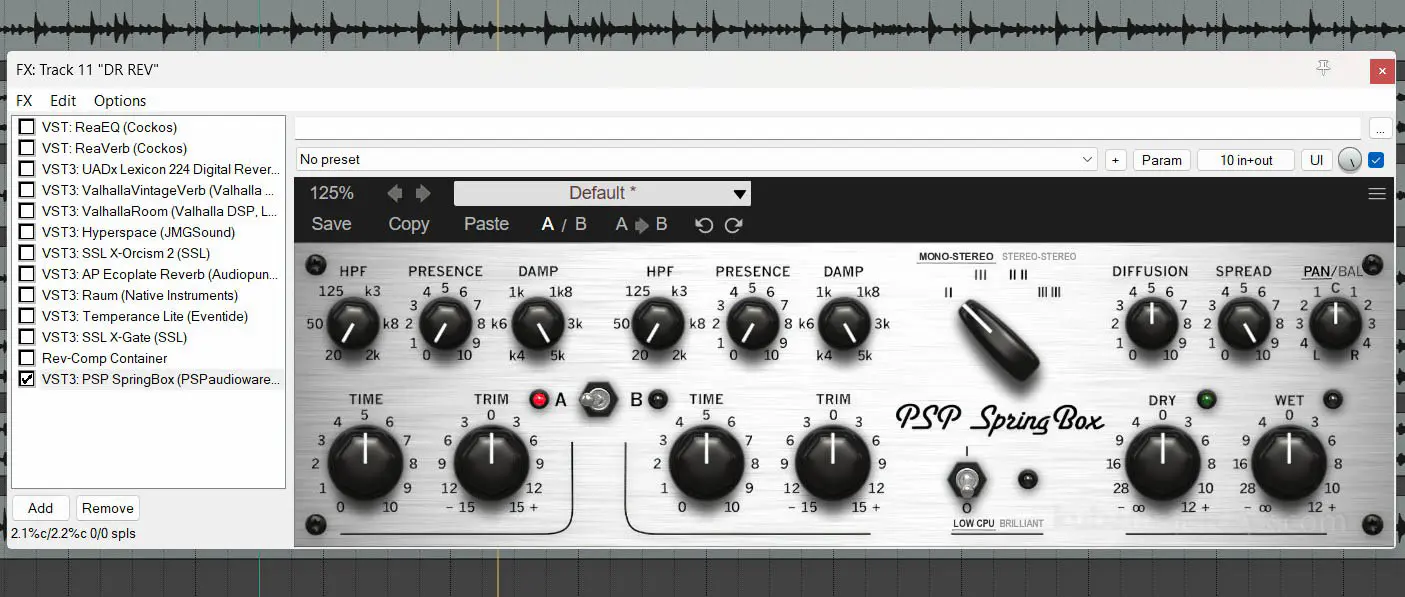
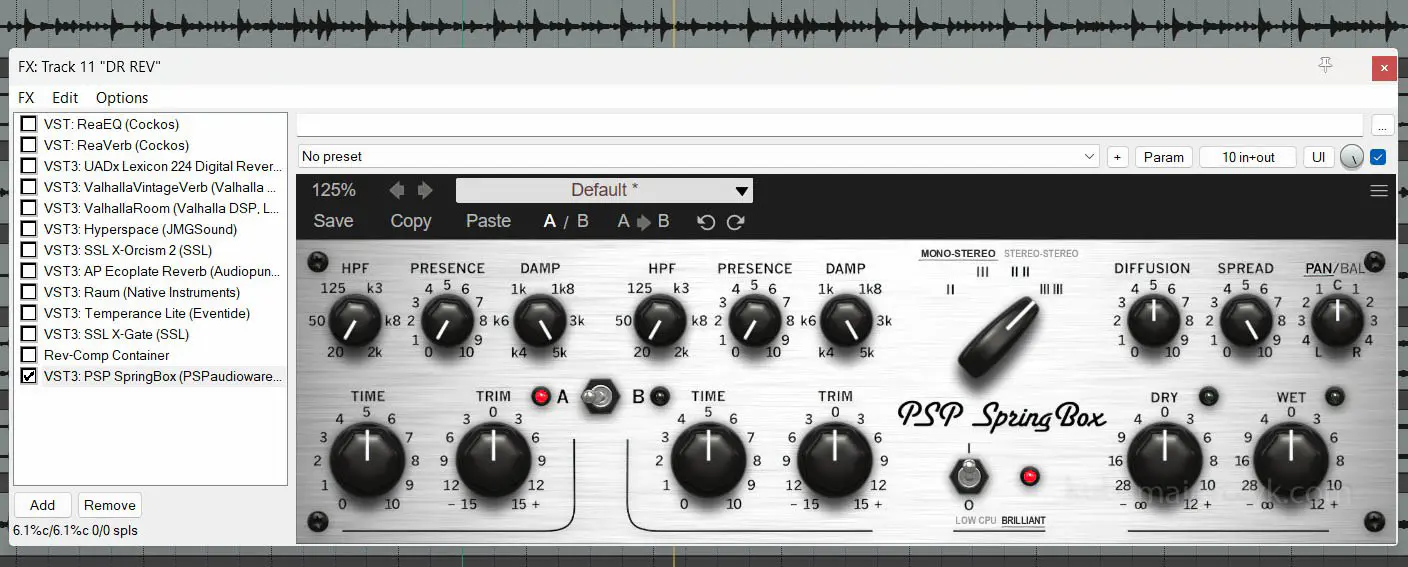
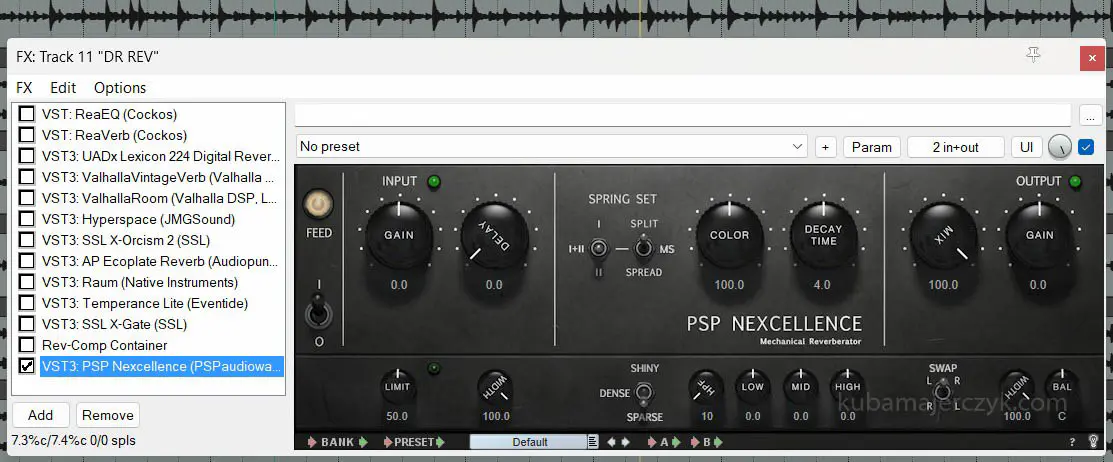
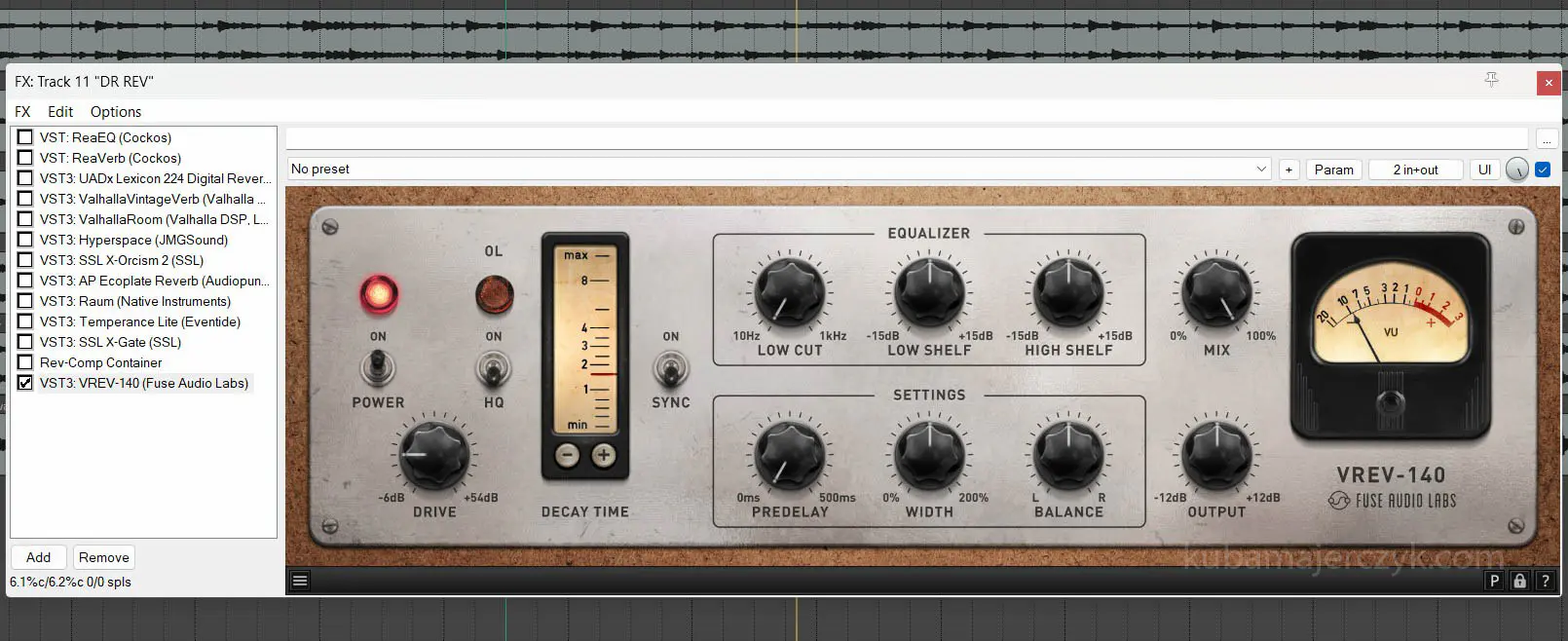
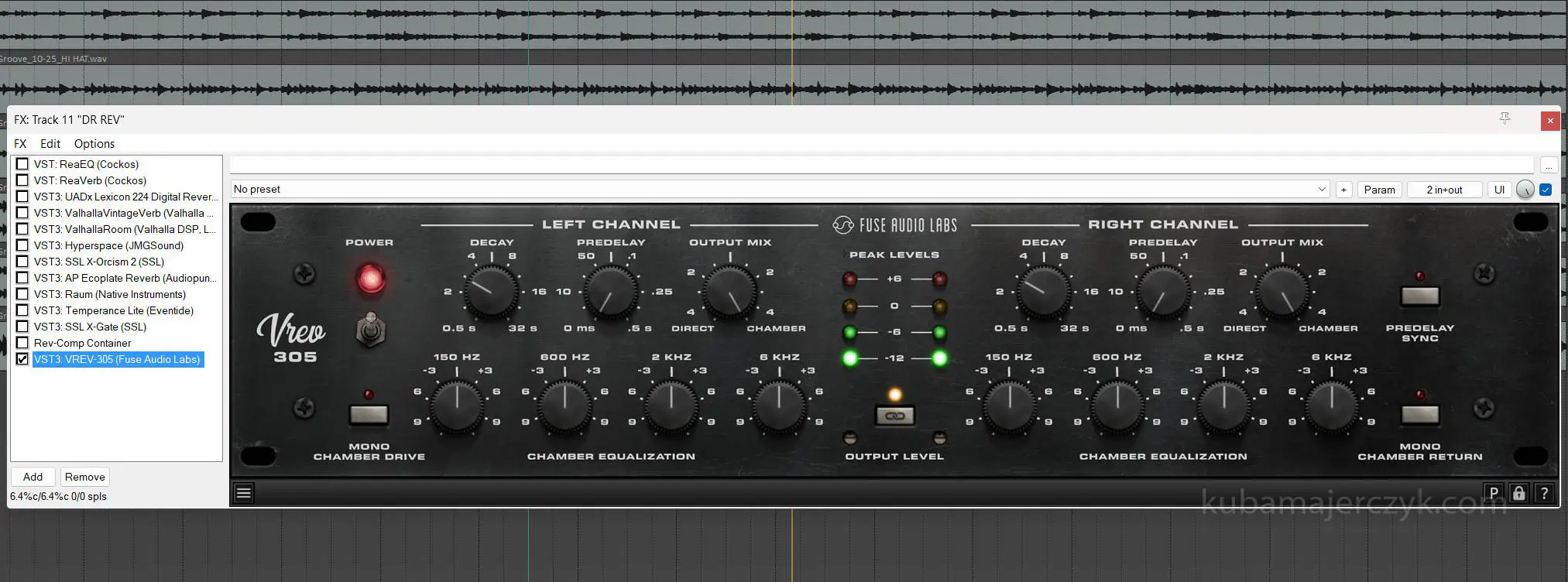
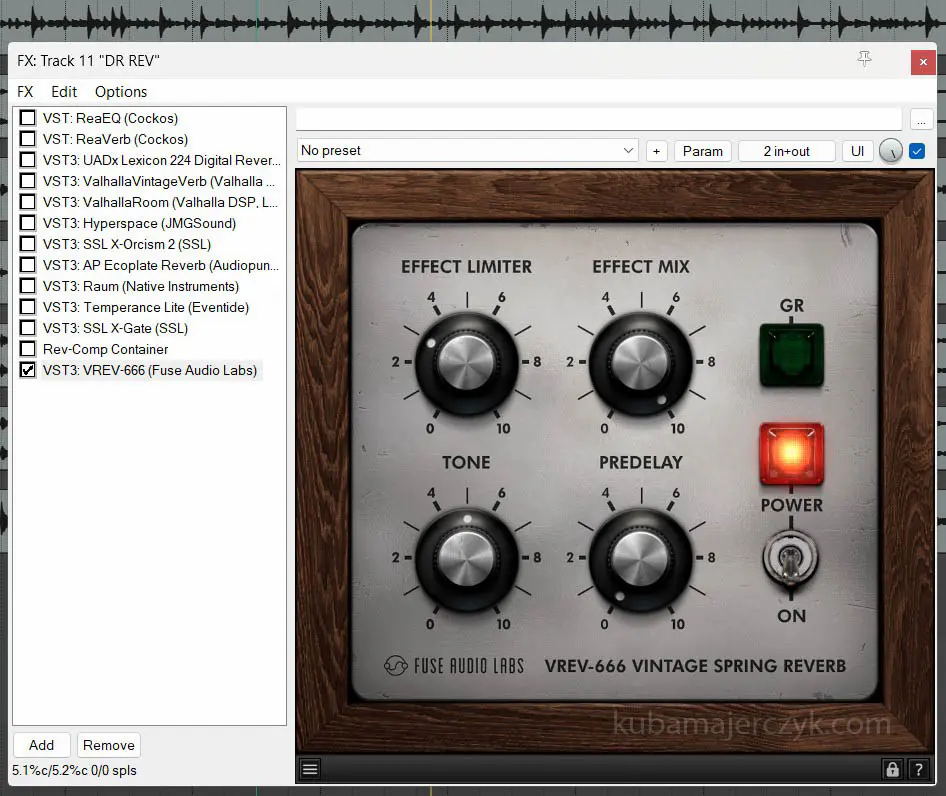
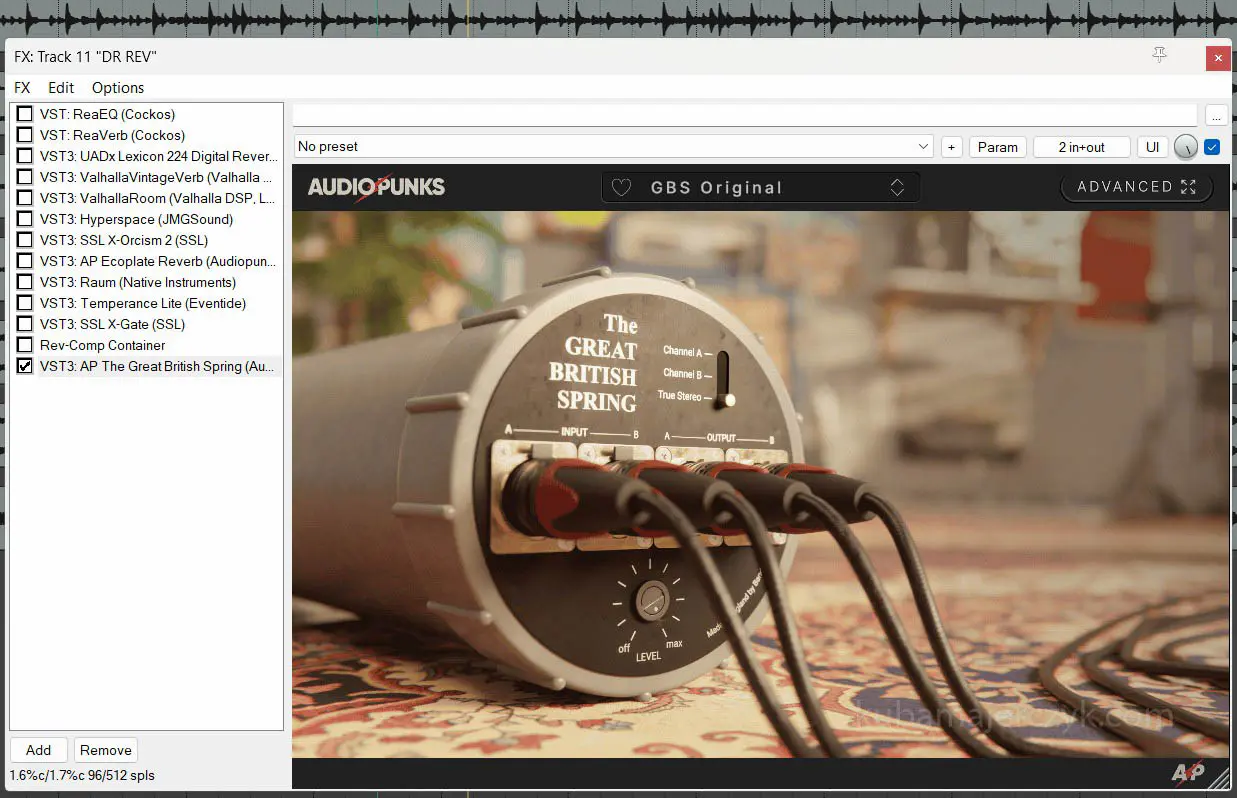
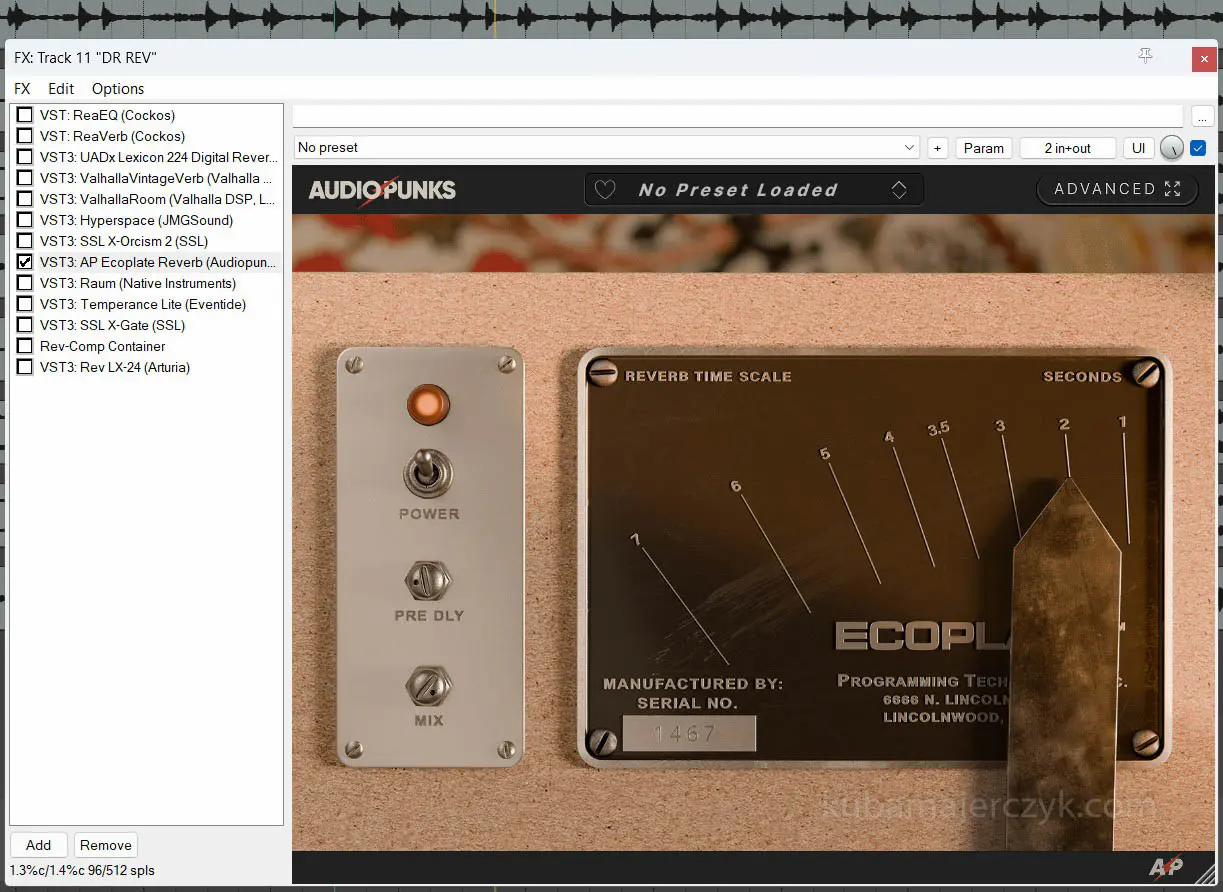
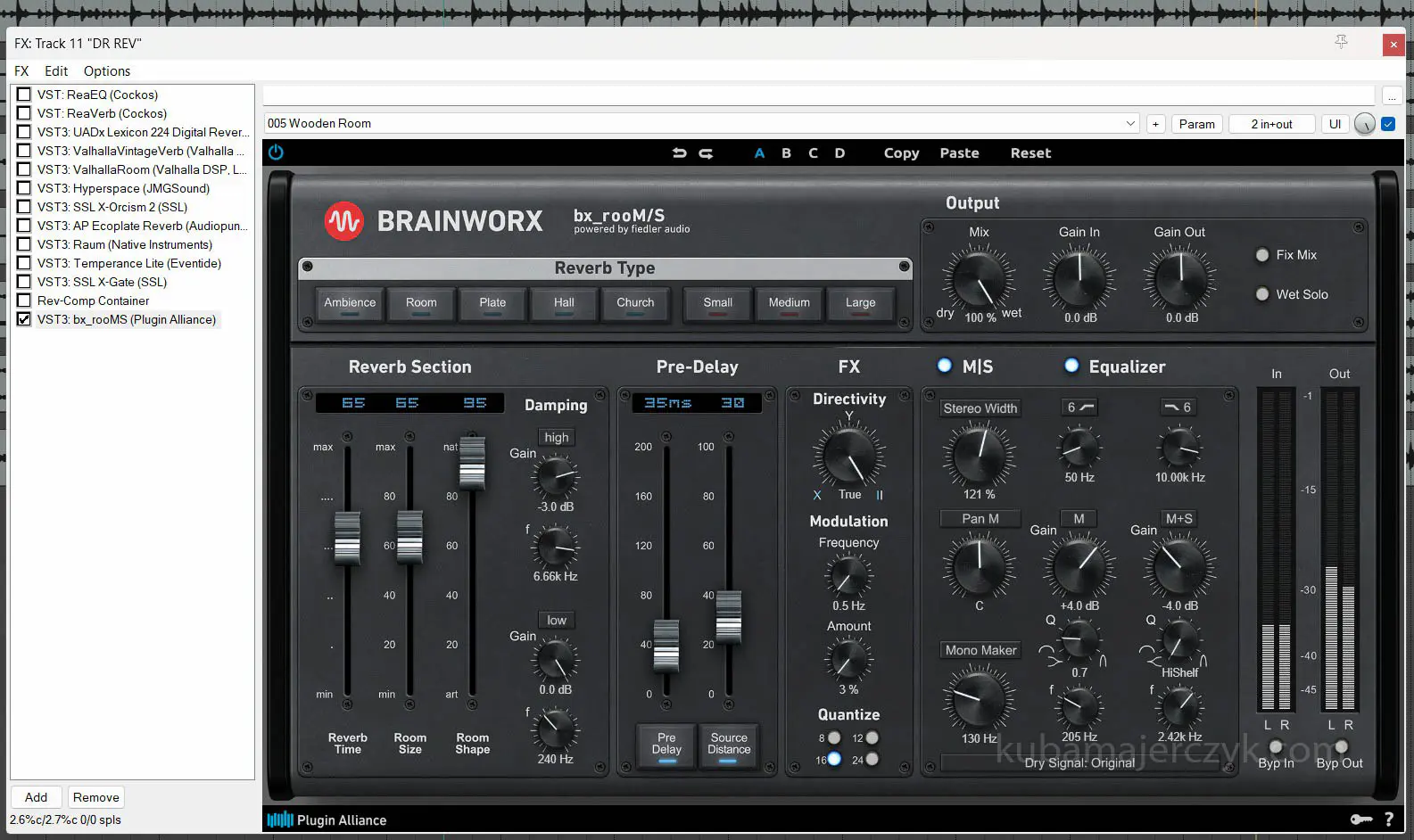
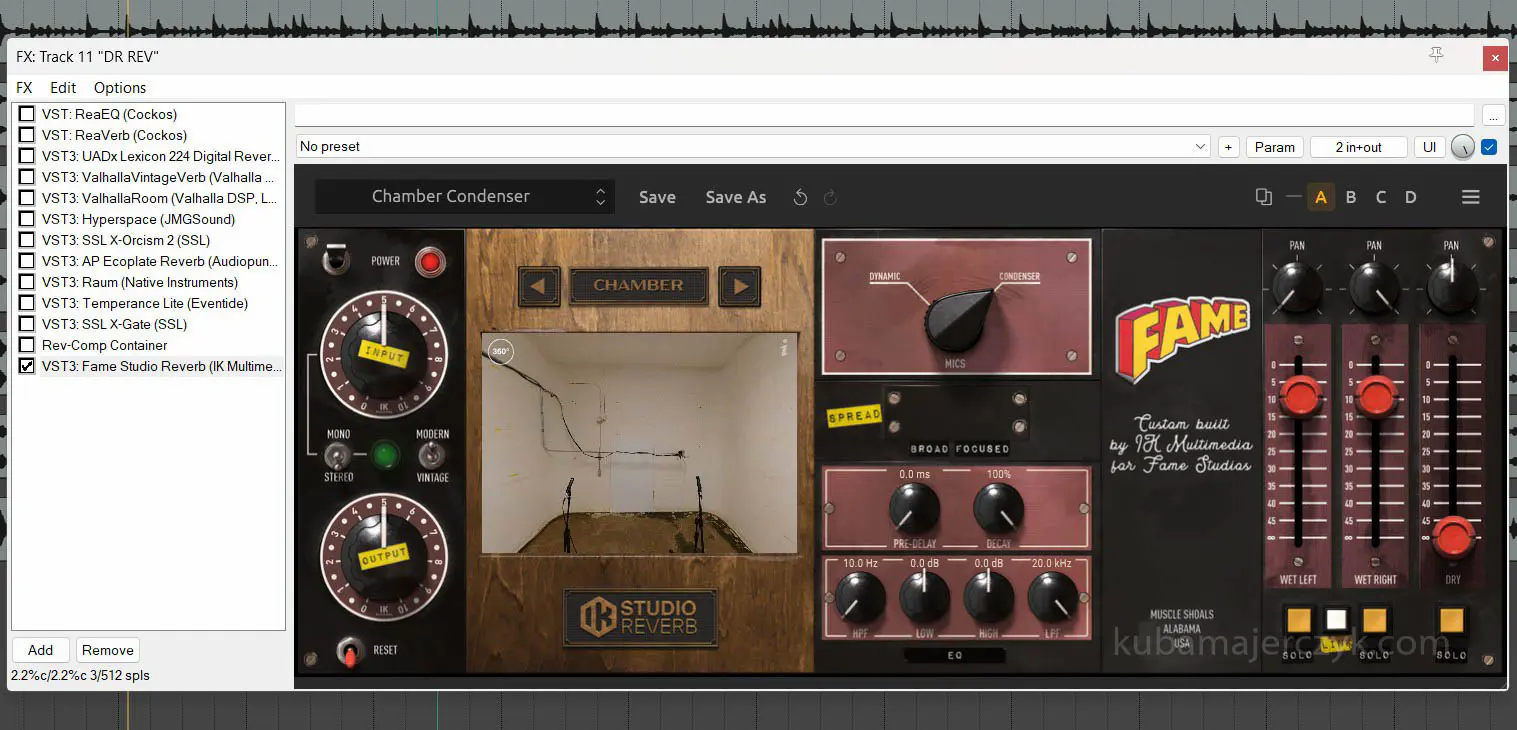
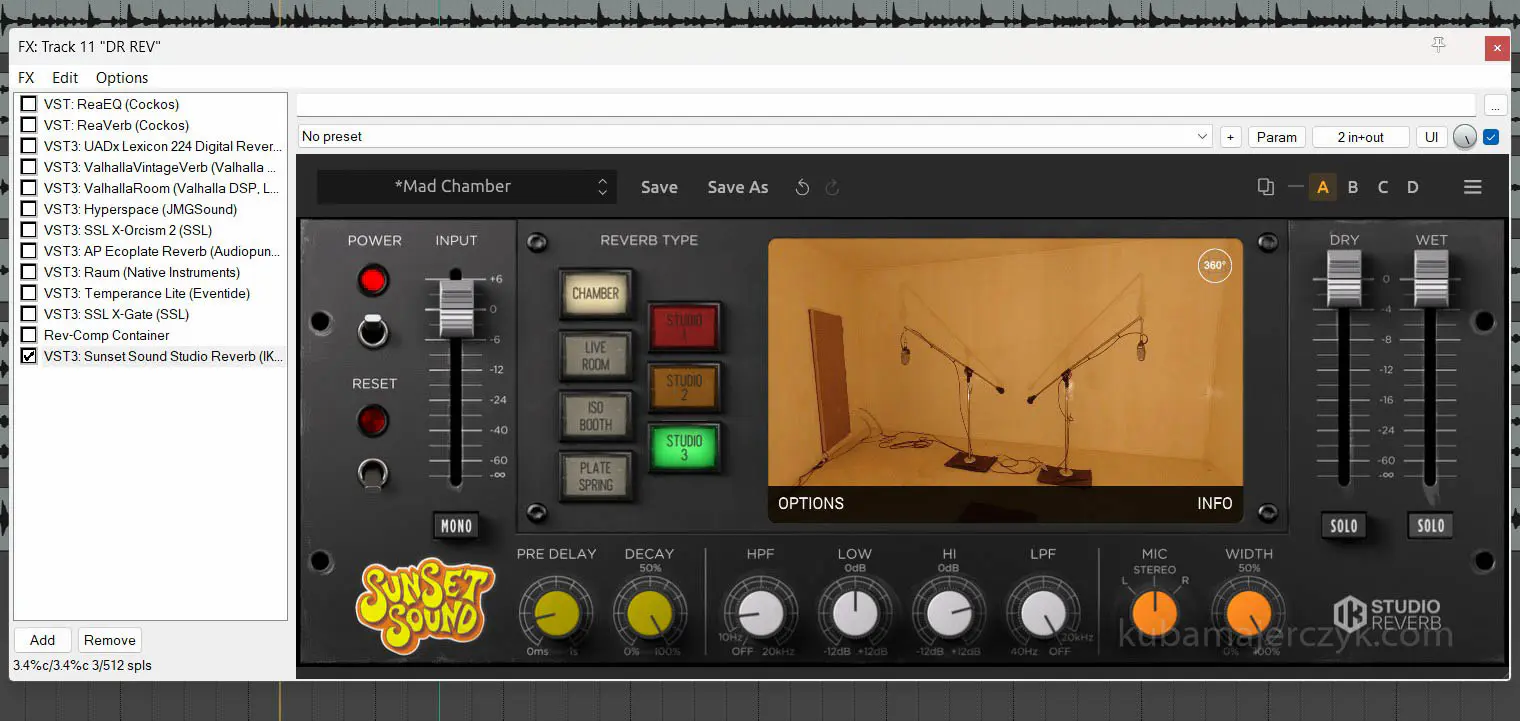
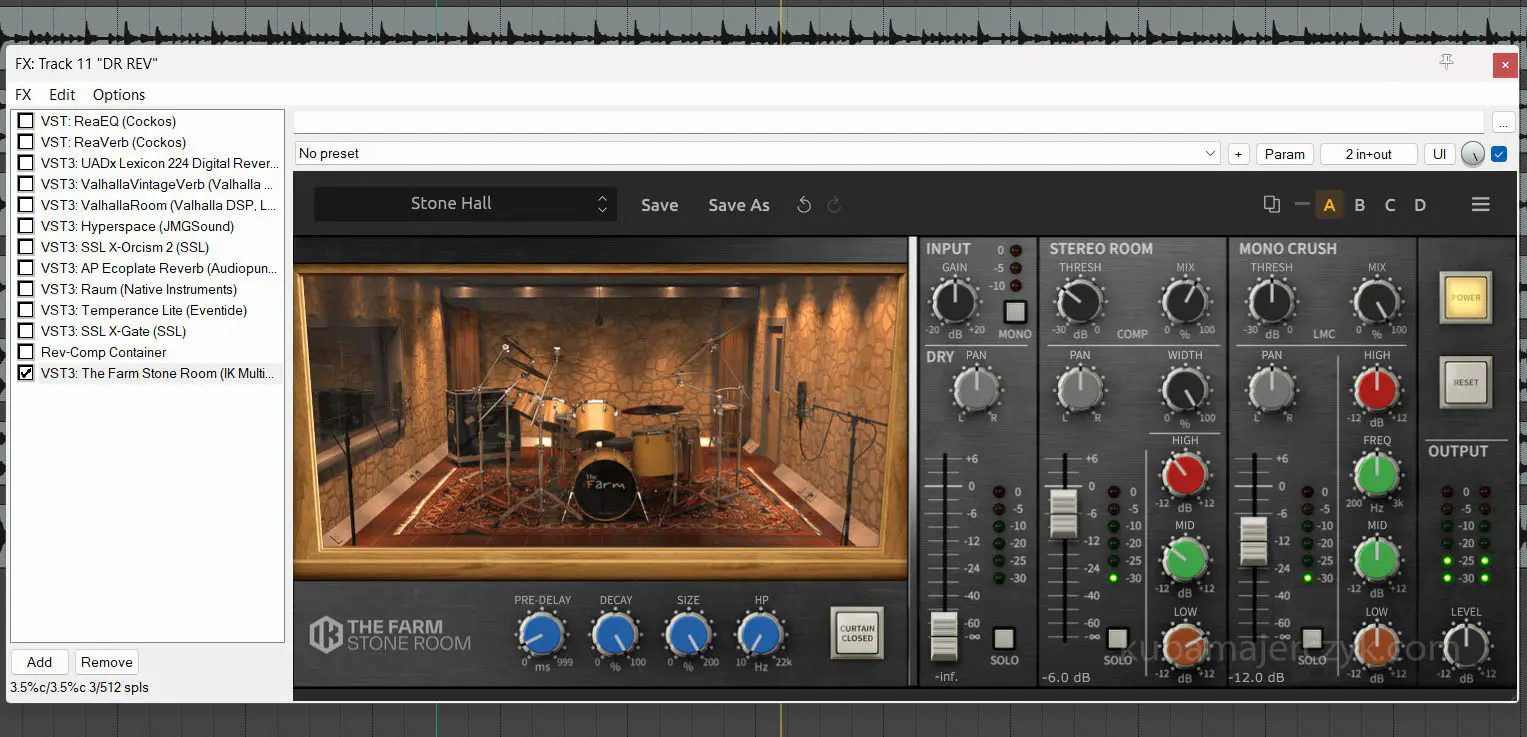
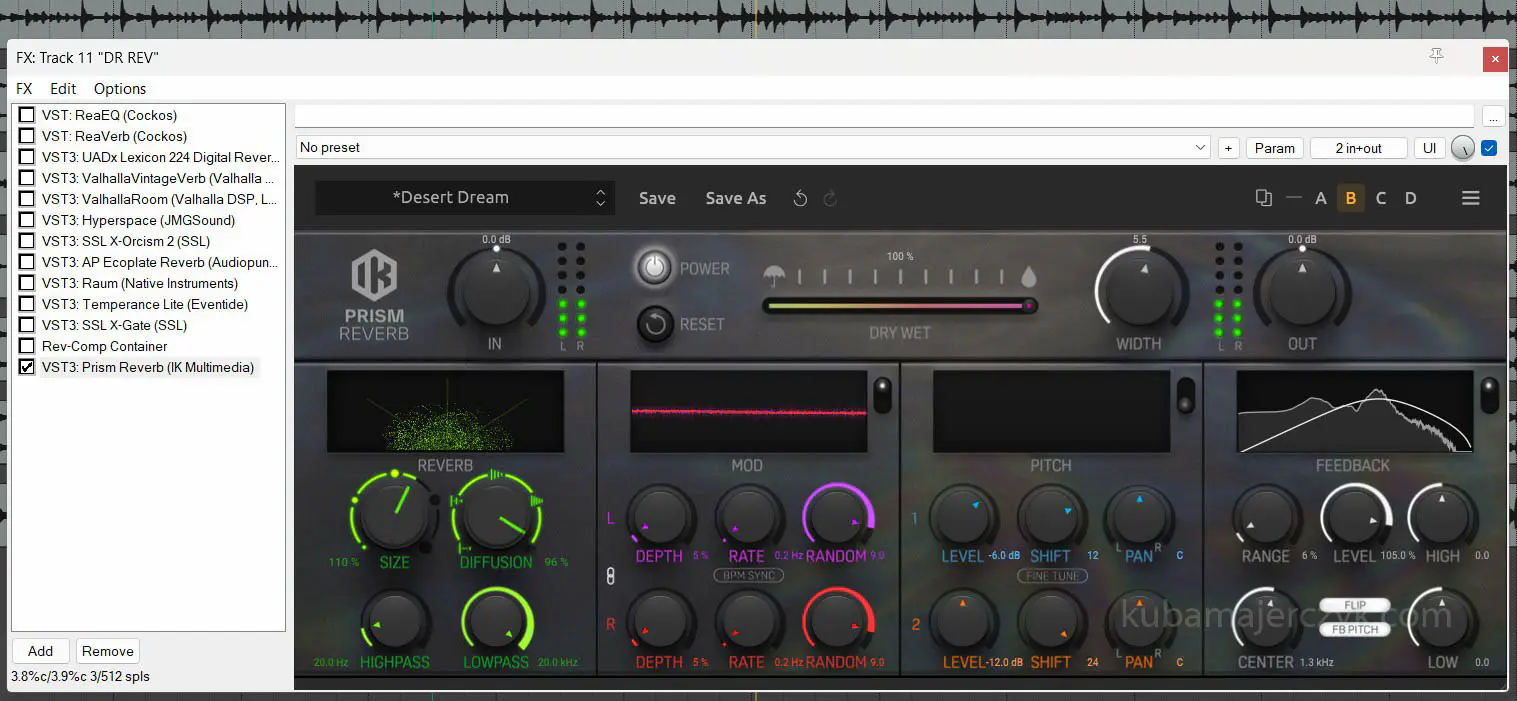
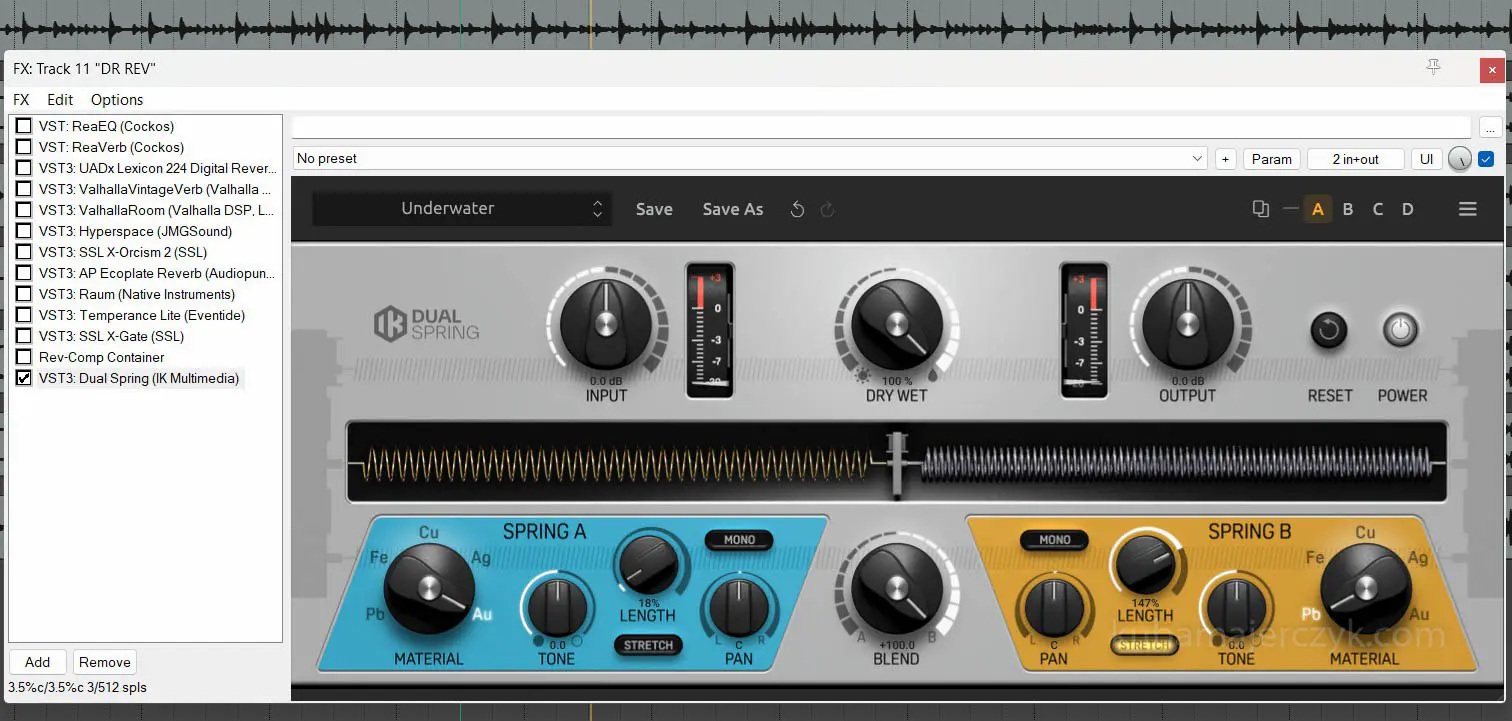
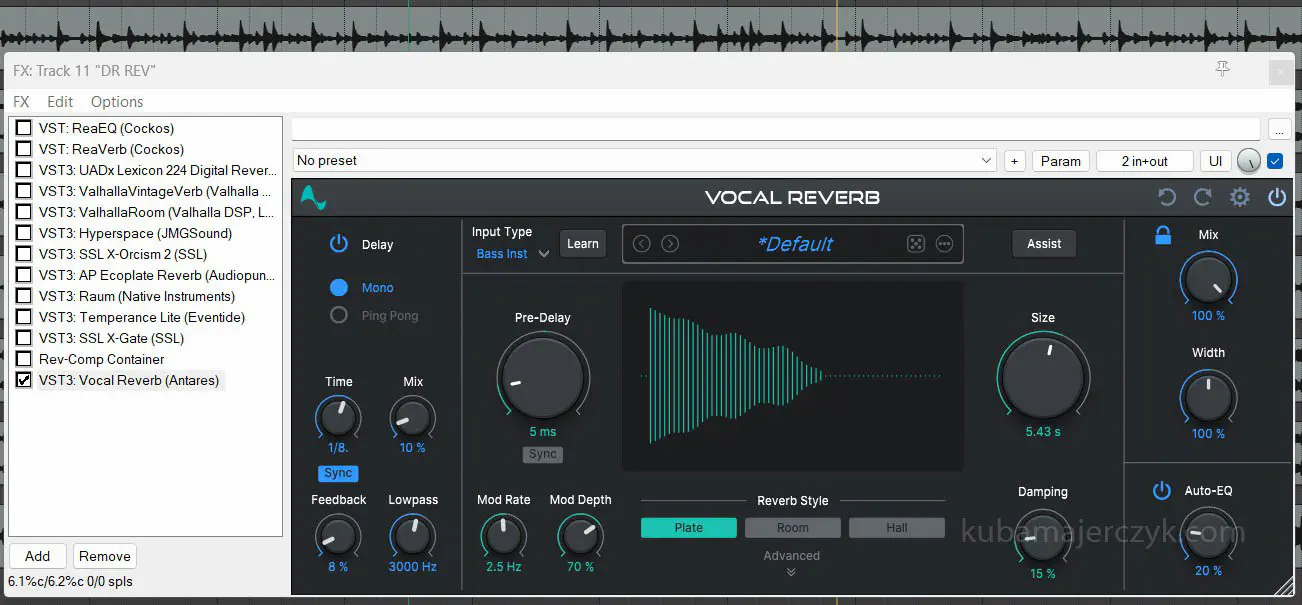
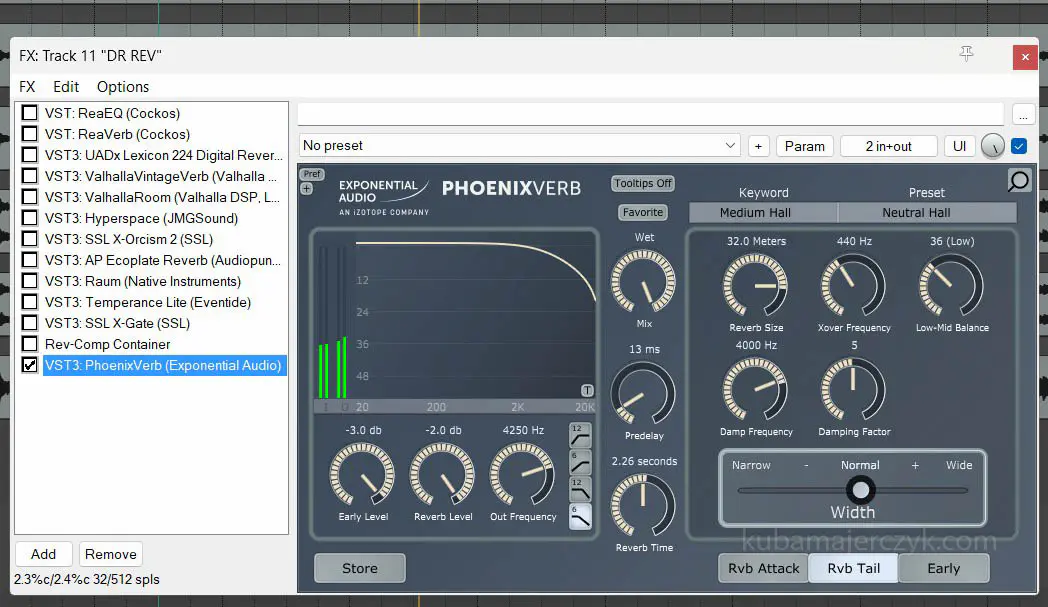
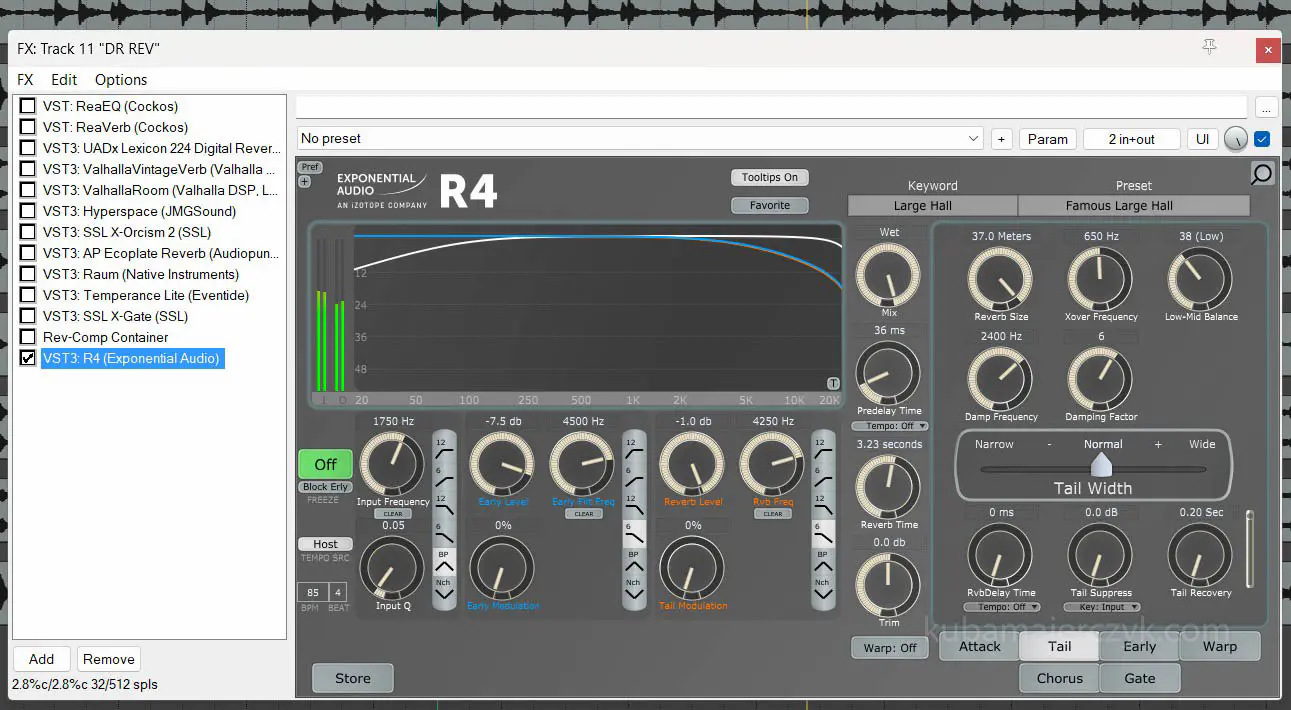
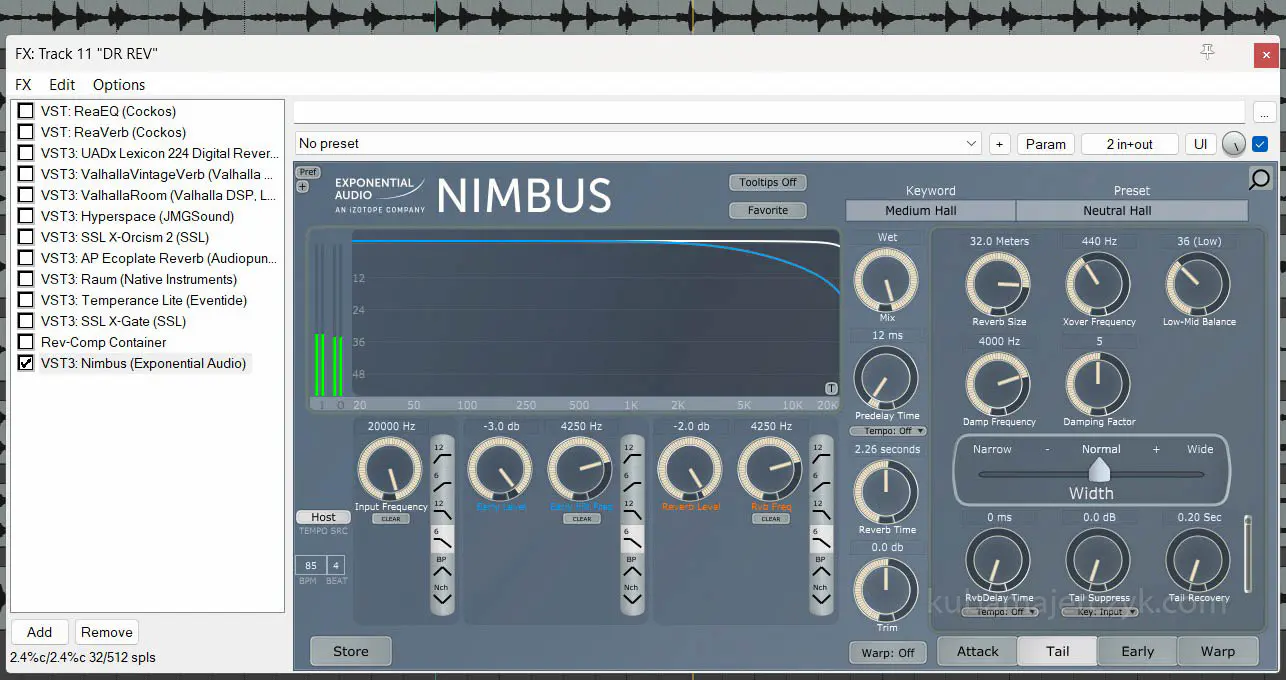
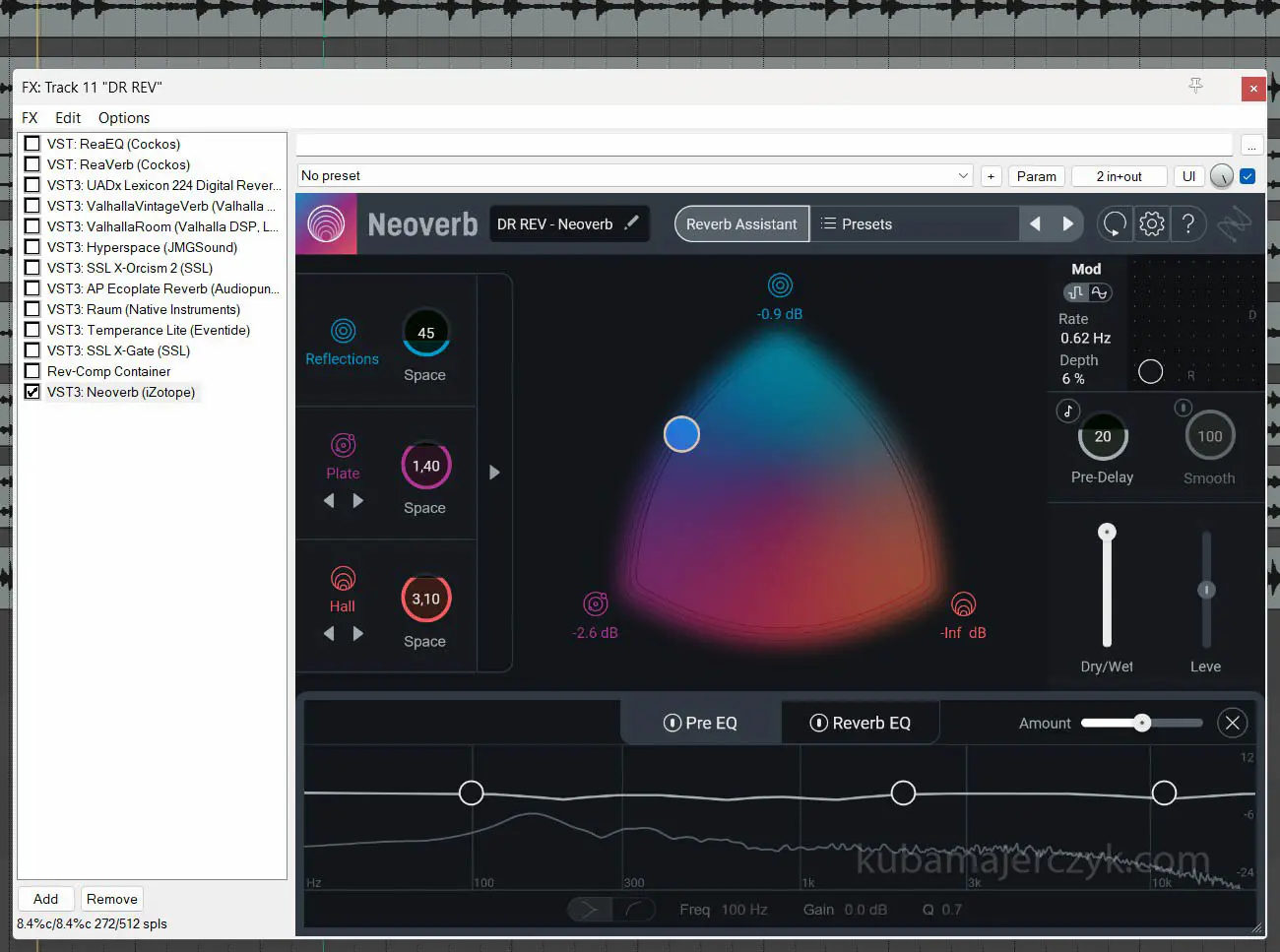
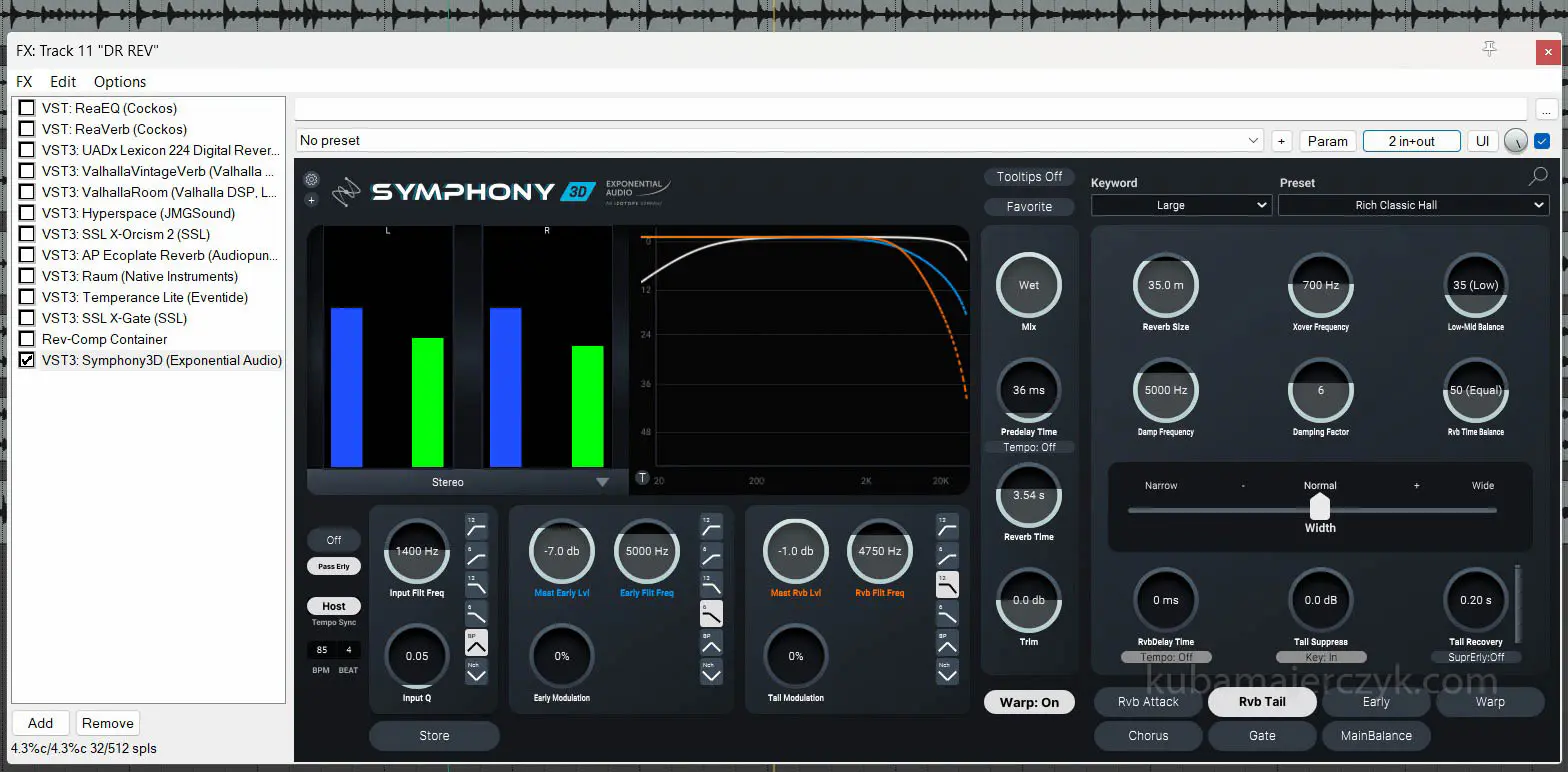
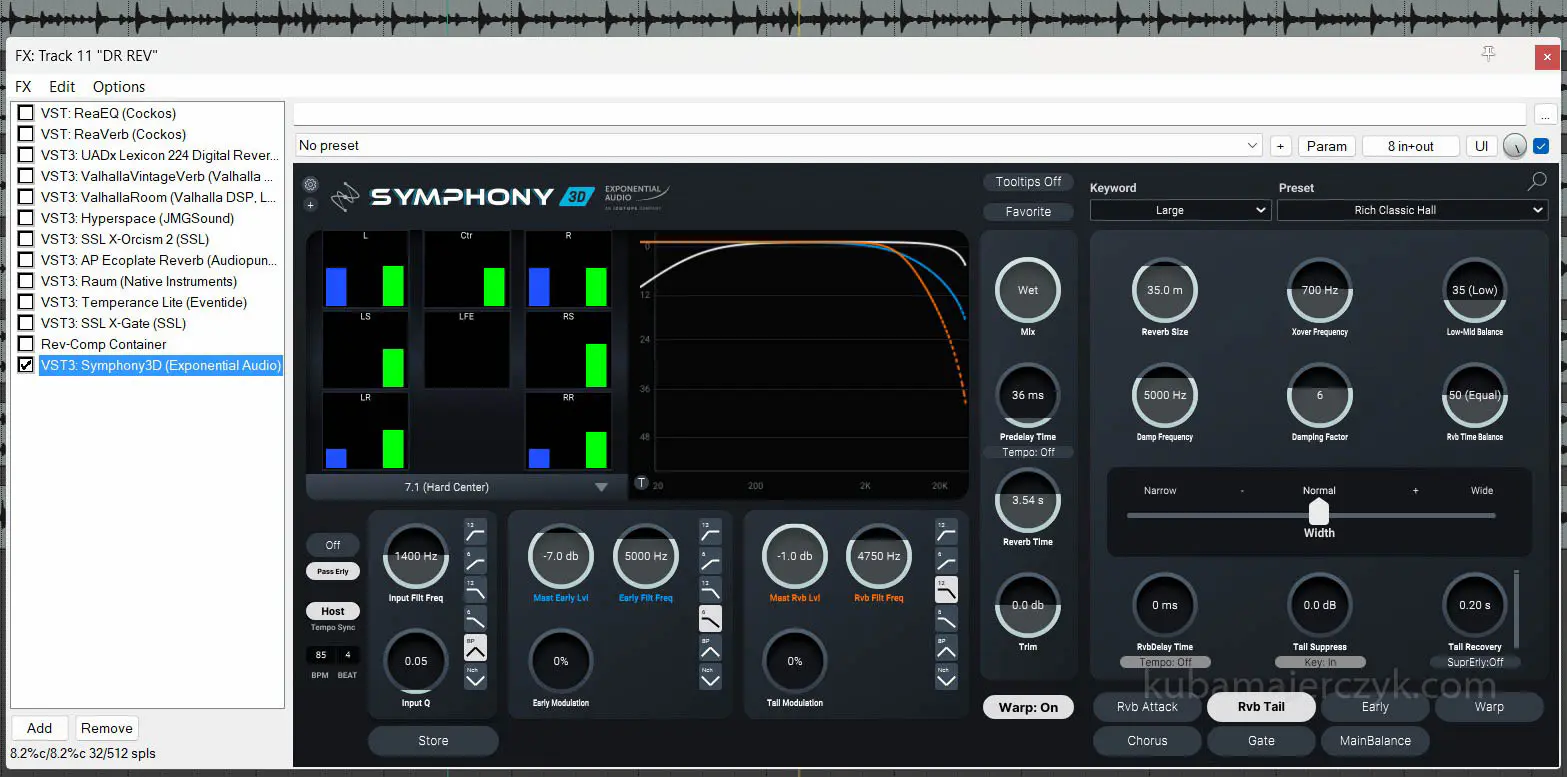
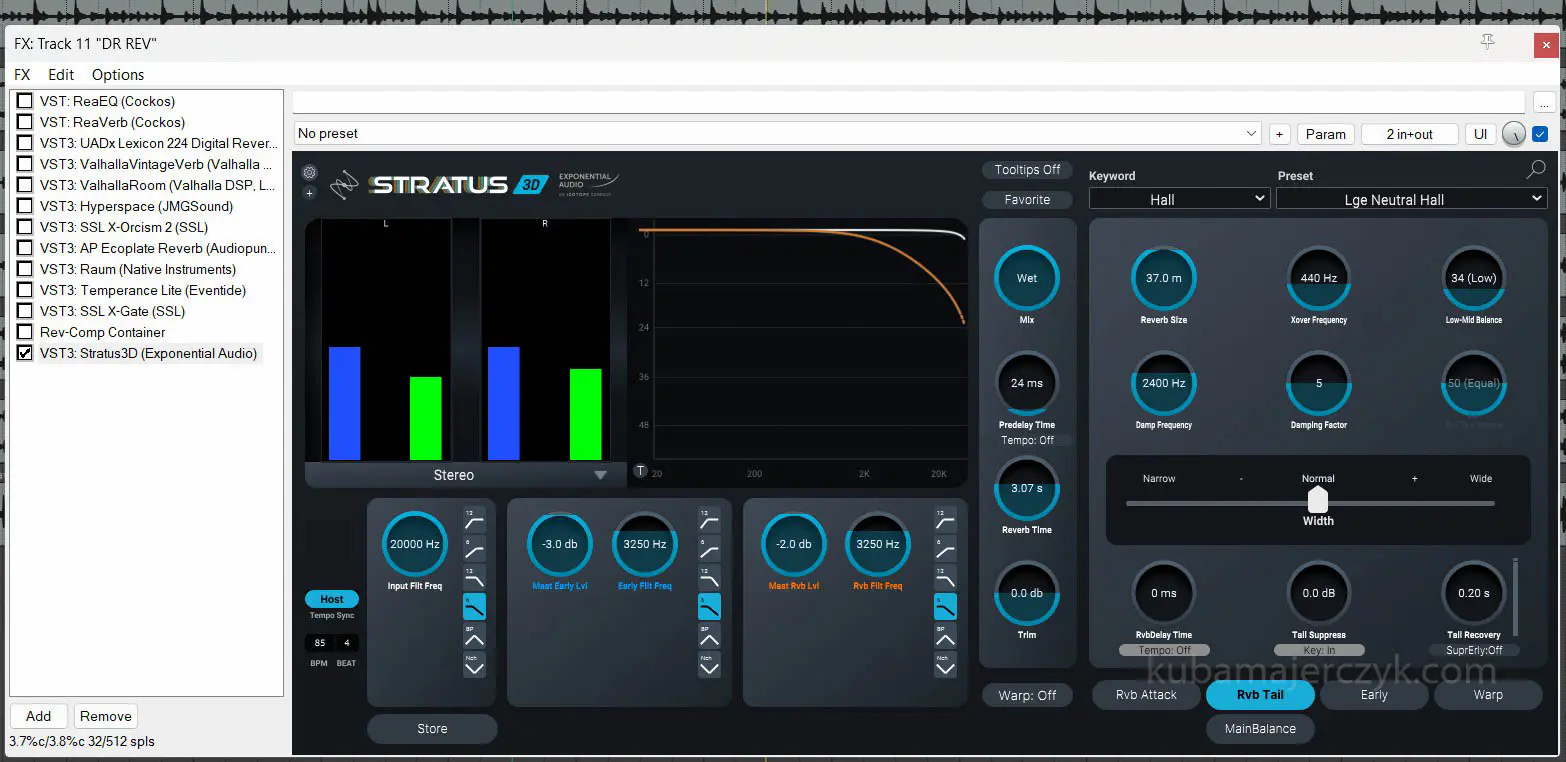
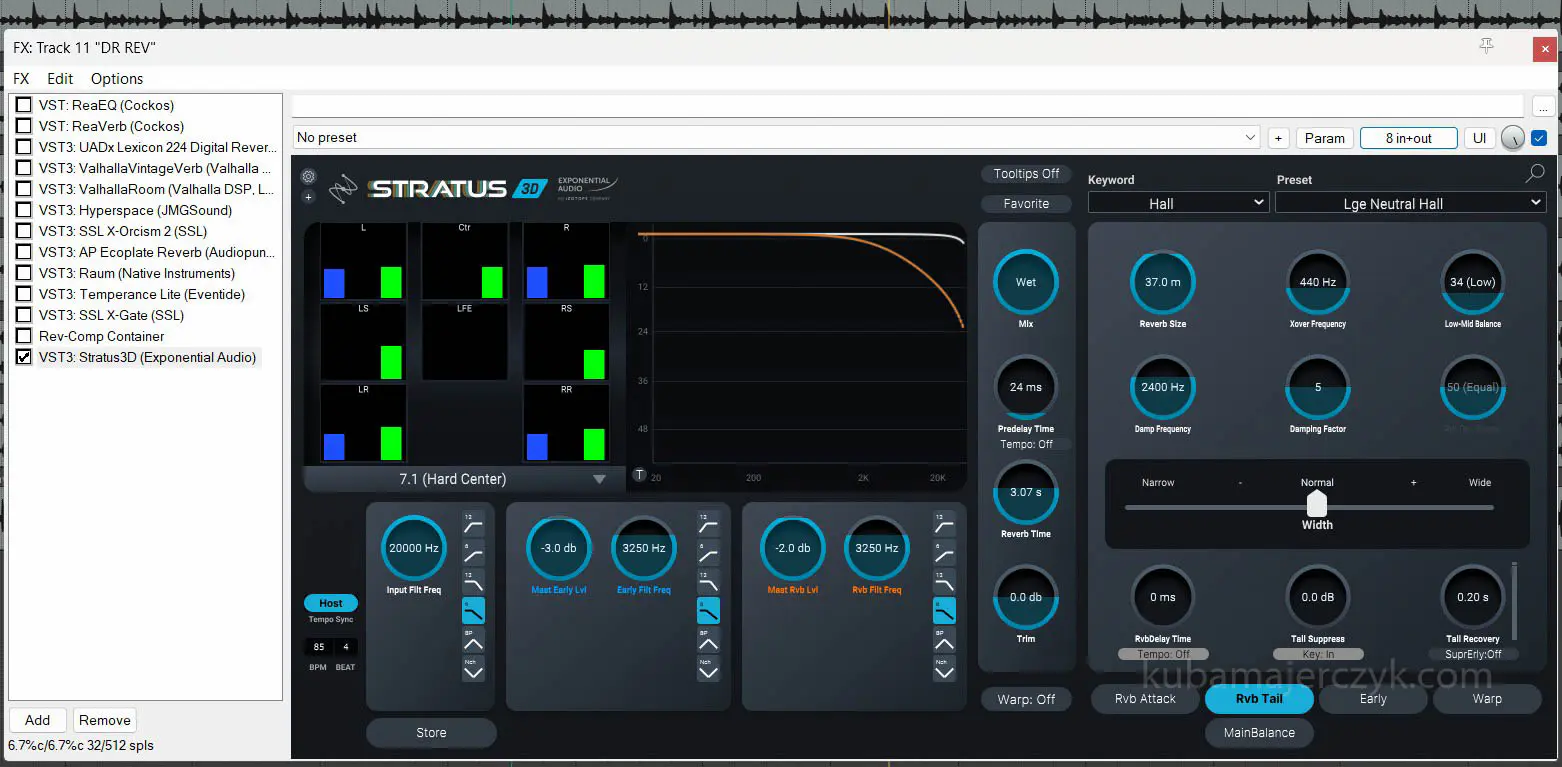
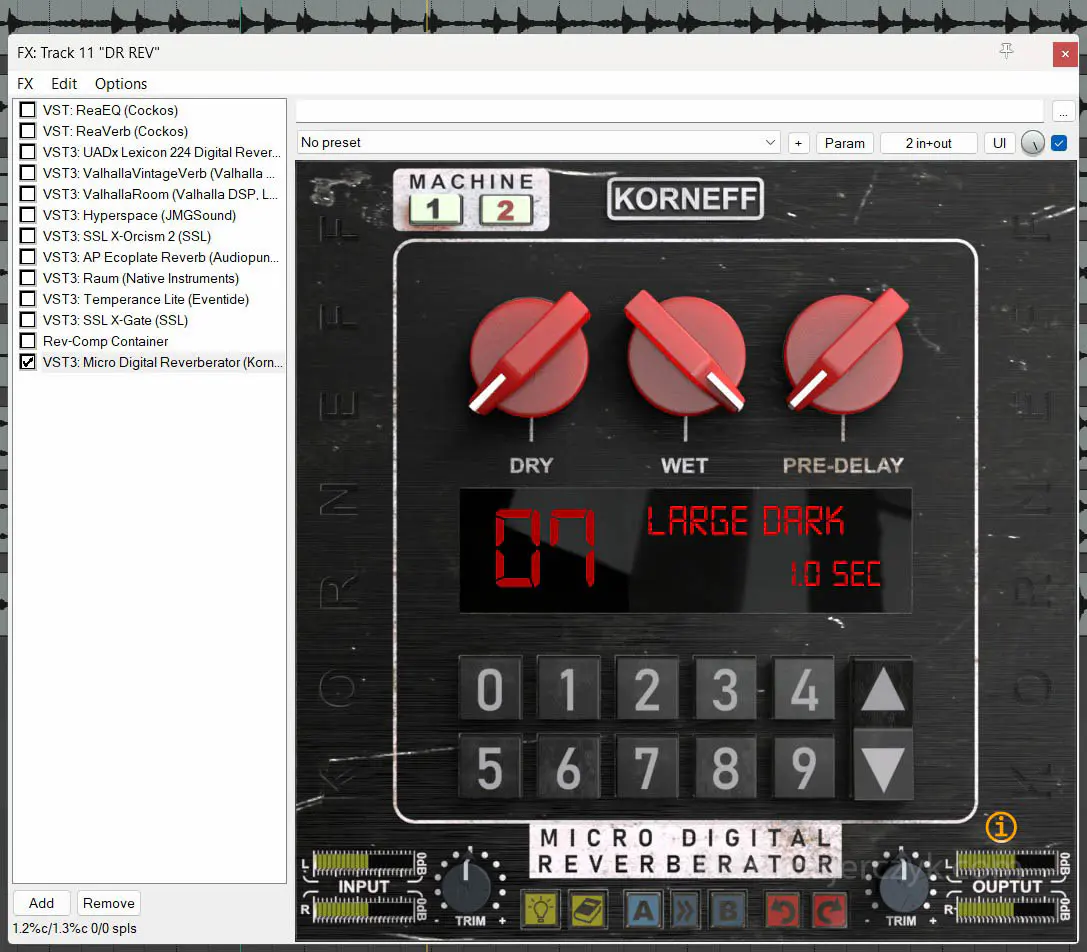
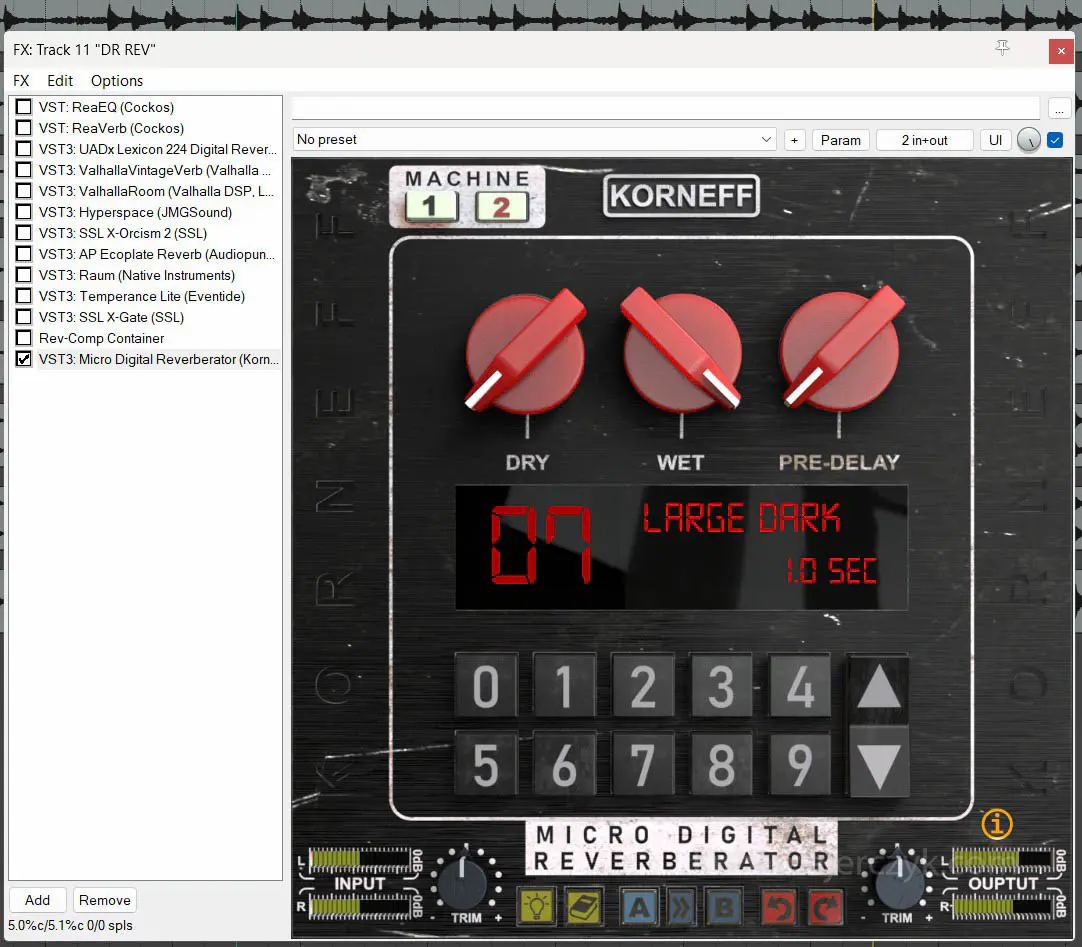
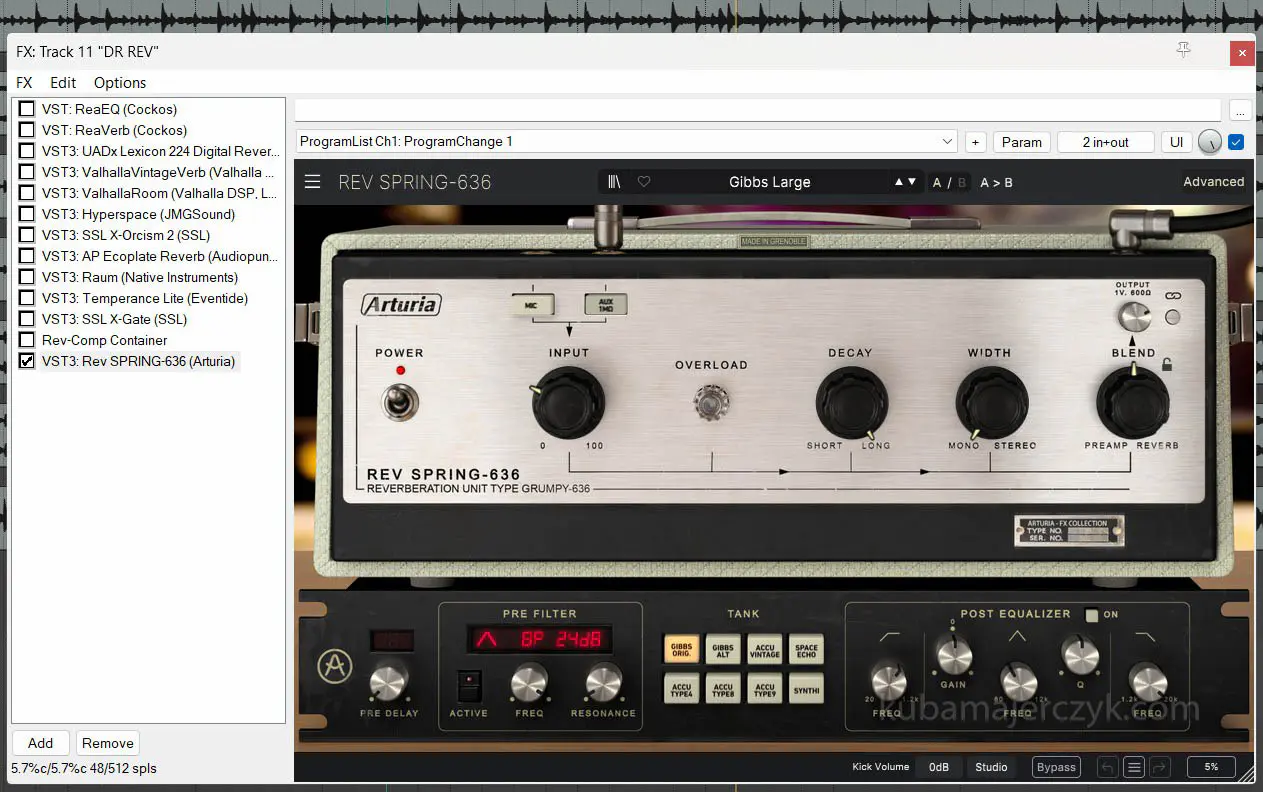
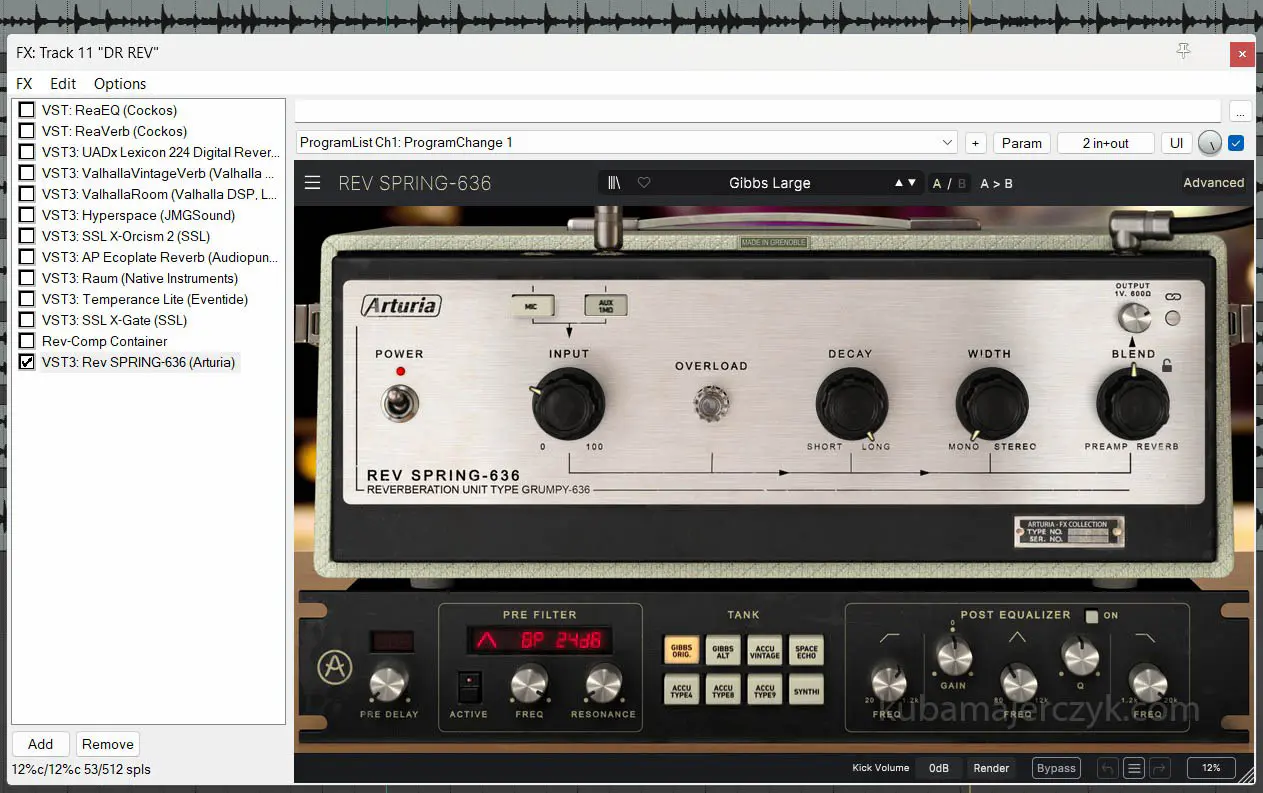
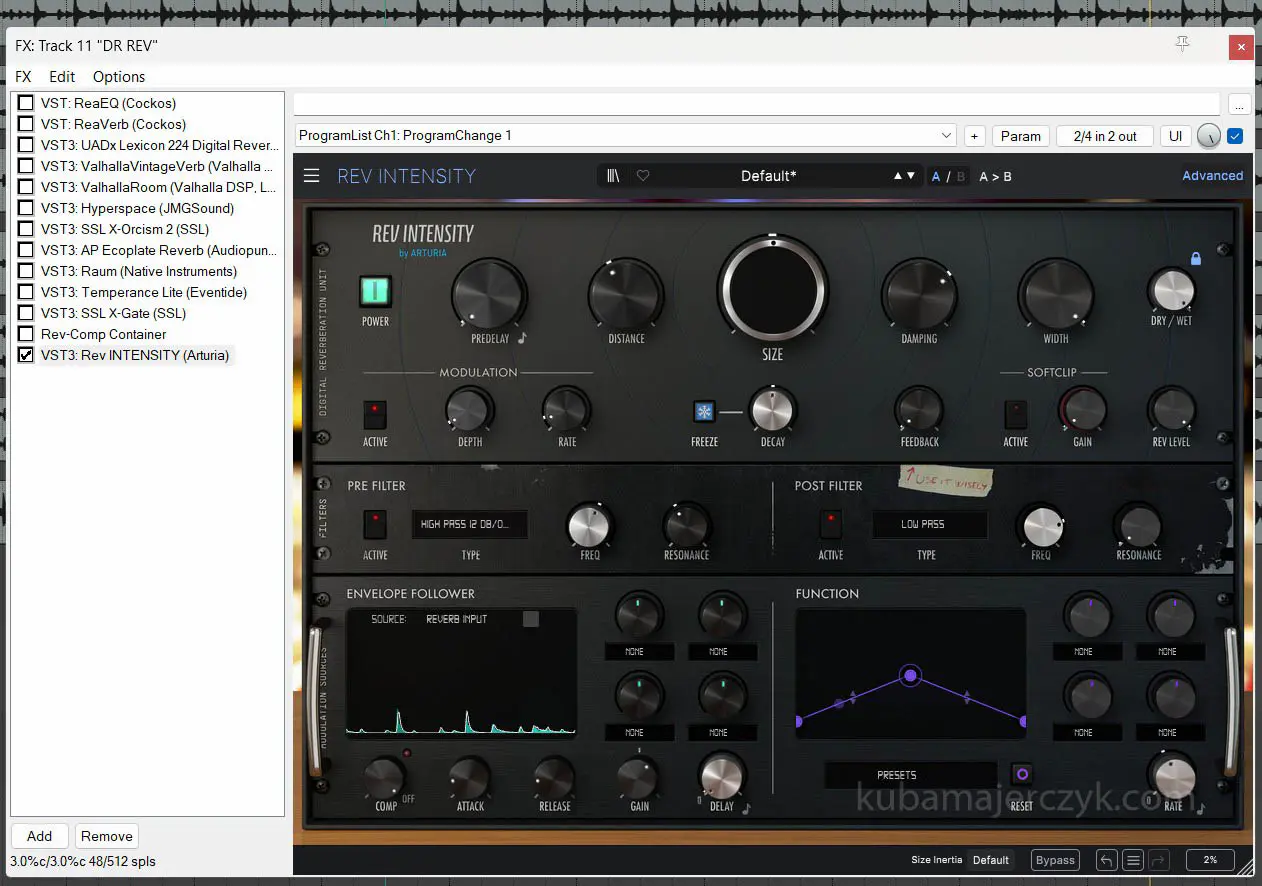
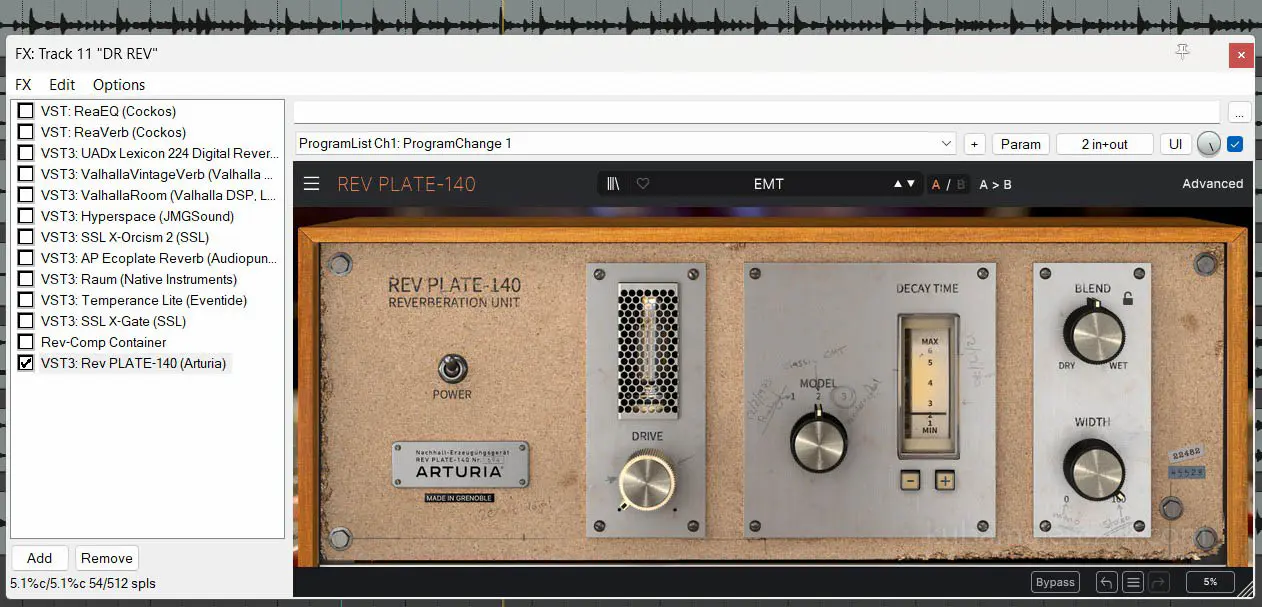
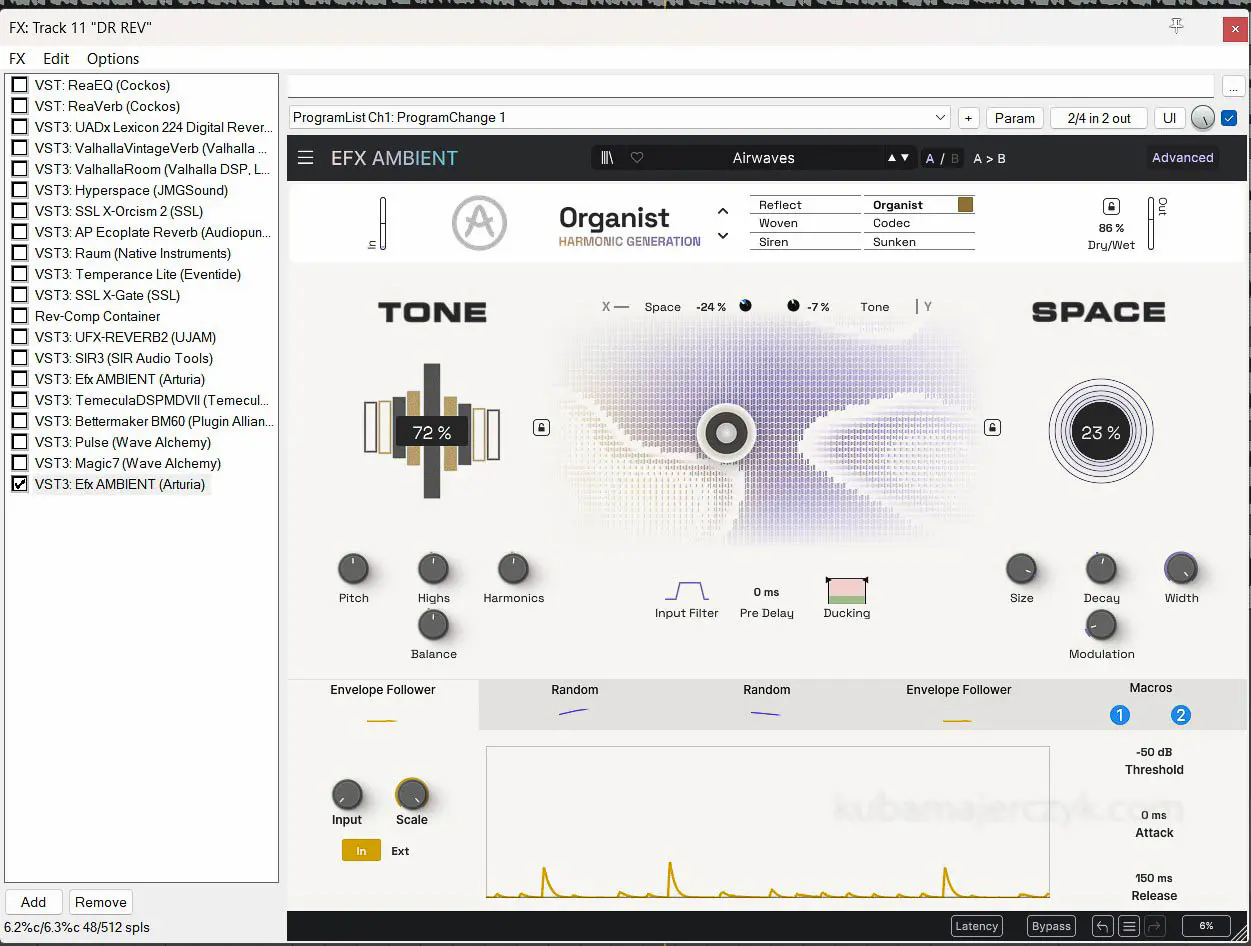
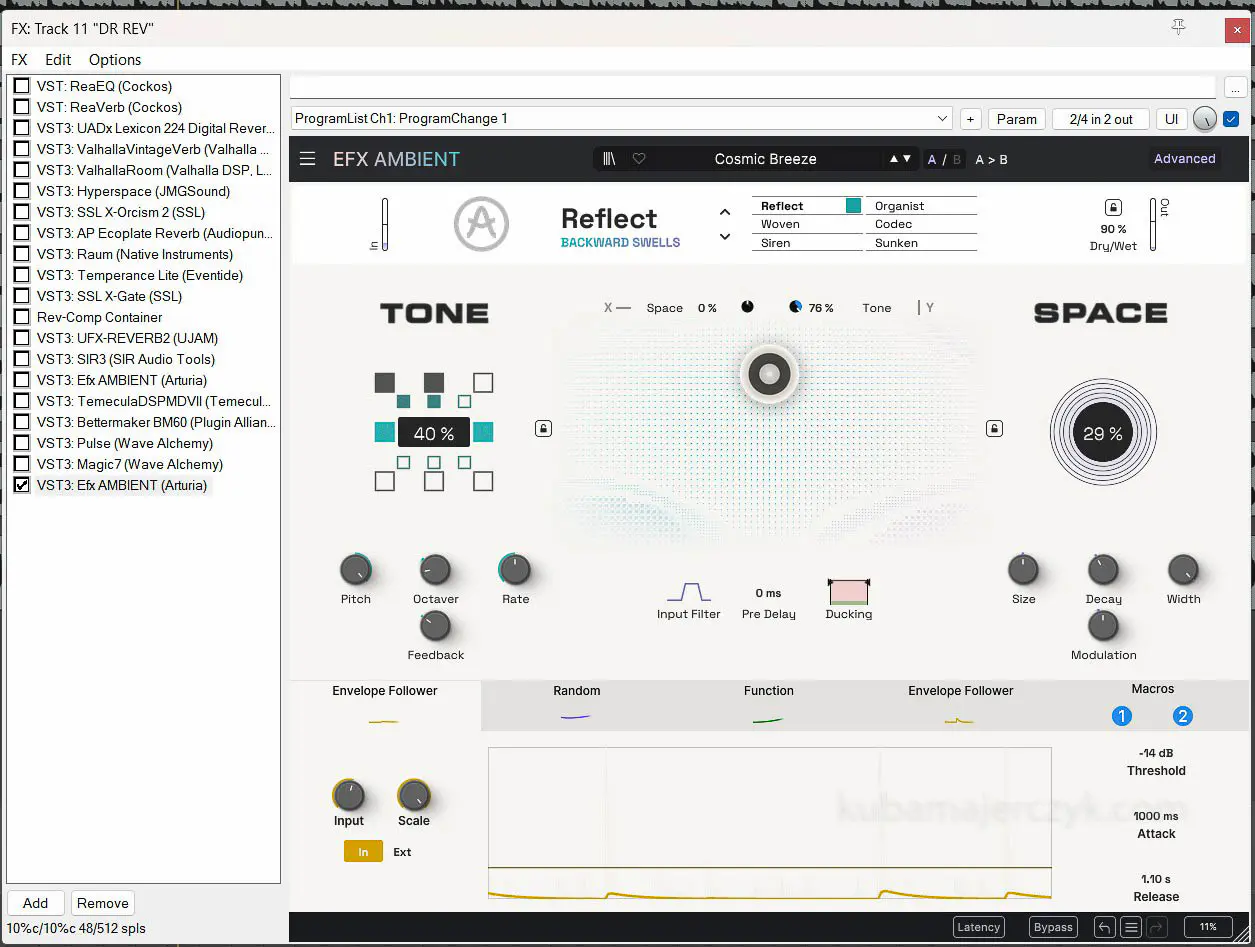
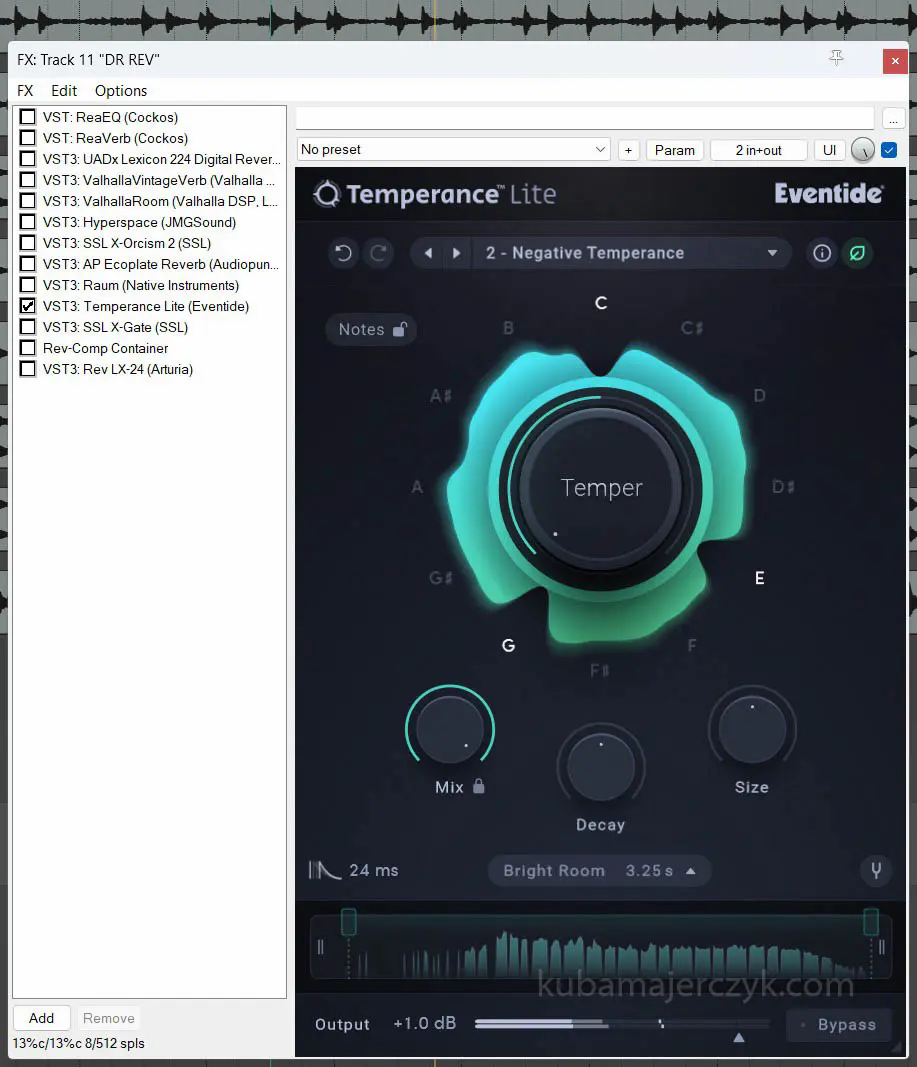
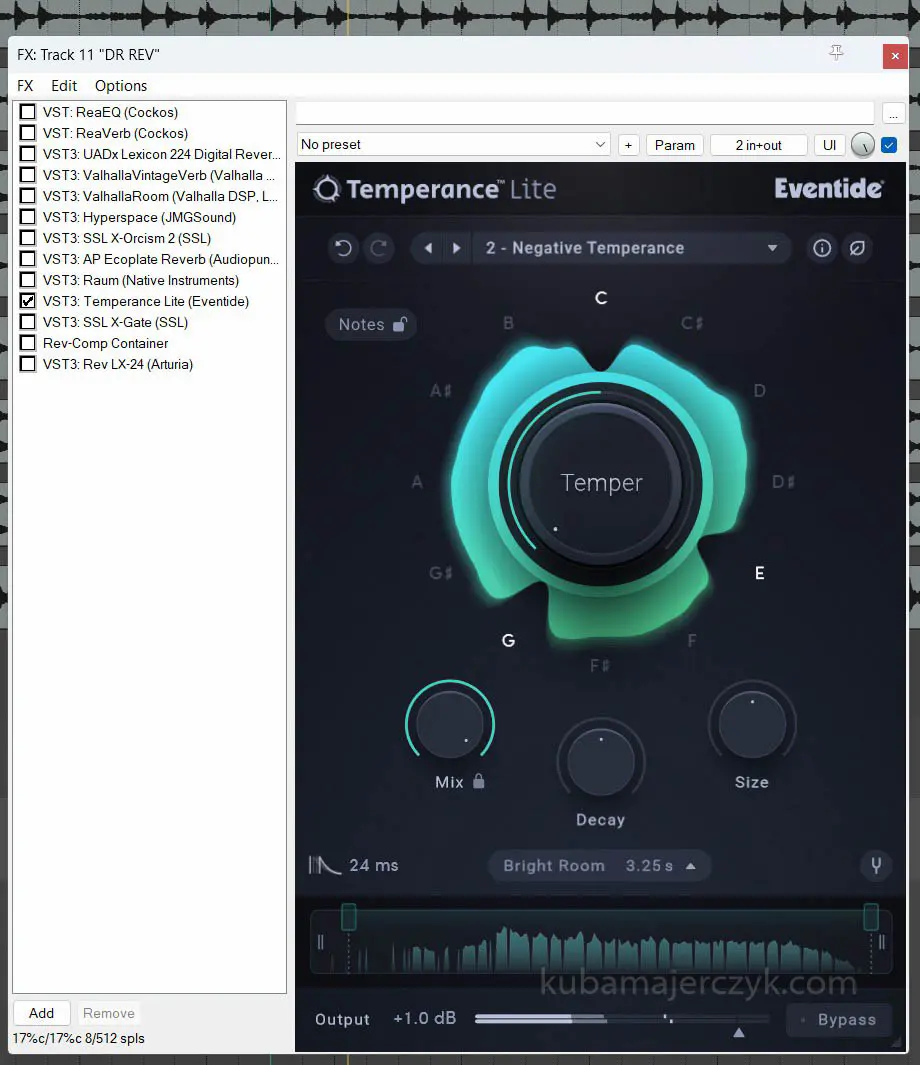
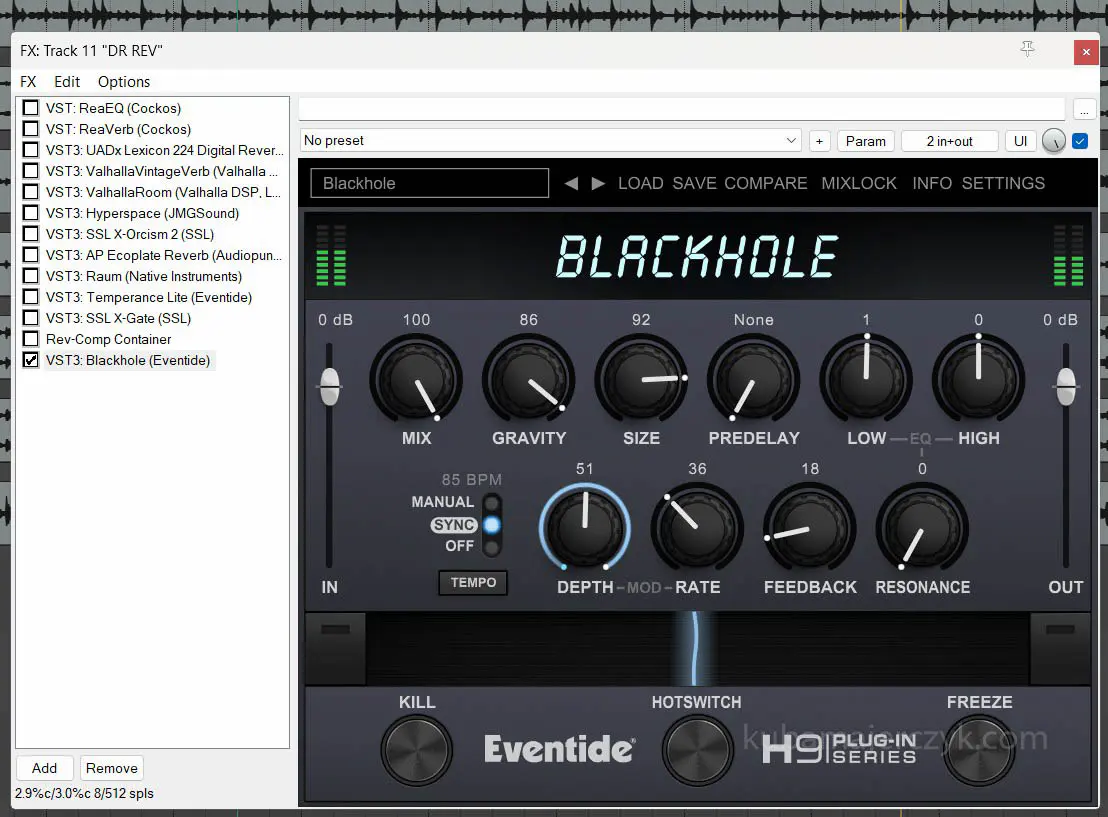
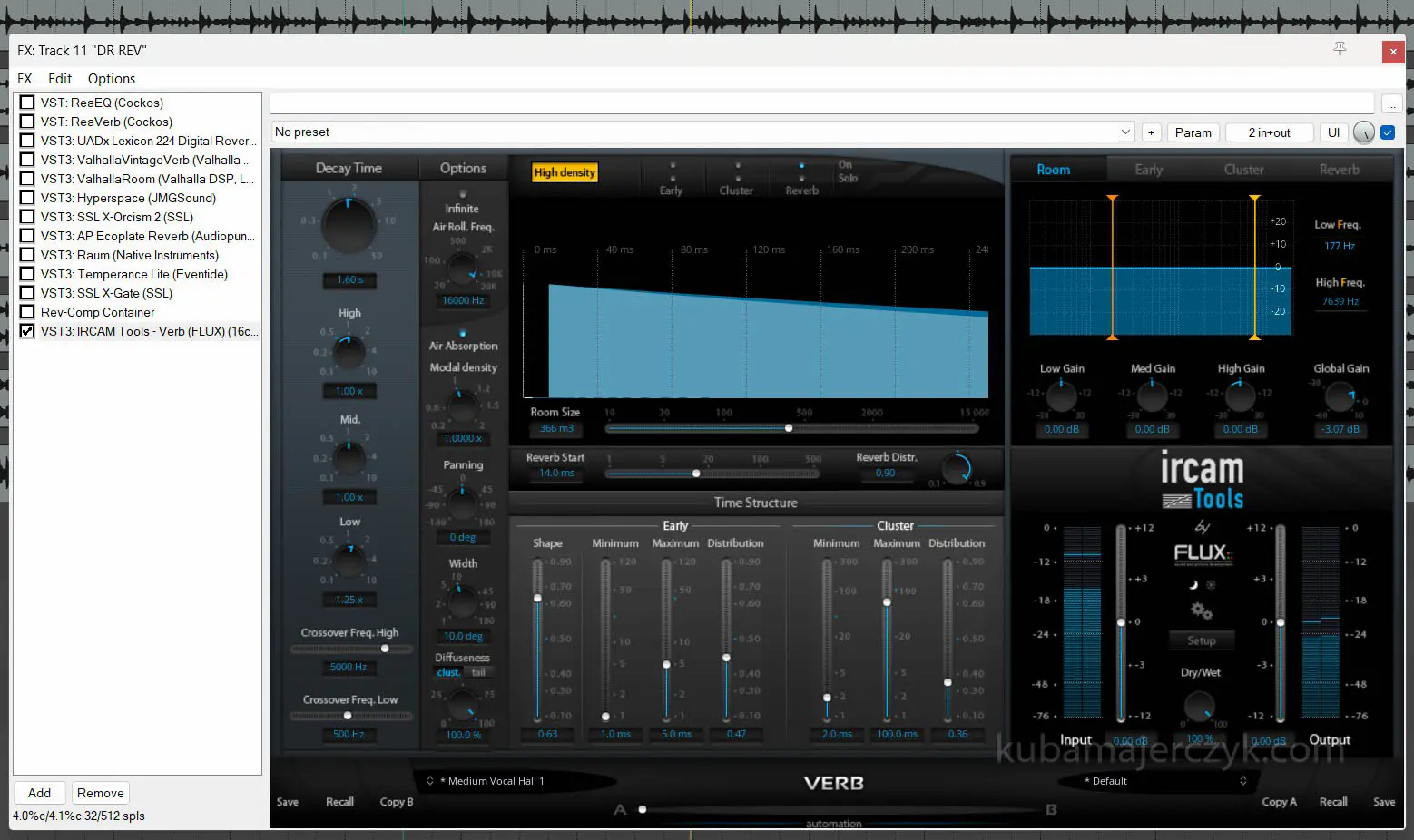
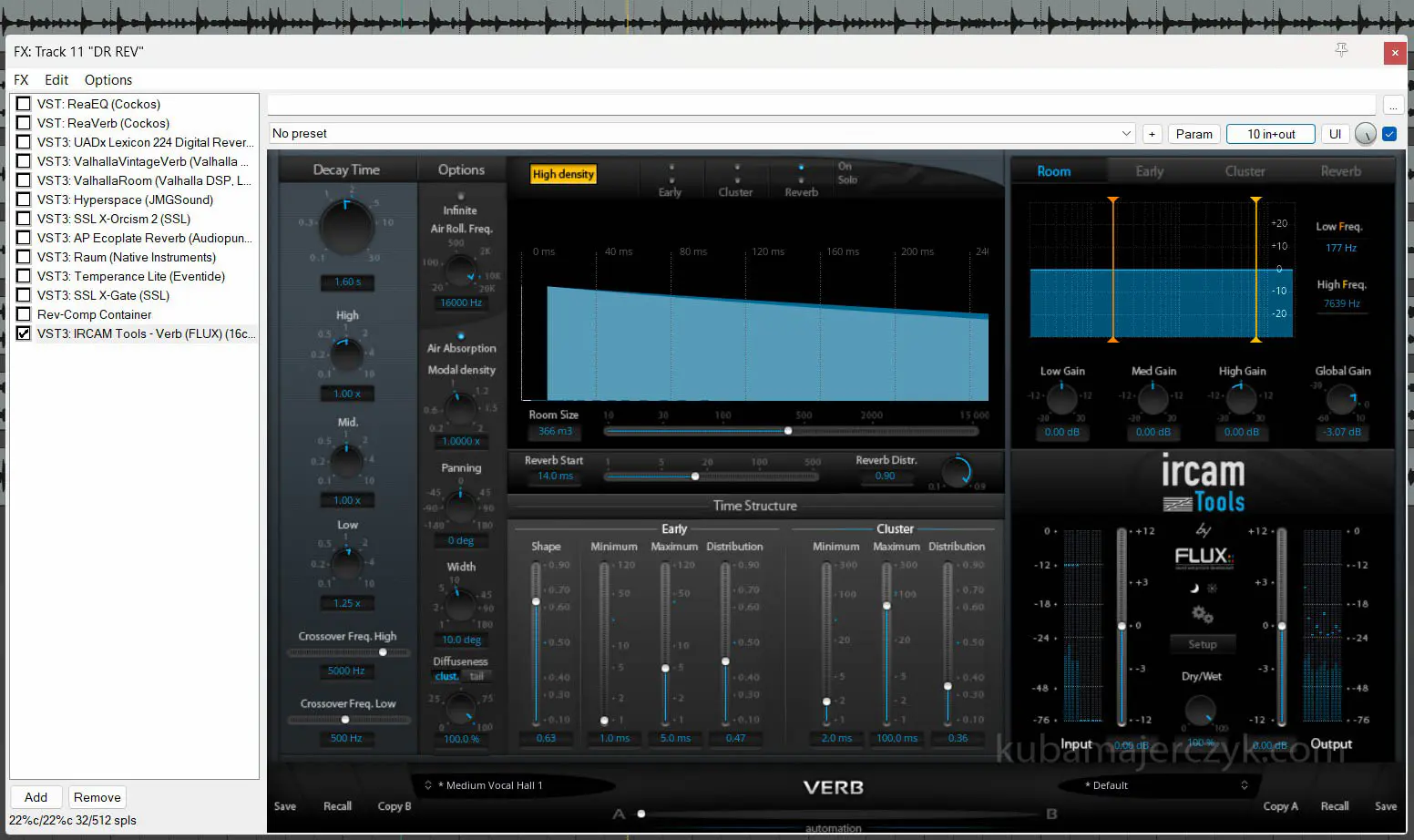
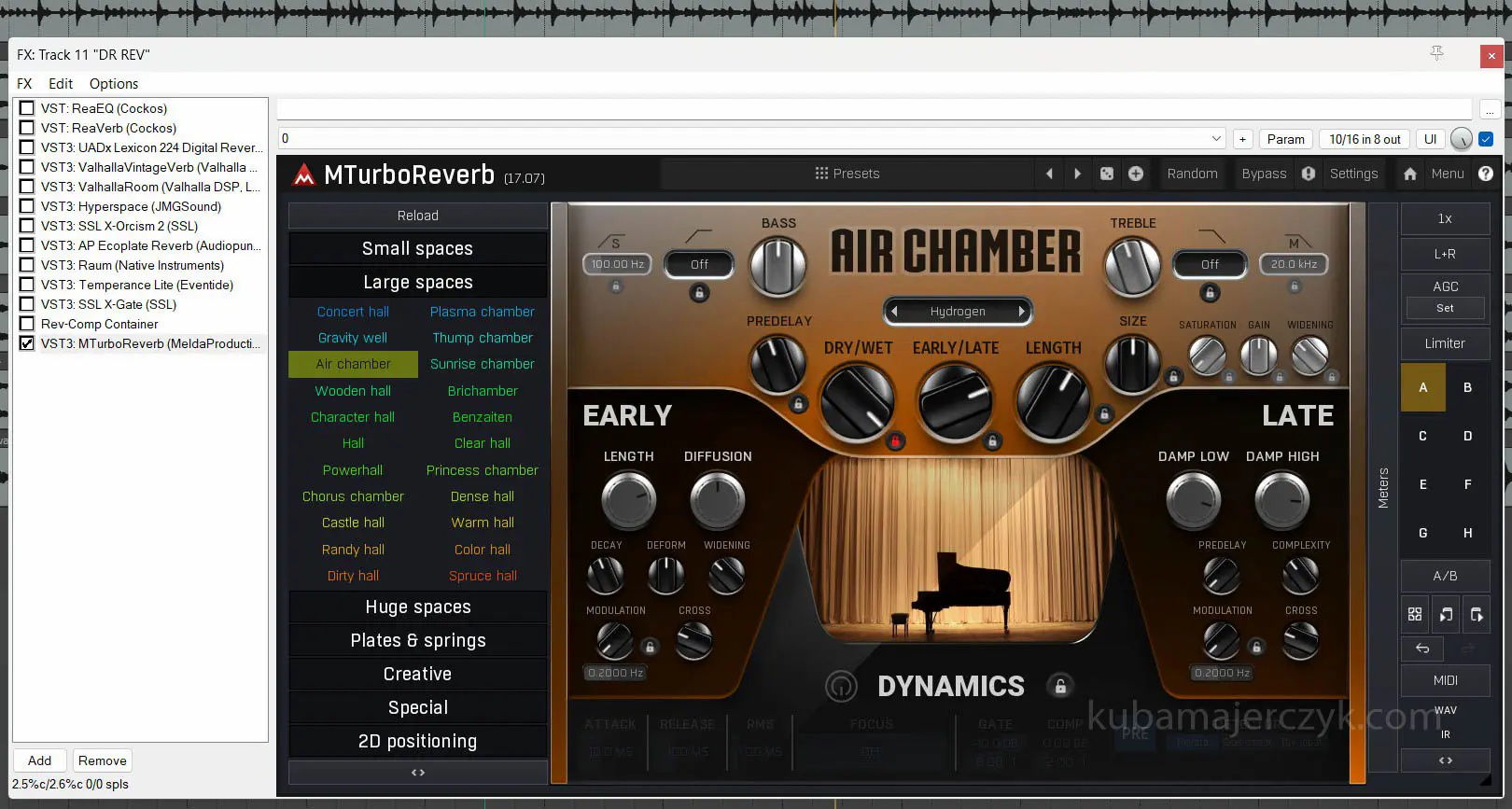
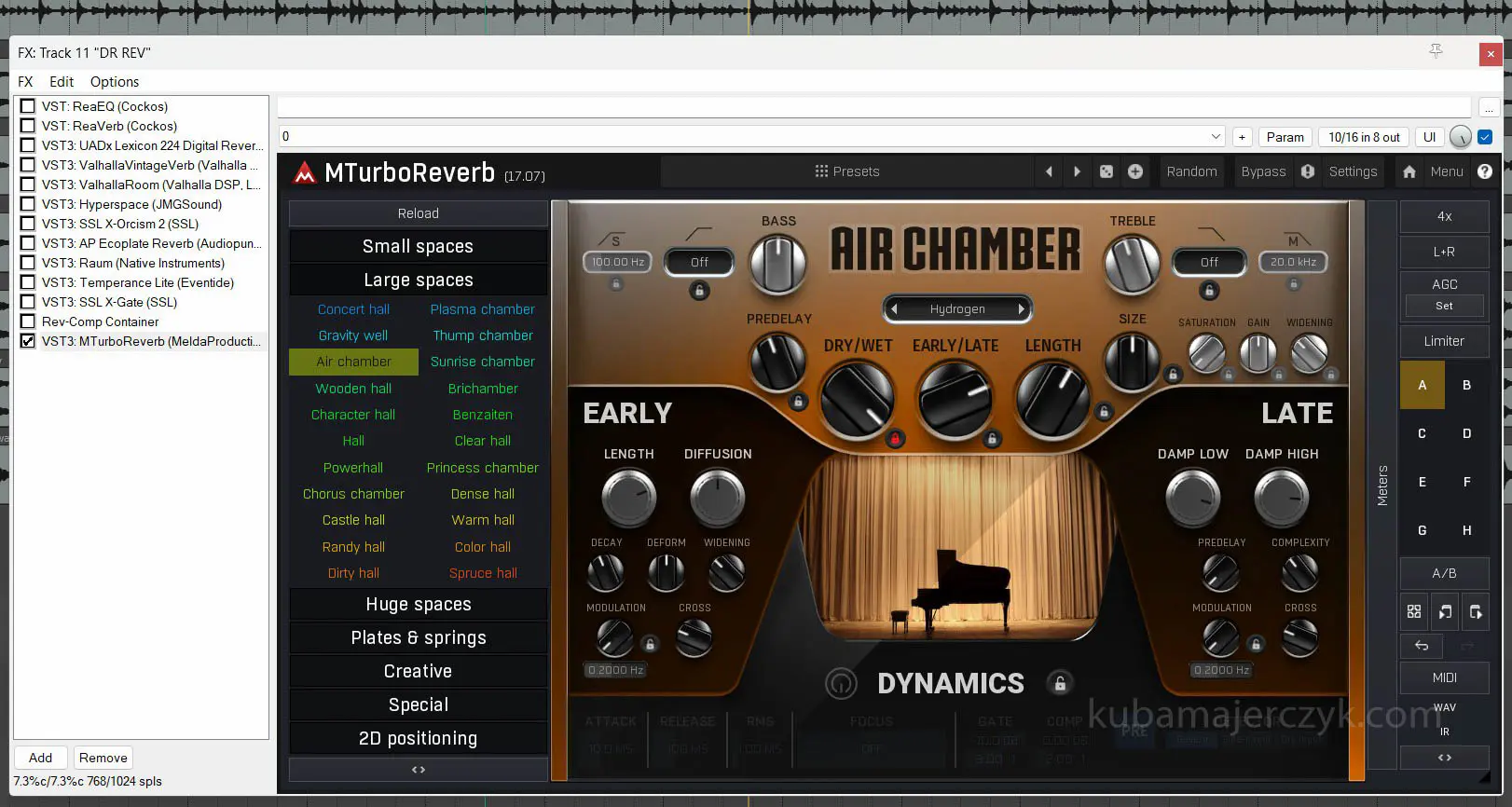
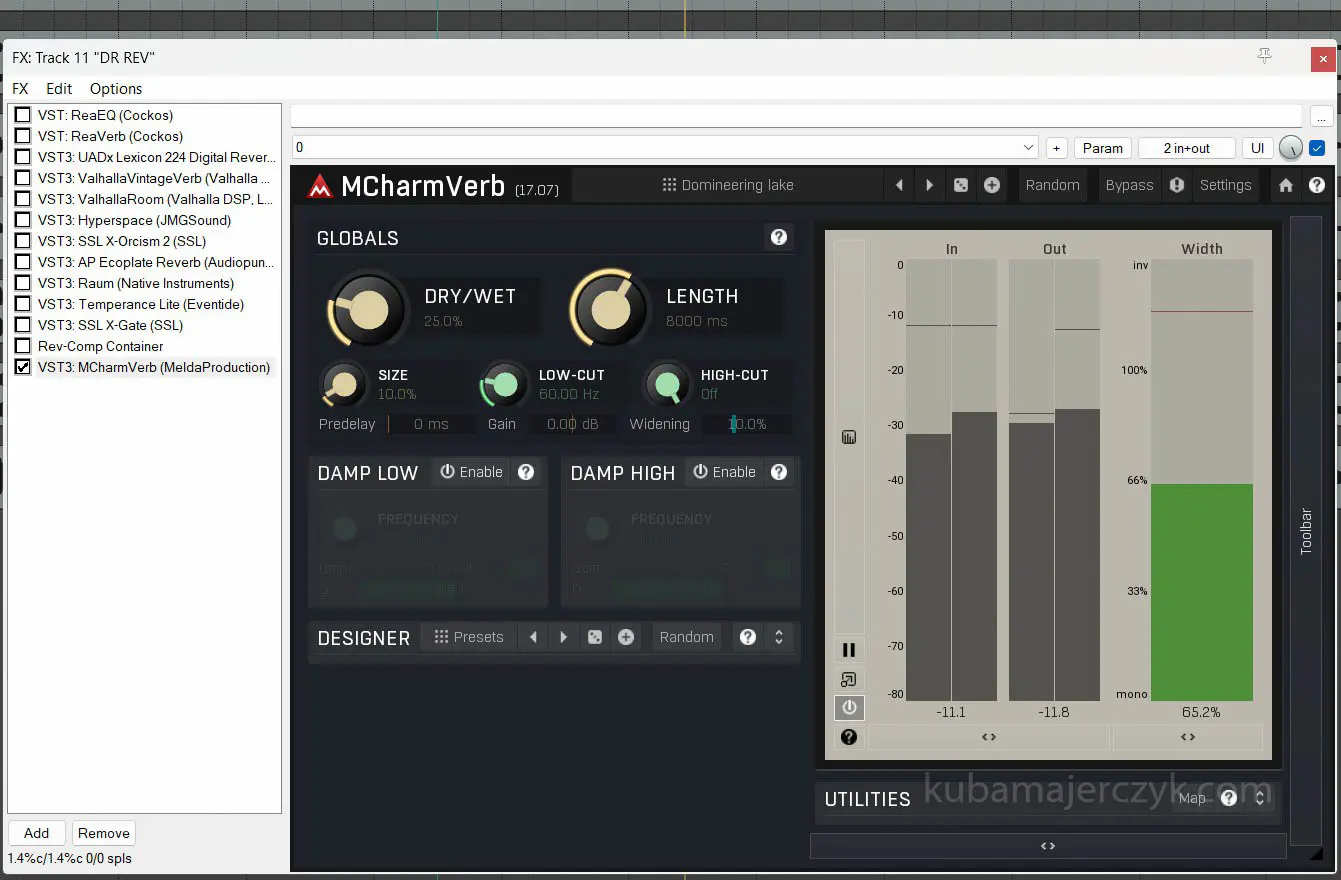
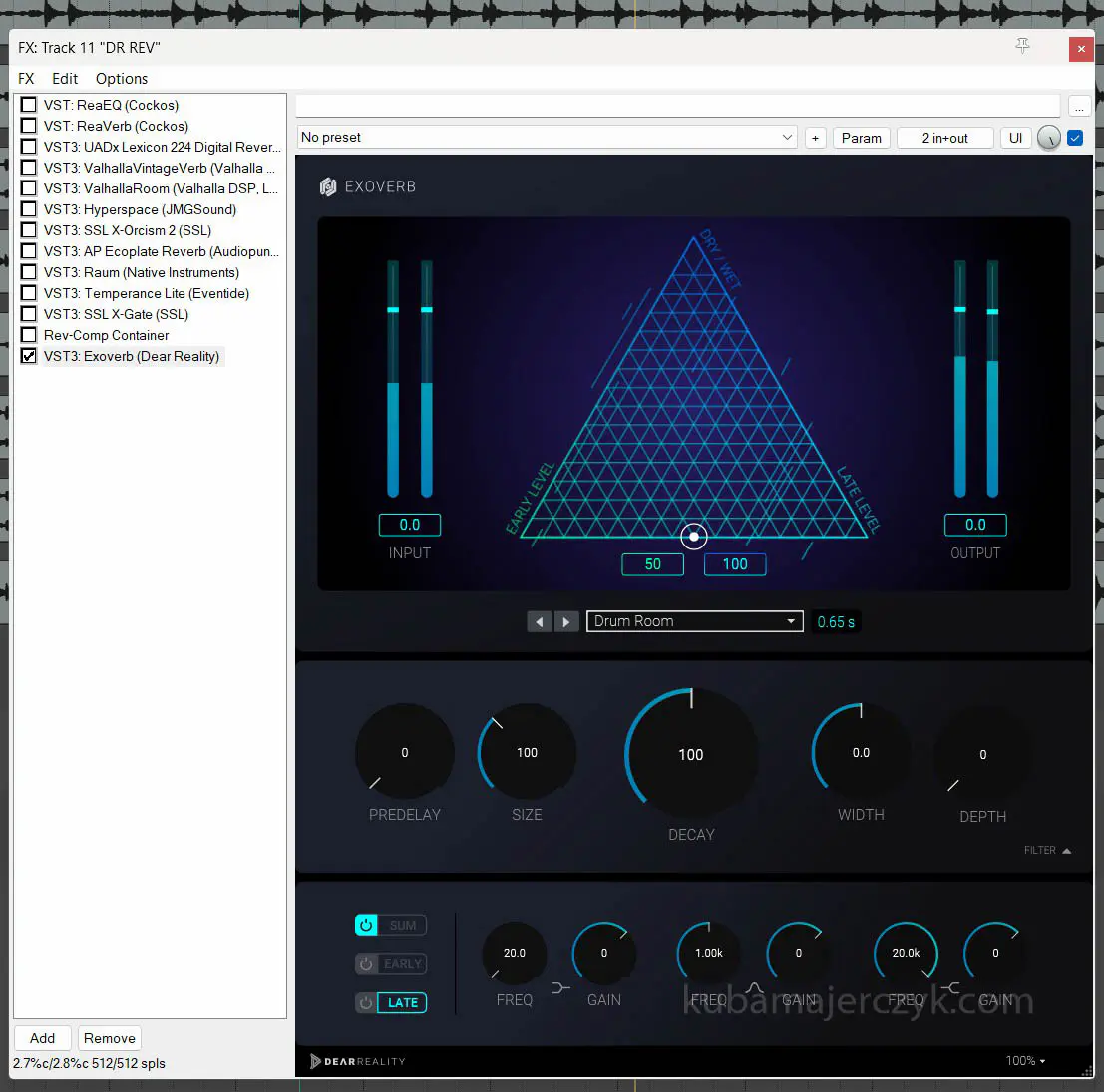
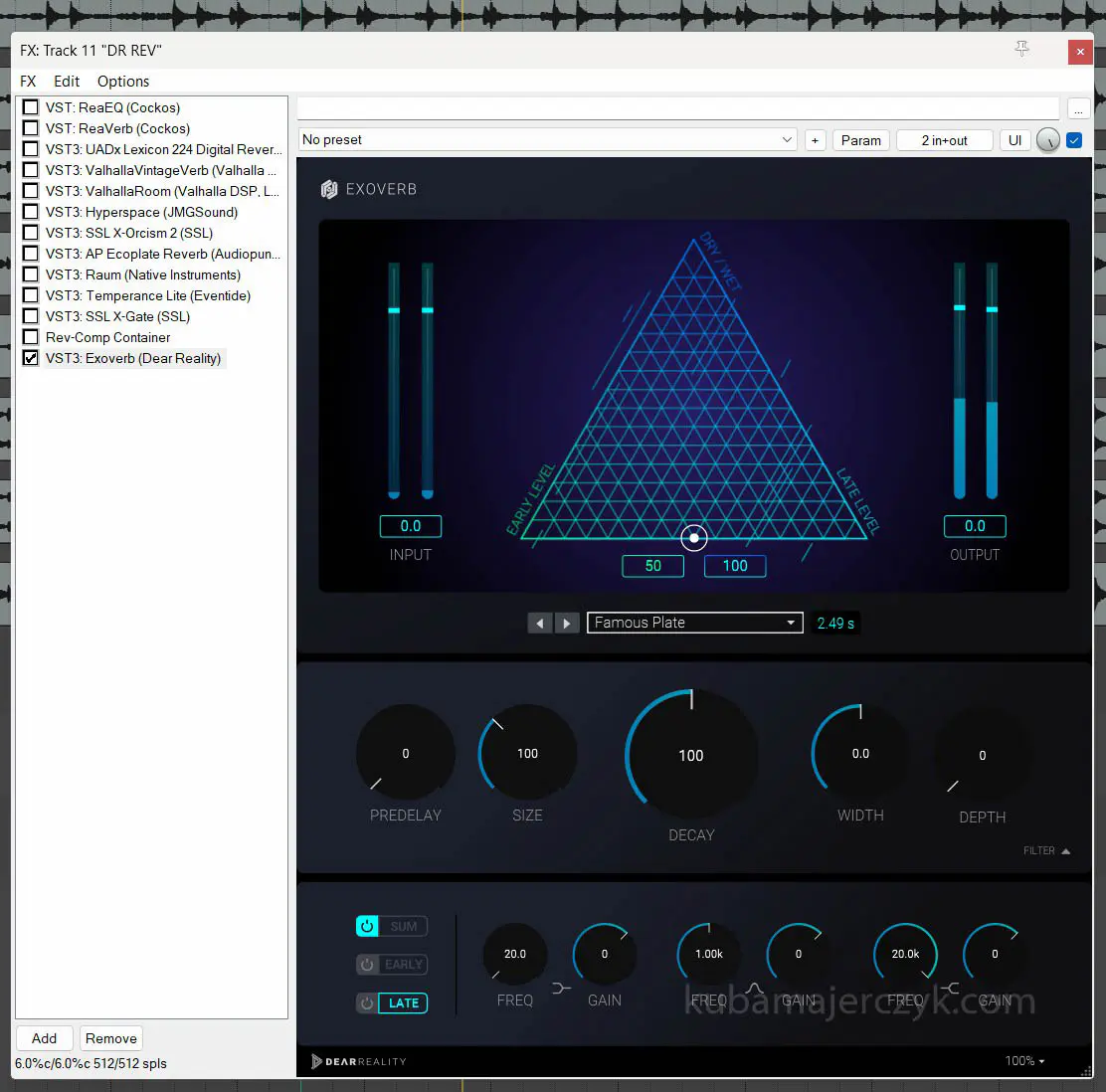
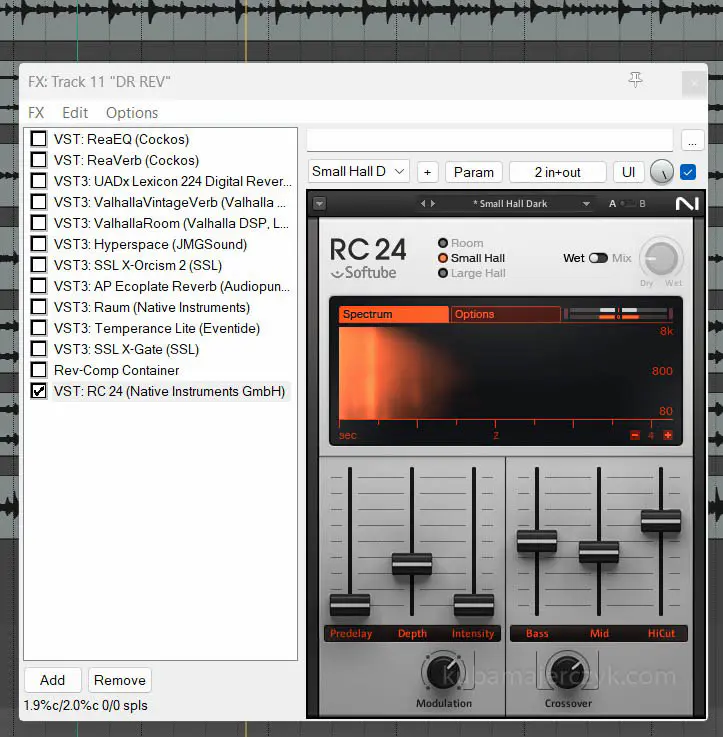
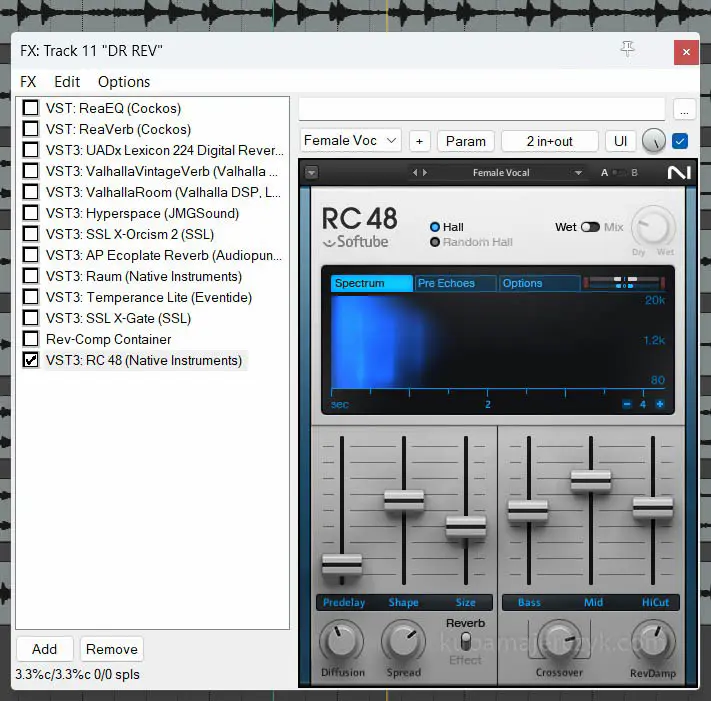
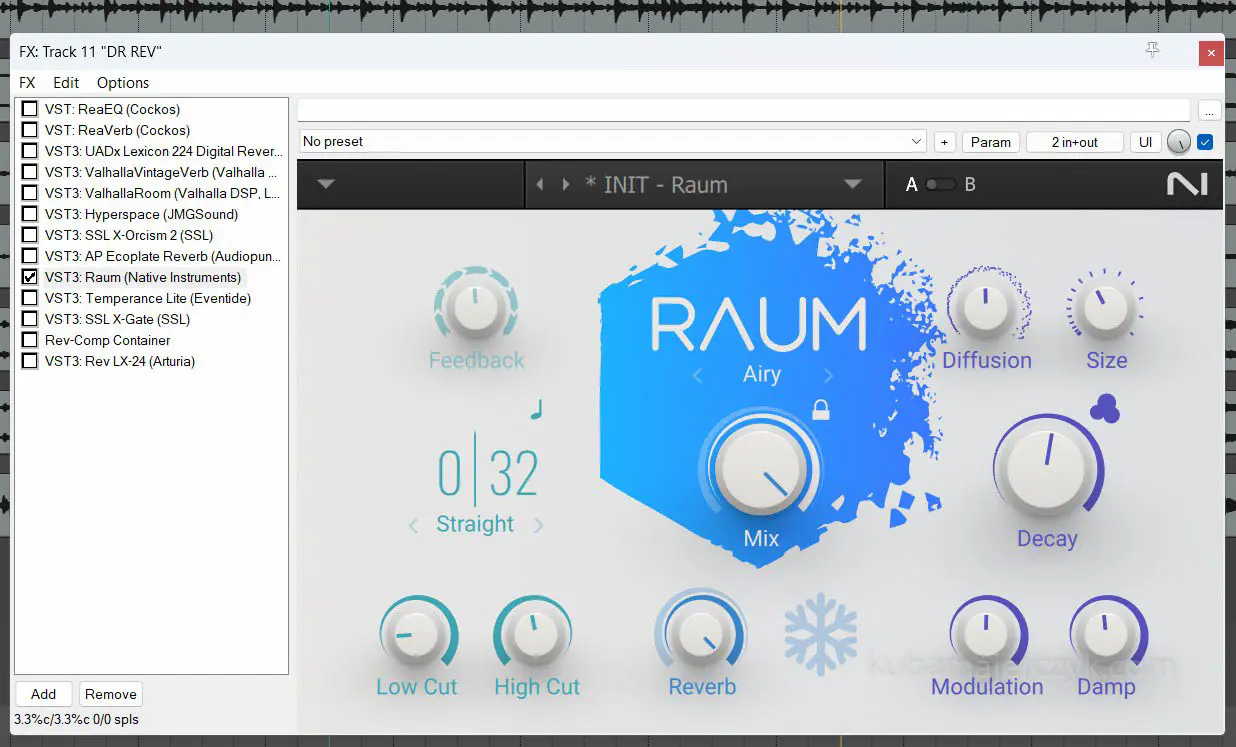
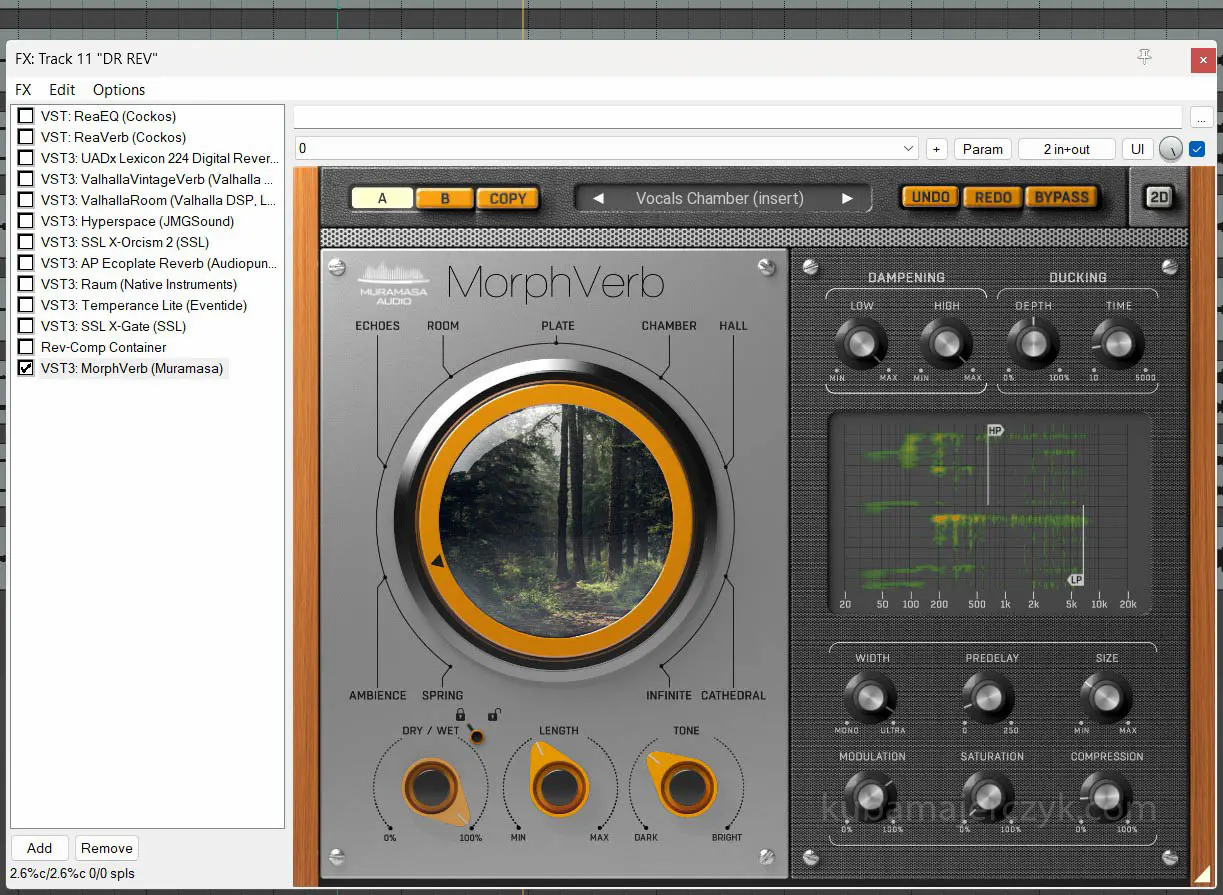
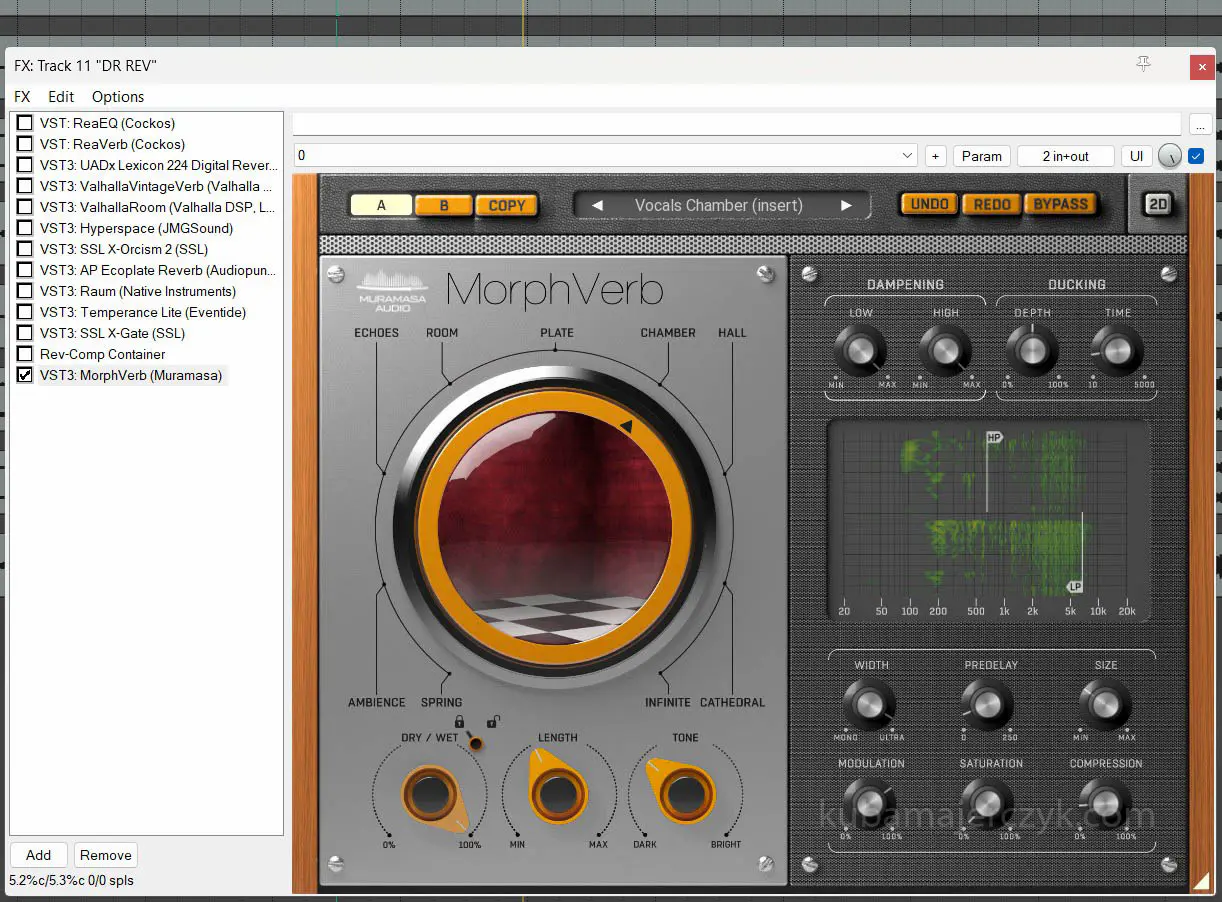
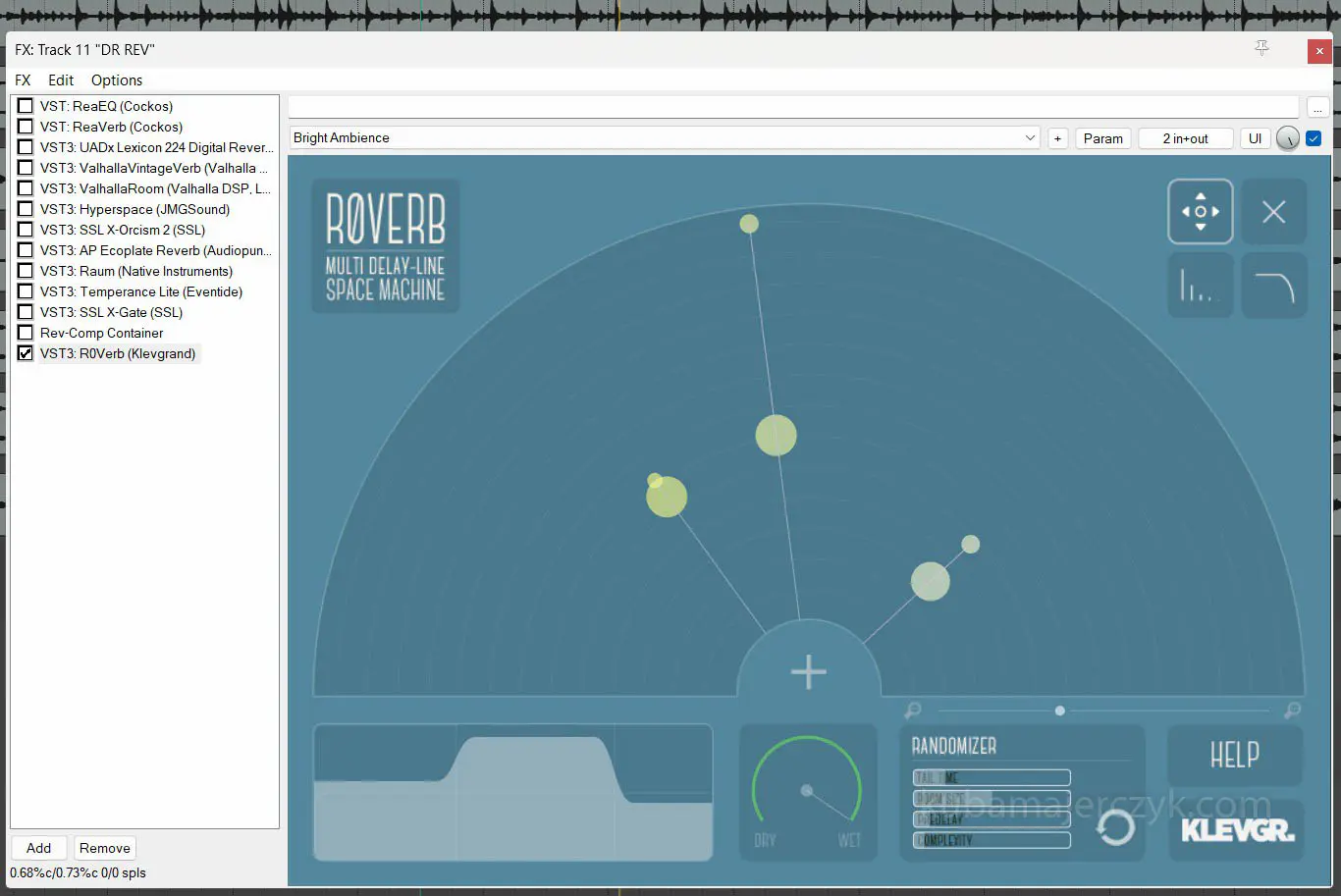
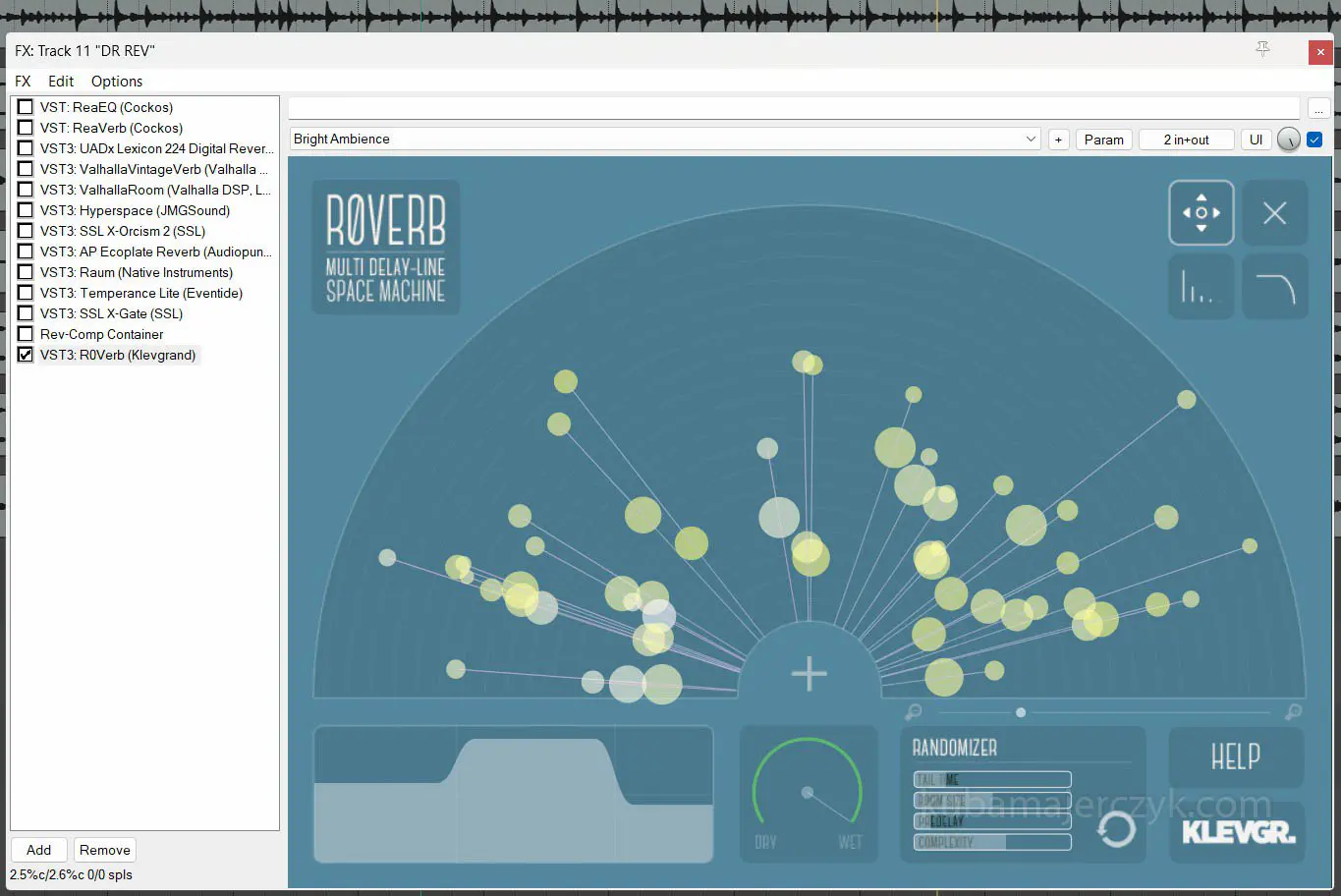
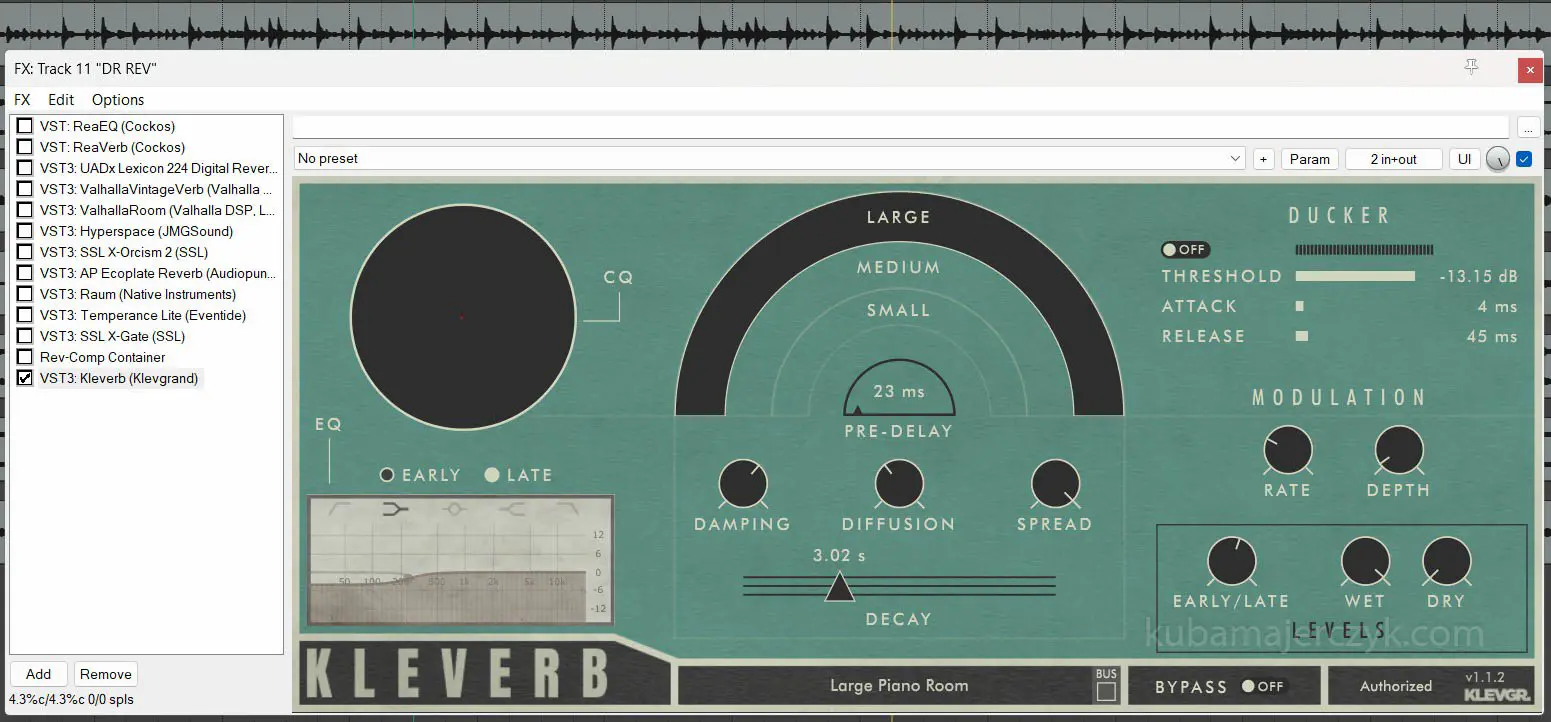
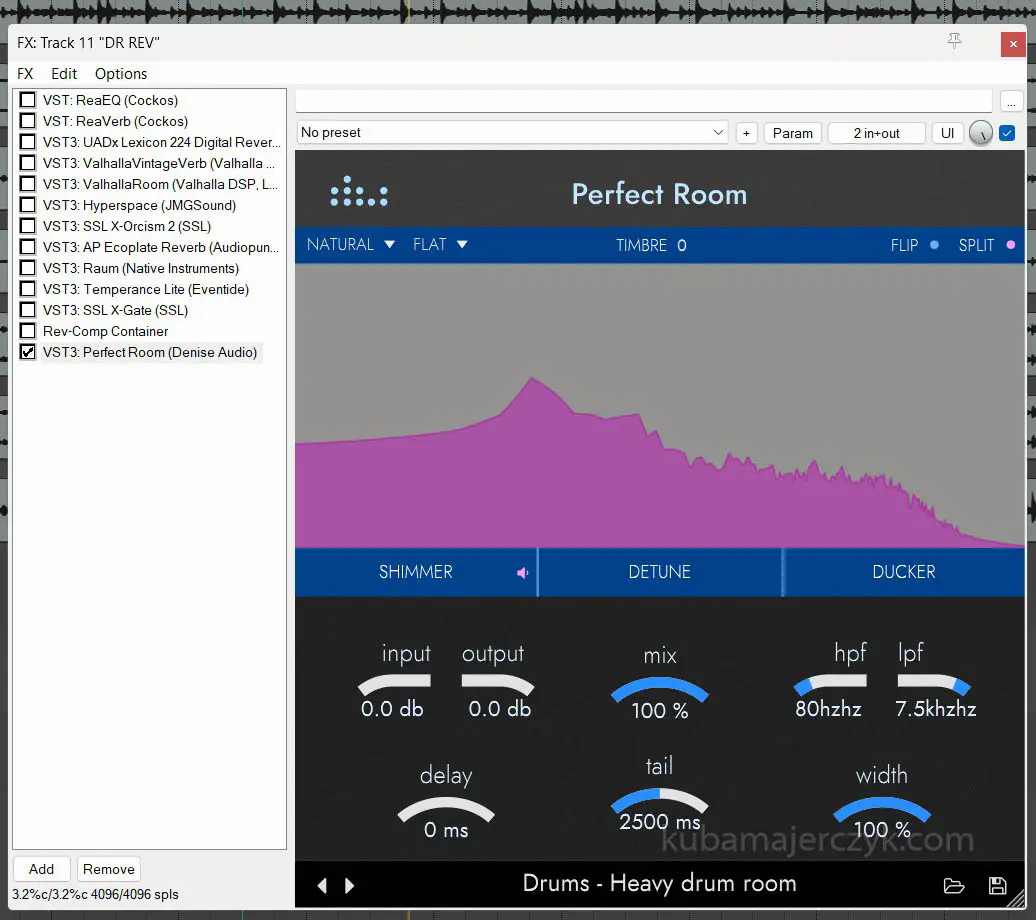
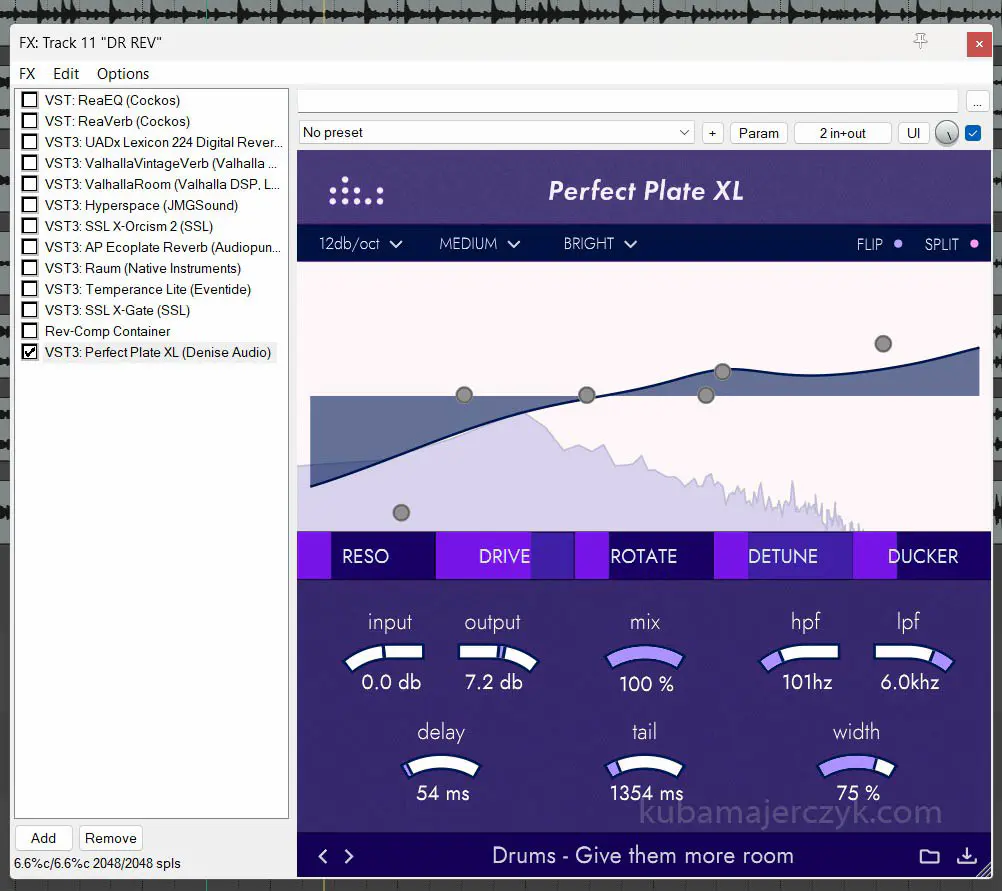
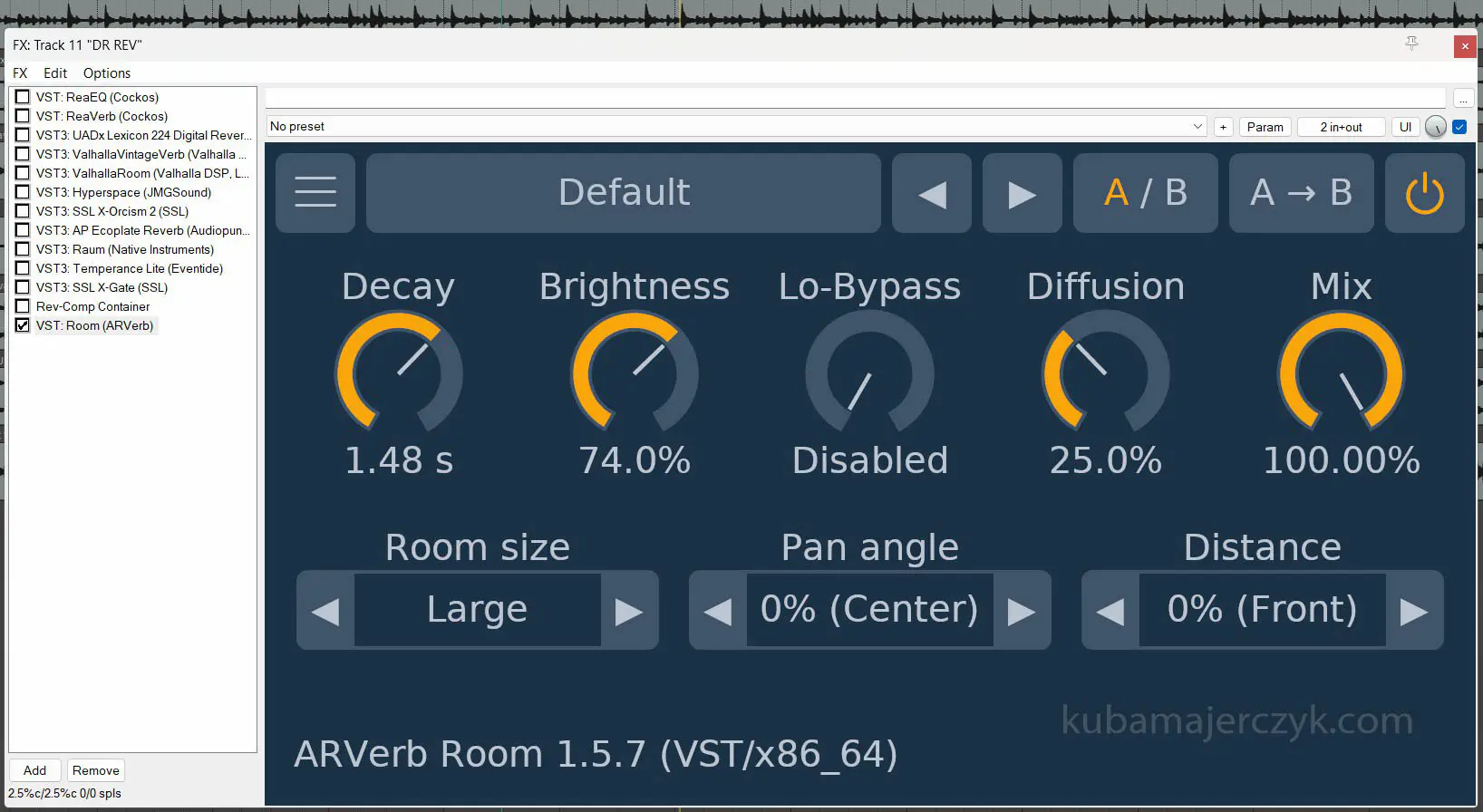
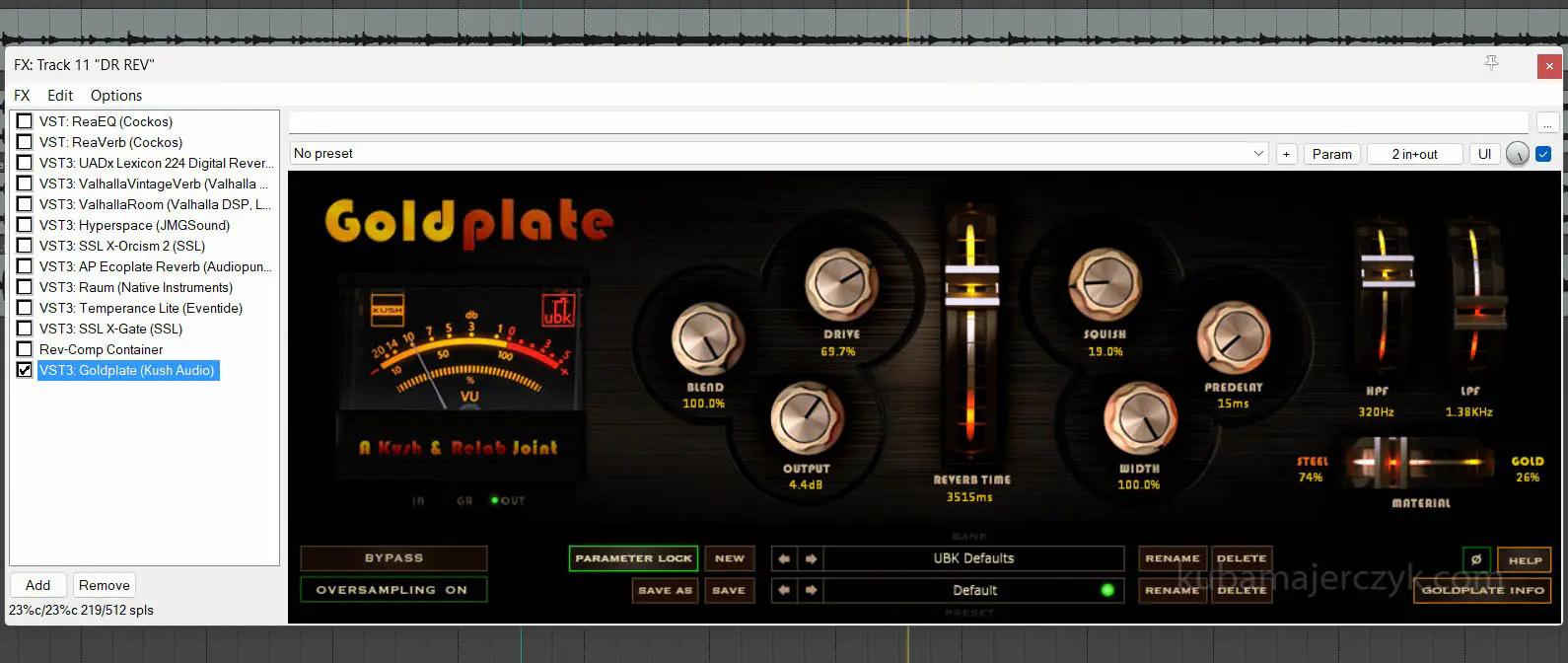
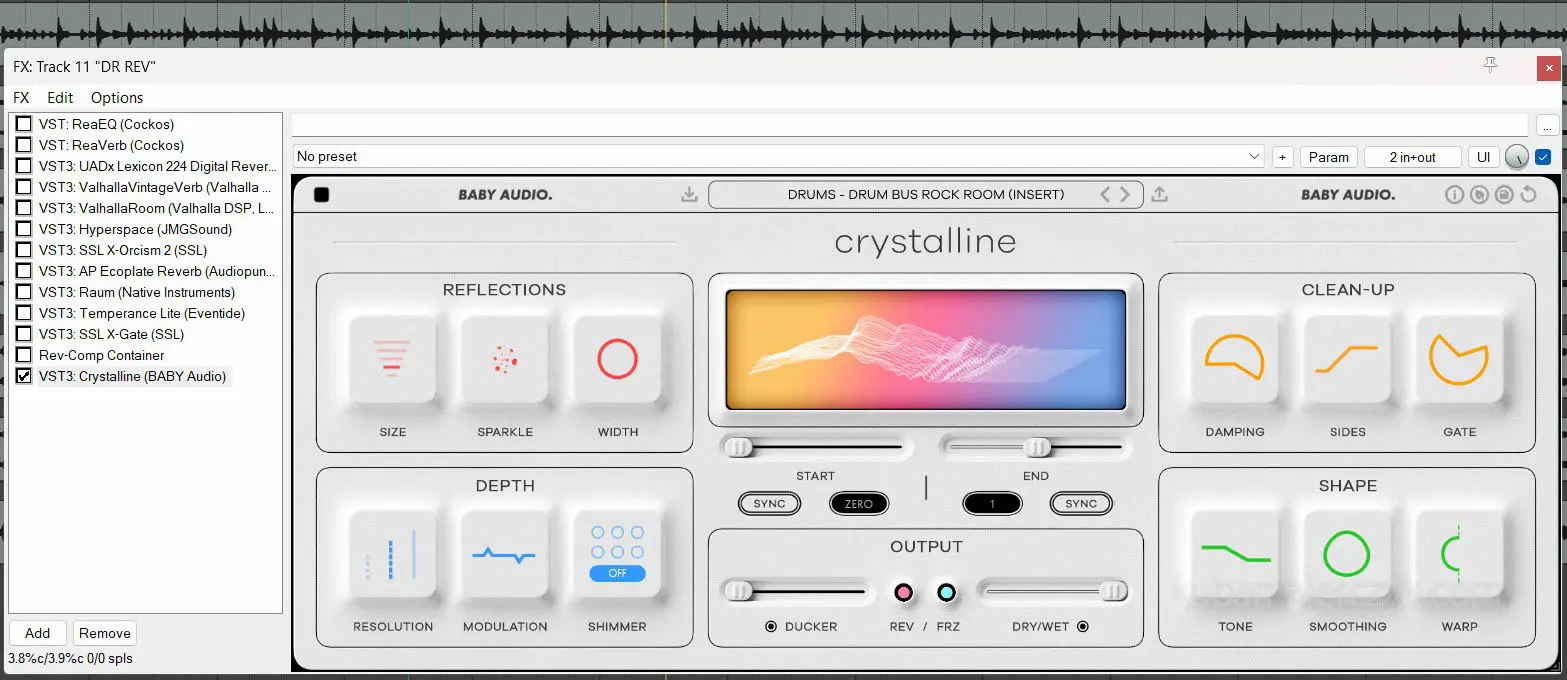
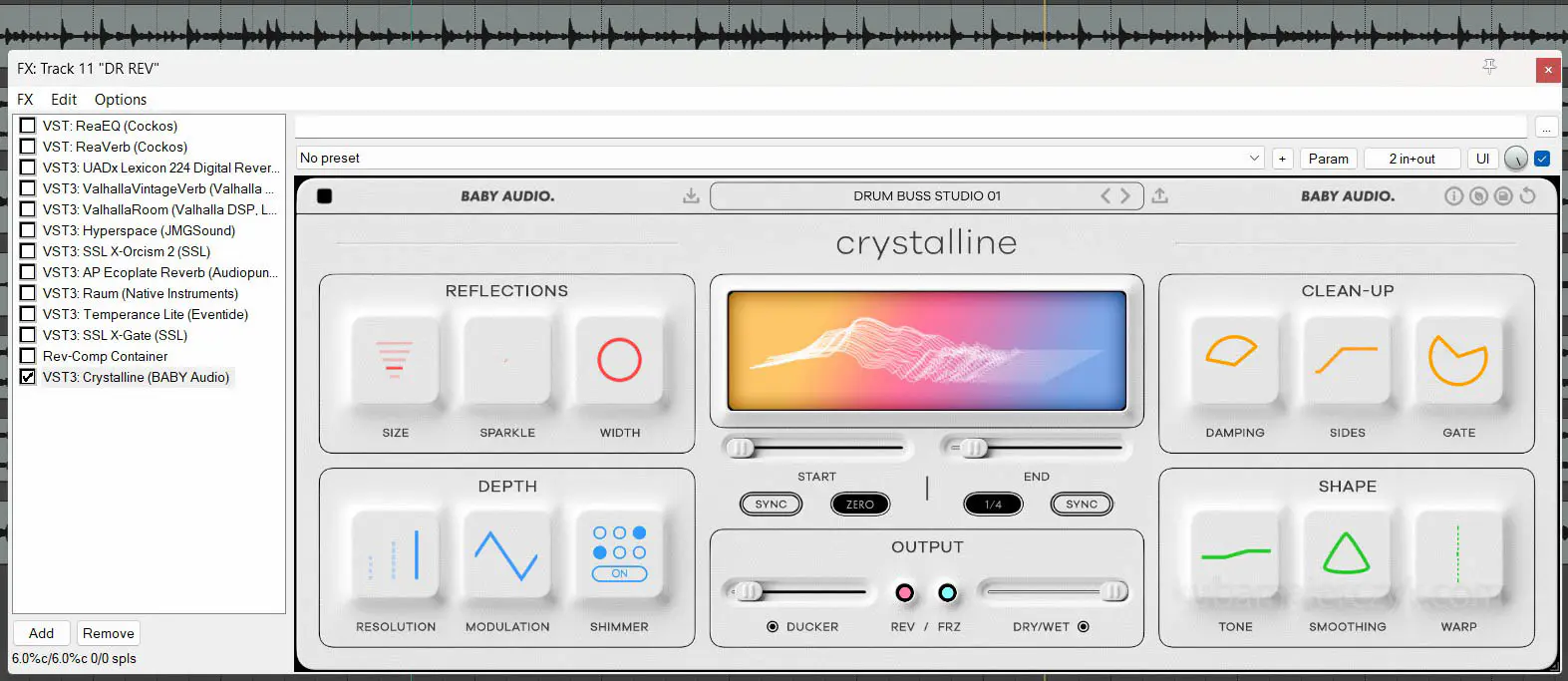
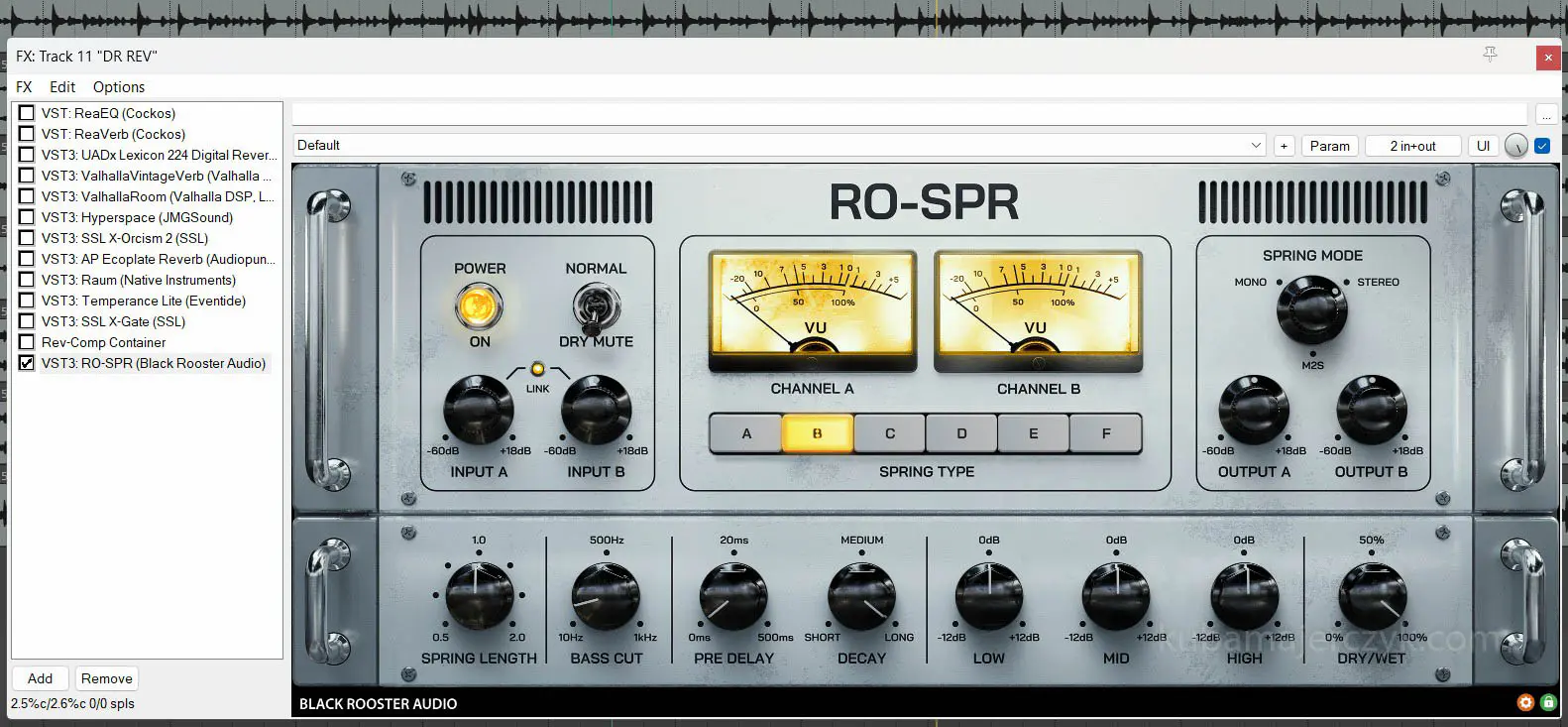
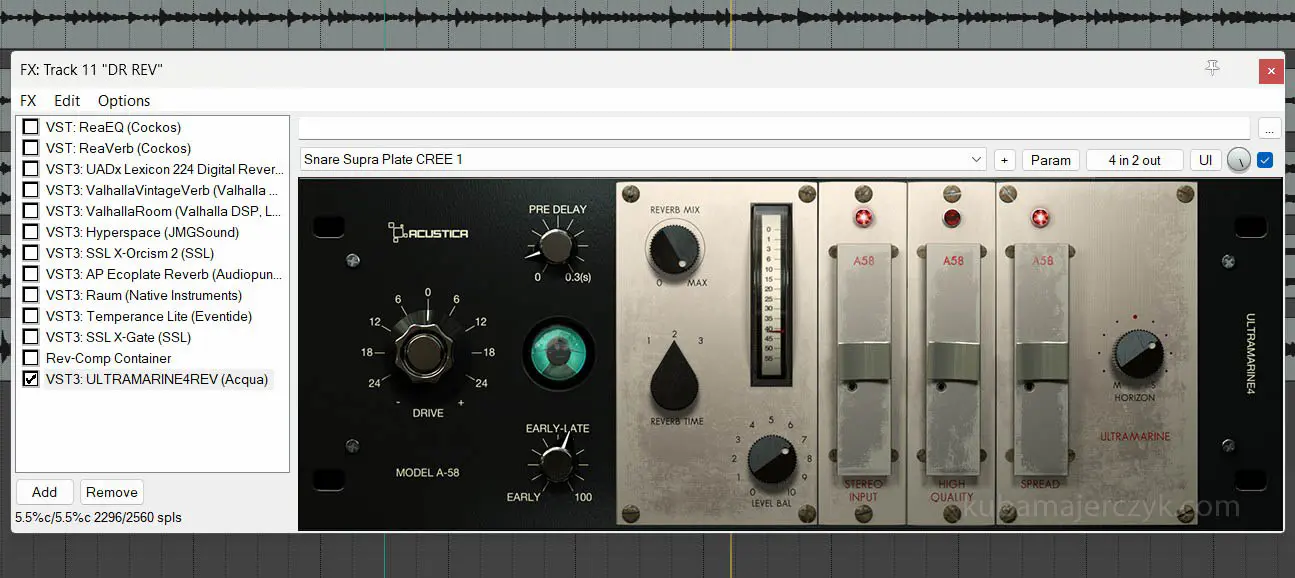
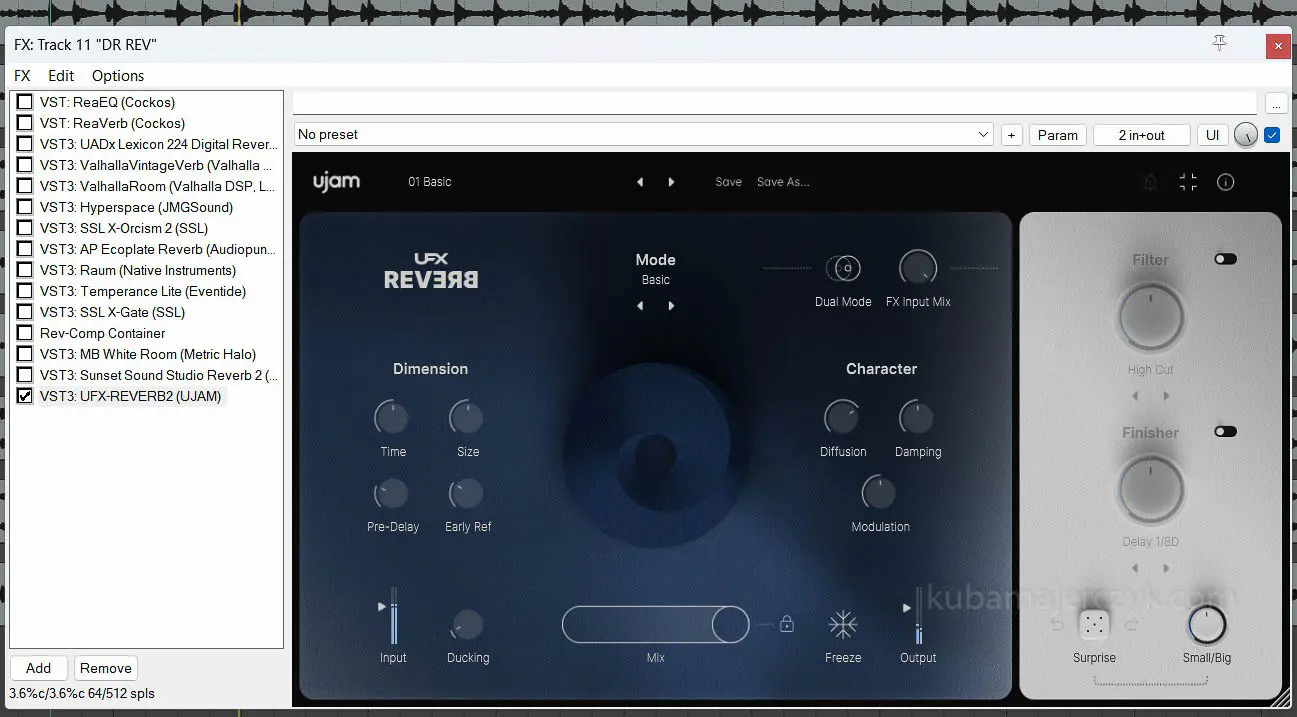
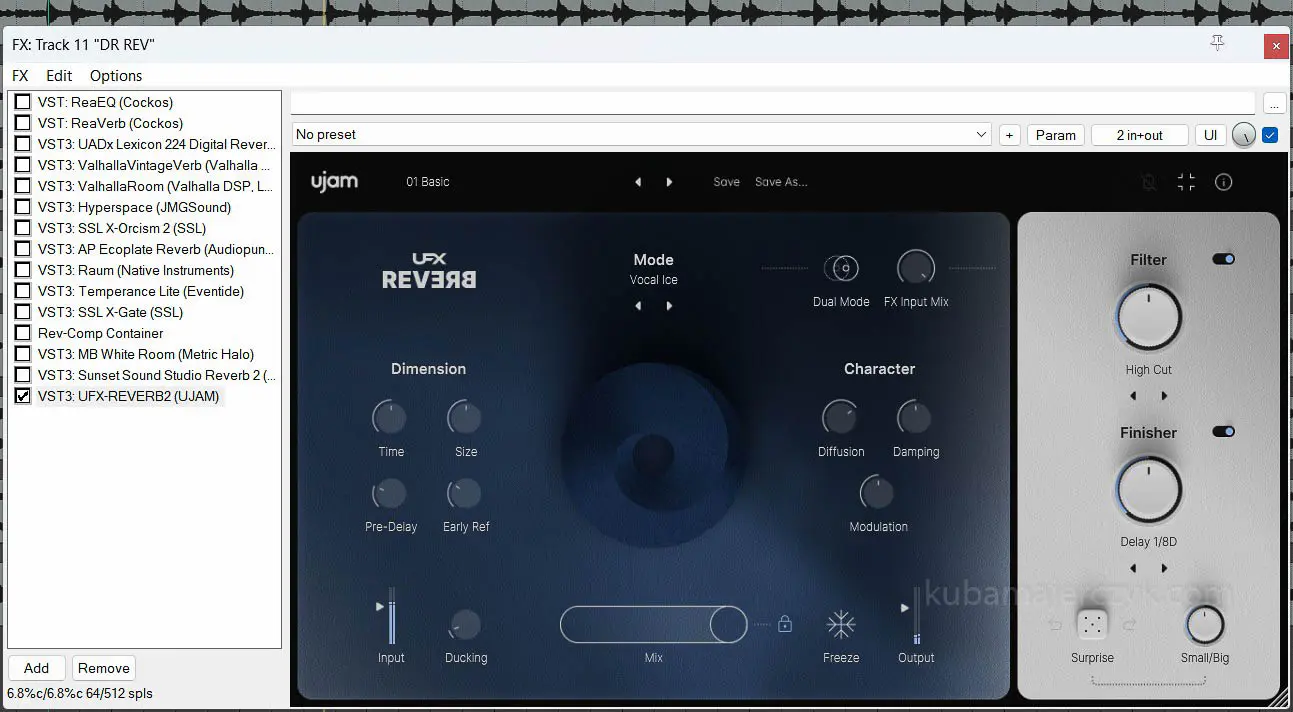
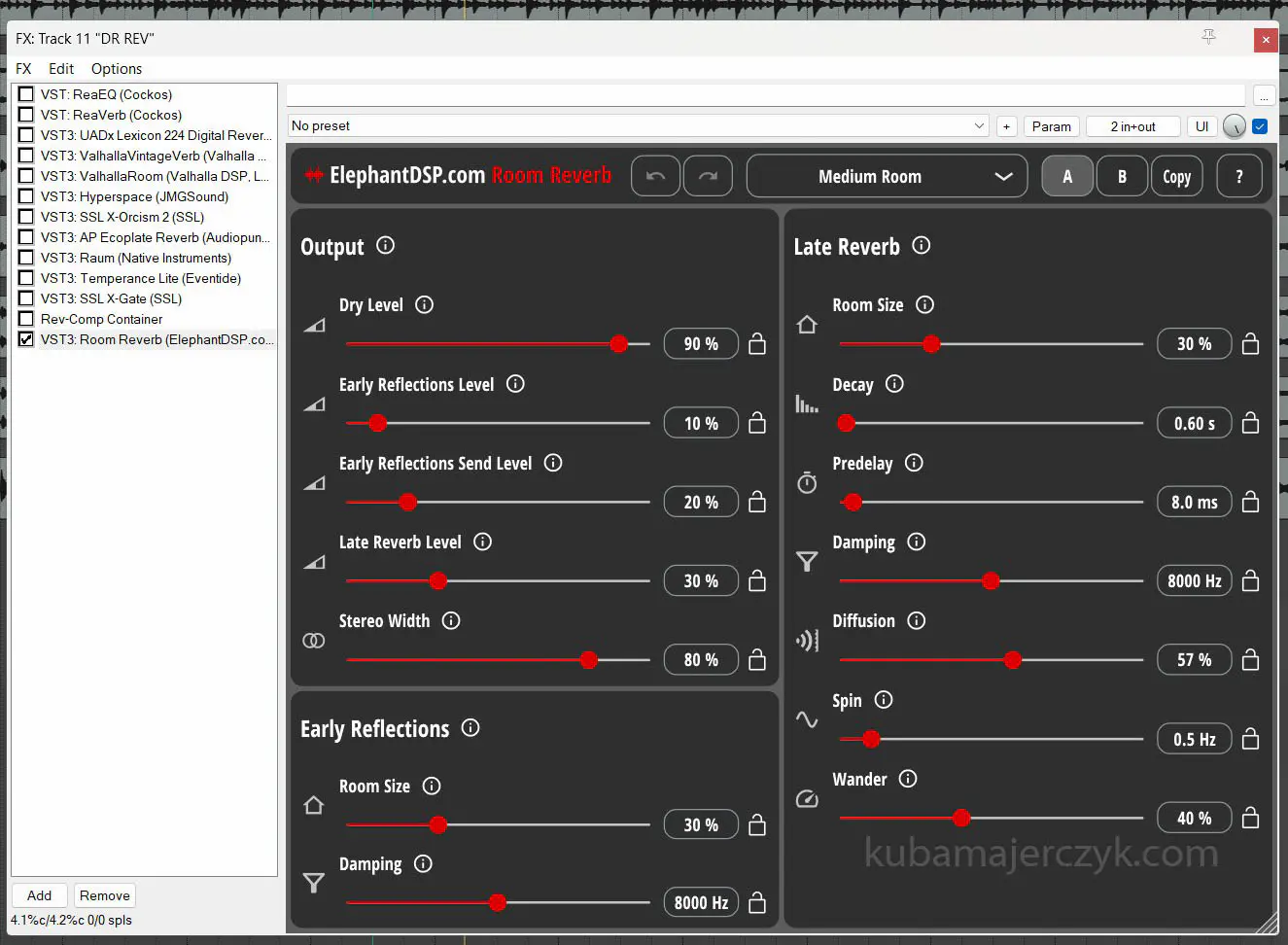
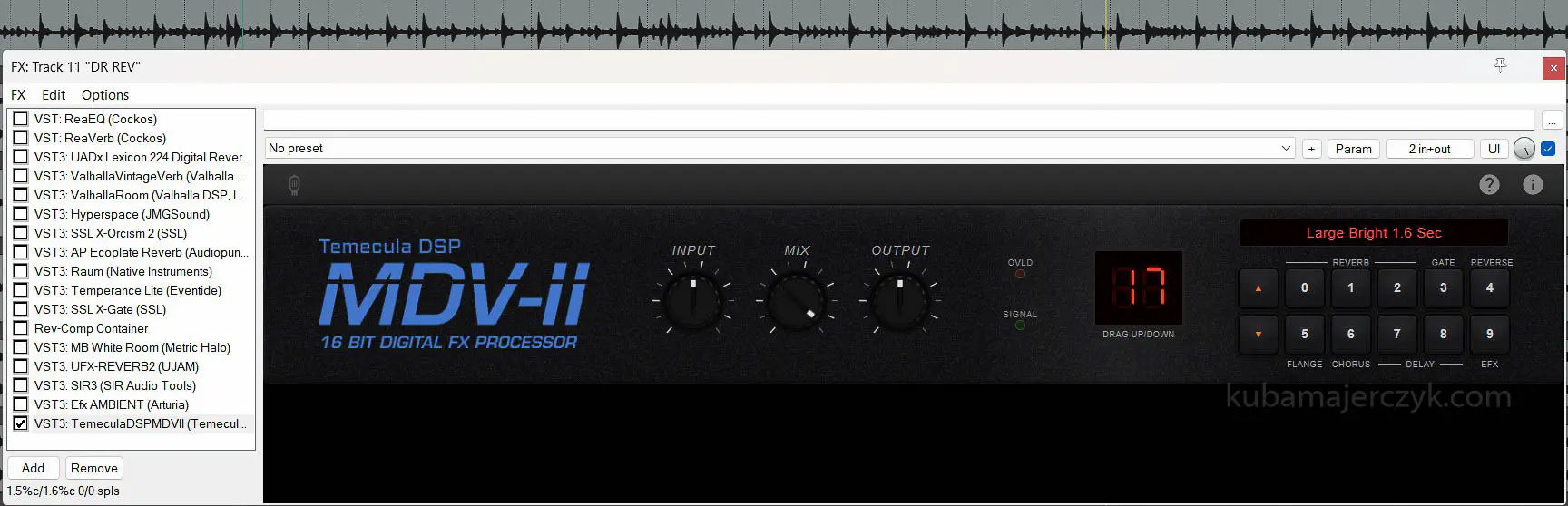
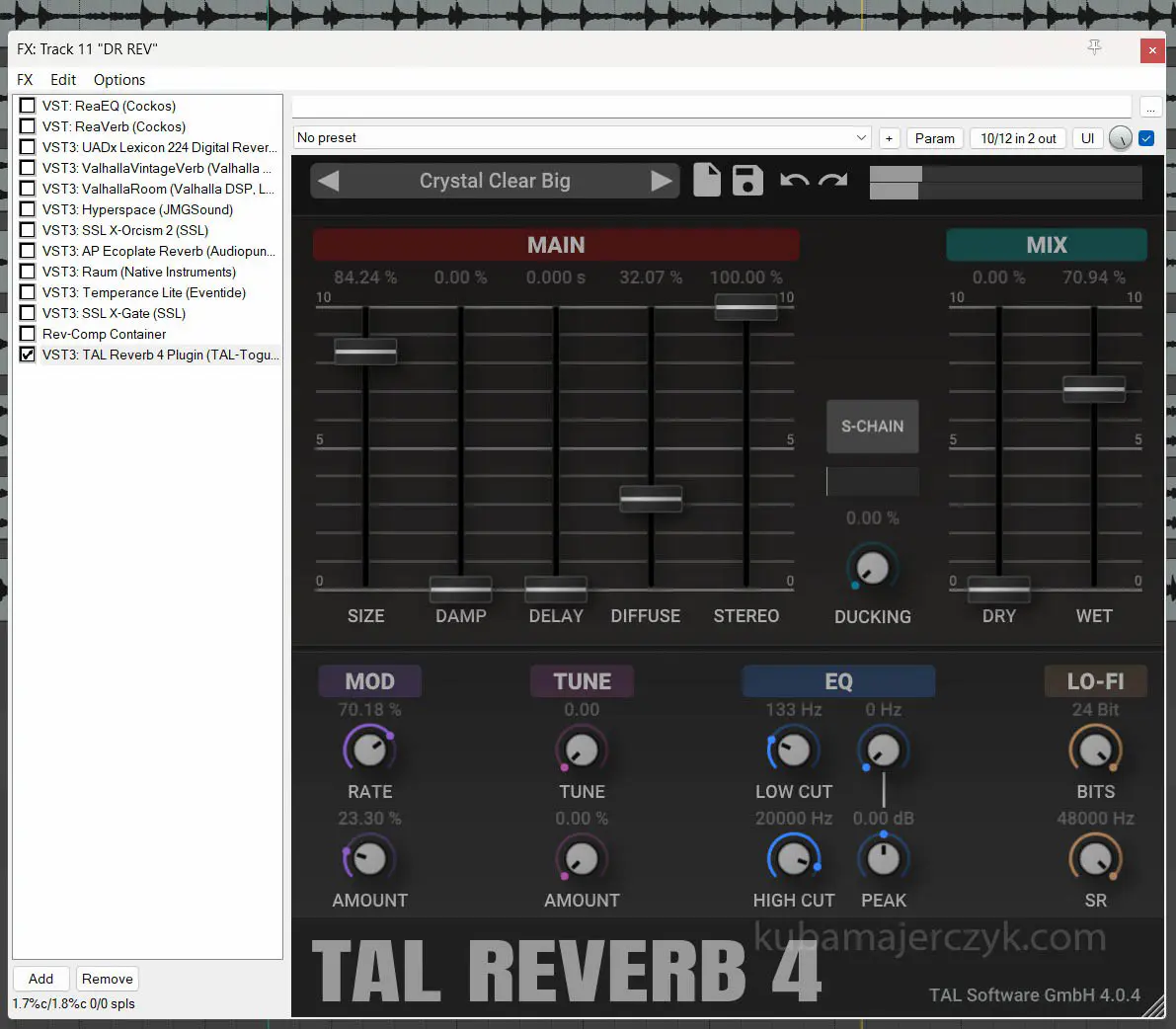
This article refers to the CPU power requirements of audio plugins, expressed as a percentage.
The information here may be useful primarily for people working with audio on, well, “normal” PCs, and users of older Macs (those from before the Apple Silicon era).
My data as of today refers to the AMD Ryzen 9 5900X processor, but it should be treated only as a percentage, so, for example, “reverb A uses twice as many CPU cycles as reverb B.” This relative percentage of CPU power consumption is fairly useful information for owners of other CPUs, let’s say, from the same era.
The results apply to the following session parameters: 48KHz 24bit 512 ASIO® buffer.
 Although urban legend claims that a good-sounding In The Box mix can be made using only the onboard plugins of any decent DAW, it is likely that every novice sound mixer, at the beginner and intermediate stages, regularly reaches the point “Oh, if only I could plug in this one more thing.” (insert the name of any audio plugin here).
As a long-time Cubase user (since SX 2 version), I’ve been dealing with this for years – maximum ASIO® buffer, frozen audio tracks, and still a hiccup in the final mixing stage.
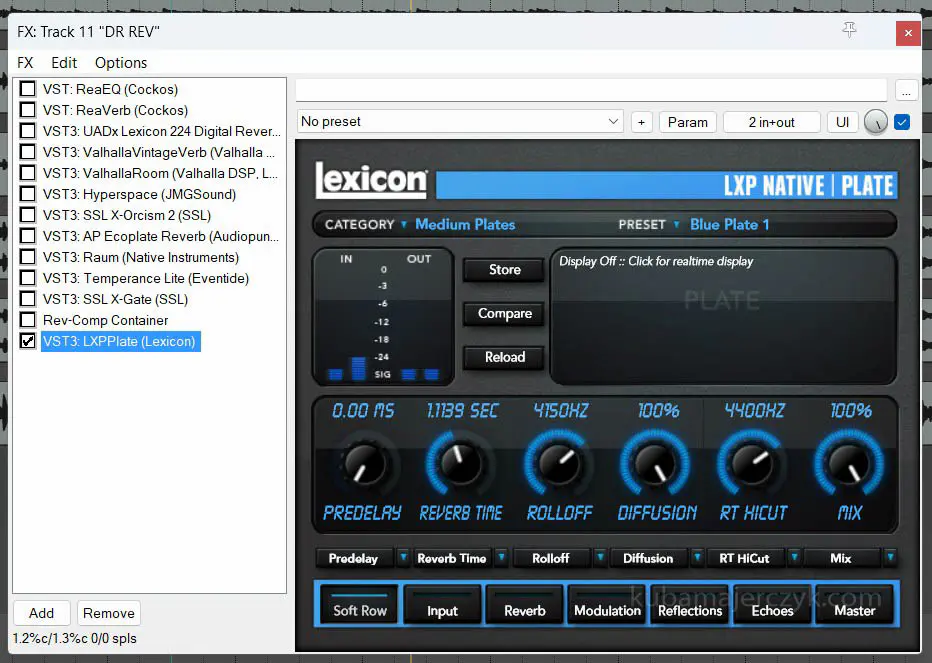
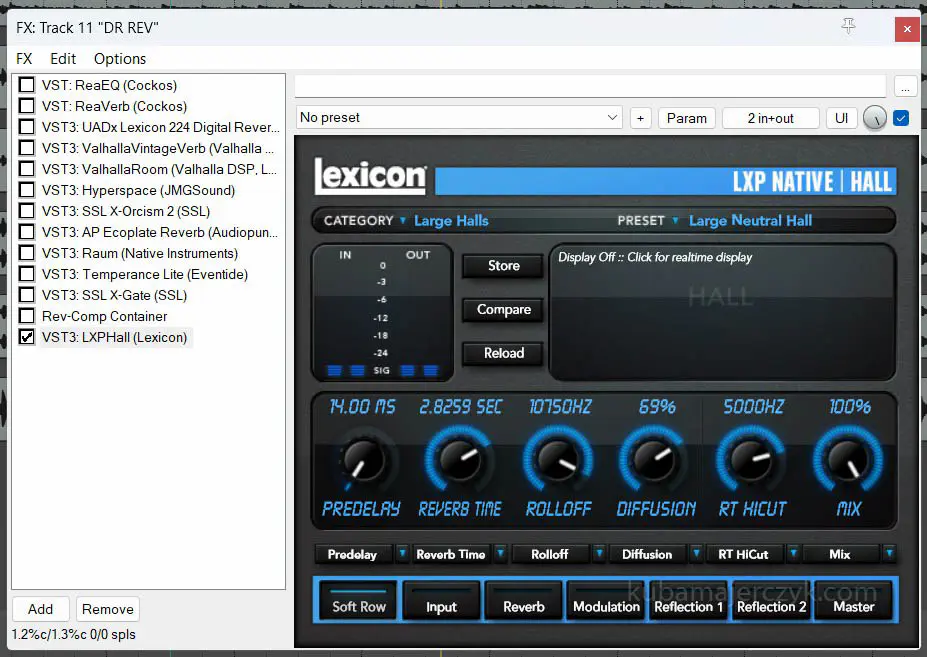
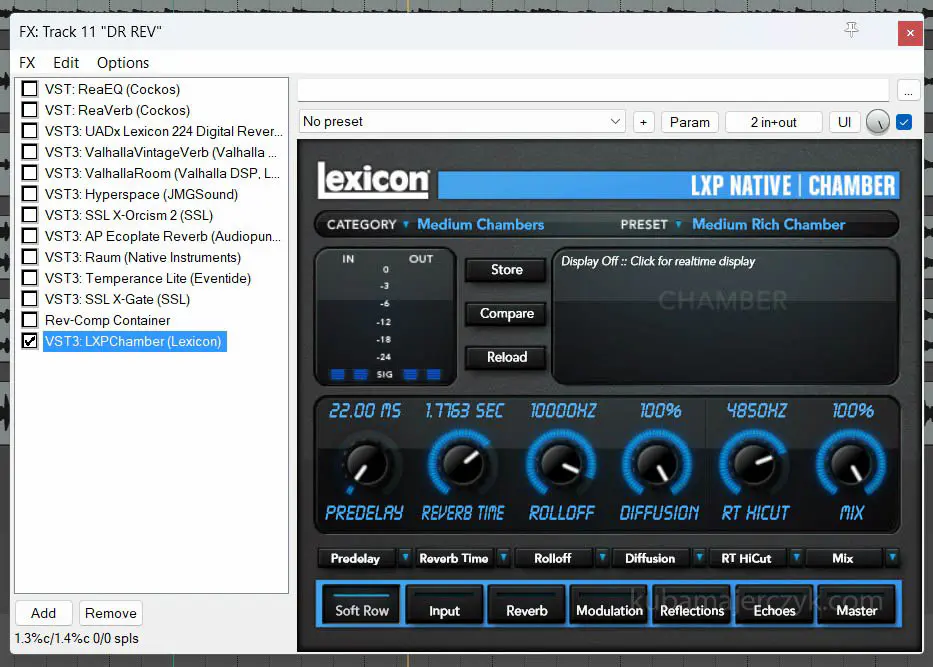
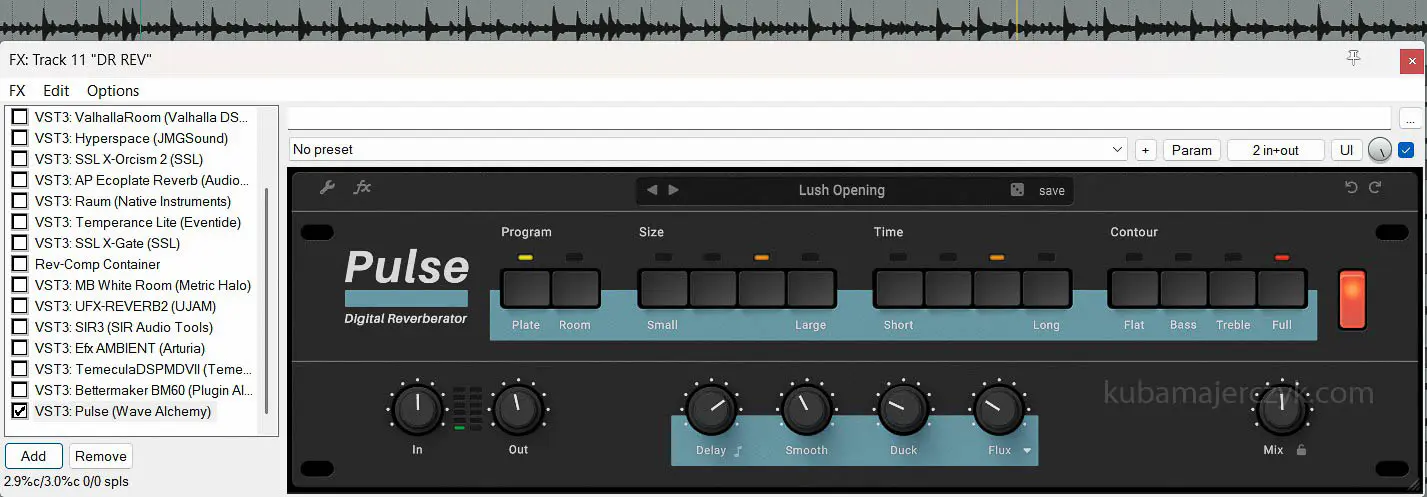
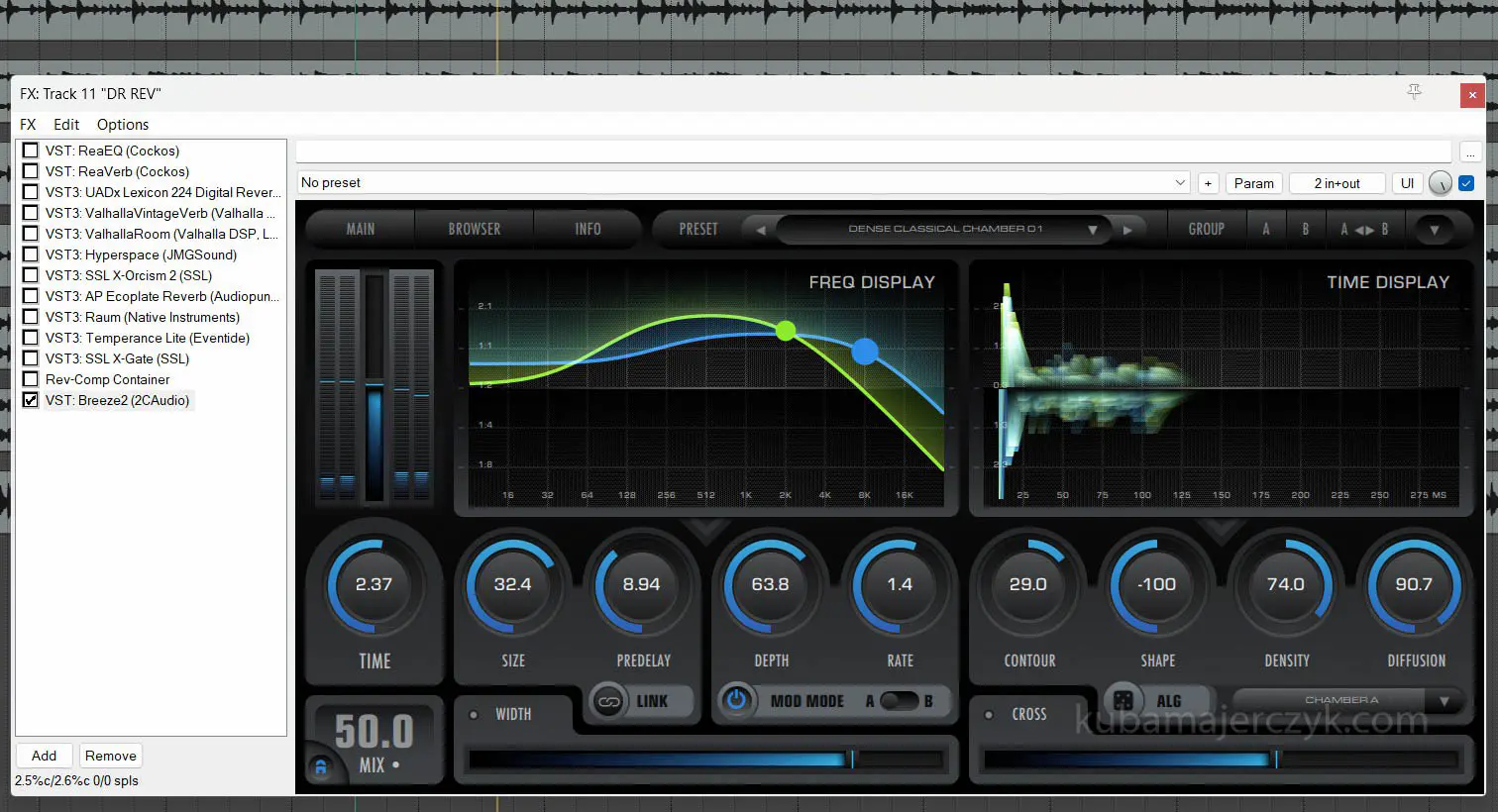
One of the popular DAWs (but likely not the only one) – Reaper displays the percentage value of the core load, which allows you to compare quite accurately the CPU demand for each plugin that can be run in it (in my case, most of them are VST®3 plugins).
What is the benefit of such info?
First and foremost, is the ability to consciously optimize computer resource usage for mixing and production sessions.
A simple example: if someone needs to use 8 instances of real-time reverbs in a mixing session, knowing their approximate CPU needs, one will use those that take up 2-5% of CPU each, rather than those consuming 10-40% per instance, or the session will simply start to stutter very quickly.
Another quite typical case – I have 40 audio tracks in a session and I would like to insert a Channel Strip plugin into each of them, followed by a tape emulation plugin – it is definitely useful to be aware of the CPU requirements of the plugins you have, so that you don’t go overboard right from the start.
And finally: your wallet benefits – if you don’t own an M4 Ultra Whatever Mac, you can simply give up buying such CPU-intensive plugins with a good conscience, and they start to gradually increase in number, because the capabilities of the new Macs obviously tempt developers.
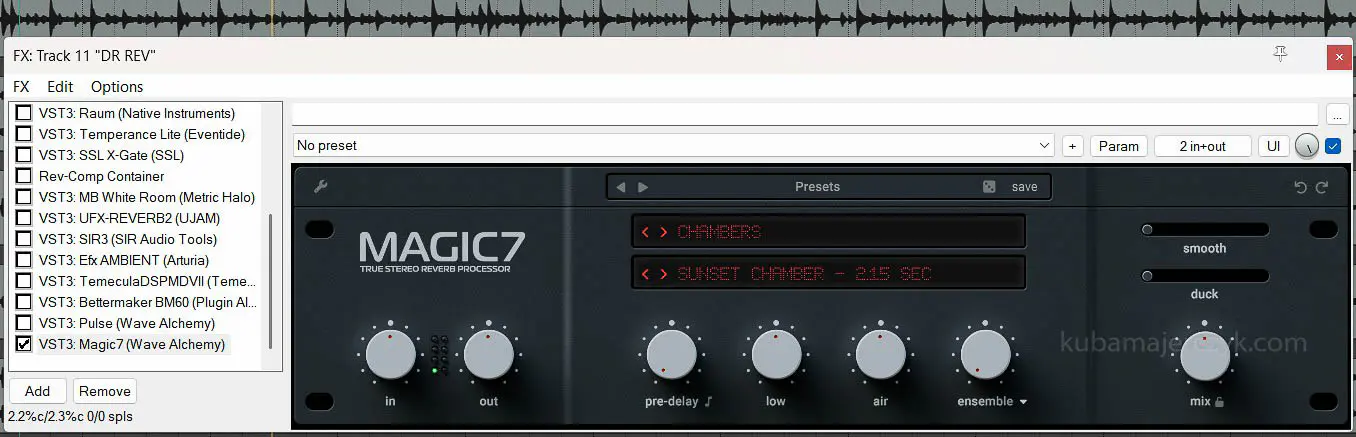
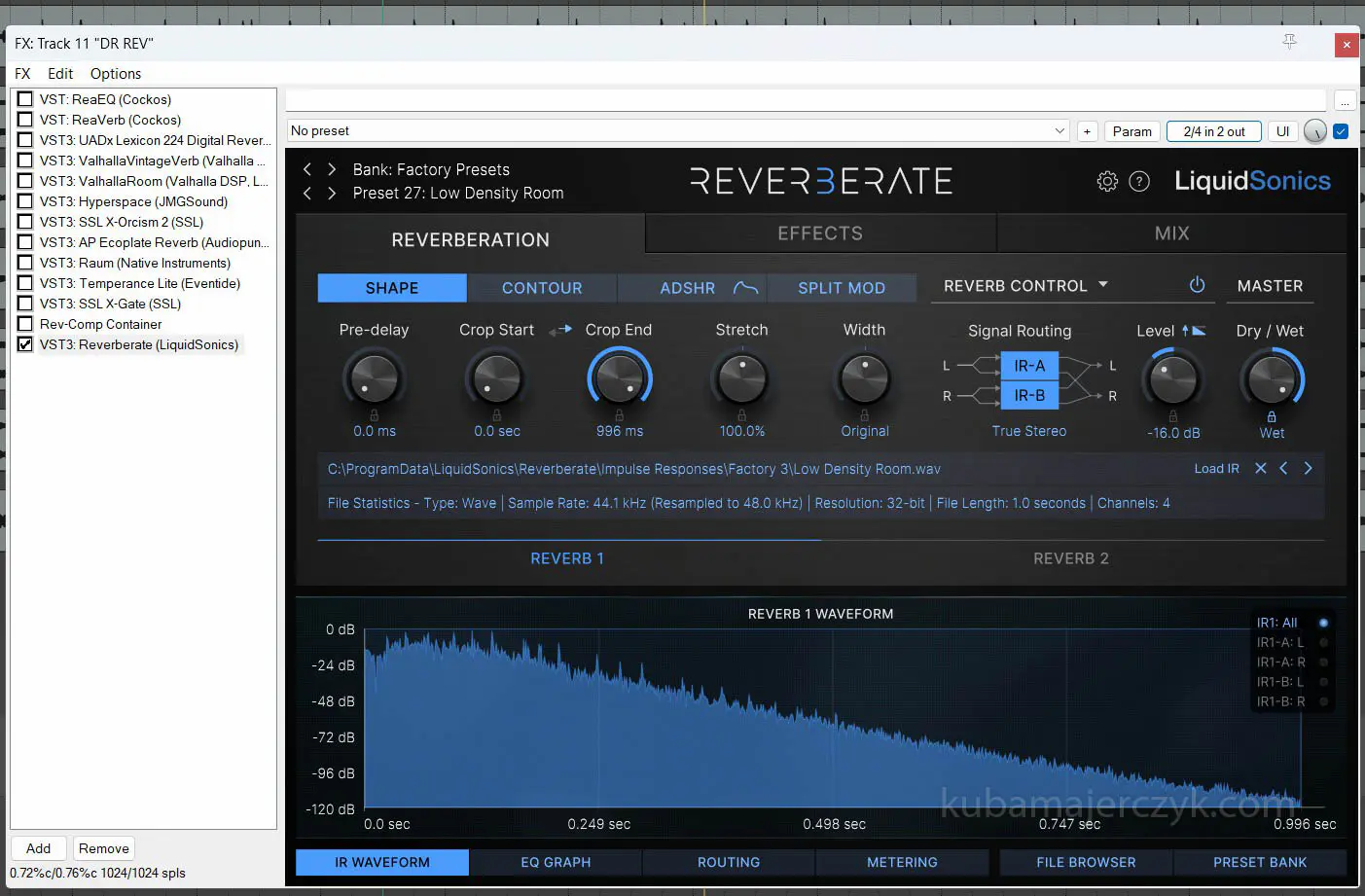
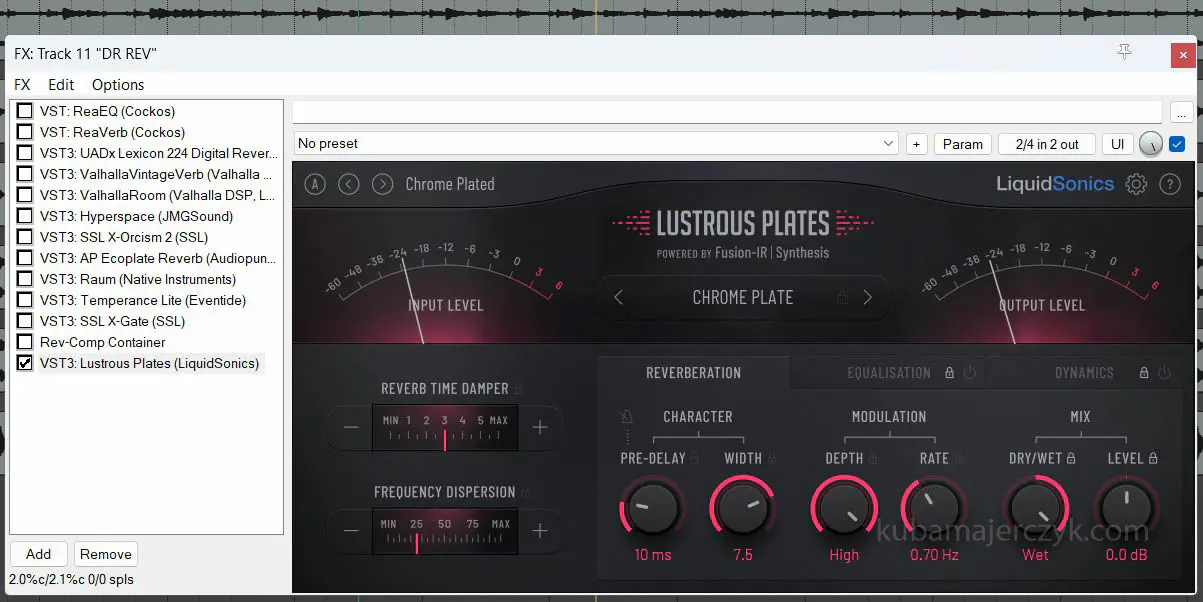
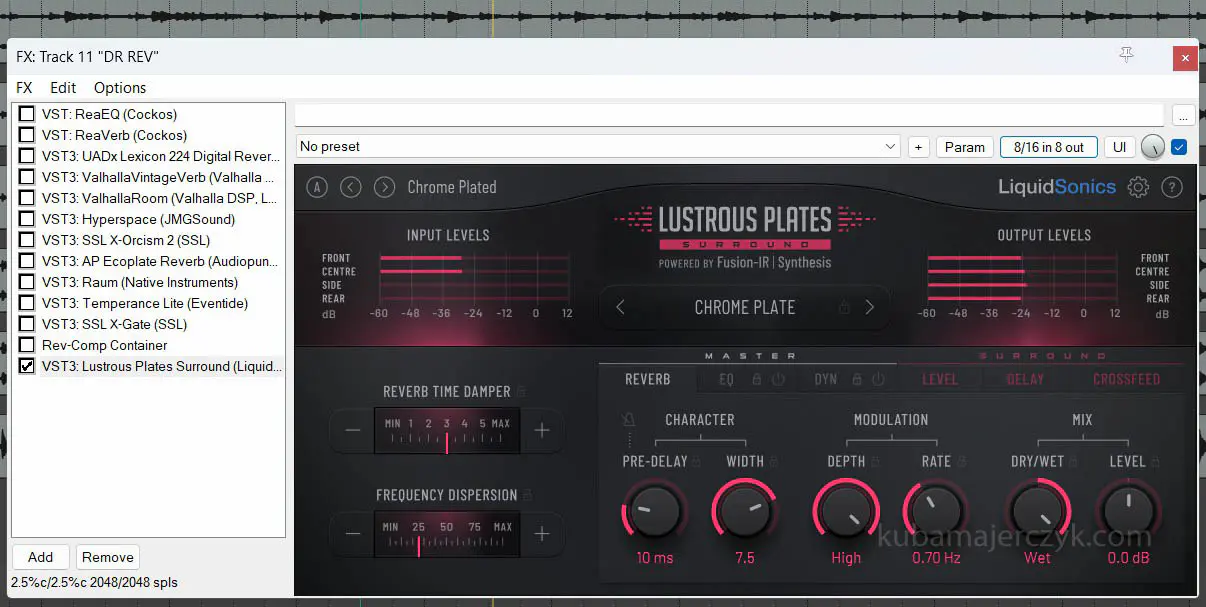
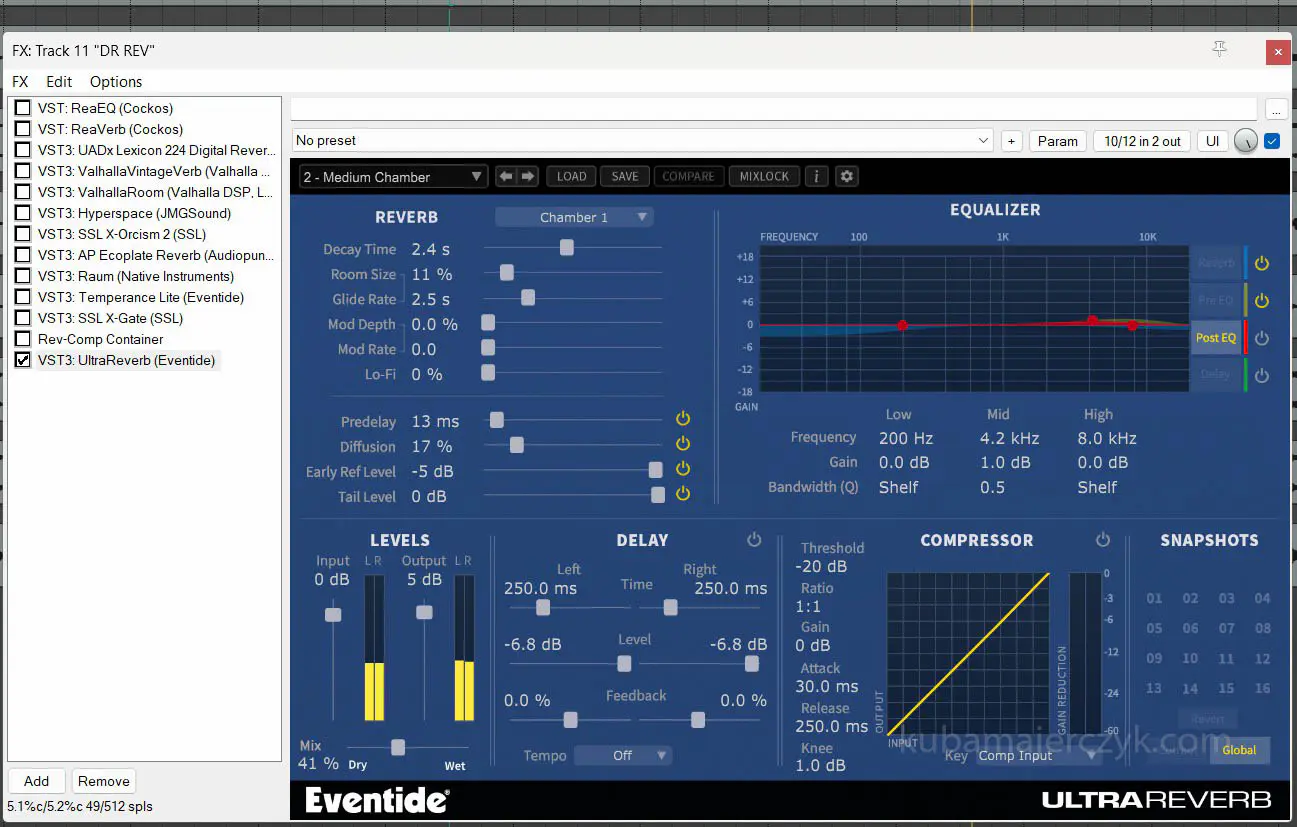
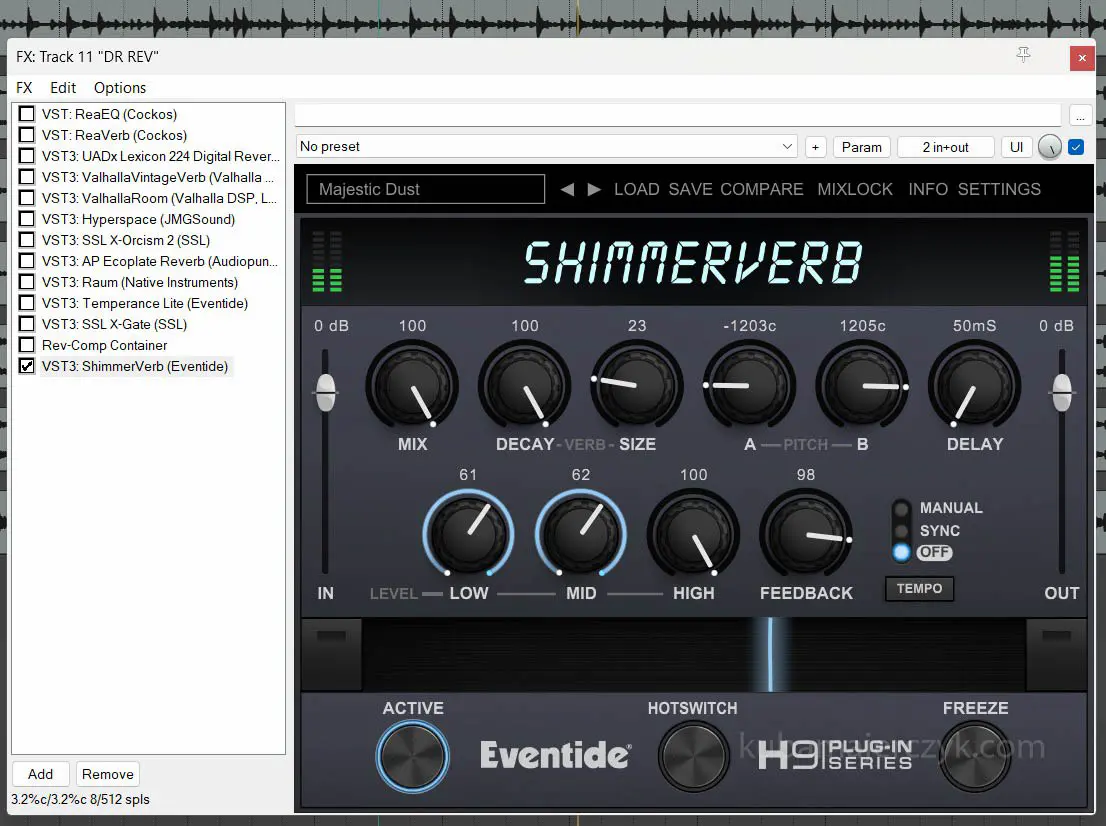
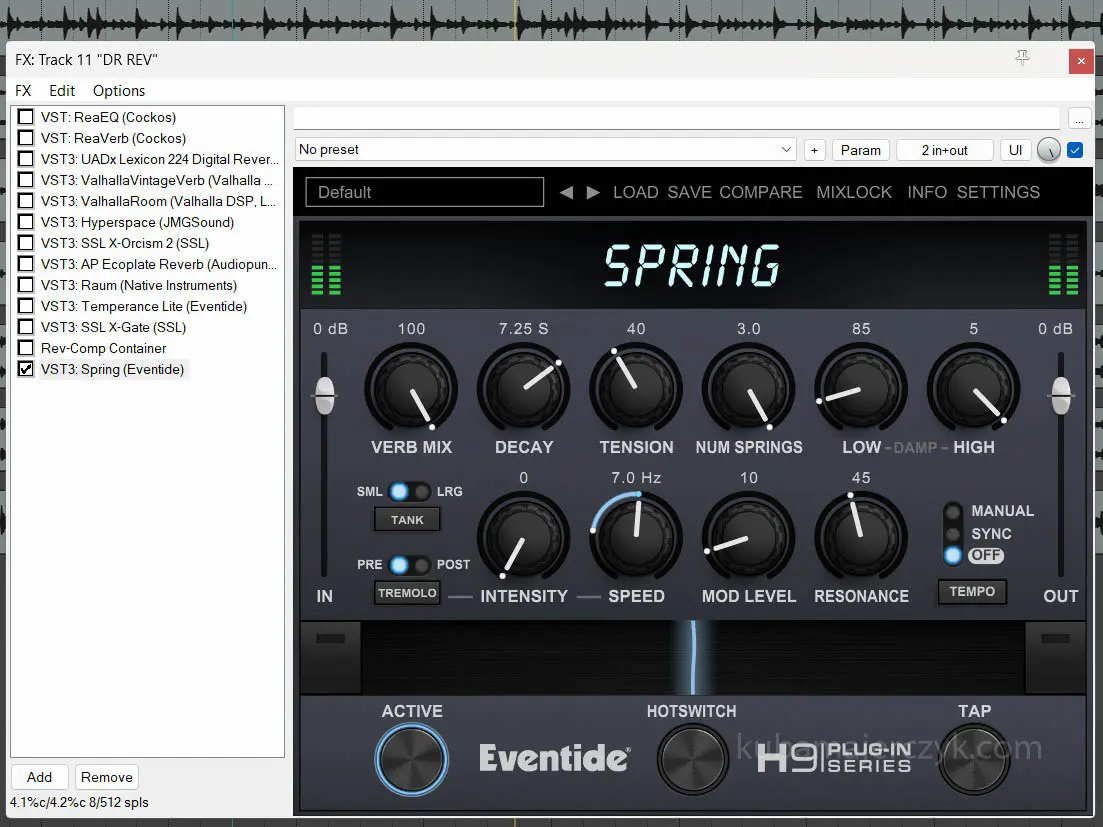
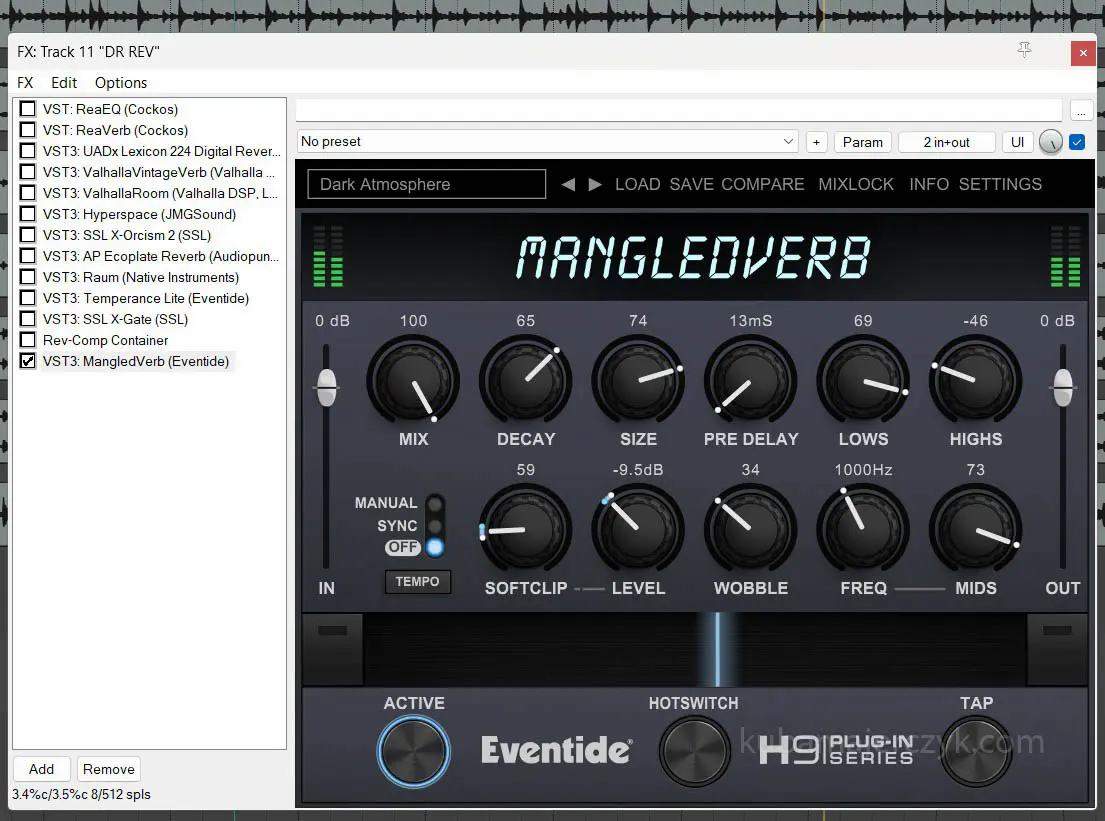
This concludes my lengthy introduction, and I will now move on to the test results. The results are presented in screenshots and image descriptions.